パッケージ、リポジトリ、アプリカテゴリを検索

パッケージ詳細v0.5.0

aptabase_flutter

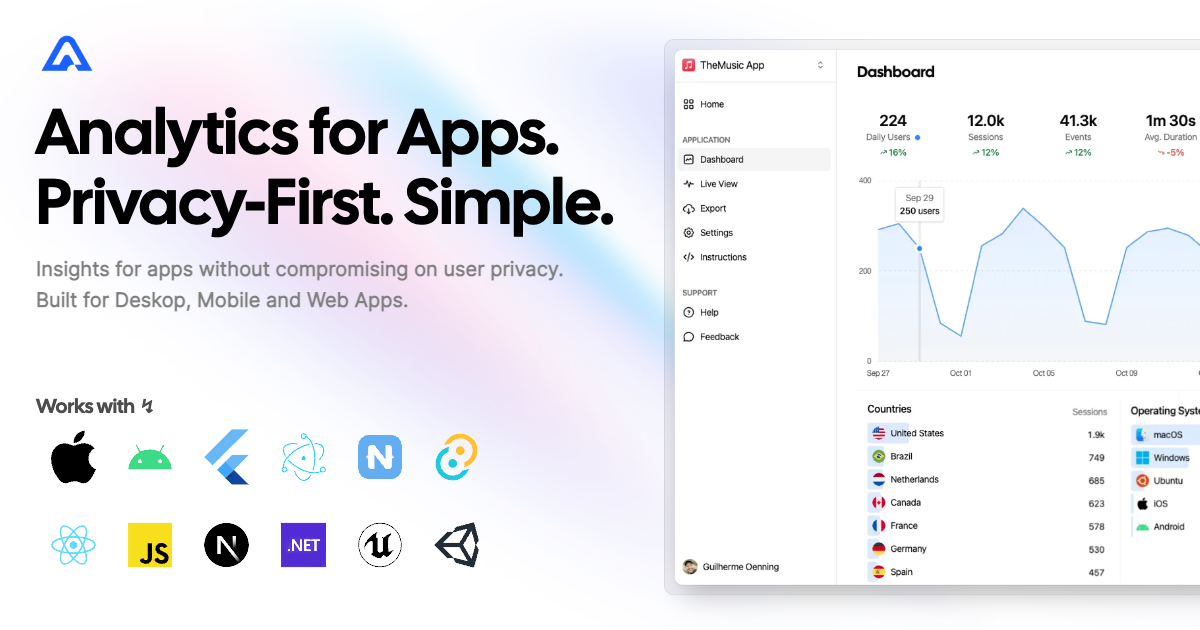
Aptabase 用 Flutter SDK:モバイル、デスクトップ、Web アプリ向けのオープンソースでプライバシー重視のシンプルな解析ツール

AndroidiOSmacOSWindowsLinux
30日間ダウンロード
5180
いいね数
18
Pub ポイント
150

パッケージをインストール

flutter pub add aptabase_flutter

パッケージ概要

公開情報に基づく選定ガイドです。参考としてご利用ください。

Aptabase Flutter SDK は、モバイル、デスクトップ、Web アプリケーションに軽量でプライバシーを最優先した分析機能を統合できるようにします。透明性とユーザーのプライバシーを念頭に設計されており、個人識別子を追跡せずに最小限のデータのみを収集します。オープンソースで、設定が簡単で、シンプルさを重視して設計されているため、倫理的なデータ収集を重視するアプリに最適です。Android、iOS、macOS、Windows、Linux プラットフォームでのリアルタイムイベント追跡をサポートしています。

用途

  • ユーザー参加度の追跡
  • アプリケーションパフォーマンスのモニタリング
  • 機能の使用状況の分析
  • クラッシュレポートの収集
  • セッション期間の測定

主な機能

  • プライバシーを最優先とするデータ収集
  • オープンソースで透明性がある
  • リアルタイム分析
  • クロスプラットフォーム対応
  • 最小限のデータフットプリント

適している対象

  • プライバシーを最優先するスタートアップ
  • 規制市場をターゲットとしたアプリ
  • シンプルな分析を求める開発者
  • オープンソースプロジェクト
  • 小規模から中規模のアプリケーション

注意事項

  • 限定された高度なセグメンテーション
  • 組み込みのユーザー識別なし
  • カスタムイベントの手動設定が必要です
  • エンタープライズ規模の分析には適していません
  • 外部バックエンドサービスに依存

元の README

関連するソースリポジトリの README 原文のスナップショットです。最新の内容はリポジトリをご覧ください。

Aptabase

aptabase_flutter

pub package pub points

Instrument your app with Aptabase, an Open Source, Privacy-First, and Simple Analytics for Mobile, Desktop, and Web Apps.

Platform Support

Android iOS MacOS Web Linux Windows
✔️ ✔️ ✔️ ✔️ ✔️ ✔️

Install

You can install the SDK by running the following command:

flutter pub add aptabase_flutter

Android Requirements

If you're targeting Android, you'll need to add the following permissions to your AndroidManifest.xml:

<uses-permission android:name="android.permission.INTERNET" />

Usage

First, you need to get your App Key from Aptabase, you can find it in the Instructions menu on the left side menu.

On your main.dart, import package:aptabase_flutter/aptabase_flutter.dart and initialized the SDK.

void main() async {
+ WidgetsFlutterBinding.ensureInitialized();
+ await Aptabase.init("<YOUR_APP_KEY>"); // 👈 this is where you enter your App Key

  runApp(const MyApp());
}

Note: You need to change your main function to be async and call WidgetsFlutterBinding.ensureInitialized(); before initializing the SDK.

Afterward, you can start tracking events with Aptabase.instance anywhere in your Dart. Here's an example:

import 'package:aptabase_flutter/aptabase_flutter.dart';

class _CounterState extends State<Counter> {
  int _counter = 0;

  // Tracking how many times the user has clicked the button, alongside the current counter value
  void _incrementCounter() {
    Aptabase.instance.trackEvent("increment", { "counter": _counter });
    
    setState(() {
      _counter++;
    });
  }
}

A few important notes:

  1. The SDK will automatically enhance the event with some useful information, like the OS, the app version, and other things.
  2. You're in control of what gets sent to Aptabase. This SDK does not automatically track any events, you need to call trackEvent manually.
    • Because of this, it's generally recommended to at least track an event at startup
  3. You do not need to await for the trackEvent function, it'll run in the background.
  4. Only strings and numbers values are allowed on custom properties

Preparing for Submission to Apple App Store

When submitting your app to the Apple App Store, you'll need to fill out the App Privacy form. You can find all the answers on our How to fill out the Apple App Privacy when using Aptabase guide.

For AI/LLM integration instructions, see llms.txt

カテゴリー

依存関係

依存関係一覧 4 件

ソースリポジトリ

このパッケージを使用しているプロジェクト

データはまだありません。