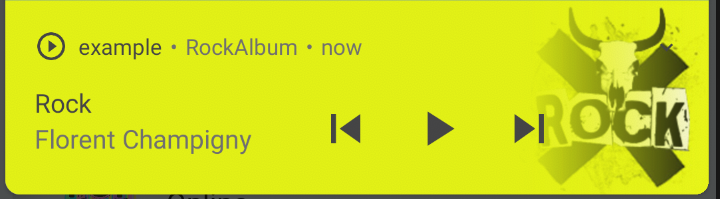
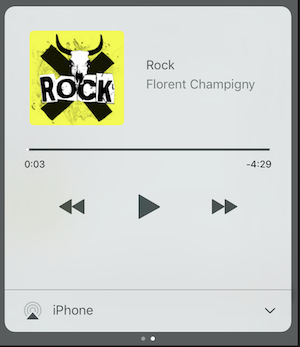
AssetsAudioPlayer.setupNotificationsOpenAction((notification) {
//custom actionreturntrue; //true : handled, does not notify others listeners//false : enable others listeners to handle it
});
Then if you want a custom action on widget
AssetsAudioPlayer.addNotificationOpenAction((notification) {
//custom actionreturnfalse; //true : handled, does not notify others listeners//false : enable others listeners to handle it
});
Custom actions
You can enable/disable a notification action
open(AUDIO,
showNotification: true,
notificationSettings: NotificationSettings(
prevEnabled: false, //disable the previous button//and have a custom next action (will disable the default action)
customNextAction: (player) {
print("next");
}
)
)
Update audio's metas / notification content
After your audio creation, just call
audio.updateMetas(
       player: _assetsAudioPlayer, //add the player if the audio is actually played
       title: "My new title",
       artist: "My new artist",
       //if I not provide a new album, it keep the old one
       image: MetasImage.network(
         //my new image url
       ),
);
You can create new AssetsAudioPlayer using AssetsAudioPlayer.newPlayer(),
which will play songs in a different native Media Player
This will enable to play two songs simultaneously
You can have as many player as you want !
///play 3 songs in parallelAssetsAudioPlayer.newPlayer().open(
Audio("assets/audios/song1.mp3")
);
AssetsAudioPlayer.newPlayer().open(
Audio("assets/audios/song2.mp3")
);
//another way, with create, open, play & dispose the player on finishAssetsAudioPlayer.playAndForget(
Audio("assets/audios/song3.mp3")
);
Each player has an unique generated id, you can retrieve or create them manually using
final player = AssetsAudioPlayer.withId(id: "MY_UNIQUE_ID");
🗄️ Playlist
assetsAudioPlayer.open(
  Playlist(
    audios: [
      Audio("assets/audios/song1.mp3"),
      Audio("assets/audios/song2.mp3")
    ]
  ),
  loopMode: LoopMode.playlist //loop the full playlist
);

assetsAudioPlayer.next();
assetsAudioPlayer.prev();
assetsAudioPlayer.playlistPlayAtIndex(1);
Audio Widget
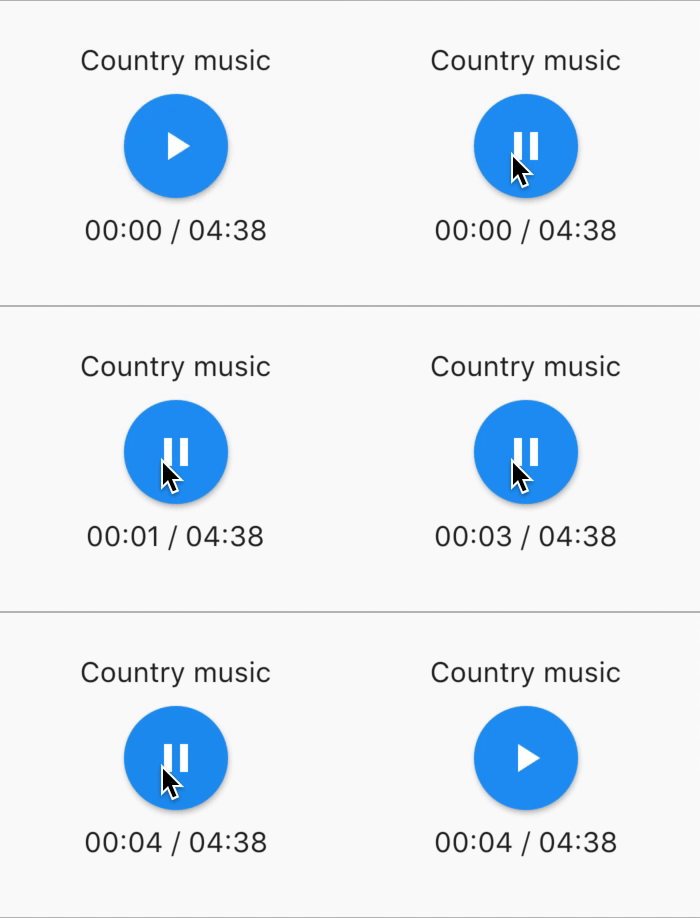
If you want a more flutter way to play audio, try the AudioWidget !
Just remove the Audio from the tree !
Or simply keep play: false
🎧 Listeners
All listeners exposes Streams
Using RxDart, AssetsAudioPlayer exposes some listeners as ValueObservable (Observable that provides synchronous access to the last emitted item);
🎵 Current song
//The current playing audio, filled with the total song duration
assetsAudioPlayer.current //ValueObservable<PlayingAudio>//Retrieve directly the current played assetfinalPlayingAudio playing = assetsAudioPlayer.current.value;
//Listen to the current playing song
assetsAudioPlayer.current.listen((playingAudio){
final asset = playingAudio.assetAudio;
final songDuration = playingAudio.duration;
})
⌛ Current song duration
//Listen to the current playing songfinal duration = assetsAudioPlayer.current.value.duration;
⏳ Current position (in seconds)
assetsAudioPlayer.currentPosition //ValueObservable<Duration>//retrieve directly the current song positionfinalDuration position = assetsAudioPlayer.currentPosition.value;
returnStreamBuilder(
stream: assetsAudioPlayer.currentPosition,
builder: (context, asyncSnapshot) {
finalDuration duration = asyncSnapshot.data;
returnText(duration.toString());
}),
finalLoopMode loopMode = assetsAudioPlayer.loop;
// possible values// LoopMode.none : not looping// LoopMode.single : looping a single audio// LoopMode.playlist : looping the fyll playlist
assetsAudioPlayer.setLoopMode(LoopMode.single);
assetsAudioPlayer.loopMode.listen((loopMode){
//listen to loop
})
assetsAudioPlayer.toggleLoop(); //toggle the value of looping
🏃 Play Speed
assetsAudioPlayer.setPlaySpeed(1.5);
assetsAudioPlayer.playSpeed.listen((playSpeed){
//listen to playSpeed
})
//change play speed for a particular AudioAudio audio = Audio.network(
url,
playSpeed: 1.5
);
assetsAudioPlayer.open(audio);
🎙️ Pitch
assetsAudioPlayer.setPitch(1.2);
assetsAudioPlayer.pitch.listen((pitch){
//listen to pitch
})
//change pitch for a particular AudioAudio audio = Audio.network(
url,
pitch: 1.2
);
assetsAudioPlayer.open(audio);
Android only allow HTTPS calls, you will have an error if you're using HTTP,
don't forget to add INTERNET permission and seet usesCleartextTraffic="true" in your AndroidManifest.xml
iOS only allow HTTPS calls, you will have an error if you're using HTTP,
don't forget to edit your info.plist and set NSAppTransportSecurity to NSAllowsArbitraryLoads