パッケージ、リポジトリ、アプリカテゴリを検索

atreeon_get_child_size のカバー
パッケージ詳細v0.1.1+1

atreeon_get_child_size

子オブジェクトのサイズを返すウィジェットです。[onChange] コールバックは、ウィジェットのサイズが変更されるたびに実行されます。

AndroidiOSWebmacOSWindowsLinux
30日間ダウンロード
12
いいね数
2
Pub ポイント
160

パッケージをインストール

flutter pub add atreeon_get_child_size

パッケージ概要

公開情報に基づく選定ガイドです。参考としてご利用ください。

atreeon_get_child_size パッケージは、子ウィジェットのサイズを測定し、公開する Flutter ウィジェットを提供します。子の寸法が変更されるたびに onChange コールバックがトリガーされ、レイアウト更新に対する動的な応答が可能になります。レスポンシブレイアウトやコンテナの寸法に基づくアニメーションなど、リアルタイムでのサイズ追跡が必要な状況に最適です。このウィジェットは軽量で、すべての主要プラットフォームにおける既存の Flutter アプリにスムーズに統合できます。

用途

  • レスポンシブUIの調整
  • ダイナミックアニメーショントリガー
  • レイアウトデバッグ
  • リアルタイムサイズモニタリング
  • カスタムレイアウトの計算

主な機能

  • リアルタイムでのサイズ更新
  • OnChange コールバックのサポート
  • クロスプラットフォーム互換性
  • 最小限のパフォーマンスオーバーヘッド
  • 既存のウィジェットとの簡単な統合

適している対象

  • サイズフィードバックが必要な開発者
  • 動的なサイズが必要なUIコンポーネント
  • レイアウトの問題をデバッグする
  • 寸法に基づくアニメーション
  • クロスプラットフォームアプリ開発

注意事項

  • 感度の高い文脈で使用すると再構築が発生する可能性があります
  • 複雑なツリーでは注意が必要です
  • 静的サイズのニーズには適していません
  • 大規模なウィジェットツリーにおけるパフォーマンスへの潜在的影響
  • 直系の子要素のサイズ測定に限定

元の README

関連するソースリポジトリの README 原文のスナップショットです。最新の内容はリポジトリをご覧ください。

atreeon_get_child_size

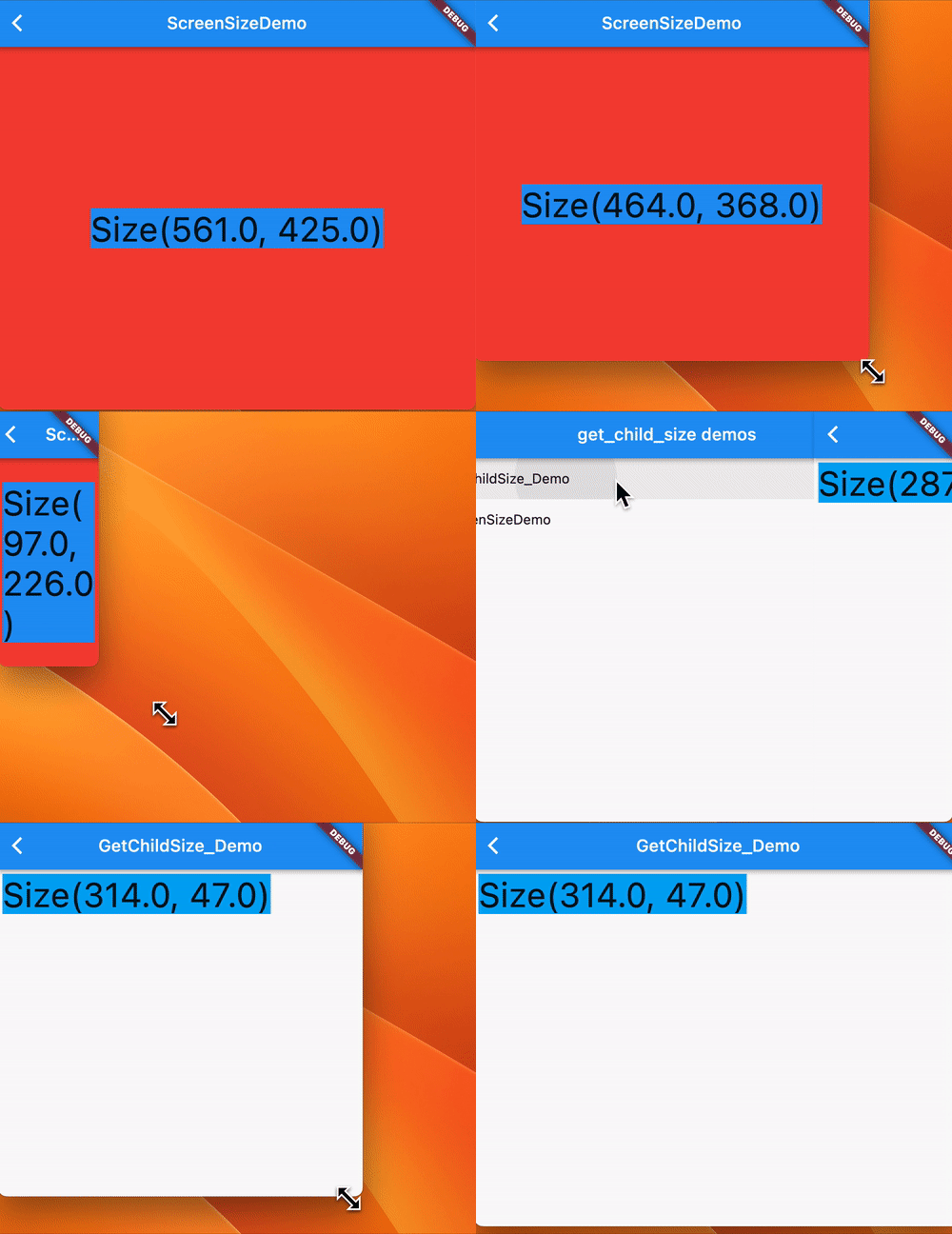
A widget that returns the size of the child object. The [onChange] callback will run everytime the widget's size has changed.

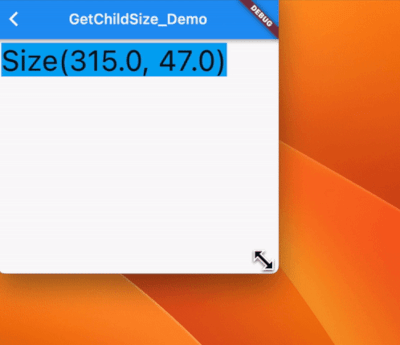
atreeon_get_child_size example

Waring! will result in multiple passes from the layout algorithm if you rebuild a widget from onChange; it will affect performance. This can happen even when just writing out to text the screen size. For example if you have more go from a '10' in the output to a '100', that can affect the size of a widget. Use with care.

This is a fundamental restriction in how widgets are built -> constraints go down & sizes go up -> if the constraints change the size could change.

Example

class _GetChildSize_DemoState extends State<GetChildSize_Demo> {
  void initState() {
    super.initState();
  }

  Size myChildSize = Size(10, 10);

  Widget build(BuildContext context) {
    return Column(
      children: [
        Text(myChildSize.height.toString()),
        Expanded(
          child: GetChildSize(
            onChange: (size) {
              setState(() {
                myChildSize = size;
              });
            },
            child: Text(myChildSize.height.toString()),
          ),
        )
      ],
    );
  }
}

Features

  • returns the size of the child object and runs a callback
Other Info
Discussion on code & implementation

https://github.com/flutter/flutter/issues/14488

If you just want to know the dimensions between layouts (i.e. you're not using them to affect the layout), you can just read them right out of the rendering tree (get the RenderObject from the BuildContext, etc).

However, if you are using the dimensions to actually affect the layout, then that will lead to horrible effects like lagging one frame behind, or worse. In those cases, you want to just build your own render object, or use a layout builder, or similar, depending on exactly what your use case is.

I need the size of a child to use it in the parent's build.

Fundamentally that's not possible, because at the time of the parent's build the child hasn't laid out yet. If you want to get the child's size during the parent's layout, you can do that by creating your own RenderObject. Just look at how e.g. Align is implemented.

カテゴリー

ソースリポジトリ

このパッケージを使用しているプロジェクト