6. Create a dart file in your project and paste the code below.
create auto_translation folder in your project root, and create auto_translation.dart file.
and then copy paste code below.
import'package:auto_app_translate/auto_app_translate.dart';
main() {
AutoAppTranslate.translateAppCsvFile(
// start translate language
startLanguageCode: 'en',
// language code to skip translation
skipLanguageCodes: [],
// str to skip translation
skipStr: [],
// csv file path
appAssetsCsvPath: 'assets/localization.csv',
// google translate api key (https://translatepress.com/docs/automatic-translation/generate-google-api-key/)
apiKey: 'INPUT_YOUR_GOOGLE_TRANSLATE_API_KEY');
}
It works even if you don't put the Google Translate api key, but you will soon reach the free limit.
For a guide to getting the Google Translate api key, please refer to this document.
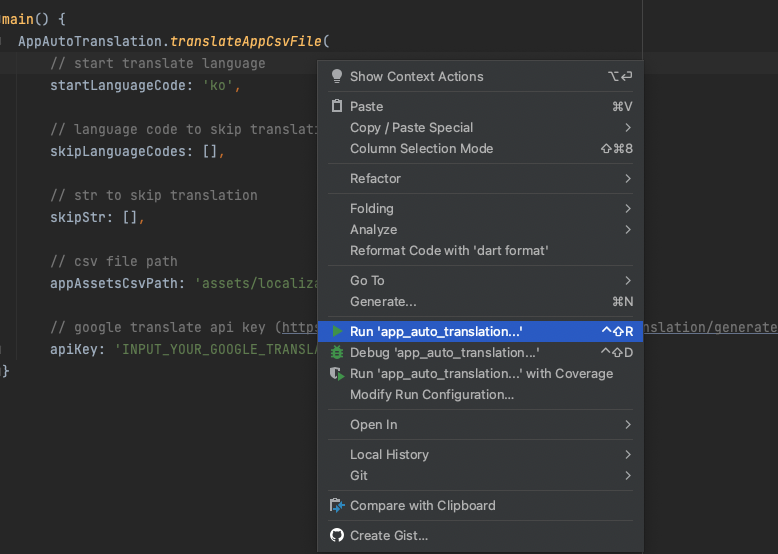
7. Run the file. The translation will be completed in the csv file.
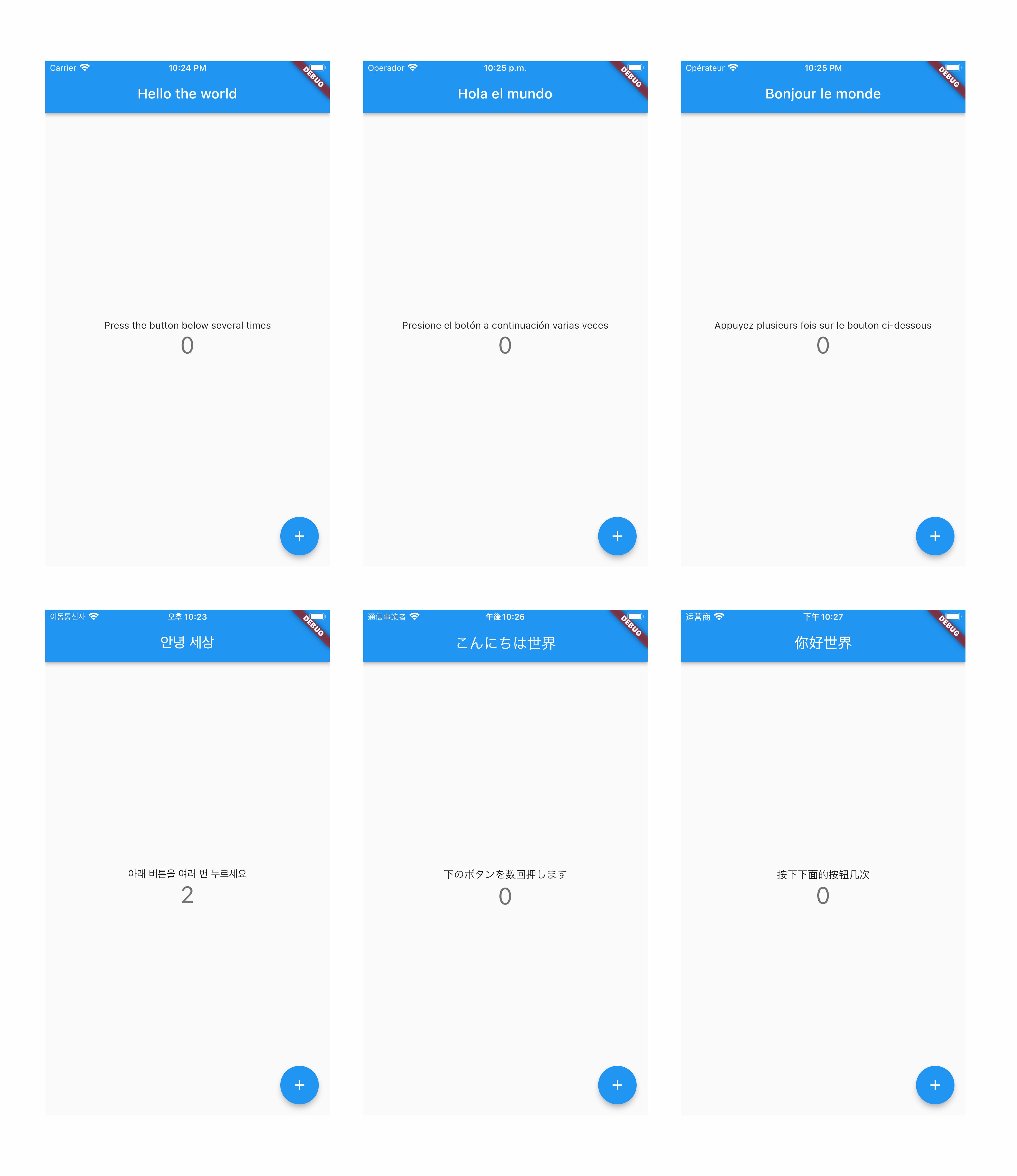
8. Check out apps translated into more than 80 languages :)