パッケージ、リポジトリ、アプリカテゴリを検索

bounce のカバー
パッケージ詳細v1.0.2

bounce

タッチの位置に応じて、子要素をスムーズな拡大・回転アニメーションでアニメートするウィジェットです。

AndroidiOSWebmacOSWindowsLinux
30日間ダウンロード
1130
いいね数
52
Pub ポイント
150

パッケージをインストール

flutter pub add bounce

パッケージ概要

公開情報に基づく選定ガイドです。参考としてご利用ください。

Bounceパッケージは、タッチされたときに子要素にスムーズなスケールおよび回転アニメーションを追加するFlutterウィジェットを提供します。タッチ入力に対して動的に反応することでユーザーのインタラクションを強化し、遊び心があり魅力的なフィードバック効果を生み出します。ボタンやカード、または任意のインタラクティブな要素に最適で、Android、iOS、Web、macOS、Windows、Linuxなどすべての主要プラットフォームで動作します。アニメーションは滑らかでカスタマイズ可能であり、最小限のセットアップで利用できます。デジタルインターフェースのタッチ感覚を向上させるのに特に効果的です。

用途

  • インタラクティブボタン
  • カード用のタッチフィードバック
  • ゲーム化されたUI要素
  • モバイルアプリのマイクロインタラクション
  • Webインターフェースの強化

主な機能

  • スムーズなスケーリングと回転アニメーション
  • タッチベースのトリガー
  • クロスプラットフォーム対応
  • 最小構成
  • タッチ位置に応じて反応

適している対象

  • インタラクティブなフィードバックを求めるアプリ開発者
  • モーションでUXを向上させるデザイナー
  • 軽量なアニメーションを必要とするプロジェクト
  • Flutterの初心者がジェスチャーを探索する
  • タッチ操作が中心のインターフェースを持つアプリ

注意事項

  • ミニマリズムのデザインスタイルには向かない可能性があります
  • 複雑なレイアウトにおけるパフォーマンスへの影響
  • スケールと回転以外のカスタマイズは限定的
  • 注意を散漫にしないように、控えめに使用するべきです
  • ジェスチャー検出の処理が必要です

元の README

関連するソースリポジトリの README 原文のスナップショットです。最新の内容はリポジトリをご覧ください。

Bounce

pub package

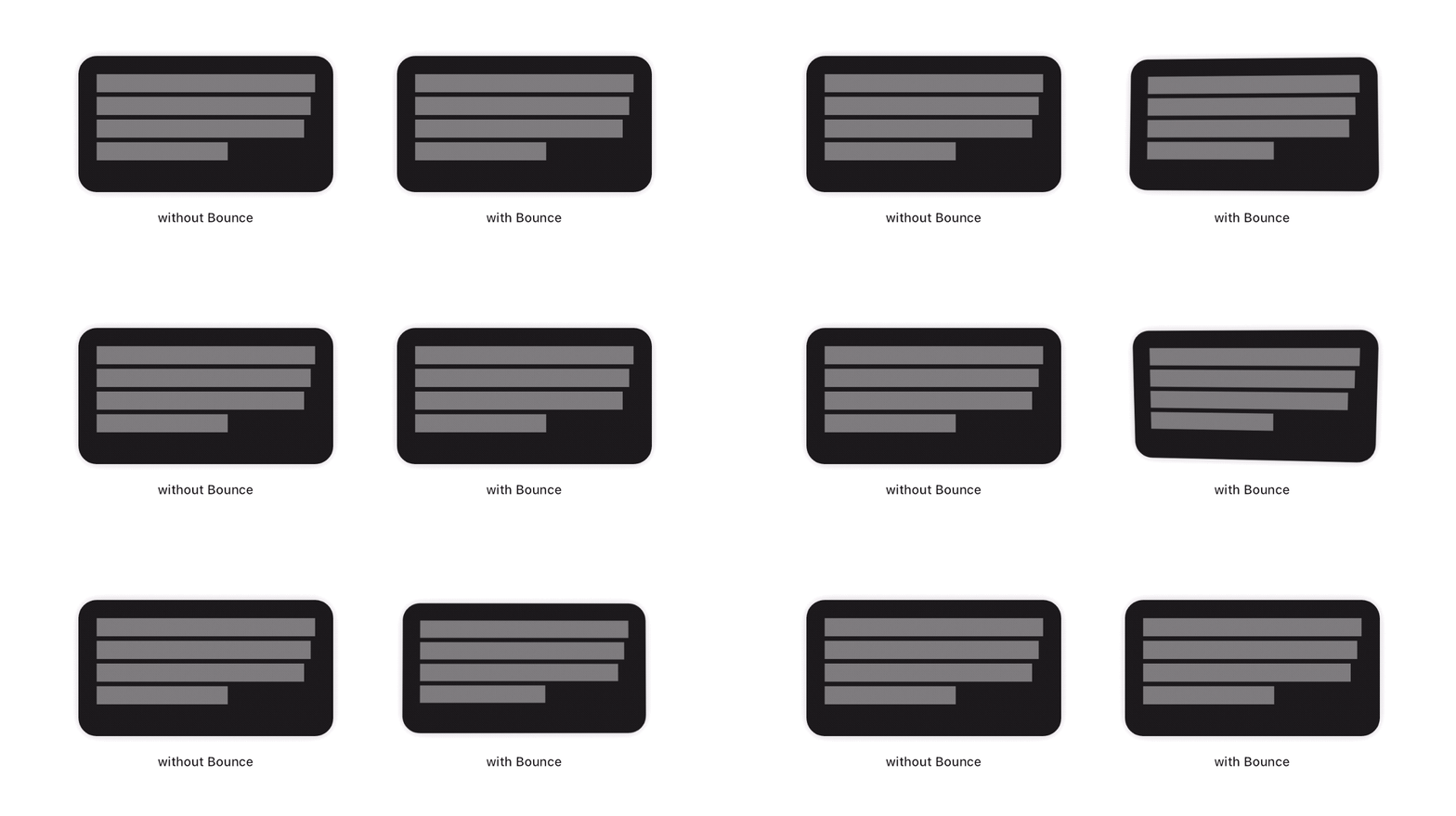
This package adds a new Bounce widget that applies a tap-triggered bounce animation to Flutter widgets. Depending on the touch location, a tilt effect is also added on the child.

"Demo of the Bounce plugin"

To see examples of the following effect on a device or simulator:

cd example/
flutter run --release

How to use

First, add the dependency to your pubspec.yaml file:

dependencies:
  bounce: ^<latest-version>

Then, wrap your target widget as child of a Bounce widget. You may optionally specify additional behavior, such as disabling the tilt effect by adding tilt: false to the constructor. The simplest usage of this widget is the following :


import 'package:bounce/bounce.dart';

...

return Bounce(
        onTap: () {
          // ...
        },
        child: ...)

Custom behavior

Tilt effect

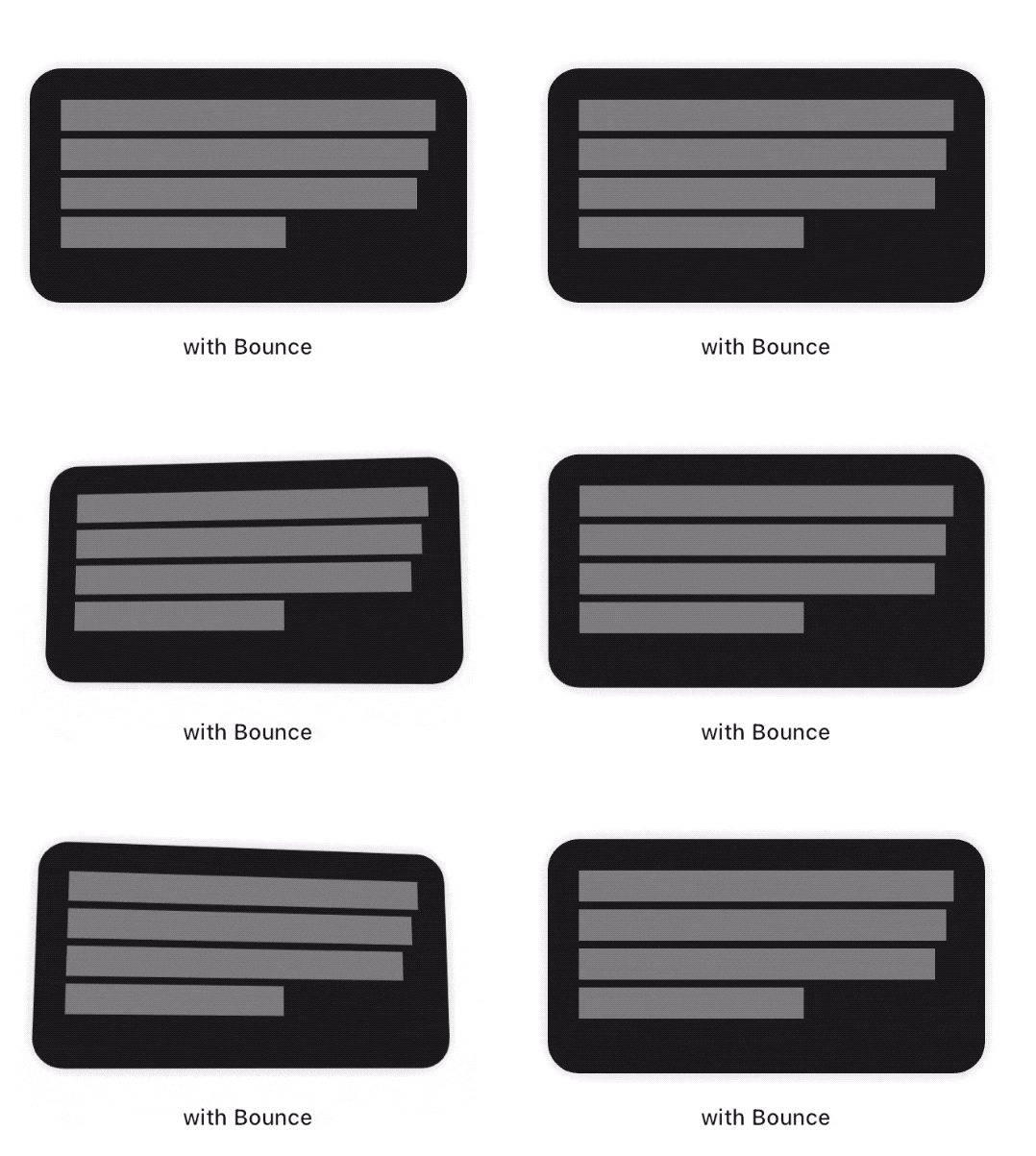
You may specify the maximum angle applied by the tilt effect using the tiltAngle. This angle will be reached when the child widget is tapped at its edges. No tilt is applied when the child is tapped exactly at its center.

Scale effect

You may specify the maximum factor applied by the scale effect using the scaleFactor parameter.

Tap delay

To fine tune your user experience, you may want the various effects to animate back for a few milliseconds after the tap has occured. By default, this delay is set to 150 milliseconds.

Filter quality

The Bounce widget implementation wraps the child with a matrix-based Transform widget. On most platforms, it is a good practice to have it set to FilterQuality.high, which is the default value. You may specify other FilterQuality values directly from the widget's constructor :

  Bounce(
    filterQuality: FilterQuality.medium,
    child: ...
  )

Due to limitations on Safari iOS and if your app targets it, you are responsible for enforcing filterQuality to null in this specific browser.

Combination with Motion widgets

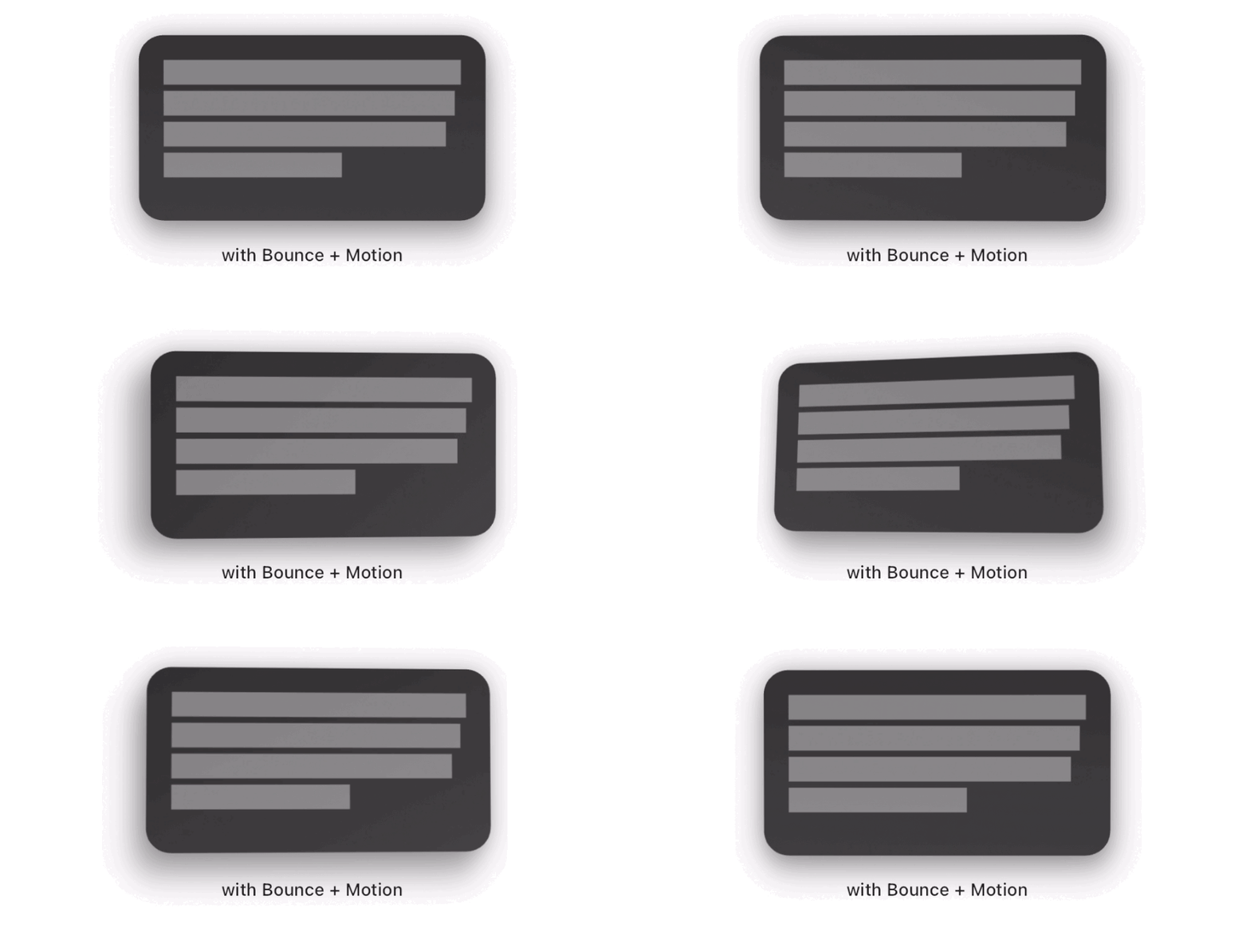
Bounce widgets look gorgeous when combined with a Motion widget, like so :

  Motion(
    child: Bounce(
      child: ...
    )
  )

Here is an interaction example :

"Bounce + Motion example"

Comparing different tilt angles

Issues

If you are having any problem with the Bounce package, you can file an issue on the package repo's issue tracker.

Please make sure that your concern hasn't already been addressed in the 'Closed' section.

Credits

This package was developed with ♥ by @mrcendre.

カテゴリー

ソースリポジトリ

このパッケージを使用しているプロジェクト

データはまだありません。