パッケージ、リポジトリ、アプリカテゴリを検索

calendar_day_view のカバー
パッケージ詳細v6.0.0

calendar_day_view

このパッケージはカレンダーデイビューに専念しています。これは、アプリをより良くするためにカレンダーの補完です。

AndroidiOSWebmacOSWindowsLinux
30日間ダウンロード
749
いいね数
36
Pub ポイント
150

パッケージをインストール

flutter pub add calendar_day_view

パッケージ概要

公開情報に基づく選定ガイドです。参考としてご利用ください。

calendar_day_view パッケージは、Flutter アプリケーション内のカレンダーに専用の日間ビューを提供します。日常的なイベントや予定を明確かつインタラクティブに表示することで、ユーザー体験を向上させます。広範なカレンダーソリューションの補完として設計されており、日次スケジューリングが必要なアプリにシームレスに統合されます。Android、iOS、Web、macOS、Windows、Linux など複数のプラットフォームをサポートしており、デバイス間で一貫したパフォーマンスを確保します。カスタマイズ可能なレイアウトとイベント処理により、日別カレンダーフィーチャーの実装を簡素化します。

用途

  • 日次イベント計画
  • スケジューリングアプリケーション
  • タイムマネジメントツール
  • 予約トラッカー
  • カレンダー統合
  • タスクの可視化

主な機能

  • 日別イベント表示
  • クロスプラットフォーム互換性
  • カスタマイズ可能な UI
  • イベントインタラクションのサポート
  • スムーズスクロール
  • レスポンシブデザイン

適している対象

  • カレンダーアプリを開発する開発者
  • 詳細な日間ビューが必要なアプリ
  • 生産性およびスケジューリングツール
  • モバイルおよびWebアプリケーション
  • 共有スケジュールを管理するチーム

注意事項

  • メインカレンダーパッケージとの統合が必要です
  • 日間ビューのみに制限
  • ブランド用に追加のスタイリングが必要になる場合があります
  • プラットフォーム固有のレンダリングに依存しています
  • 完全なカレンダ機能と併用するのが最適です

元の README

関連するソースリポジトリの README 原文のスナップショットです。最新の内容はリポジトリをご覧ください。

Calendar Day View

pub package style: very good analysis License: MIT Buy Me A Coffee

A powerful and customizable Flutter library for displaying calendar events in day view format. Perfect for applications requiring detailed daily event visualization.

🚨 Breaking Changes in v6.0.0

Migration from v5.x

Renamed tap callbacks — all tap callbacks are now consistently named onTimeTap:

View Before (v5) After (v6)
CalendarDayView.category() onTileTap onTimeTap
CalendarDayView.categoryOverflow() onTileTap onTimeTap
CalendarDayView.inRow() onTap onTimeTap
CalendarDayView.overflow() onTimeTap onTimeTap (no change)
CategoryDayView() onTileTap onTimeTap
CategoryOverflowDayView() onTileTap onTimeTap

Removed parameters:

  • controlBarBuilder removed from CalendarDayView.category() and CalendarDayView.categoryOverflow()
  • backgroundTimeTileBuilder removed from CalendarDayView.categoryOverflow()

Typedefs now exported — all typedefs (e.g., CategoryDayViewEventBuilder, DayViewItemBuilder) are now accessible via the main import 'package:calendar_day_view/calendar_day_view.dart' import. No need to import src/models/typedef.dart directly.

Styling moved to DayViewDecoration — all visual customization is now grouped in a separate DayViewDecoration object, passed via config.decoration:

// Before (v5.x)
OverFlowDayViewConfig(
  currentDate: DateTime.now(),
  timeColumnWidth: 70,
  dividerColor: Colors.black,
  currentTimeLineColor: Colors.red,
  timeLabelBuilder: (ctx, t) => Text(...),
)

// After (v6.x)
OverFlowDayViewConfig(
  currentDate: DateTime.now(),
  decoration: DayViewDecoration(
    timeColumnWidth: 70,
    dividerColor: Colors.black,
    currentTimeLineColor: Colors.red,
    timeLabel: (ctx, t) => Text(...),
  ),
)

Properties moved to DayViewDecoration: timeColumnWidth, timeTextStyle, timeTextColor, dividerColor, currentTimeLineColor, timeLabel (was timeLabelBuilder), currentTimeLine (was currentTimeLineBuilder), rowBackground (was timeRowBackgroundBuilder), divider (was dividerBuilder). The same decoration can be reused across multiple views for consistent branding.

What's New in v6.0.0
  • Auto-scroll to current time — set scrollToCurrentTime: true in config to auto-scroll on load (overflow and in-row views)
  • Custom current time line — use currentTimeLineBuilder in config to fully customize the current time indicator
  • Show all events in category cell — set showAllEventsInCell: true in CategoryDavViewConfig to display all events horizontally instead of only the first
  • Empty tile builder — use emptyTileBuilder in category views to customize empty cells
  • Null end time safety — overflow views now default to 30 min duration for events without an end time instead of crashing
  • Multi-Column Day View — new Google Calendar-style layout where overlapping events are placed side-by-side in columns with smart column reuse
  • Config consolidation — currentTimeLineColor and cropBottomEvents moved to base DavViewConfig, available to all views without duplication
  • Time row background builder — use timeRowBackgroundBuilder in config to shade specific time ranges (lunch break, working hours, unavailable blocks) in overflow, multi-column, and in-row views
  • Divider builder — use divider in DayViewDecoration for custom dividers per row (dashed lines, per-row thickness, hide specific dividers)
  • DayViewDecoration — new visual decoration class groups all styling and builder callbacks. Reusable across view types for shared theming
  • Time column position — timeColumnPosition: TimeColumnPosition.left | .right | .none in decoration for flexible layouts
  • Header / footer builders — header and footer in decoration for custom widgets above/below the time grid
  • Custom overlap strategy — overlapStrategy on MultiColumnDayViewConfig<T> for custom multi-column layout algorithms

For full details, see the Changelog.

📱 Live Demo

Check out the live demo at: https://samderlust.github.io/calendardayview

✨ Features

View Types
  • Multi-Column Day View: Google Calendar-style layout — overlapping events are placed side-by-side in columns with smart column reuse
  • Category Overflow Day View: Display events across multiple time slots within categorized columns
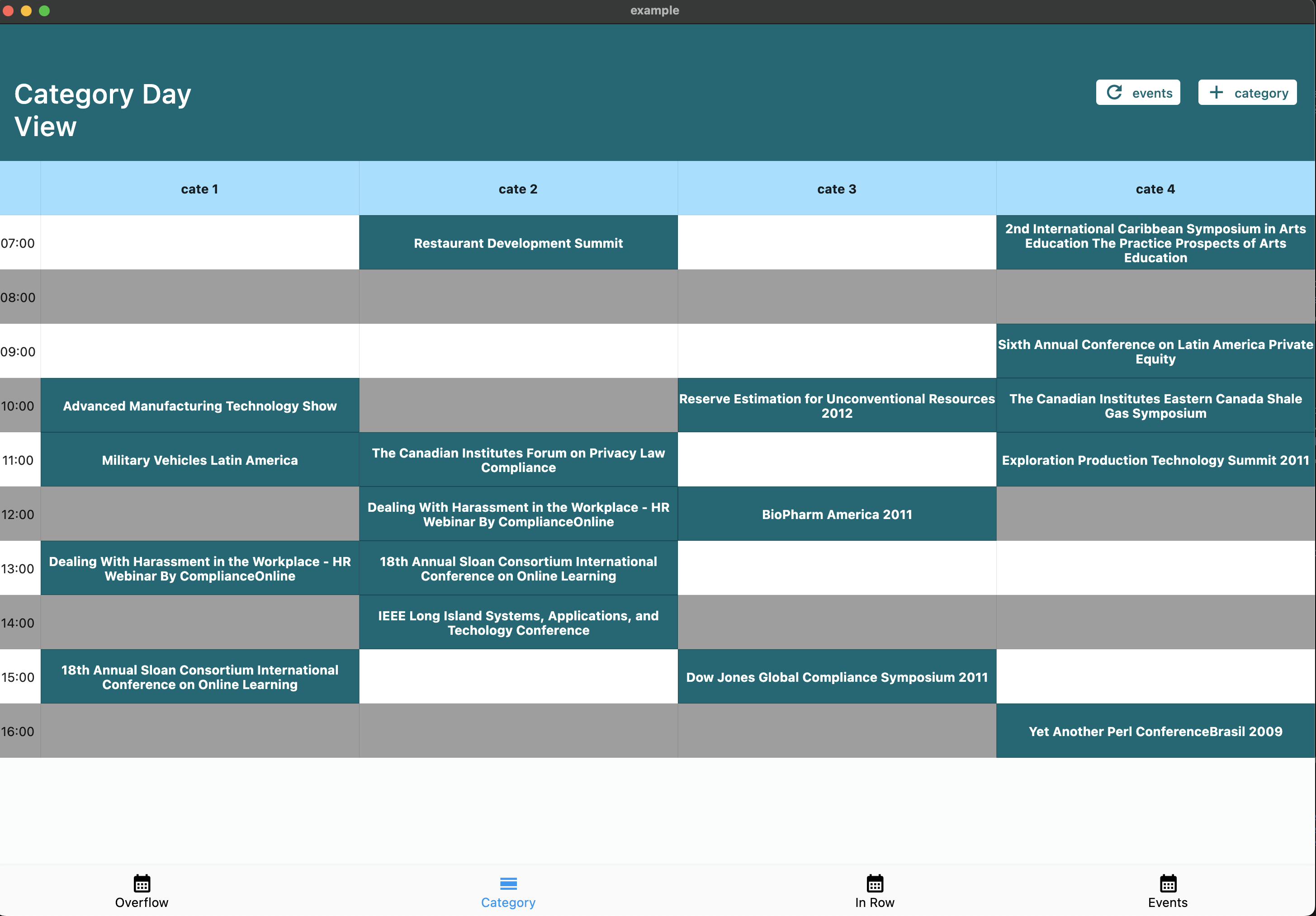
  • Category Day View: Organize events by categories (e.g., meeting rooms, resources)
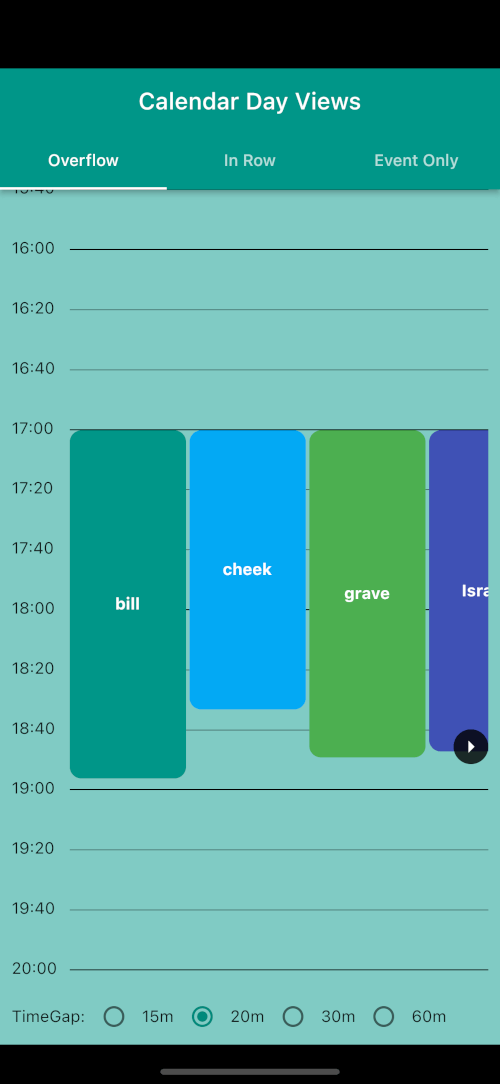
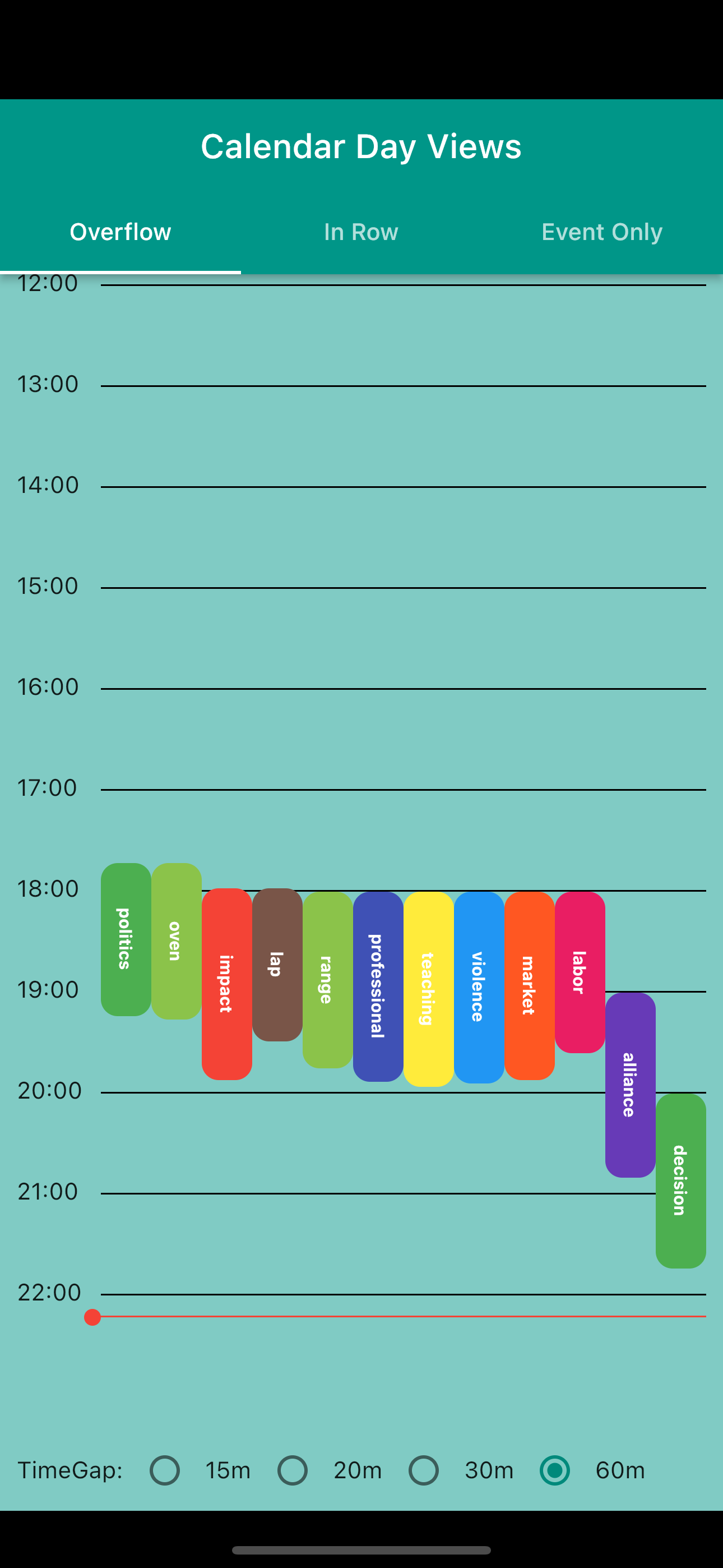
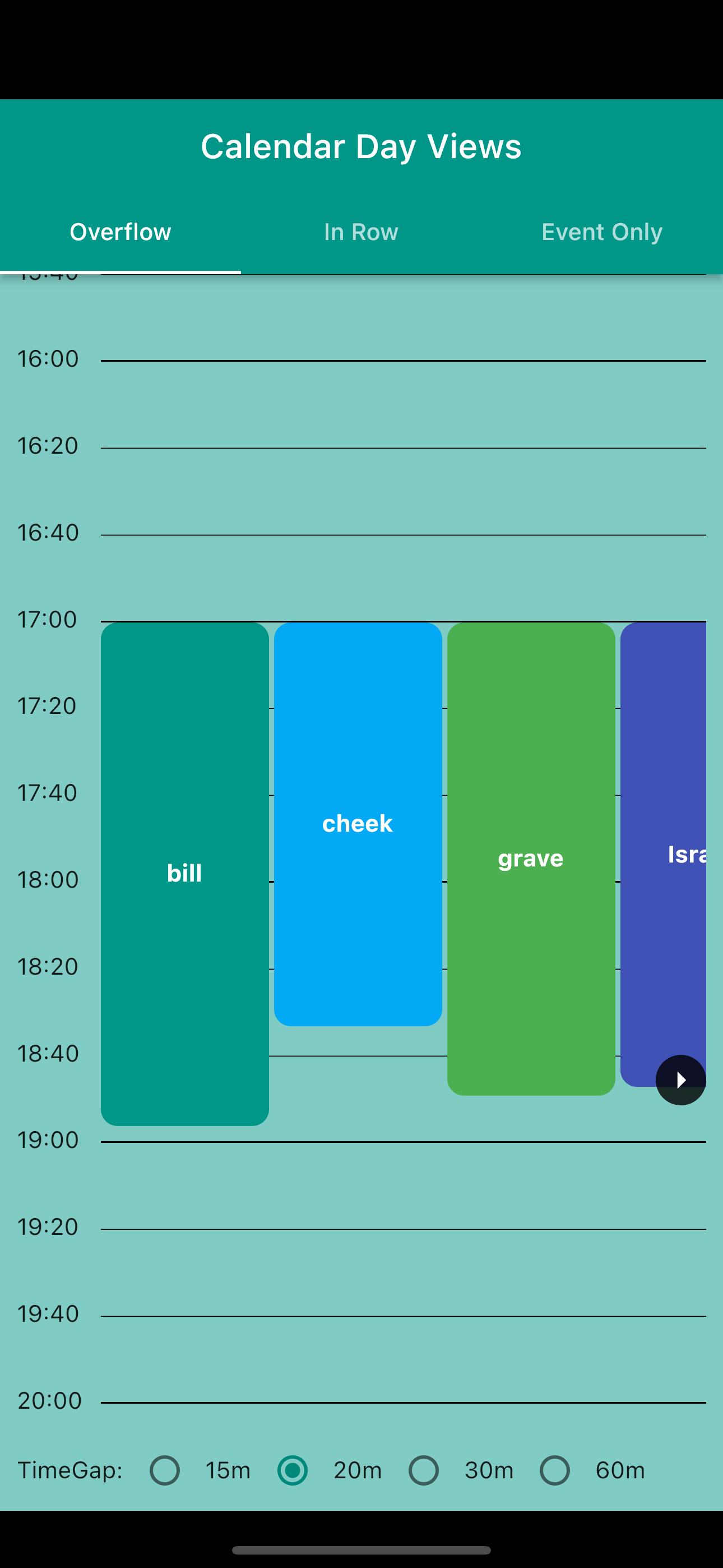
  • Overflow Day View: Traditional calendar view with events spanning multiple time slots
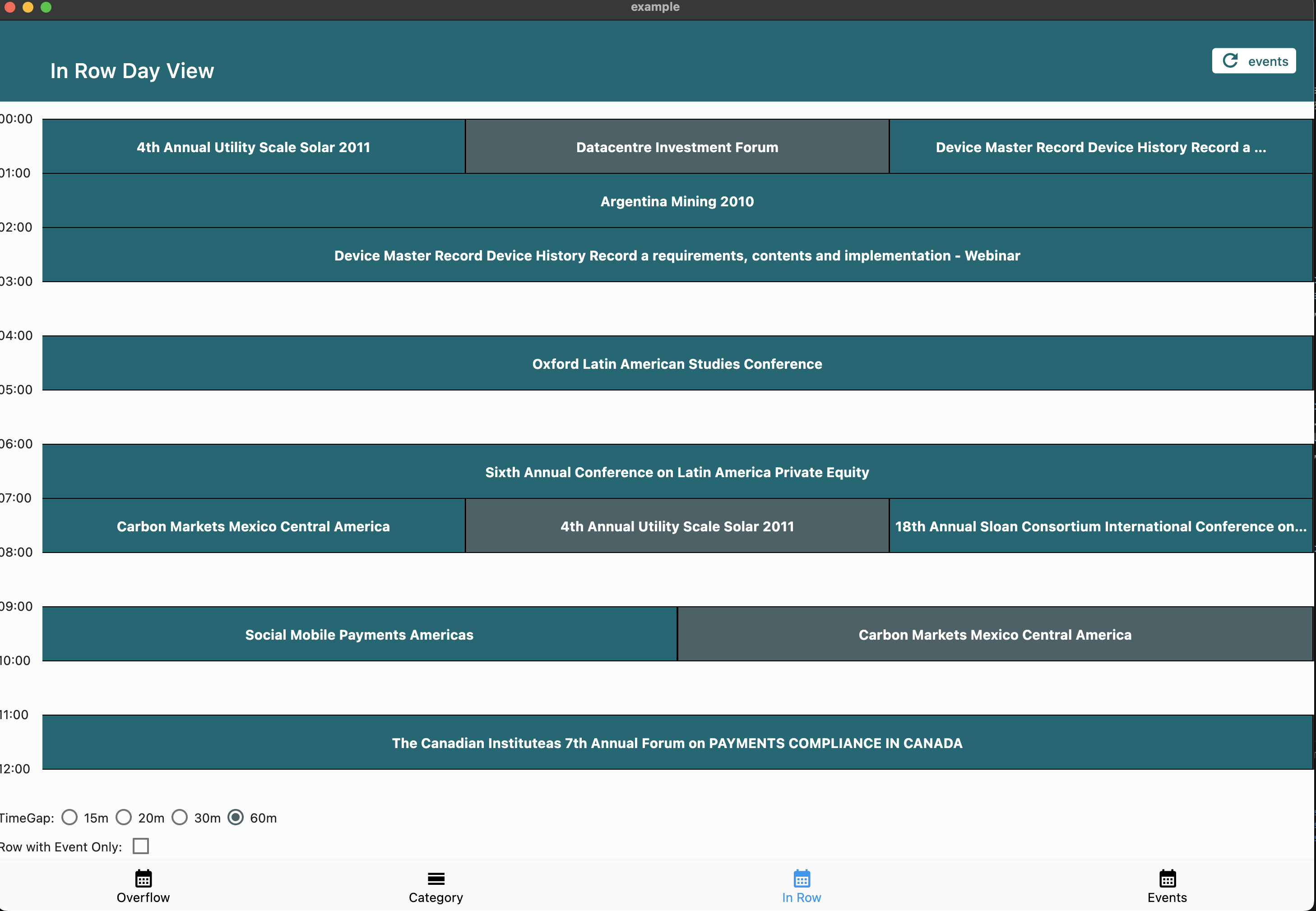
  • In Row Day View: Group events starting in the same time window
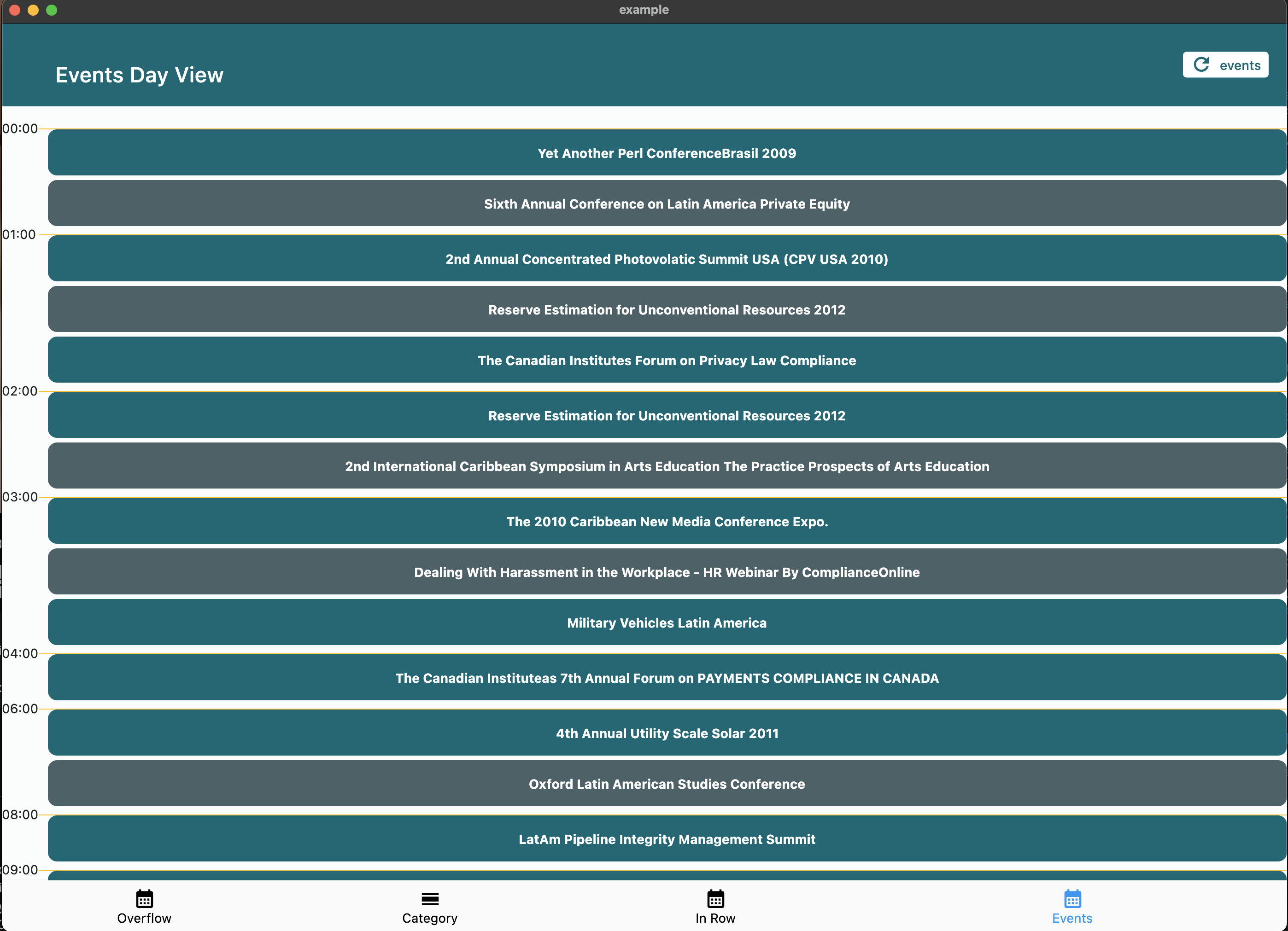
  • Event Day View: Simple chronological list of daily events
Customization Options
  • ⏰ Customizable day start and end times
  • ⏱️ Adjustable time slot duration
  • 🕒 Current time indicator with custom builder support
  • 👆 Interactive time slot tapping
  • 🎨 Fully customizable event widgets
  • 📱 Responsive design support
  • 🔄 Auto-scroll to current time on load
  • 📋 Show all events or first-only in category cells
  • 🏷️ Custom empty tile builder for category views

📦 Installation

Add the package to your pubspec.yaml:

dependencies:
  calendar_day_view: <latest_version>

Then import it in your Dart code:

import 'package:calendar_day_view/calendar_day_view.dart';

🚀 Usage

Shared Decoration (v6.0+)

All visual customization is done via DayViewDecoration, which can be reused across view types:

final myDecoration = DayViewDecoration(
  timeColumnWidth: 70,
  dividerColor: Colors.grey.shade300,
  currentTimeLineColor: Colors.red,
  timeLabel: (context, time) => Text(
    DateFormat('HH:mm').format(time),
    style: const TextStyle(fontWeight: FontWeight.bold),
  ),
  rowBackground: (context, rowTime, constraints) {
    // Shade lunch break
    if (rowTime.hour == 12) {
      return Container(color: Colors.grey.withValues(alpha: 0.1));
    }
    return null;
  },
  divider: (context, rowTime) {
    // Thicker line at the hour
    if (rowTime.minute == 0) {
      return Divider(color: Colors.grey.shade400, thickness: 1.5, height: 0);
    }
    return null; // skip divider
  },
);

// Reuse the same decoration across different views
OverFlowDayViewConfig(currentDate: DateTime.now(), decoration: myDecoration);
MultiColumnDayViewConfig(currentDate: DateTime.now(), decoration: myDecoration);
Multi-Column Day View

Google Calendar-style layout. Overlapping events are automatically placed side-by-side in columns. Column count is determined by the overlap pattern — solo events get full width.

CalendarDayView.multiColumn(
  config: MultiColumnDayViewConfig(
    currentDate: DateTime.now(),
    timeGap: 60,
    heightPerMin: 2,
    startOfDay: const TimeOfDay(hour: 7, minute: 0),
    endOfDay: const TimeOfDay(hour: 20, minute: 0),
    scrollToCurrentTime: true,
  ),
  events: events,
  onTimeTap: (time) => handleTimeTap(time),
  itemBuilder: (context, constraints, event, columnIndex, totalColumns) {
    return Container(
      margin: const EdgeInsets.all(1),
      decoration: BoxDecoration(
        color: Colors.blue.shade100,
        borderRadius: BorderRadius.circular(4),
      ),
      child: Text(event.value),
    );
  },
);
Category Day View

Perfect for displaying events across multiple categories (e.g., meeting rooms, resources).

CalendarDayView.category(
  config: CategoryDavViewConfig(
    time12: true,
    allowHorizontalScroll: true,
    columnsPerPage: 2,
    currentDate: DateTime.now(),
    timeGap: 60,
    heightPerMin: 1,
    showAllEventsInCell: true, // show all events in cell horizontally
  ),
  categories: categories,
  events: events,
  onTimeTap: (category, time) {
    // Handle time slot tap
  },
  emptyTileBuilder: (constraints, category, time) {
    return Center(child: Text('Available'));
  },
  eventBuilder: (constraints, category, _, event) => YourEventWidget(),
);
Overflow Day View

Display events with duration visualization across multiple time slots.

CalendarDayView.overflow(
  config: OverFlowDayViewConfig(
    currentDate: DateTime.now(),
    timeGap: 60,
    heightPerMin: 2,
    endOfDay: const TimeOfDay(hour: 20, minute: 0),
    startOfDay: const TimeOfDay(hour: 4, minute: 0),
    renderRowAsListView: true,
    time12: true,
    scrollToCurrentTime: true, // auto-scroll to current time
  ),
  onTimeTap: (time) => handleTimeTap(time),
  events: UnmodifiableListView(events),
  overflowItemBuilder: (context, constraints, itemIndex, event) => YourEventWidget(),
);
Event Only Day View

Simple chronological list of events.

CalendarDayView.eventOnly(
  config: EventDayViewConfig(
    showHourly: true,
    currentDate: DateTime.now(),
  ),
  events: events,
  eventDayViewItemBuilder: (context, event) => YourEventWidget(),
);
In Row Day View

Group events starting in the same time window.

CalendarDayView.inRow(
  config: InRowDayViewConfig(
    heightPerMin: 1,
    showCurrentTimeLine: true,
    dividerColor: Colors.black,
    timeGap: 60,
    showWithEventOnly: true,
    currentDate: DateTime.now(),
    startOfDay: const TimeOfDay(hour: 3, minute: 00),
    endOfDay: const TimeOfDay(hour: 22, minute: 00),
    scrollToCurrentTime: true, // auto-scroll to current time
  ),
  events: UnmodifiableListView(events),
  onTimeTap: (time) => handleTimeTap(time),
  itemBuilder: (context, constraints, itemIndex, event) => YourEventWidget(),
);

📸 Screenshots

Category Day View

Category Day View

Overflow Day View
Normal ListView
Overflow Normal Overflow ListView
Event Only Day View

Event Only Day View

In Row Day View

In Row Day View

🤝 Contributing

We welcome contributions! Please feel free to submit a Pull Request. For major changes, please open an issue first to discuss what you would like to change.

  1. Fork the repository
  2. Create your feature branch (git checkout -b feature/amazing-feature)
  3. Commit your changes (git commit -m 'Add some amazing feature')
  4. Format your code with dart format --line-length 200 lib/ test/ example/
  5. Push to the branch (git push origin feature/amazing-feature)
  6. Open a Pull Request

📝 License

This project is licensed under the MIT License - see the LICENSE file for details.

🙏 Acknowledgments

  • Thanks to all contributors who have helped improve this package
  • Special thanks to the Flutter team for creating such an amazing framework

カテゴリー

依存関係

依存関係一覧 1 件

ソースリポジトリ

このパッケージを使用しているプロジェクト

データはまだありません。