パッケージ、リポジトリ、アプリカテゴリを検索

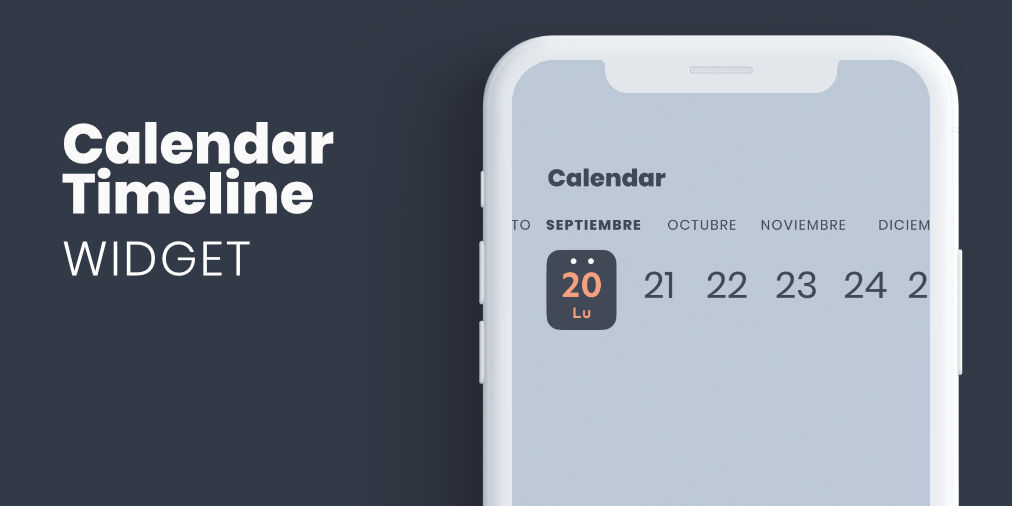
calendar_timeline のカバー
パッケージ詳細v1.1.3

calendar_timeline

画面のスペースをほとんど占めない水平方向の日付ピッカーで、常に表示できるようにし、片手での操作を容易にします。

AndroidiOSWebmacOSWindowsLinux
30日間ダウンロード
1390
いいね数
434
Pub ポイント
130

パッケージをインストール

flutter pub add calendar_timeline

パッケージ概要

公開情報に基づく選定ガイドです。参考としてご利用ください。

CalendarTimelineは、効率的な片手操作と最小限の画面スペースを目的としたコンパクトな水平日付ピッカーです。常に現在の日付が表示されるため、頻繁に日付を選択する必要があるアプリケーションに最適です。タイムラインレイアウトにより、ユーザーは日、週、月をスワイプしてスムーズに移動できます。Flutterで構築されており、Android、iOS、Web、macOS、Windows、Linuxなど複数のプラットフォームをサポートしています。洗練されたインターフェースにより、フォーム、スケジューリングツール、およびデイリープランナーでの使いやすさが向上します。

用途

  • デイリータスクの追跡
  • スケジューリングアプリケーション
  • イベント企画
  • モバイル最優先の日付選択
  • 片手ナビゲーション

主な機能

  • 水平スクロール可能なタイムライン
  • コンパクトなデザイン
  • 片手操作の使いやすさ
  • クロスプラットフォーム対応
  • カスタマイズ可能な日付範囲

適している対象

  • モバイルアプリ開発者
  • 生産性アプリ
  • カレンダー統合
  • ミニマリスティックなUIデザイン
  • 時間に敏感なワークフロー

注意事項

  • 日付のみの選択に制限
  • 組み込みのイベントレンダリングなし
  • 日付の変更を手動で処理する必要があります
  • 線形時間ナビゲーションに最適
  • ダークモード用に追加のスタイリングが必要になる場合があります

元の README

関連するソースリポジトリの README 原文のスナップショットです。最新の内容はリポジトリをご覧ください。

header.jpg

Flutter widget form select a date in horizontal timeline with customizable styles.

Getting Started

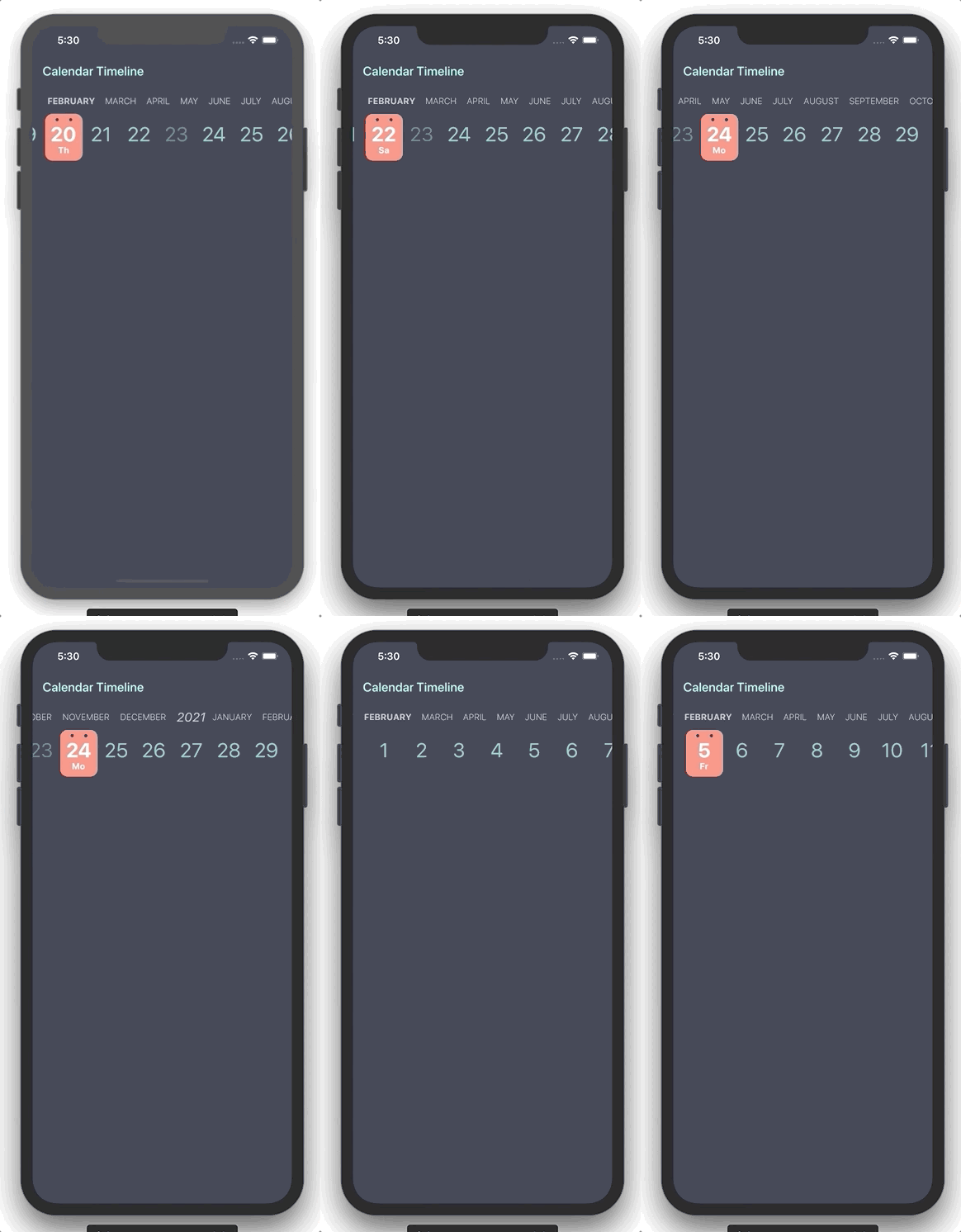
You can use this package when you need to add a date picker that takes up little screen space, so we can always have it visible, and that facilitates use with one hand.

example.gif

Properties

Property Type Description
initialDate DateTime Initial date selected
firstDate DateTime First date available in calendar
lastDate DateTime Last date available in calendar
selectableDayPredicate SelectableDayPredicate Signature for predicating dates for enabled date selections
onDateSelected OnDateSelected Callback to notify that a date has been selected
leftMargin double Left margin to month and day list
monthColor Color Color for month list elements
dayColor Color Color for day list elements
activeDayColor Color Color for selected day text
activeBackgroundDayColor Color Color for selected day background
dotColor Color Color for top dots in select day
locale String Locale string to get formatted date
showYears bool Indicates if it show year selector

Use example

You can review the example folder for a complete example of using the widget.

CalendarTimeline(
  initialDate: DateTime(2020, 4, 20),
  firstDate: DateTime(2019, 1, 15),
  lastDate: DateTime(2020, 11, 20),
  onDateSelected: (date) => print(date),
  leftMargin: 20,
  monthColor: Colors.blueGrey,
  dayColor: Colors.teal[200],
  activeDayColor: Colors.white,
  activeBackgroundDayColor: Colors.redAccent[100],
  dotsColor: Color(0xFF333A47),
  selectableDayPredicate: (date) => date.day != 23,
  locale: 'en_ISO',
)

カテゴリー

依存関係

依存関係一覧 2 件

ソースリポジトリ

このパッケージを使用しているプロジェクト