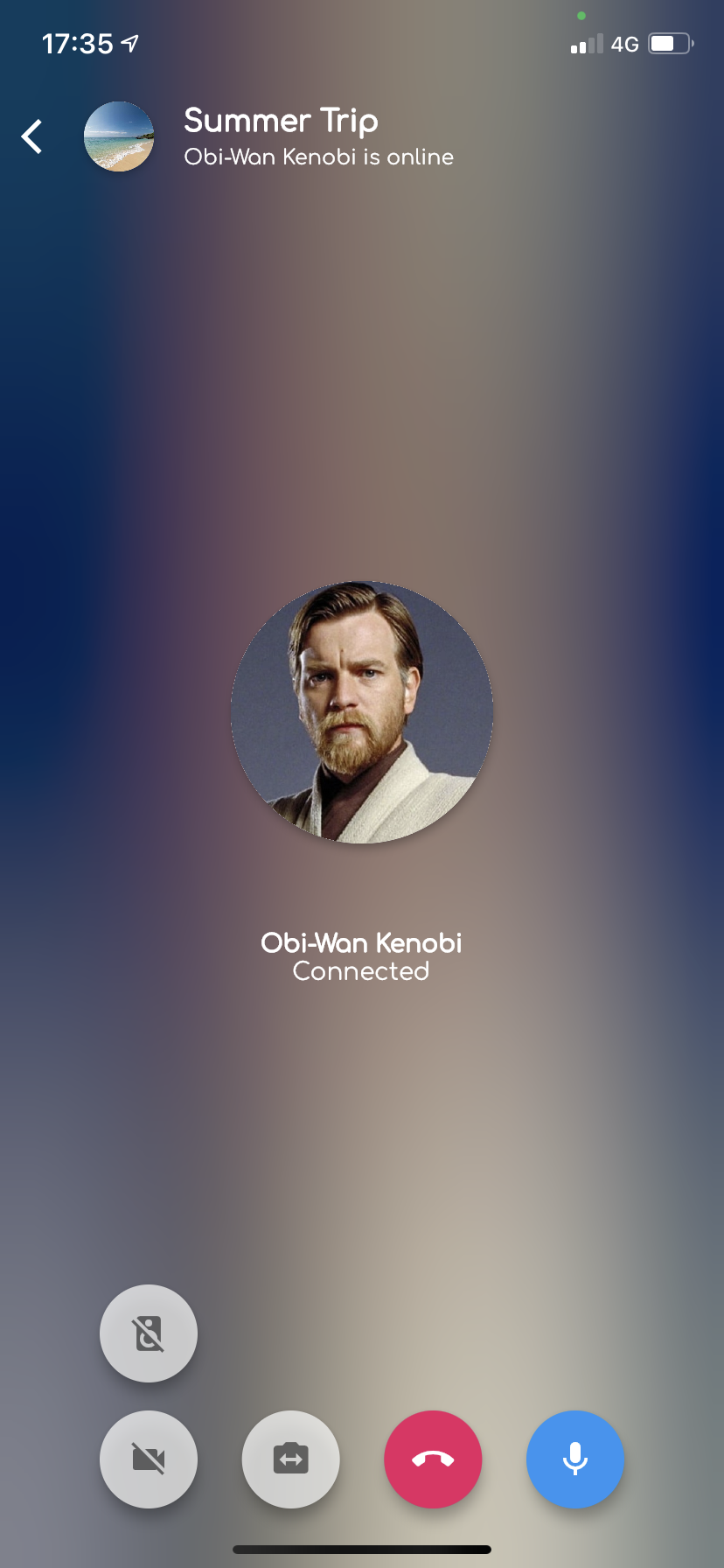
iOS CallKit and Android ConnectionService for Flutter
Support FCM and PushKit
Keep in mind Callkit is banned in China, so if you want your app in the chinese AppStore consider include a basic alternative for notifying calls (ex. FCM notifications with sound).
* P-C-M means -> presenter / controller / manager
Introduction
Callkeep acts as an intermediate between your call system (RTC, VOIP...) and the user, offering a native calling interface for handling your app calls.
This allows you (for example) to answer calls when your device is locked even if your app is terminated.
Initial setup
Basic configuration. In Android a popup is displayed before starting requesting some permissions to work properly.
callKeep.setup(
showAlertDialog: () async {
finalBuildContext context = navigatorKey.currentContext!;
returnawait showDialog<bool>(
context: context,
barrierDismissible: false,
builder: (BuildContext context) {
returnAlertDialog(
title: constText('Permissions Required'),
content: constText(
'This application needs to access your phone accounts'),
actions: <Widget>[
TextButton(
child: constText('Cancel'),
onPressed: () => Navigator.of(context).pop(false),
),
TextButton(
child: constText('OK'),
onPressed: () => Navigator.of(context).pop(true),
),
],
);
},
) ??
false;
},
options:<String, dynamic>{
'ios': {
'appName': 'CallKeepDemo',
},
'android': {
'additionalPermissions': [
'android.permission.CALL_PHONE',
'android.permission.READ_PHONE_NUMBERS'
],
// Required to get audio in background when using Android 11'foregroundService': {
'channelId': 'com.company.my',
'channelName': 'Foreground service for my app',
'notificationTitle': 'My app is running on background',
'notificationIcon': 'mipmap/ic_notification_launcher',
},
},
});
This configuration should be defined when your application wakes up, but keep in mind this alert will appear if you aren't granting the needed permissions yet.
A clean alternative is to control by yourself the required permissions when your application wakes up, and only invoke the setup() method if those permissions are granted.
Events
Callkeep offers some events to handle native actions during a call.
These events are quite crucial because they act as an intermediate between the native calling UI and your call P-C-M.
What does it mean?
Assuming your application already implements some calling system (RTC, Voip, or whatever) with its own calling UI, you are using some basic controls:
Future<void> answerCall(CallKeepPerformAnswerCallAction event) async {
    print('CallKeepPerformAnswerCallAction ${event.callUUID}');
    // notify to your call P-C-M the answer action
};

 Future<void> endCall(CallKeepPerformEndCallAction event) async {
    print('CallKeepPerformEndCallAction ${event.callUUID}');
    // notify to your call P-C-M the end action
};

Future<void> didPerformSetMutedCallAction(CallKeepDidPerformSetMutedCallAction event) async {
    print('CallKeepDidPerformSetMutedCallAction ${event.callUUID}');
    // notify to your call P-C-M the muted switch action
};

 Future<void> didToggleHoldCallAction(CallKeepDidToggleHoldAction event) async {
    print('CallKeepDidToggleHoldAction ${event.callUUID}');
    // notify to your call P-C-M the hold switch action
};
Display incoming calls in foreground, background or terminate state
The incoming call concept we are looking for is firing an incoming call action when "something" is received in our app.
I've tested this concept with FCM and it works pretty fine.
finalFlutterCallkeep _callKeep = FlutterCallkeep();
bool _callKeepStarted = false;
Future<void> _firebaseMessagingBackgroundHandler(RemoteMessage message) async {
awaitFirebase.initializeApp();
if (!_callKeepStarted) {
try {
await _callKeep.setup(callSetup);
_callKeepStarted = true;
} catch (e) {
print(e);
}
}
// then process your remote message looking for some call uuid// and display any incoming call
}
Displaying incoming calls is really simple if you are receiving FCM messages (or whatever). This example shows how to show and close any incoming call:
Notice that getting data from the payload can be done as you want, this is an example.
showAlertDialog: () async {
finalBuildContext context = navigatorKey.currentContext!;
returnawait showDialog<bool>(
context: context,
barrierDismissible: false,
builder: (BuildContext context) {
returnAlertDialog(
title: constText('Permissions Required'),
content: constText(
'This application needs to access your phone accounts'),
actions: <Widget>[
TextButton(
child: constText('Cancel'),
onPressed: () => Navigator.of(context).pop(false),
),
TextButton(
child: constText('OK'),
onPressed: () => Navigator.of(context).pop(true),
),
],
);
},
) ??
false;
},
```
### FAQ
> I don't receive the incoming call
Receiving incoming calls depends on FCM push messages (or the system you use) for handling the call information and displaying it.
Remember FCM push messages not always works due to data-only messages are classified as "low priority". Devices can throttle and ignore these messages if your application is in the background, terminated, or a variety of other conditions such as low battery or currently high CPU usage. To help improve delivery, you can bump the priority of messages. Note; this does still not guarantee delivery. More info [here](https://firebase.flutter.dev/docs/messaging/usage/#low-priority-messages)
> How can I manage the call if the app is terminated and the device is locked?
Even in this scenario, the `backToForeground()` method will open the app and your call P-C-M will be able to work.
## push test tool
Please refer to the [Push Toolkit](/tools/) to test callkeep offline push.