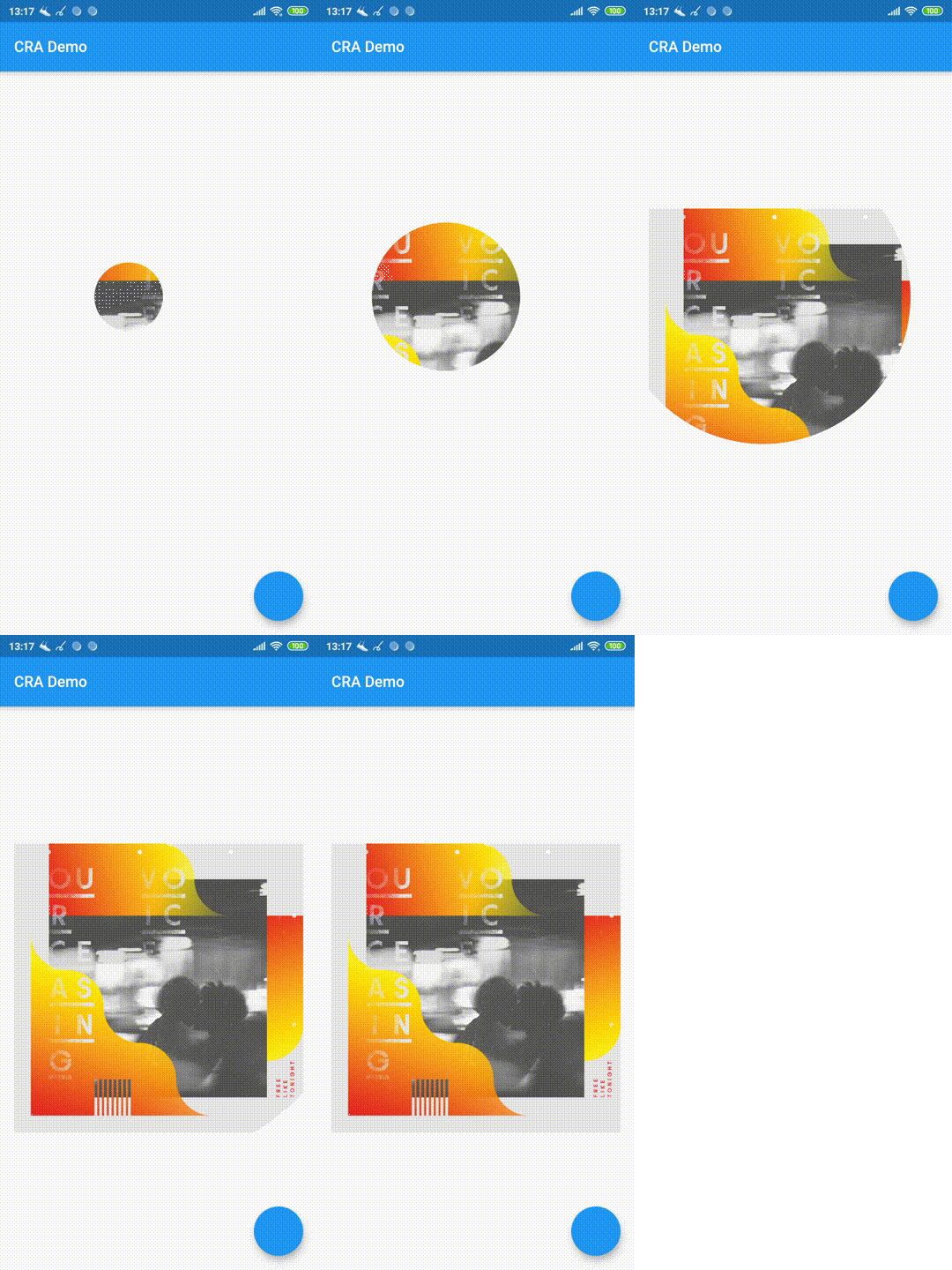
Circular Reveal Animation
Circular Reveal Animation as Flutter widget!
Inspired by Android's ViewAnimationUtils.createCircularReveal(...).
Статья с описанием (русский).
Article with description (english).
Usage
CircularRevealAnimation (
child: Container (color: Colors .red),
animation: animation,
centerAlignment: Alignment .centerRight,
minRadius: 12 ,
maxRadius: 200 ,
);
Example
import 'package:circular_reveal_animation/circular_reveal_animation.dart' ;
import 'package:flutter/material.dart' ;
void main () => runApp (MyApp ());
class MyApp extends StatelessWidget @override
Widget build (BuildContext context) {
return MaterialApp (
title: 'CRA Demo' ,
theme: ThemeData (
primarySwatch: Colors .blue,
),
home: MyHomePage (),
);
}
}
class MyHomePage extends StatefulWidget @override
_MyHomePageState createState () => _MyHomePageState ();
}
class _MyHomePageState extends State <MyHomePage >
with SingleTickerProviderStateMixin AnimationController animationController;
Animation <double > animation;
@override
void initState () {
super .initState ();
animationController = AnimationController (
vsync: this ,
duration: Duration (milliseconds: 1000 ),
);
animation = CurvedAnimation (
parent: animationController,
curve: Curves .easeIn,
);
}
@override
Widget build (BuildContext context) {
return Scaffold (
appBar: AppBar (
title: Text ("CRA Demo" ),
),
body: Padding (
padding: const EdgeInsets .all (16.0 ),
child: Center (
child: Column (
mainAxisSize: MainAxisSize .min,
children: <Widget >[
MaterialButton (
child: Text ("show reveal dialog" ),
onPressed: () => showRevealDialog (context),
color: Colors .amber,
),
SizedBox (height: 16 ),
CircularRevealAnimation (
child: Image .asset ('assets/ocv.jpg' ),
animation: animation,
centerOffset: Offset (130 , 100 ),
),
],
),
),
),
floatingActionButton: FloatingActionButton (onPressed: () {
if (animationController.status == AnimationStatus .forward ||
animationController.status == AnimationStatus .completed) {
animationController.reverse ();
} else {
animationController.forward ();
}
}),
);
}
Future <void > showRevealDialog (BuildContext context) async {
showGeneralDialog (
barrierLabel: "Label" ,
barrierDismissible: true ,
barrierColor: Colors .black.withOpacity (0.5 ),
transitionDuration: Duration (milliseconds: 700 ),
context: context,
pageBuilder: (context, anim1, anim2) {
return Align (
alignment: Alignment .bottomCenter,
child: Container (
child: Padding (
padding: const EdgeInsets .all (12.0 ),
child: Image .asset ('assets/klimt.png' ),
),
margin: EdgeInsets .only (top: 50 , left: 12 , right: 12 , bottom: 0 ),
decoration: BoxDecoration (
color: Colors .white,
borderRadius: BorderRadius .circular (5 ),
),
),
);
},
transitionBuilder: (context, anim1, anim2, child) {
return CircularRevealAnimation (
child: child,
animation: anim1,
centerAlignment: Alignment .bottomCenter,
);
},
);
}
}