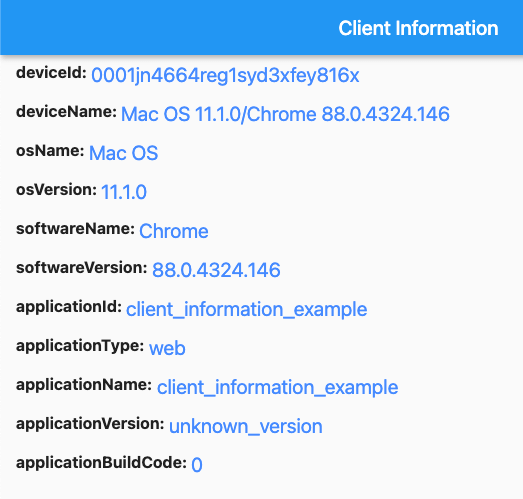
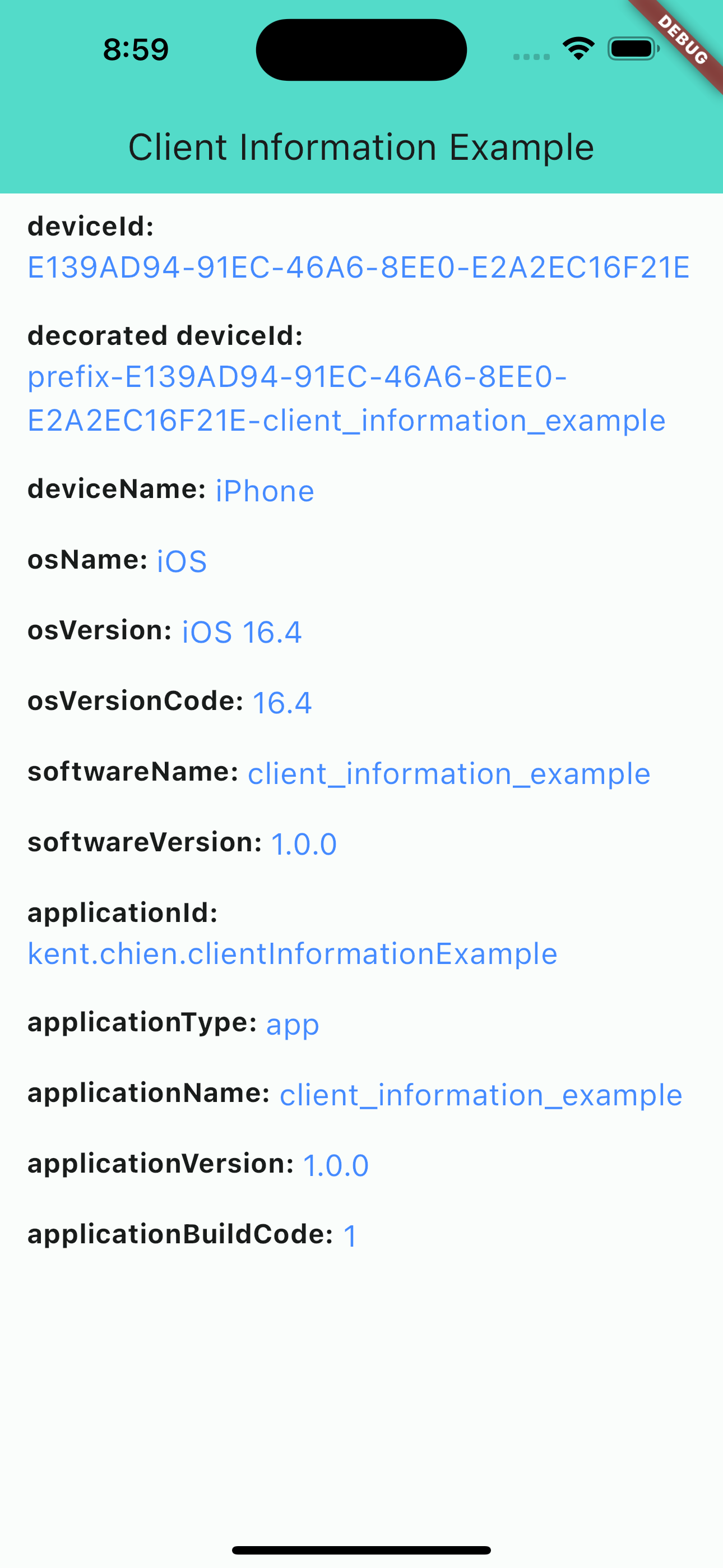
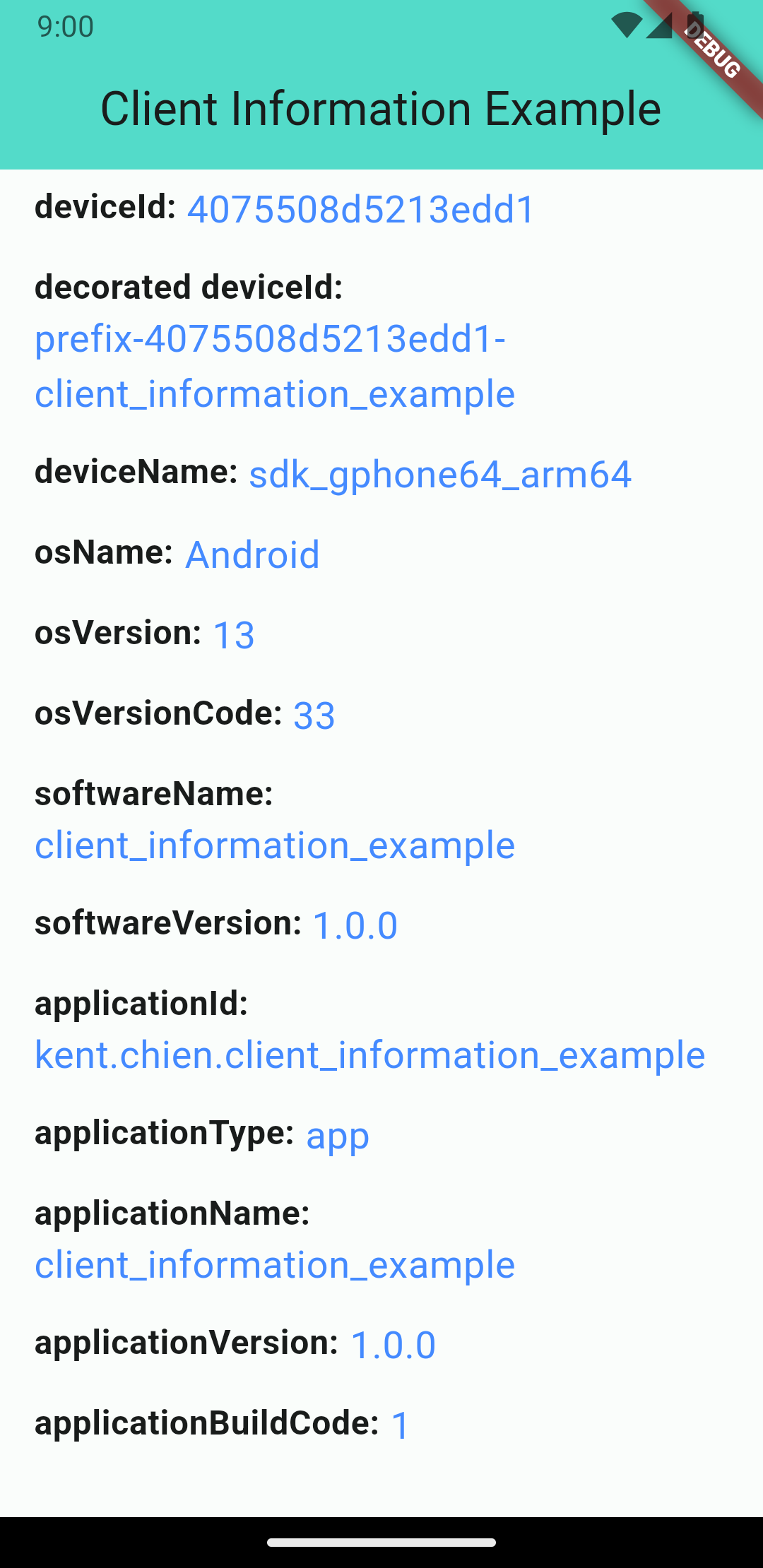
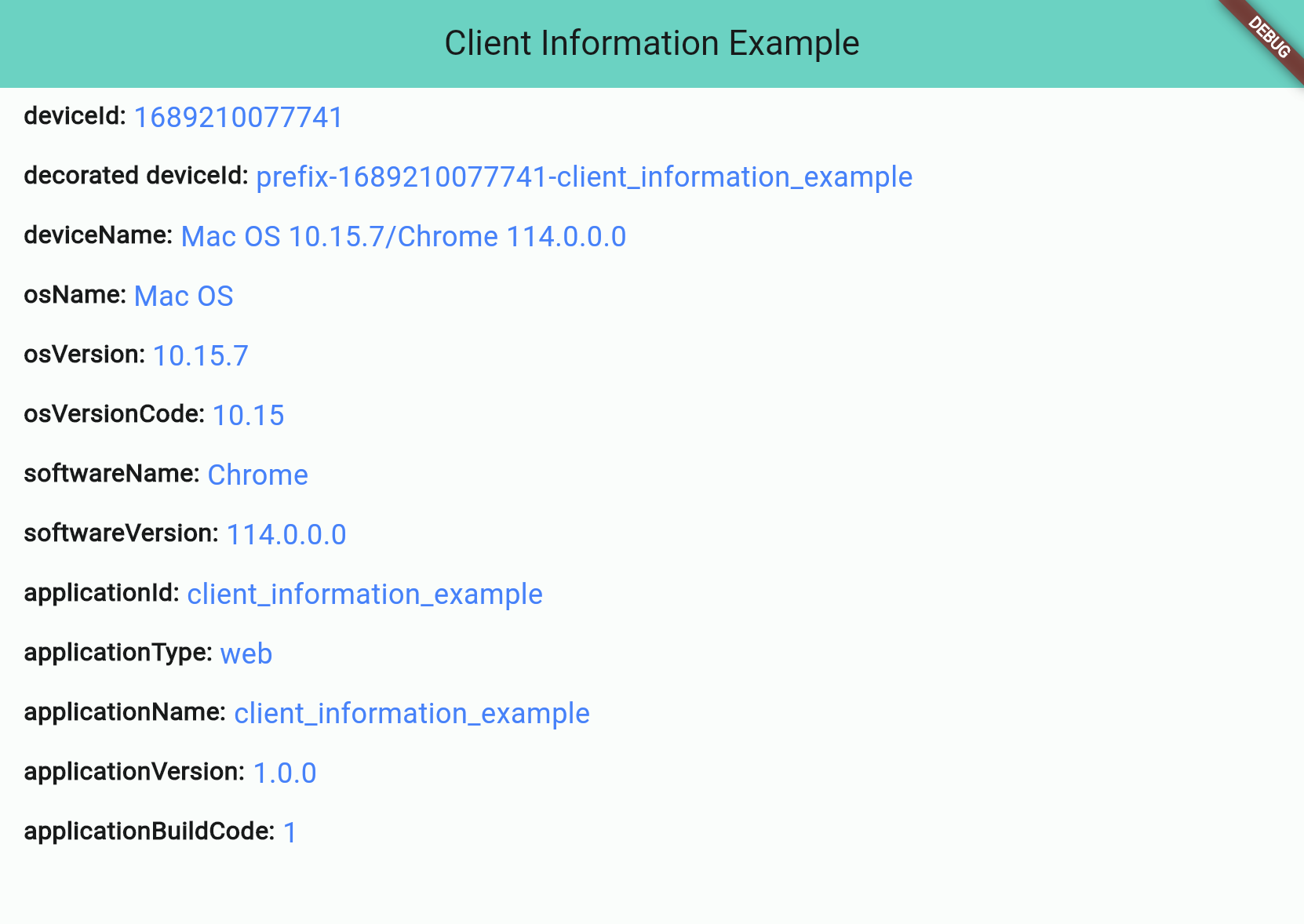
This is a plugin that lets you get basic information from your application's client. It's easy to use and supports different platforms (Android, iOS, and Web). There are four different information types: "application information", "software information", "operating system information", and "device information".
iOS screenshot
Android screenshot
Web screenshot
Information Types
There are 4 different types:
Application Information
Software Information
Operating System Information
Device Information
Application Information
Application information is all about the application you build. And notice that applicationId is not supported for web applications.
Attribute
iOS
Android
Web
applicationId String
⭕ bundleIdentifier
⭕ package name
❌ default: application name
applicationType String (app/web)
⭕
⭕
⭕
applicationName String
⭕
⭕
⭕
applicationVersion String
⭕
⭕
⭕
applicationBuildCode String
⭕
⭕
⭕
Software Information
"Software" stands for the "software" that runs your application, such as "Operating System" for iOS/Android projects or "Browser" for web projects.
Attribute
iOS
Android
Web
softwareName String
⭕ OS name
⭕ OS name
⭕ Browser name
softwareVersion String
⭕ OS version
⭕ OS version
⭕ Browser version
Operating System Information
OS information will show you the OS's name and version. Notice: Web projects may not get this information if the browser's user-agent doesn't contain any information about the operating system.
Attribute
iOS
Android
Web
osName String
⭕ OS name
⭕ OS name
⚠️ OS name (*unknown possible)
osVersion String
⭕ OS version
⭕ OS version
⚠️ OS Version (*unknown possible)
osVersionCode String
⭕ iOS version(number)
⭕ Android API level
⚠️ OS Version(number) (*unknown: -1)
Device Information
The device information will display device's ID and name. Note that web projects don't support real deviceId, so they will use the package uuid to generate a unique string and save to the browser's cookie.
// Get client informationClientInformation info = awaitClientInformation.fetch();
print(info.deviceId); // EA625164-4XXX-XXXX-XXXXXXXXXXXXprint(info.osName); // iOS
Decoration
Starting from version 2.1.0, you can customize some information by passing the decorators. Like below:
var information = awaitClientInformation.fetch(
// you can pass decorators to decoration the value before it return.
decorators: ClientInformationDecorators(
deviceId: (oriInfo, value) =>
'prefix-$value-${oriInfo.applicationName}',
),
);
Or, you can use extension method like this:
var information = awaitClientInformation.fetch();
print('Original DeviceId: ${information.deviceId}');
// Original DeviceId: EA625164-4XXX-XXXX-XXXXXXXXXXXXvar decoratedInfo = information.decoration(deviceId: (oriInfo, value) => '$value-some-suffix-string-here');
print('Decorated DeviceId: ${decoratedInfo.deviceId}');
// Decorated DeviceId: EA625164-4XXX-XXXX-XXXXXXXXXXXX-some-suffix-string-here
Mock Data for Test
Starting from version 1.0.2, you can mock data or enable "mockMode" to facilitate testing. Here is how to set it up:
In your test file:
setUp(() async {
// Change to "MockMode" and set the default data you need.ClientInformation.mockOn(
deviceId: 'mock_device_id', osName: 'MyCustomOS');
});
tearDown(() {
// Close the "MockMode" in tearDown methodClientInformation.mockOff();
});
// Run your testtest('`deviceId` will be "mock_device_id"', () async {
ClientInformation info = awaitClientInformation.fetch();
expect(info.deviceId, 'mock_device_id');
});