パッケージ、リポジトリ、アプリカテゴリを検索

colorful_safe_area のカバー
パッケージ詳細v1.0.0

colorful_safe_area

SafeArea ウィジェットのよりカスタマイズ可能な代替品です。子要素の色に影響を与えることなく、SafeArea の色を設定できます。

AndroidiOSWebmacOSWindowsLinux
30日間ダウンロード
9980
いいね数
59
Pub ポイント
150

パッケージをインストール

flutter pub add colorful_safe_area

パッケージ概要

公開情報に基づく選定ガイドです。参考としてご利用ください。

ColorfulSafeArea は、標準の SafeArea ウィジェットのカスタマイズ可能な代替品であり、子ウィジェットの外観に影響を与えることなく、安全領域に独自の背景色を設定できるようにします。パディングおよびビジュアルスタイルに対する細かい制御が可能で、さまざまなデバイスで正確な UI レイアウトが必要なアプリに最適です。このパッケージはすべての主要プラットフォームをサポートしており、Flutter のレンダリングパイプラインとシームレスに統合されています。

用途

  • セーフエリアの背景をカスタマイズする
  • 視覚的に明確に異なるナビゲーションバーを作成する
  • 没入型のフルスクリーン体験の設計
  • プラットフォーム固有のパディング調整の実装
  • デバイス間でのUIの一貫性の向上

主な機能

  • セーフエリア用の個別カラー制御
  • 子ウィジェットのスタイルに影響なし
  • クロスプラットフォーム対応
  • 既存コードとの簡単な統合
  • 柔軟なパディング設定

適している対象

  • 視覚的な正確さを求めるUIデザイナー
  • 応答性レイアウトを構築する開発者
  • 複雑なナビゲーションバーを持つアプリ
  • 一貫したエッジパディングを必要とするプロジェクト
  • 複数のプラットフォームをターゲットにするチーム

注意事項

  • エッジケースでの追加テストが必要になる可能性があります
  • ネストされたセーフエリアのシナリオには適していません
  • 背景色のカスタマイズに限定
  • SafeArea のコア機能を置き換えるものではありません
  • 背景色を独立して制御する必要があるときに最適です

元の README

関連するソースリポジトリの README 原文のスナップショットです。最新の内容はリポジトリをご覧ください。

ColorfulSafeArea

Pub

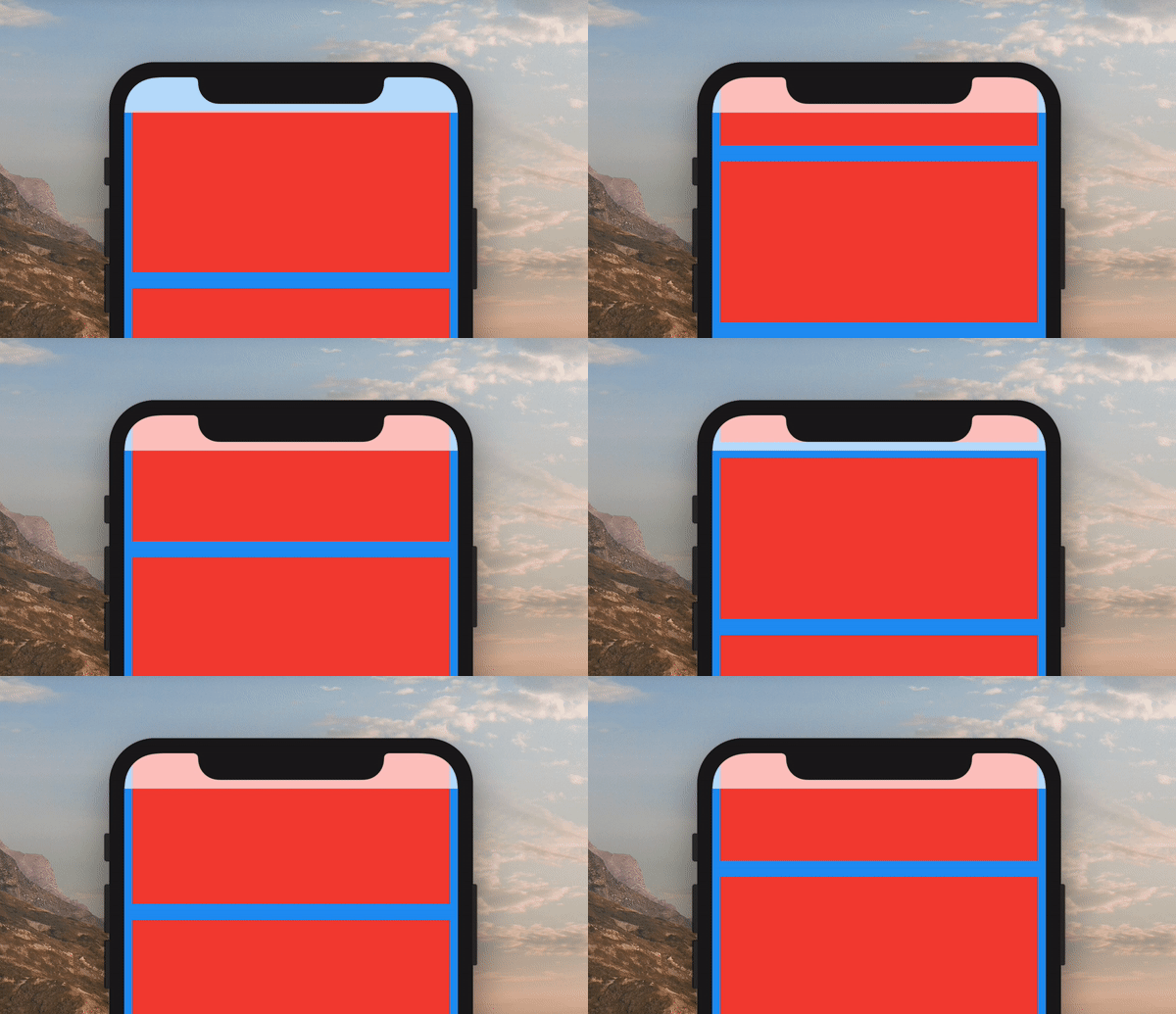
A more customizable replacement for the SafeArea widget. It lets you set the color of your SafeArea without affecting the color of its child.

Example of ColorfulSafeArea

Use it just like a regular SafeArea widget.

Scaffold(
    body: ColorfulSafeArea(
        child: SomeWidget(),
    ),
);

Setting Color

The color of ColorfulSafeArea widgets are transparent by default. To change their color, set the color property.

Scaffold(
    body: ColorfulSafeArea(
        color: Colors.red,
        child: SomeWidget(),
    ),
);

Using Transparent Colors

You can use any color that has transparency

Scaffold(
    body: ColorfulSafeArea(
        color: Colors.red.withOpacity(0.7),
        child: SomeWidget(),
    ),
);

Overflow Rules

If you are using a transparent color and want the child of the ColorfulSafeArea to appear behind it, you can set overflowRules to define how the ColorfulSafeArea's child should appear. The default value is OverflowRules.all(false). The OverflowRules class works much like EdgeInsets.

// allows the child to overflow behind all sides
overflowRules: OverflowRules.all(true)

// allows the child to overflow only on the left and bottom sides
overflowRules: OverflowRules.only(left: true, bottom: true)

// allows the child to overflow on the top and bottom
overflowRules: OverflowRules.symmetric(vertical: true)

Blurring Overflow Area

If you want to apply a blur effect to the ColorfulSafeArea, you can apply a filter.

Scaffold(
    body: ColorfulSafeArea(
        overflowRules: OverflowRules.all(true),
        filter: ImageFilter.blur(sigmaX: 10, sigmaY: 10),
        child: SomeWidget(),
    ),
);

Making Overflow Area Interactive

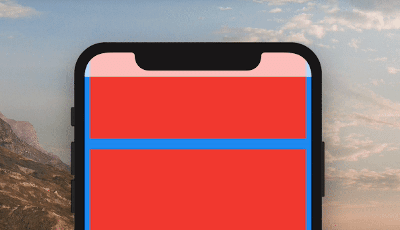
When you set overflowRules and would like for the parts of the child that have overflowed to be interactable behind the ColorfulSafeArea, you can set overflowTappable to true.

Scaffold(
    body: ColorfulSafeArea(
        overflowRules: OverflowRules.all(true),
        overflowTappable: true
        child: SomeWidget(),
    ),
);

カテゴリー

ソースリポジトリ

このパッケージを使用しているプロジェクト

データはまだありません。