country_state_city_pro
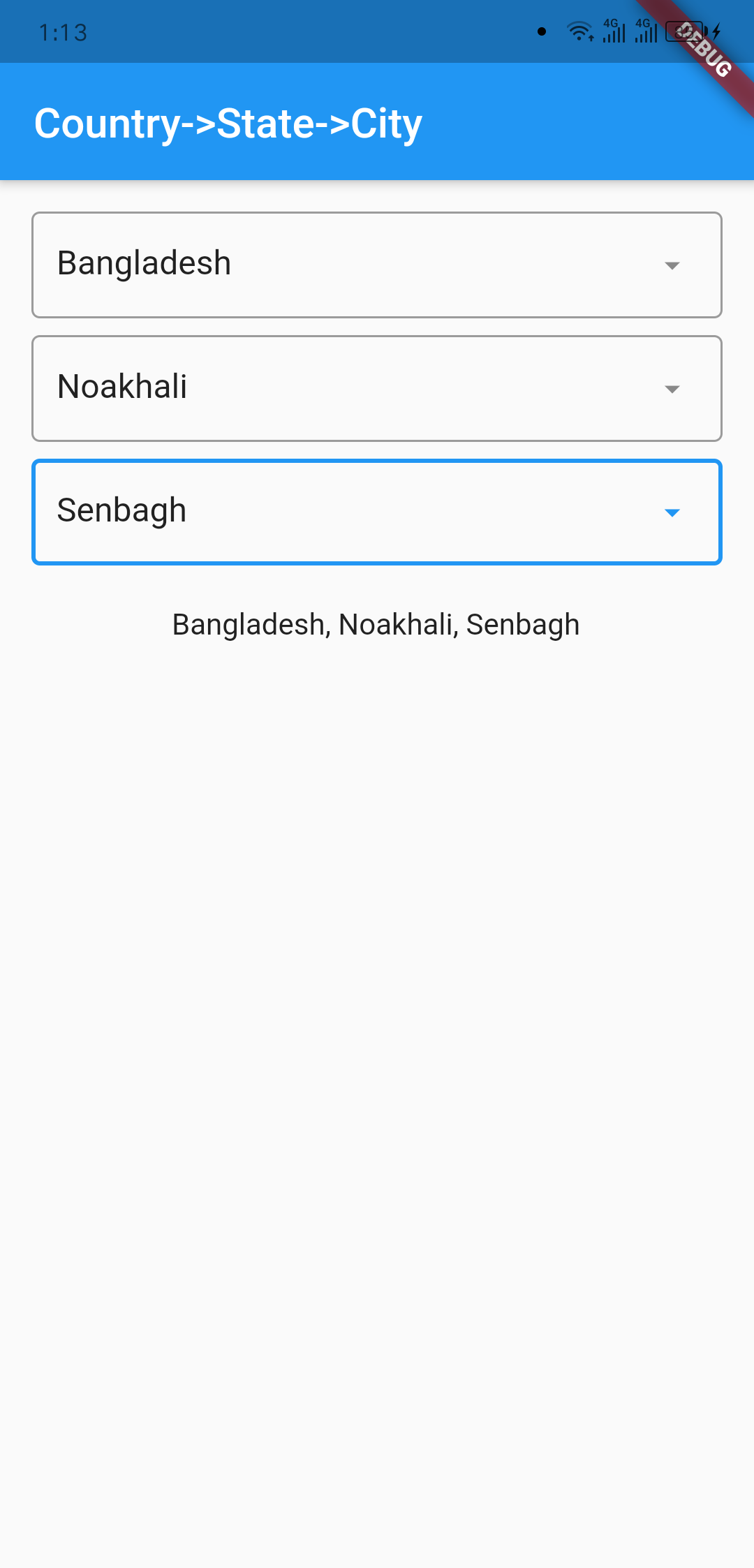
A new Flutter package to get world's all of Country, State, and City.
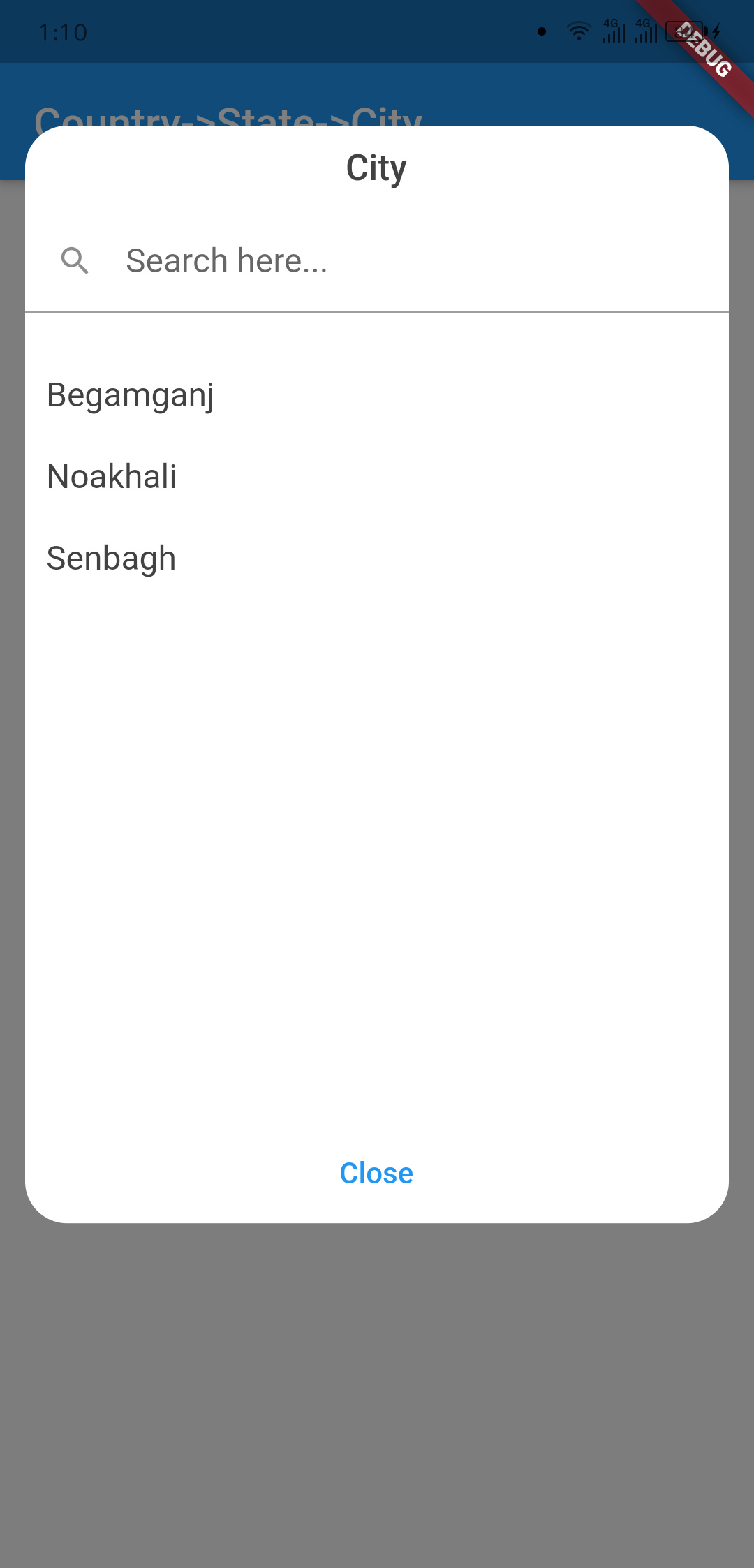
And items are also searchable. In addition if city can't be found then
user manually write city on dialog window.
Getting Started
Platforms:
This widget has been successfully tested on iOS, Android and Chrome.
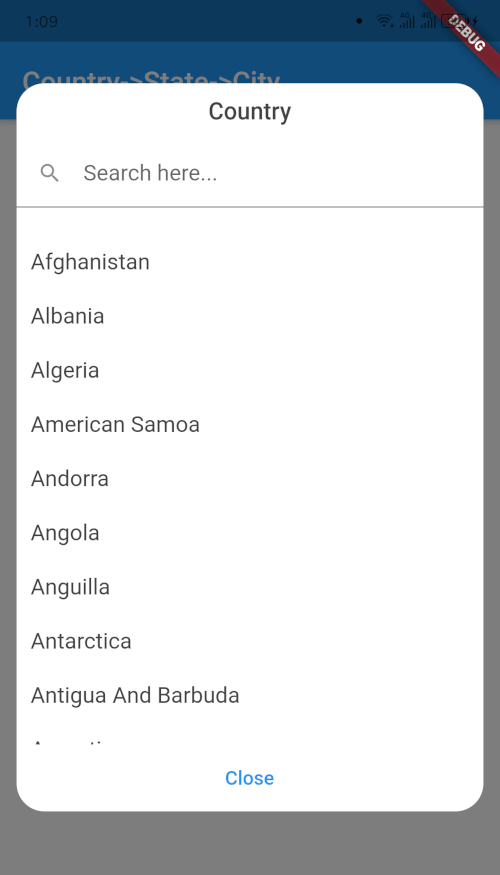
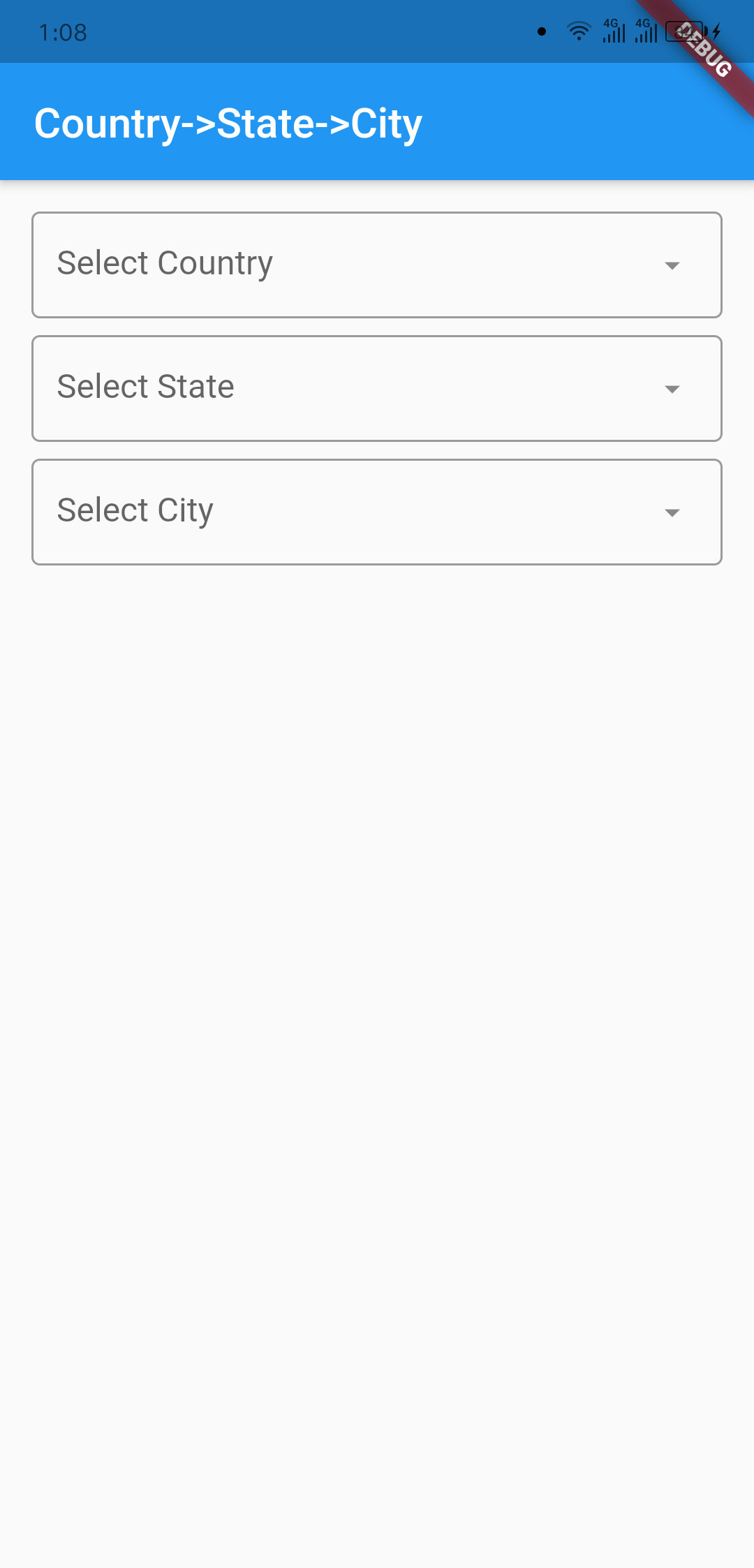
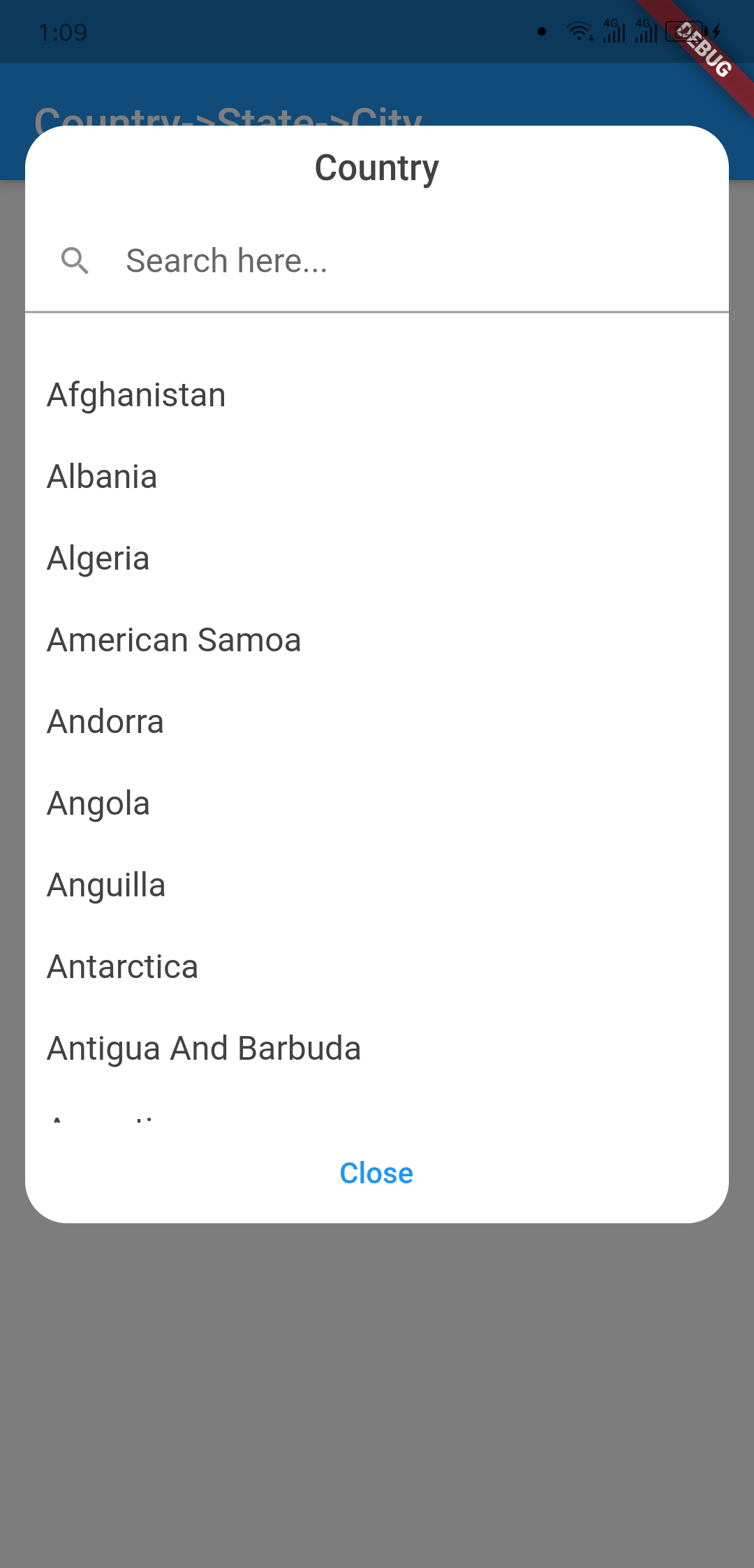
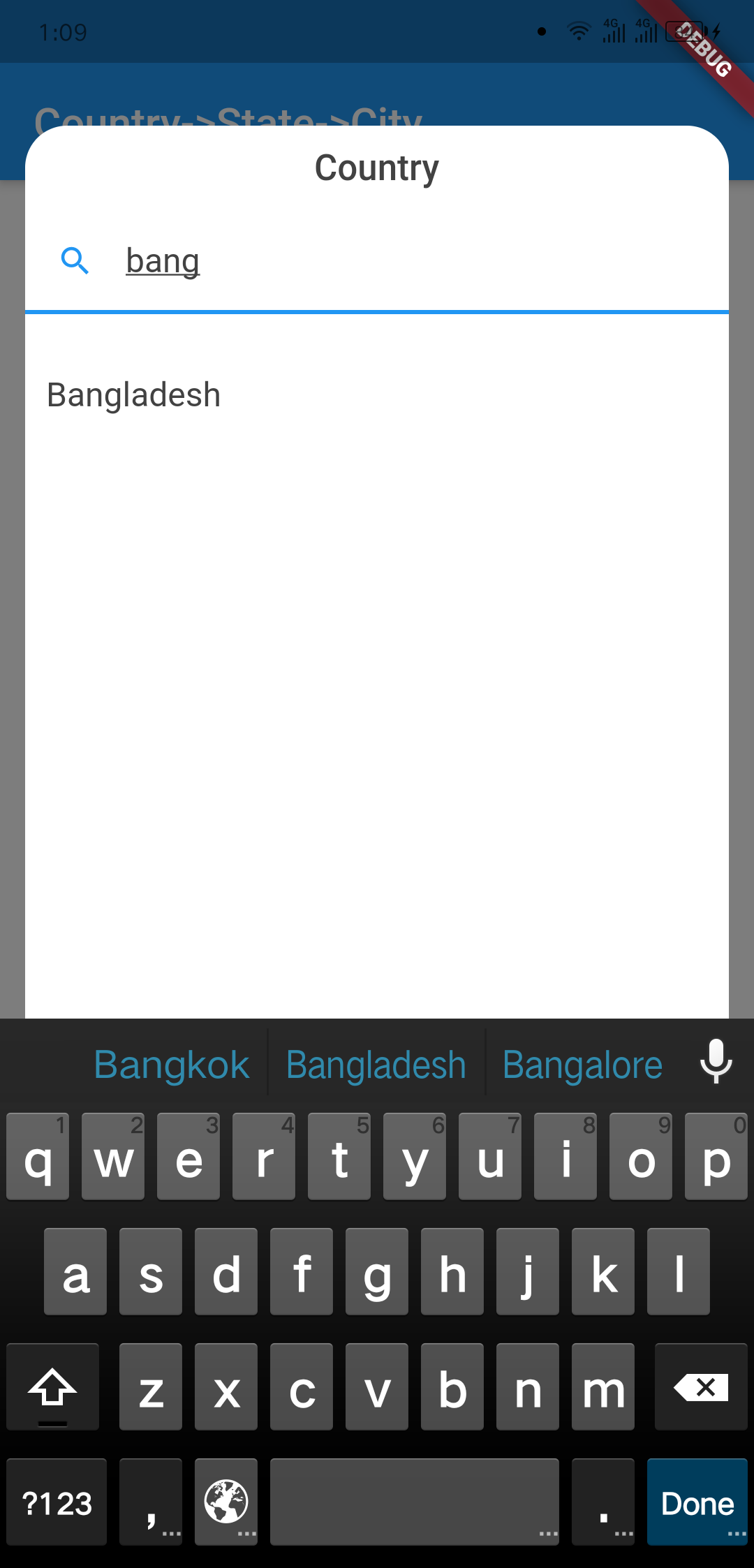
Screenshots
Country Searching
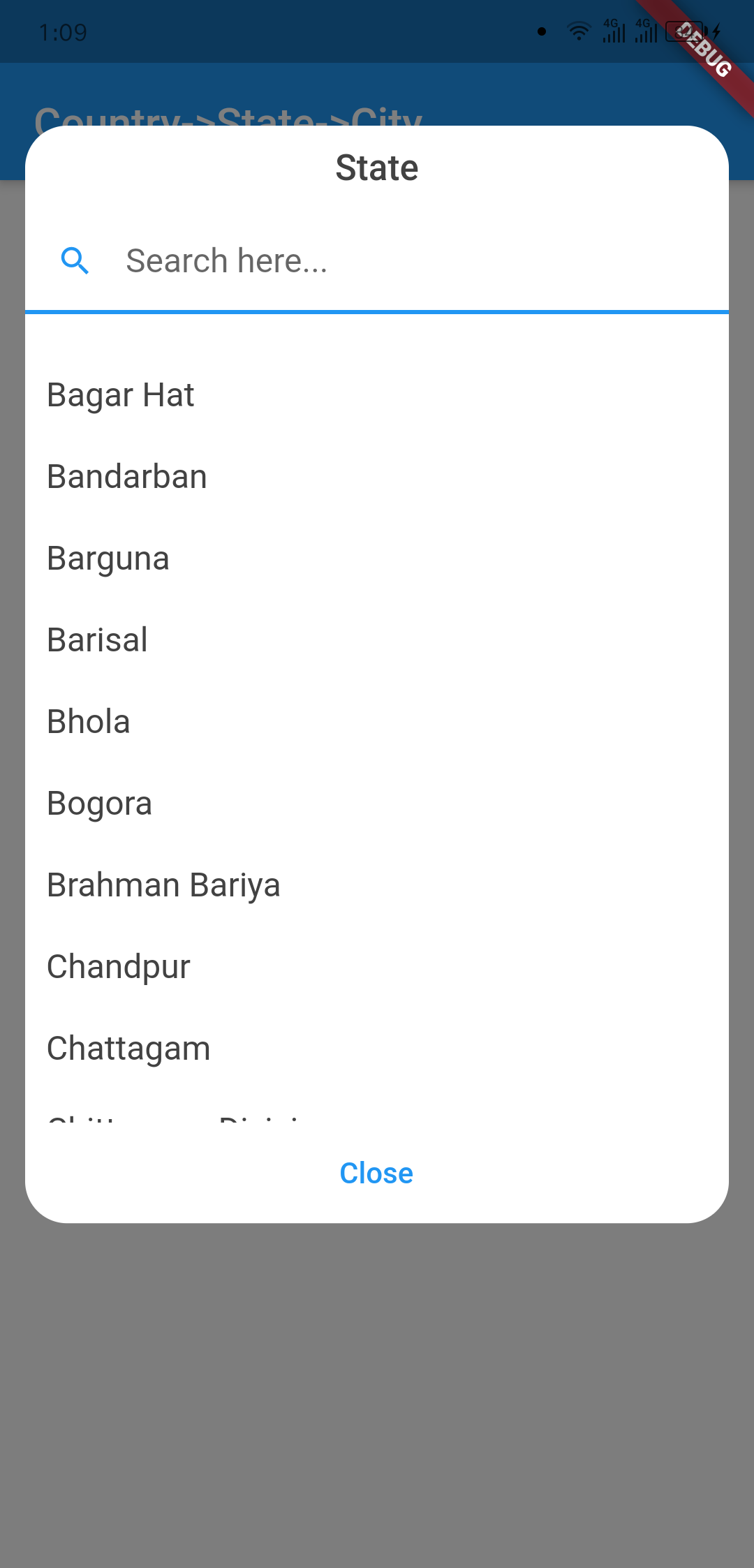
State Dialog
Usage
import 'package:country_state_city/country_state_city_picker.dart' ;
TextEditingController country=TextEditingController ();
TextEditingController state=TextEditingController ();
TextEditingController city=TextEditingController ();
CountryStateCityPicker (
country: country,
state: state,
city: city,
dialogColor: Colors .grey.shade200,
textFieldDecoration: InputDecoration (
fillColor: Colors .blueGrey.shade100,
filled: true ,
suffixIcon: const Icon (Icons .arrow_downward_rounded),
border: const OutlineInputBorder (borderSide: BorderSide .none))
),
Example Code
import 'package:flutter/material.dart' ;
import 'package:country_state_city/country_state_city_picker.dart' ;
void main () {
runApp (MyApp ());
}
class MyApp extends StatelessWidget @override
Widget build (BuildContext context) {
return MaterialApp (
title: 'Country->State->City' ,
theme: ThemeData (
primarySwatch: Colors .blue,
),
home: HomePage (),
);
}
}
class HomePage extends StatefulWidget @override
_HomePageState createState () => _HomePageState ();
}
class _HomePageState extends State <HomePage > TextEditingController country=TextEditingController ();
TextEditingController state=TextEditingController ();
TextEditingController city=TextEditingController ();
@override
Widget build (BuildContext context) {
return Scaffold (
appBar: AppBar (
title: Text ('Country->State->City' ),
),
body: Padding (
padding: EdgeInsets .all (15.0 ),
child: Column (
children: [
CountryStateCityPicker (
country: country,
state: state,
city: city,
dialogColor: Colors .grey.shade200,
textFieldDecoration: InputDecoration (
fillColor: Colors .blueGrey.shade100,
filled: true ,
suffixIcon: const Icon (Icons .arrow_downward_rounded),
border: const OutlineInputBorder (borderSide: BorderSide .none))
),
SizedBox (height: 20 ),
Text ("${country.text} , ${state.text} , ${city.text} " )
],
)
),
);
}
}
Connect with
sujitsarkar.cse@gmail.com Find more project on github