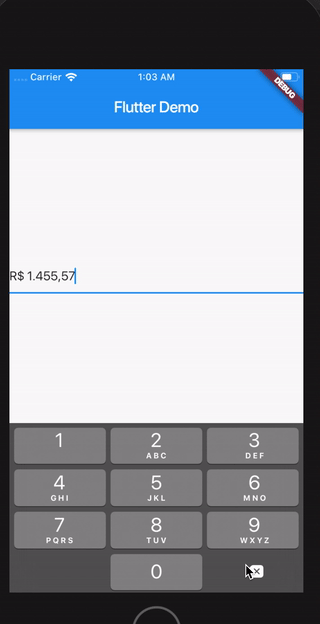
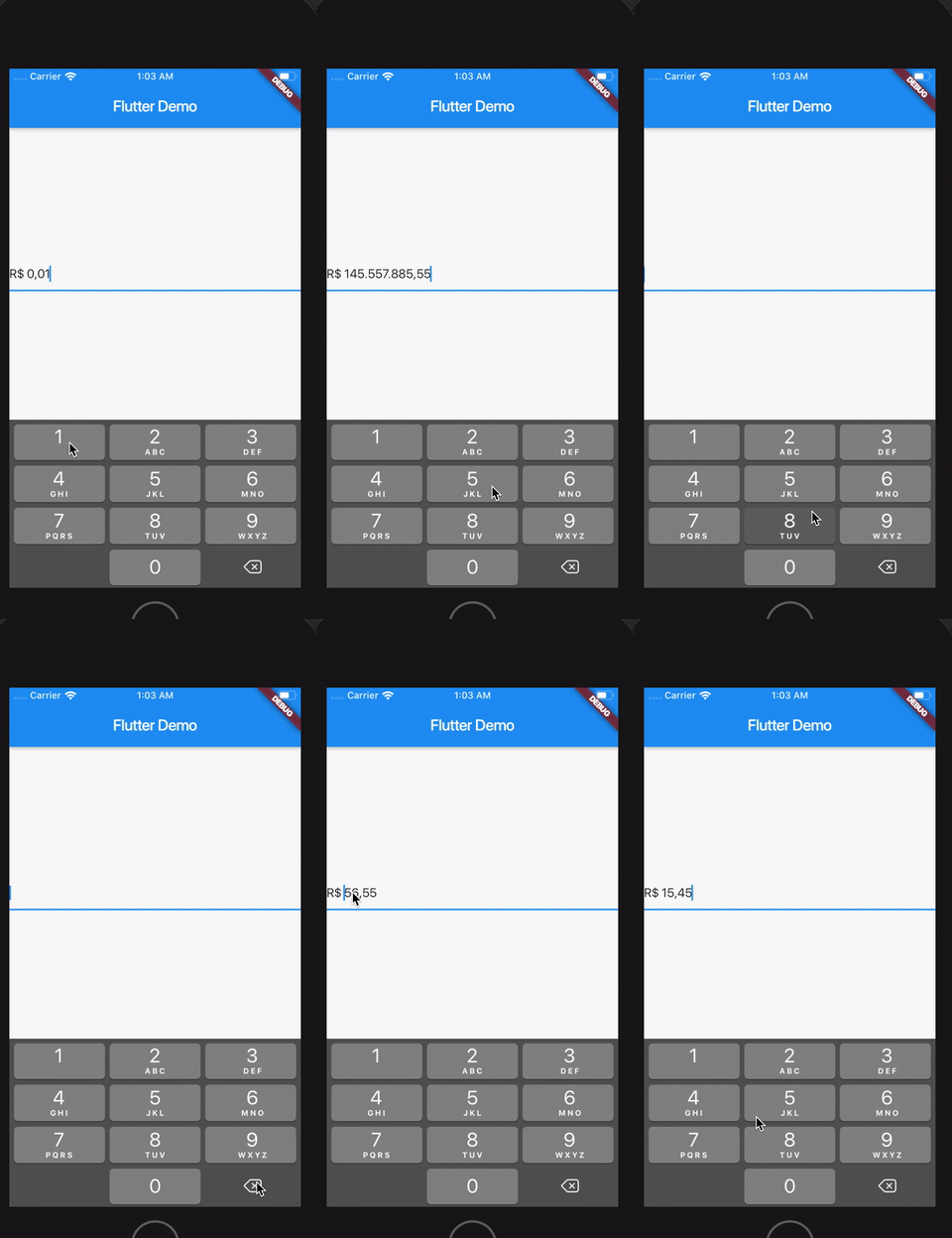
It's possible to customize currencySymbol, decimalSymbol and thousandSymbol:
var controller = CurrencyTextFieldController(currencySymbol: "RR", decimalSymbol: ".", thousandSymbol: ",");
Get double value, get int value and get number in string format
To get the number value from controller, you can use both the doubleValue or the intValue properties:
//Double value:finaldouble val = controller.doubleValue;
//Int value:finalint val = controller.intValue;
//String number:finalint val = controller.textWithoutCurrencySymbol;
Initial value
You can initialize the controller using a int or a double, but not both at the same time.
To make this, just use initDoubleValue or initIntValue:
finalCurrencyTextFieldController controller2 = CurrencyTextFieldController(initDoubleValue: 10);
finalCurrencyTextFieldController controller3 = CurrencyTextFieldController(initIntValue: 1000);
// this will raise an error!finalCurrencyTextFieldController controller4 = CurrencyTextFieldController(initIntValue: 1000,initDoubleValue: 10);
Position of the symbol and separator
You can decide if the symbol will be before or after the number.
To make this, just use currencyOnLeft:
// default with the currency before the numberfinalCurrencyTextFieldController controller = CurrencyTextFieldController();
// currency after the numberfinalCurrencyTextFieldController controller2 = CurrencyTextFieldController(currencyOnLeft: false);
And also define the separator between the symbol and the value with currencySeparator:
// the default value is a single spacefinalCurrencyTextFieldController controller = CurrencyTextFieldController(currencySeparator: ' -> ');
Block the user from setting negative numbers
Just set enableNegative to false
Force a value from outside the TextField
finalCurrencyTextFieldController controller = CurrencyTextFieldController();
// using a double
controller.forceValue(initDoubleValue: 300.5);
// using an int
controller.forceValue(initIntValue: 10000);
Change the currency symbol of the controller
finalCurrencyTextFieldController controller = CurrencyTextFieldController();
// keeping the current value:
controller.replaceCurrencySymbol('EUR');
// reseting the current value:
controller.replaceCurrencySymbol('EUR', resetValue: true);