パッケージ、リポジトリ、アプリカテゴリを検索

dash_chat_2 のカバー
パッケージ詳細v0.0.21

dash_chat_2

Flutter用の最も包括的なチャットUI。使いやすく、高度にカスタマイズ可能で、完全な機能を備えています

AndroidiOSWebmacOS
30日間ダウンロード
4060
いいね数
312
Pub ポイント
110

パッケージをインストール

flutter pub add dash_chat_2

パッケージ概要

公開情報に基づく選定ガイドです。参考としてご利用ください。

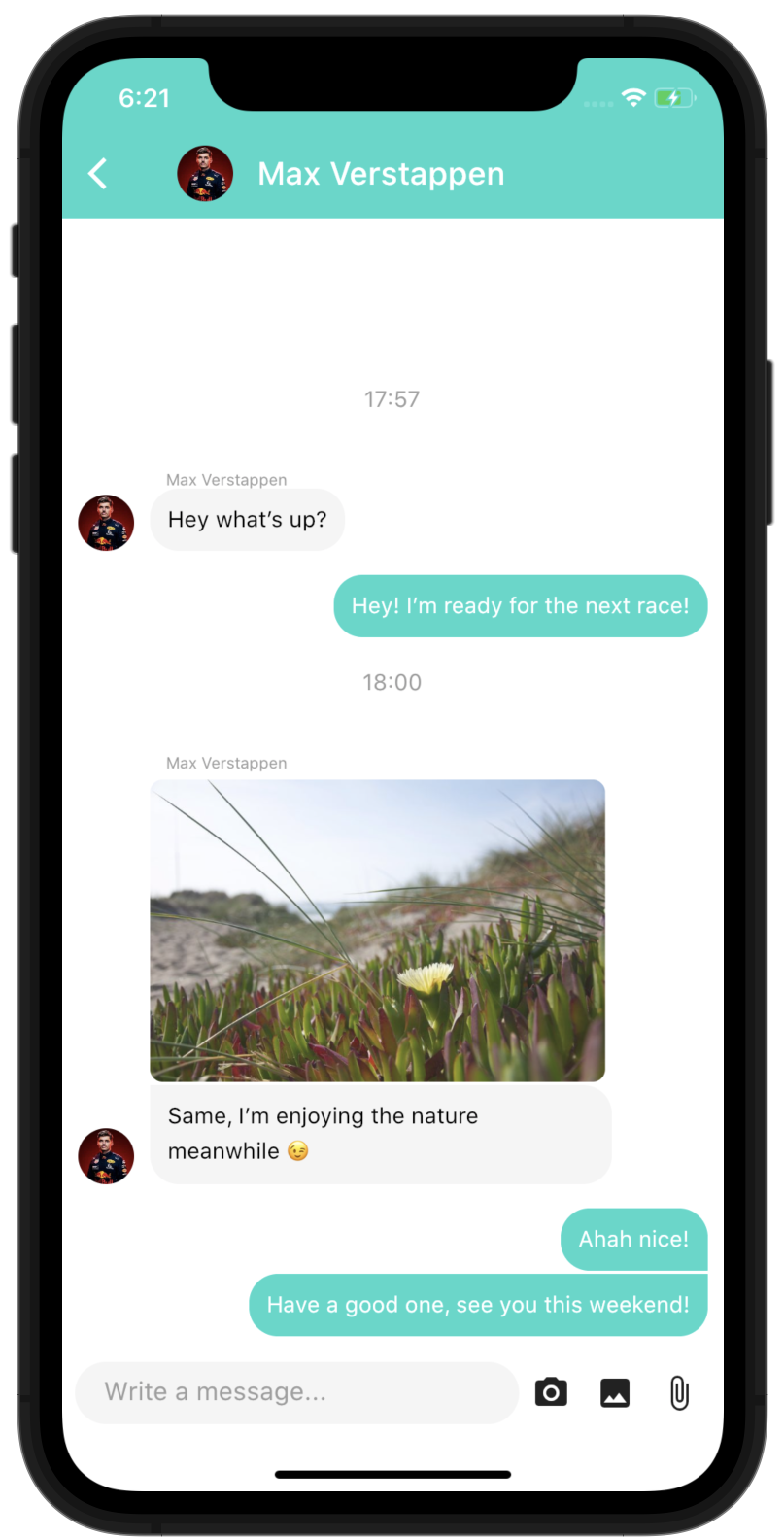
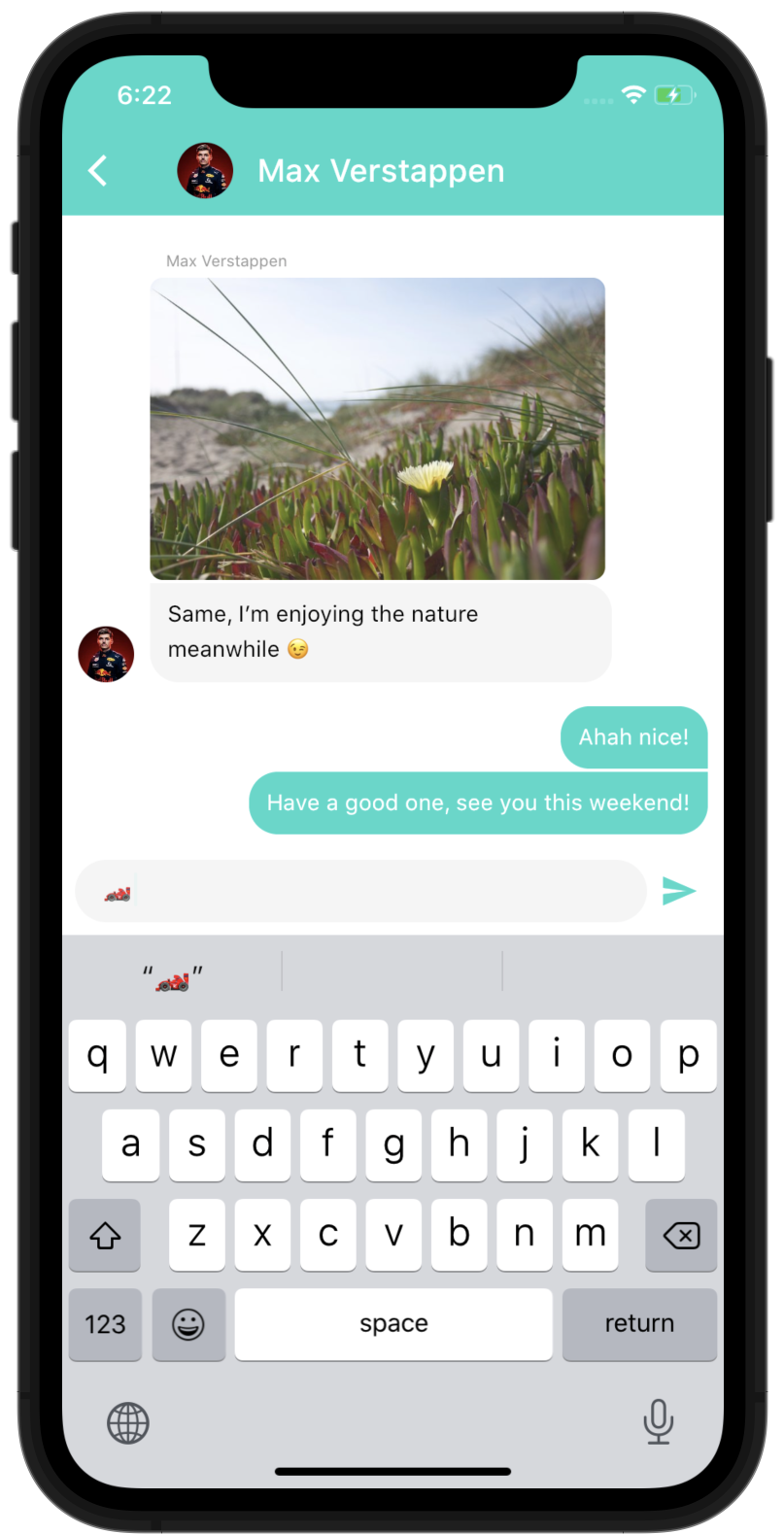
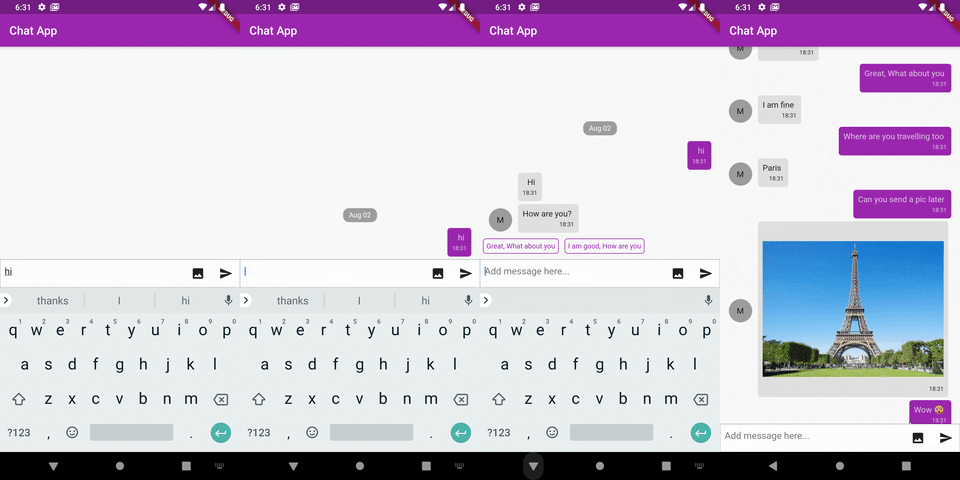
Dash Chat 2 は、Flutter用の包括的で高度にカスタマイズ可能なチャットUIコンポーネントであり、実装が簡単ながらもフル機能を備えています。リアルタイムメッセージングをサポートし、豊富なメッセージタイプ、入力状態インジケーター、メッセージリアクション、メディア添付ファイルに対応しています。クロスプラットフォーム対応で、Android、iOS、Web、macOSでスムーズに動作します。パッケージは初期状態で洗練されたモダンなインターフェースを提供し、スタイルや動作に関する広範なカスタマイズオプションを備えています。チャット機能付きアプリを迅速かつ効率的に開発したい開発者に最適です。

用途

  • リアルタイムメッセージングアプリ
  • カスタマーサポートチャットインターフェース
  • グループチャットアプリ
  • アプリ内通信機能
  • ソーシャルネットワーキングプラットフォーム

主な機能

  • 豊富なメッセージタイプ(テキスト、画像、ファイル)
  • 入力インジケーター
  • メッセージの反応
  • カスタマイズ可能なUIテーマ
  • クロスプラットフォーム互換性
  • バックエンドサービスとの簡単な統合

適している対象

  • チャット機能を開発している開発者
  • 迅速なチャット実装が必要なスタートアップ
  • 応答性のあるチャットUIを必要とするアプリ
  • 高いカスタマイズを望むチーム
  • 複数のプラットフォームをターゲットにするプロジェクト

注意事項

  • 永続メッセージ用のバックエンドが必要です
  • リアルタイム同期にはカスタムロジックが必要です
  • スタイリングには高度なFlutterの知識が必要になる場合があります
  • 限定された組み込みメッセージ履歴管理
  • 拡張機能なしでは、複雑なチャットワークフローには適していません

元の README

関連するソースリポジトリの README 原文のスナップショットです。最新の内容はリポジトリをご覧ください。

The most complete Chat UI for flutter

Easy to use, highly customizable and fully featured

License Pub version Contributors

Features

  • Fully customizable components
  • Multi-line TextInput
  • Touchable links using flutter_parsed_text
  • Markdown support using flutter_markdown
  • Avatar as user's initials or profile picture
  • Quick Reply messages
  • Load earlier messages
  • Scroll to bottom Widget
  • Multiple media support (Audio support: WIP)
  • @ Mention users (or anything else)
  • Typing users
  • Reply to messages - WIP
  • Message status - WIP

You need another feature? you can use the customProperties field of the models, it allows you to pass other data to the library that you can then use inside custom builders to implement any feature you need.

Of course, if you think this feature can be useful to other people, feel free to open an issue/pull-request to discuss including it "natively" in the package.

Basic Usage

import 'package:dash_chat_2/dash_chat_2.dart';
import 'package:flutter/material.dart';

class Basic extends StatefulWidget {
  @override
  _BasicState createState() => _BasicState();
}

class _BasicState extends State<Basic> {
  ChatUser user = ChatUser(
    id: '1',
    firstName: 'Charles',
    lastName: 'Leclerc',
  );

  List<ChatMessage> messages = <ChatMessage>[
    ChatMessage(
      text: 'Hey!',
      user: user,
      createdAt: DateTime.now(),
    ),
  ];

  @override
  Widget build(BuildContext context) {
    return Scaffold(
      appBar: AppBar(
        title: const Text('Basic example'),
      ),
      body: DashChat(
        currentUser: user,
        onSend: (ChatMessage m) {
          setState(() {
            messages.insert(0, m);
          });
        },
        messages: messages,
      ),
    );
  }
}

You can run the example project to see more complex ways of using the package

Parameters of DashChat

  • ChatUser currentUser - required: Basically "you", we need to know who is the current user to put their messages to right side

  • Function(ChatMessage message) onSend - required: Function to call when the user sends a message, that's where you handle the logic to send the message to your backend and append the list of messages

  • List<ChatMessage> messages - required: The list of messages of the channel, you would usually not load all the messages at once but use the onLoadEarlier param of MessageListOptions to trigger a lazy loading

  • InputOptions inputOptions - optional: Options to customize the behaviour and design of the chat input

  • MessageOptions messageOptions - optional: Options to customize the behaviour and design of the messages

  • MessageListOptions messageListOptions - optional: Options to customize the behaviour and design of the overall list of message

  • QuickReplyOptions quickReplyOptions - optional: Options to customize the behaviour and design of the quick replies

  • ScrollToBottomOptions scrollToBottomOptions - optional: Options to customize the behaviour and design of the scroll-to-bottom button

  • readOnly - optional (default to false): Option to make the chat read only, it will hide the input field

  • List<ChatUser> typingUsers - optional: List of users currently typing in the chat

Full documentation

You can browse the full Dart documentation here: Documentation

Found this project useful?

If you found this project useful, then please consider giving it a ⭐️ on Github: https://github.com/SebastienBtr/Dash-Chat-2

Issues and feedback

If you have any suggestions for including a feature or if something doesn't work, feel free to open a Github issue or to open a pull request, you are more than welcome to contribute!

Contributors

SebastienBtr
SebastienBtr

💻 🎨
chuusungmin
chuusungmin

💻
fufesou
fufesou

💻
Nwachi ifeanyichukwu Victor

💻
Kaede Games
Kaede Games

💻
Derek Pitts
Derek Pitts

💻
Alex Fernandez
Alex Fernandez

💻
lawrence
lawrence

💻
Md. Al-Amin
Md. Al-Amin

💻
TPF
TPF

💻

Credits

Thanks to Fayeed who created the v1 of this package: https://github.com/fayeed/dash_chat and made that possible!

カテゴリー

依存関係

依存関係一覧 6 件

ソースリポジトリ

このパッケージを使用しているプロジェクト