パッケージ、リポジトリ、アプリカテゴリを検索

delayed_display のカバー
パッケージ詳細v2.0.0

delayed_display

遅延後に子要素を表示し、美しいフェードイン・スライドアニメーションを提供するウィジェットです。

AndroidiOSWebmacOSWindowsLinux
30日間ダウンロード
1.2万
いいね数
489
Pub ポイント
160

パッケージをインストール

flutter pub add delayed_display

パッケージ概要

公開情報に基づく選定ガイドです。参考としてご利用ください。

delayed_display パッケージは、滑らかなフェードイン・スライドアニメーションを使用して子要素の表示を遅らせるウィジェットを提供します。Flutterアプリでタイムベースのビジュアル効果を作成するのに最適であり、ユーザー体験を向上させるための繊細な遷移を実現します。このウィジェットは簡単に統合でき、モバイル、Web、デスクトップを含むすべての主要プラットフォームをサポートしています。カスタマイズ可能な遅延時間とアニメーション曲線を備えており、スプラッシュスクリーンやオンボーディングシーケンス、または任意のタイミングでコンテンツを表示する必要がある状況に適しています。

用途

  • オンボーディング画面のアニメーション
  • スプラッシュスクリーンのトランジション
  • タイムベースのUI要素の表示
  • 読み込み状態インジケーター
  • アニメーション付きのウェルカムメッセージ

主な機能

  • カスタマイズ可能な遅延期間
  • スムーズなフェードおよびスライドアニメーション
  • クロスプラットフォーム対応
  • シンプルな API インテグレーション
  • カスタマイズ可能なアニメーションカーブ
  • null セーフティをサポート

適している対象

  • タイム付きUIアニメーションを求める開発者
  • デザイナーがアプリのオンボーディングを強化しています
  • 繊細な視覚フィードバックを必要とするアプリ
  • アニメーション付きのスプラッシュ画面を持つプロジェクト
  • Flutterの初心者がトランジションを探求しています

注意事項

  • 過剰に使用するとパフォーマンスに影響を与える可能性があります
  • 最適なUXを実現するためには、タイミングに注意が必要です
  • 基本的なアニメーションタイプに限定
  • 複雑なインタラクティブなシーケンスには適していない
  • アニメーションの動作は、プラットフォームによってわずかに異なる場合があります
元の README

関連するソースリポジトリの README 原文のスナップショットです。最新の内容はリポジトリをご覧ください。

delayed_display

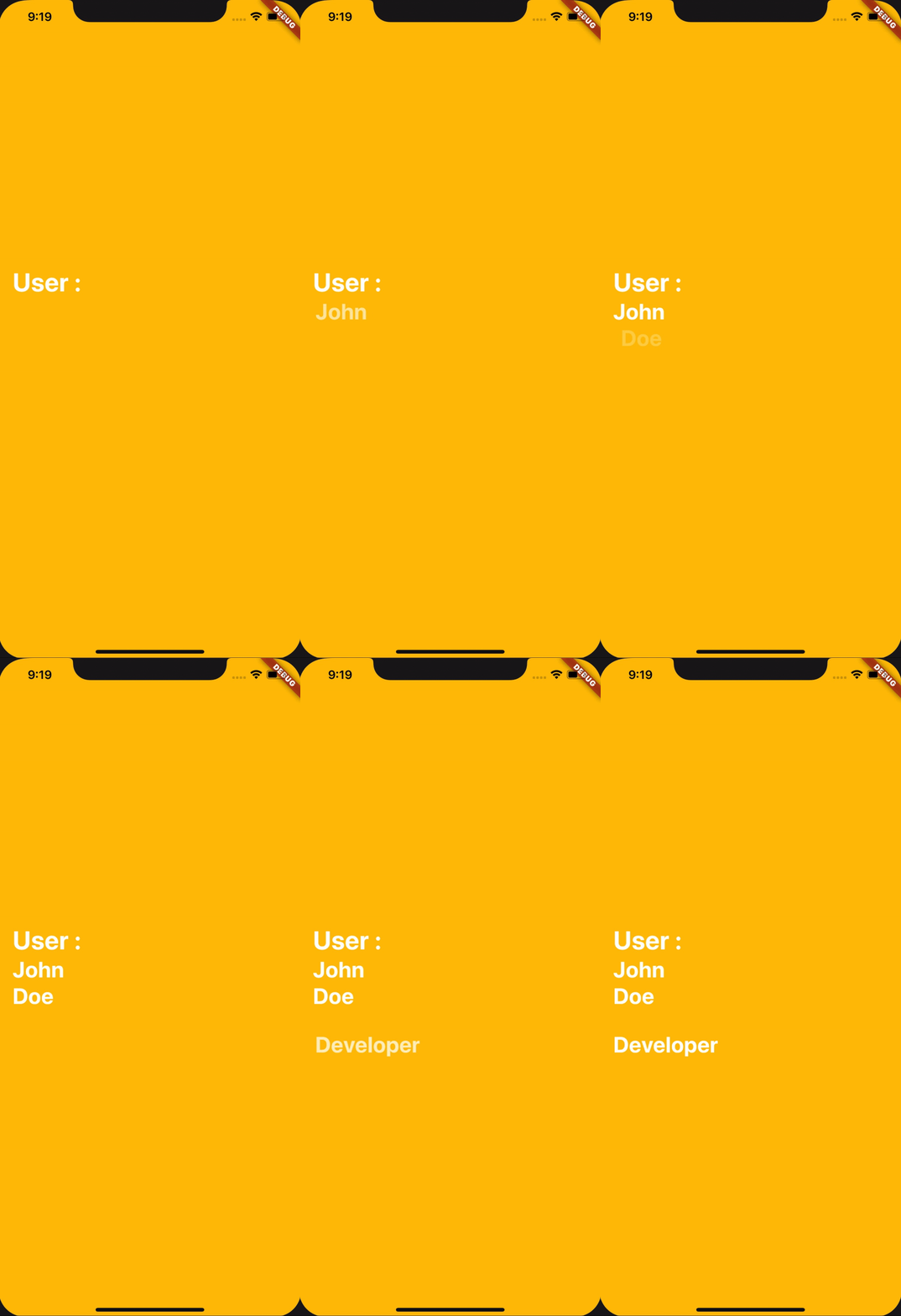
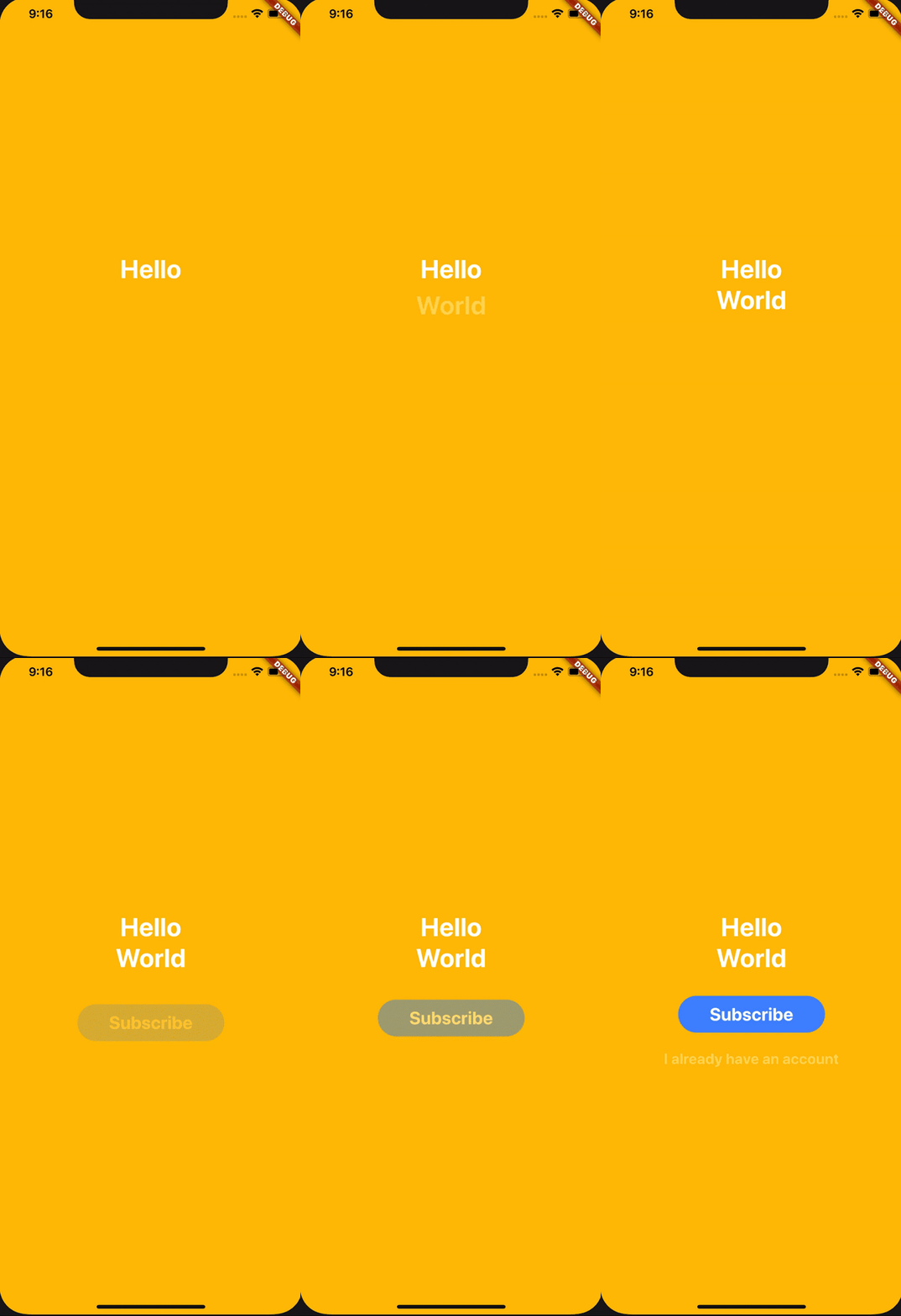
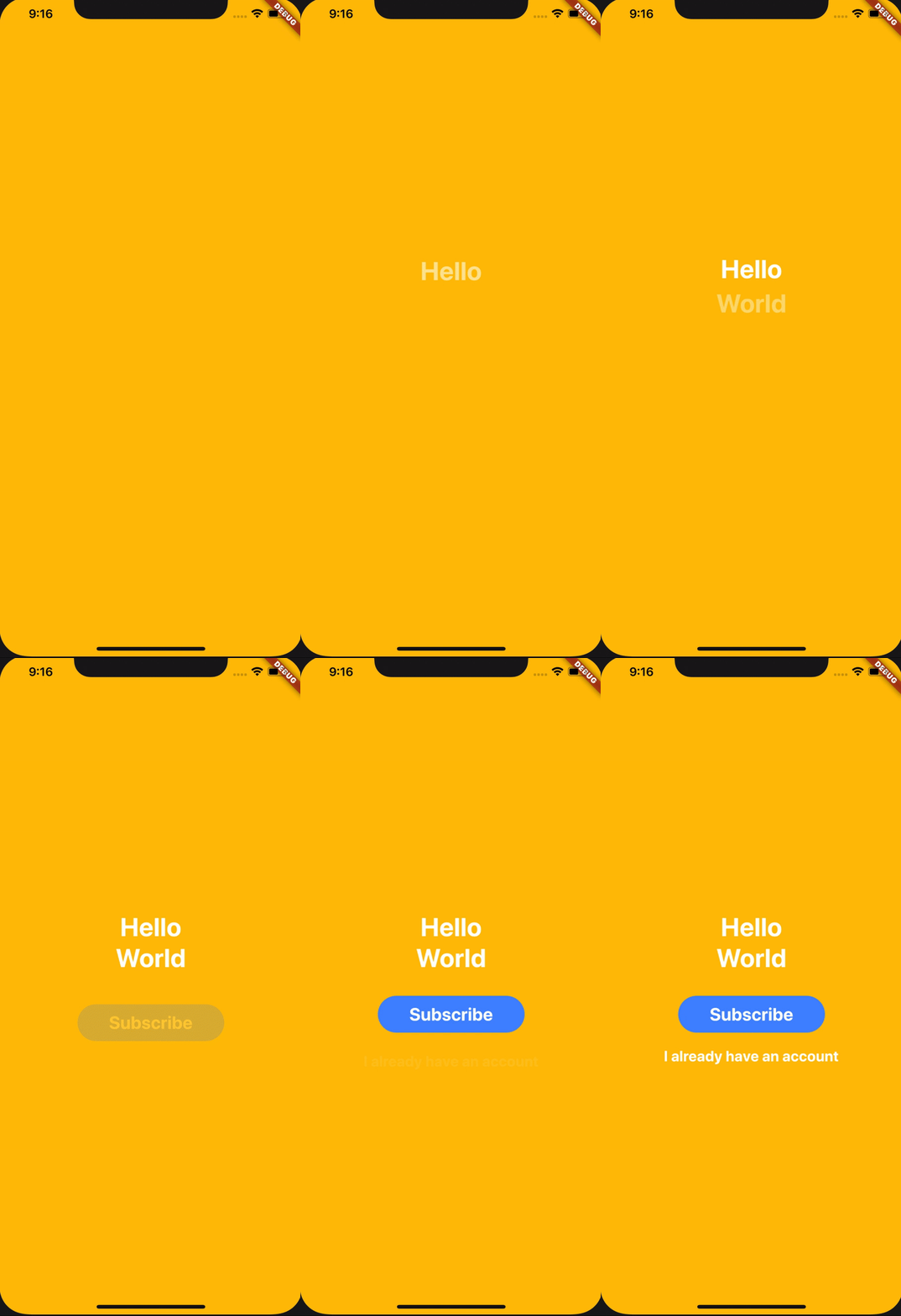
A widget that enables you to display a child after a delay and with beautiful fading and sliding animation.

examples

How does it works

All you have to do is to use the widget DelayedDisplay like this for example :

DelayedDisplay(
  delay: Duration(seconds: 1),
  child: Text(
    "Hello",
    style: TextStyle(
      fontWeight: FontWeight.bold,
      fontSize: 35.0,
      color: Colors.white,
    ),
  ),
),

And ... That's all ! It will automatically handle fading and sliding animation and will make the Text appear after 1 second delay.

Let's customize it !

Here are the accepted parameters :

Name Type Usage Required Default Value
child Widget The Widget that needs to appear yes null
delay Duration The duration before showing the widget (and animating it) false null
fadingDuration Duration The duration of the fading animation false const Duration(milliseconds: 800)
slidingCurve Curve The curve of the sliding animation false Curves.decelerate
slidingBeginOffset Offset The offset from where the sliding animation will start false const Offset(0.0, 0.35)

カテゴリー

ソースリポジトリ

このパッケージを使用しているプロジェクト