カテゴリー・パッケージ・リポジトリを検索

expandable_sliver_list のカバー
パッケージ詳細v4.1.1

expandable_sliver_list

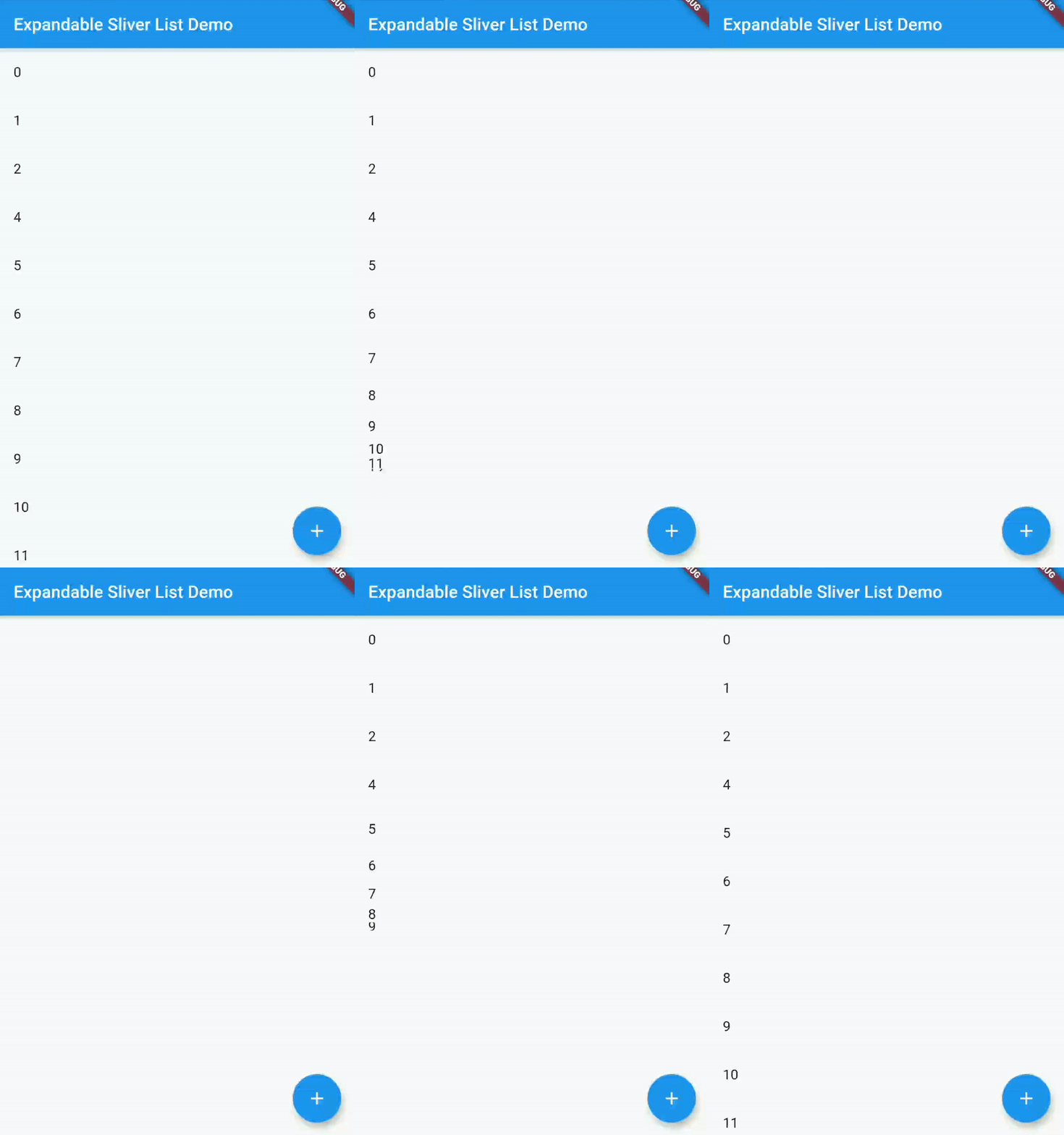
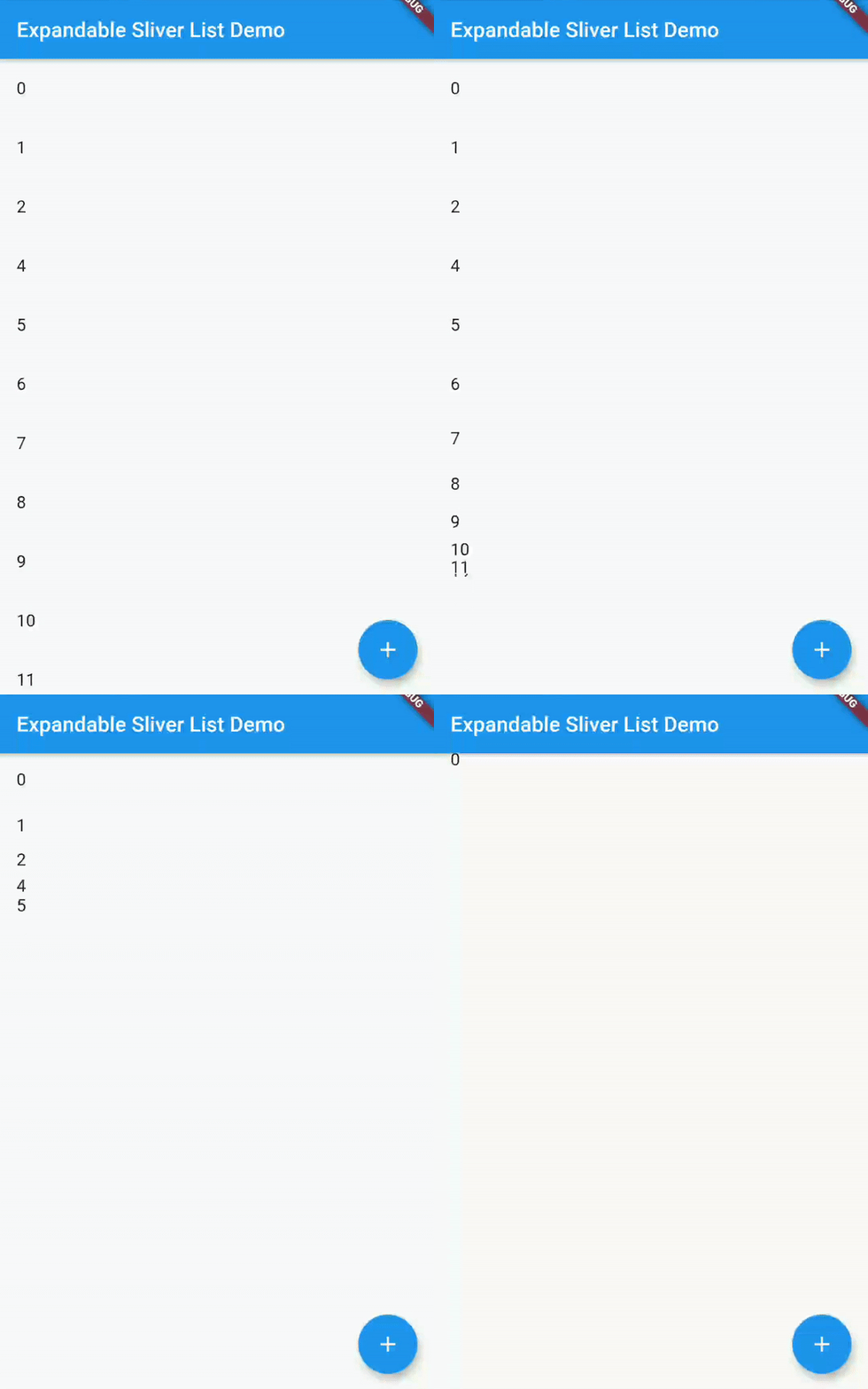
コンテンツを表示または非表示にするために、展開または折りたたみ可能なスリバー・リストです。

AndroidiOSWebmacOSWindowsLinux
30日間ダウンロード
797
いいね数
29
Pub ポイント
160

パッケージをインストール

flutter pub add expandable_sliver_list

パッケージ概要

公開情報に基づく選定ガイドです。参考としてご利用ください。

コンテンツを表示または非表示にするために展開または折りたたみ可能なスリバー一覧を提供するFlutterパッケージです。ユーザーがコンテンツの可視性を制御できる動的でスペース効率の良いレイアウトに最適です。CustomScrollView内での使用を目的としており、スリバーアーキテクチャとシームレスに統合されています。すべての主要プラットフォームをサポートしており、遷移時のスムーズなパフォーマンスを実現するように設計されています。

用途

  • 動的コンテンツセクション
  • 折りたたみ可能なよくある質問セクション
  • インタラクティブなナビゲーションメニュー
  • 画面の雑多さを減らす
  • ネストされたスクロール可能なインターフェース
  • スクロールビュー内のアコーディオン

主な機能

  • 展開/折りたたみ可能な動作
  • Sliver を活用したパフォーマンス
  • スムーズなアニメーション
  • カスタマイズ可能なトリガー
  • CustomScrollView 内で動作します
  • クロスプラットフォーム互換性

適している対象

  • 折りたたみ可能なコンテンツを持つスクロール可能なUIを構築している開発者
  • 応答性のあるレイアウト管理を必要とするアプリ
  • CustomScrollViewを広く使用しているプロジェクト
  • 空間効率を重視するデザイナー

注意事項

  • CustomScrollView 内での統合が必要です
  • 大規模なリストではパフォーマンスに影響を与える可能性があります
  • 垂直スクロールに制限
  • 慎重な状態管理が必要です
  • スリバー以外のコンテキストには適していません

元の README

関連するソースリポジトリの README 原文のスナップショットです。最新の内容はリポジトリをご覧ください。

expandable_sliver_list

pub package flutter_tests codecov style: flutter lints License: MIT

A Flutter widget which creates a Sliver List that you can then either expand or collapse, in order to show or hide the contents of the list.

Getting Started

Installing

In your Flutter project, add the package to your dependencies

flutter pub add expandable_sliver_list

or

dependencies:
  ...
  expandable_sliver_list: ^4.1.0
  ...
Usage Example

A complete example on how to use this widget can be found in the example directory. But the basics are:

Import the package

import 'package:expandable_sliver_list/expandable_sliver_list.dart';

Create a controller and a list of items to display

ExpandableSliverListController controller = ExpandableSliverListController();

List<int> items = [1, 2, 3, 4, 5];

Create the widget

ExpandableSliverList<int>(
  initialItems: items,
  controller: controller,
  builder: (context, item, index) {
    return ListTile(
      title: Text(item.toString()),
    );
  },
)

Now you can use the controller to expand or collapse the list

controller.collapse();
controller.expand();

Or to add items to the list

controller.insertItem(54, 2);
controller.removeItem(4);

カテゴリー

ソースリポジトリ

このパッケージを使用しているプロジェクト

データはまだありません。