パッケージ、リポジトリ、アプリカテゴリを検索

facebook_audience_network のカバー
パッケージ詳細v1.0.1

facebook_audience_network

Flutterアプリ用のFacebook Audience Networkプラグイン。このプラグインを通じて、Facebookバナーアド、インテルスティシャル広告、報酬付き動画広告、ネイティブ広告を表示できます。

AndroidiOS
30日間ダウンロード
704
いいね数
318
Pub ポイント
140

パッケージをインストール

flutter pub add facebook_audience_network

パッケージ概要

公開情報に基づく選定ガイドです。参考としてご利用ください。

Facebook Audience Network プラグインにより、Flutter開発者はアプリにネイティブ広告を統合できます。バナー、インテーシャル、報酬付き動画、ネイティブ広告など、さまざまな広告形式をサポートしており、AndroidおよびiOSの両プラットフォームで収益化が可能です。プラグインは広告の読み込みと表示を簡単なインターフェースで実現し、Facebookの広範な広告ネットワークを活用して高品質でターゲットされたコンテンツを提供します。開発者は、提供されたFlutter APIを使用して、最小限の設定でこれらの機能を簡単に実装できます。

用途

  • アプリ内広告によるモバイルアプリの収益化
  • ユーザー参加を促進する報酬付き動画広告の表示
  • シームレスなUI体験のためのネイティブ広告の統合
  • アプリの画面の間でインタースティシャル広告を表示する
  • バナー広告を活用して継続的な収益を創出する

主な機能

  • バナー、インタースティシャル、報酬付き動画、ネイティブ広告をサポート
  • クロスプラットフォーム互換性(Android および iOS)
  • Flutter とのシンプルな統合
  • Facebookネットワークを介したリアルタイム広告配信
  • 広告管理に便利なFlutter API

適している対象

  • 広告収益化を検討するFlutter開発者
  • グローバルなオーディエンスをターゲットにしたアプリ
  • さまざまな広告フォーマットを必要とするプロジェクト
  • Facebookの広告エコシステムを使用する開発者
  • 報酬付きコンテンツを通じてエンゲージメントを高めるモバイルアプリ

注意事項

  • Facebook開発者アカウントおよびアプリのセットアップが必要です
  • 広告のパフォーマンスは地域とターゲット層に依存します
  • 過剰に使用すると、ユーザー体験に影響を与える可能性があります
  • Facebookの広告ポリシーに準拠する必要があります
  • ネイティブSDKと比べてカスタマイズの選択肢が限られている

元の README

関連するソースリポジトリの README 原文のスナップショットです。最新の内容はリポジトリをご覧ください。

facebook_audience_network

Pub GitHub Awesome Flutter

Facebook Audience Network plugin for Flutter applications (Android & iOS).

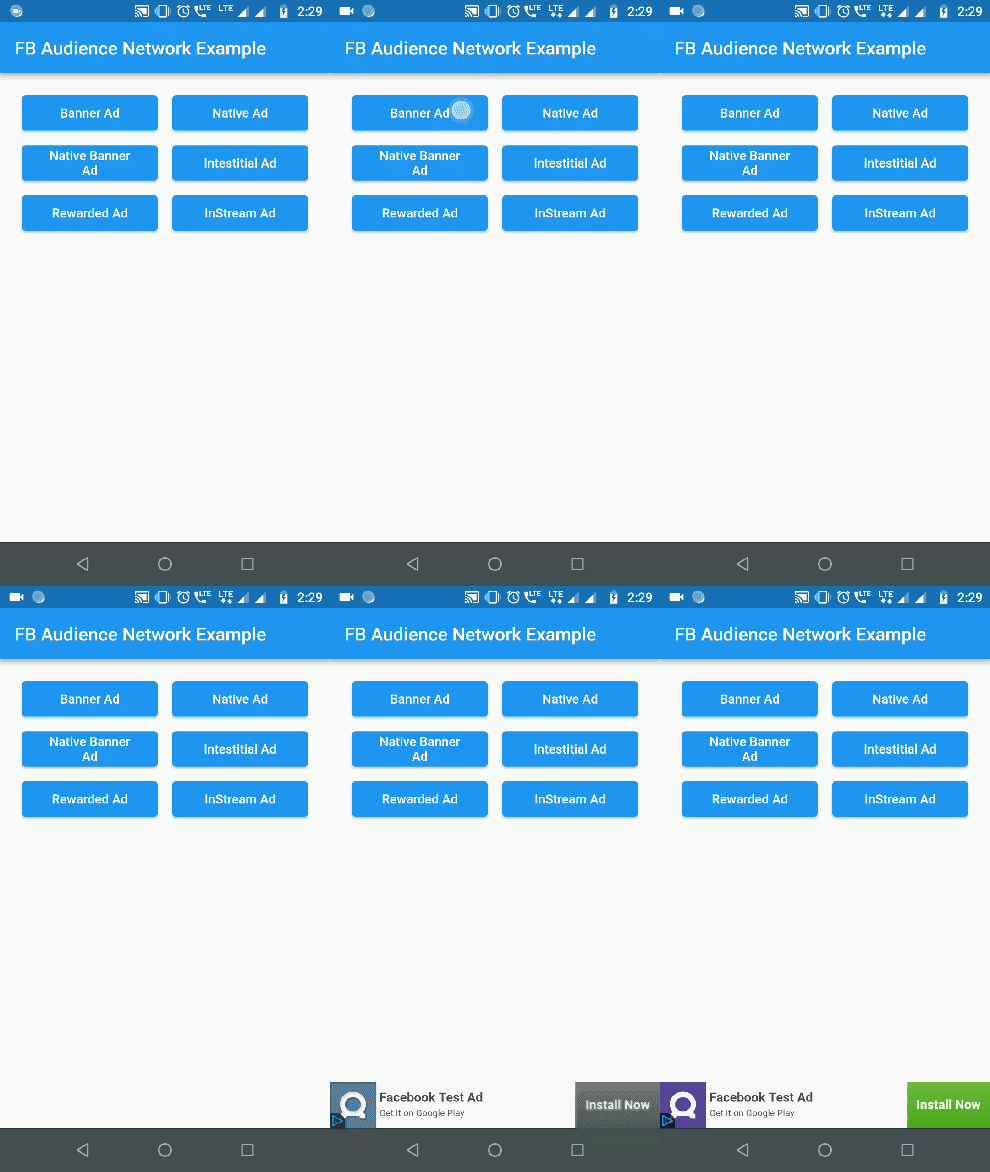
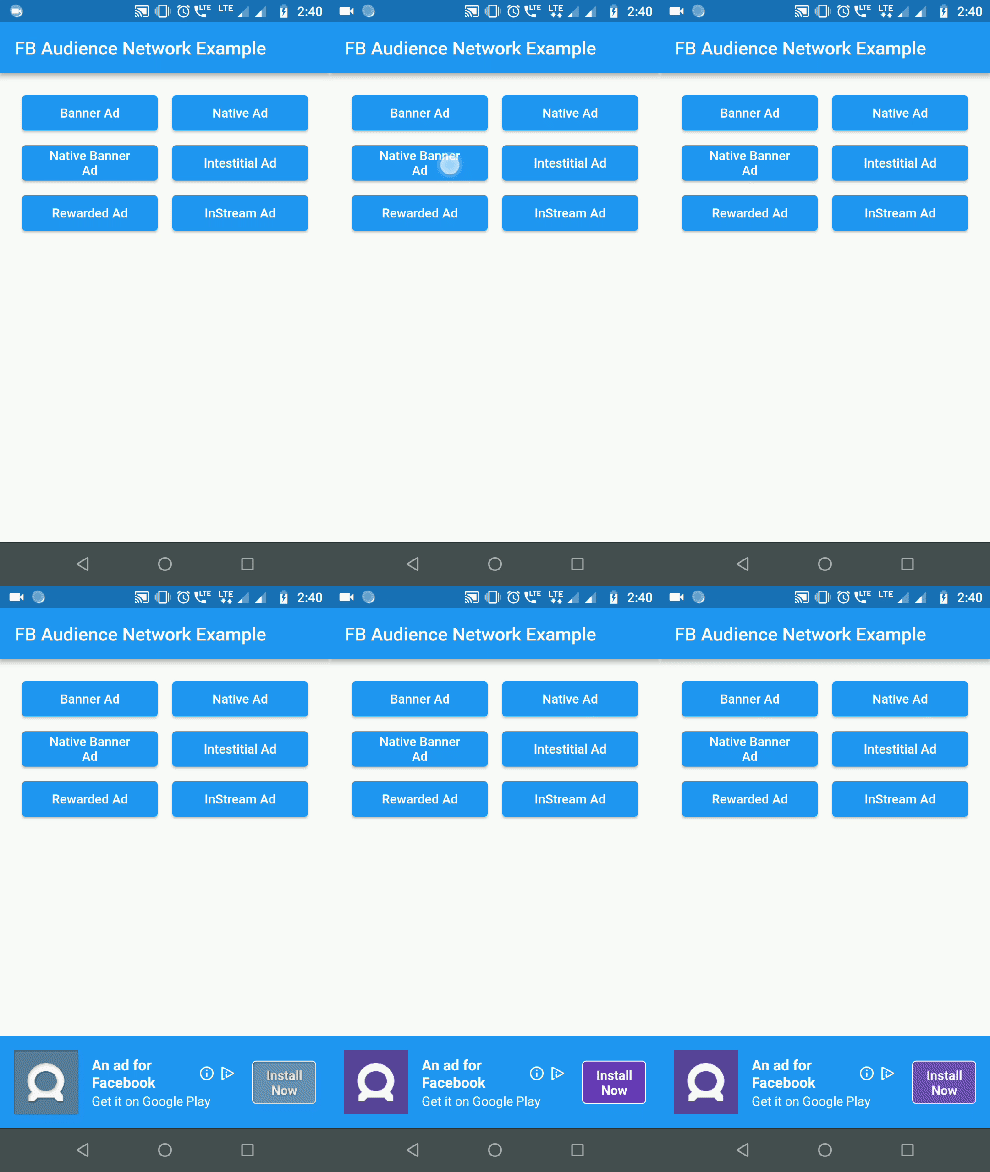
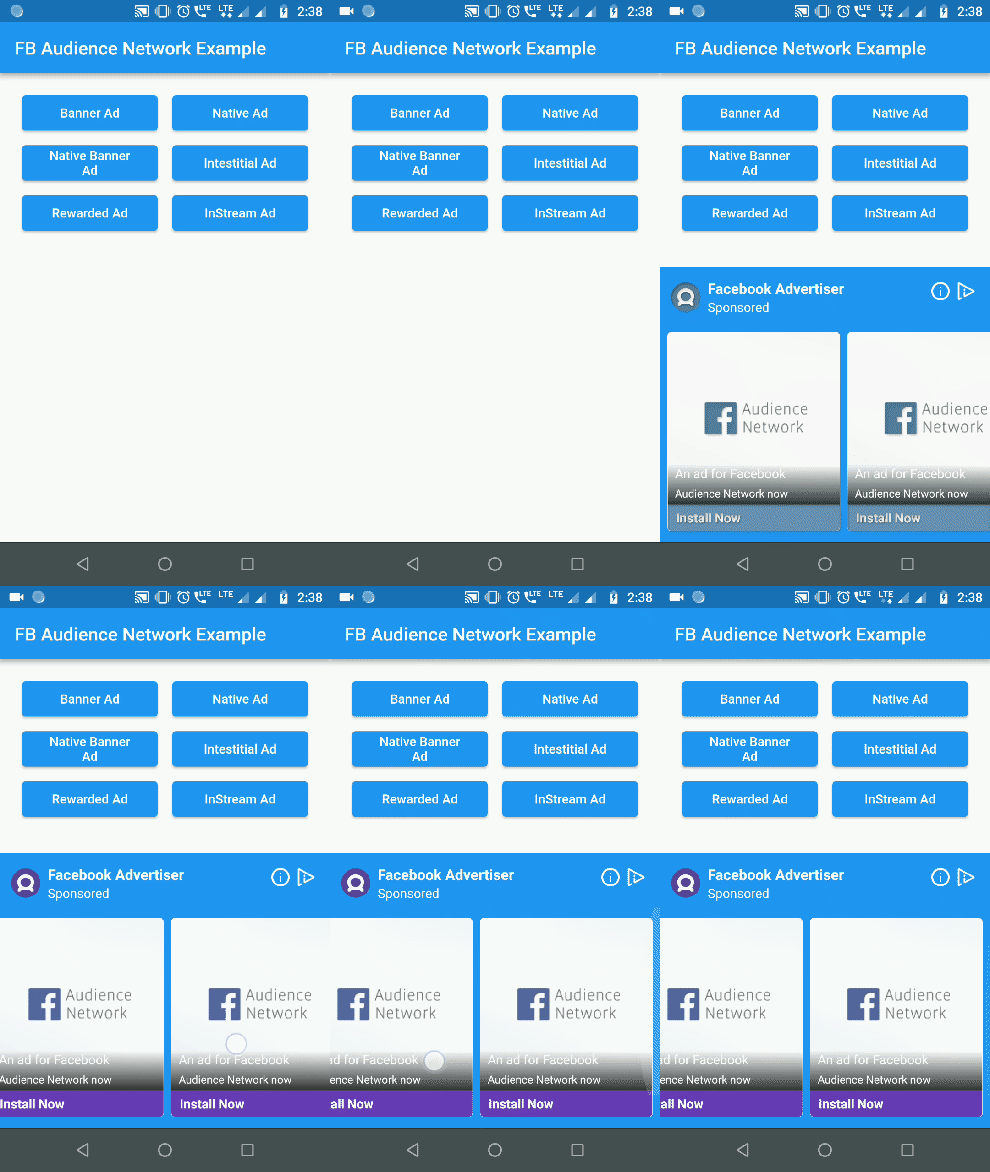
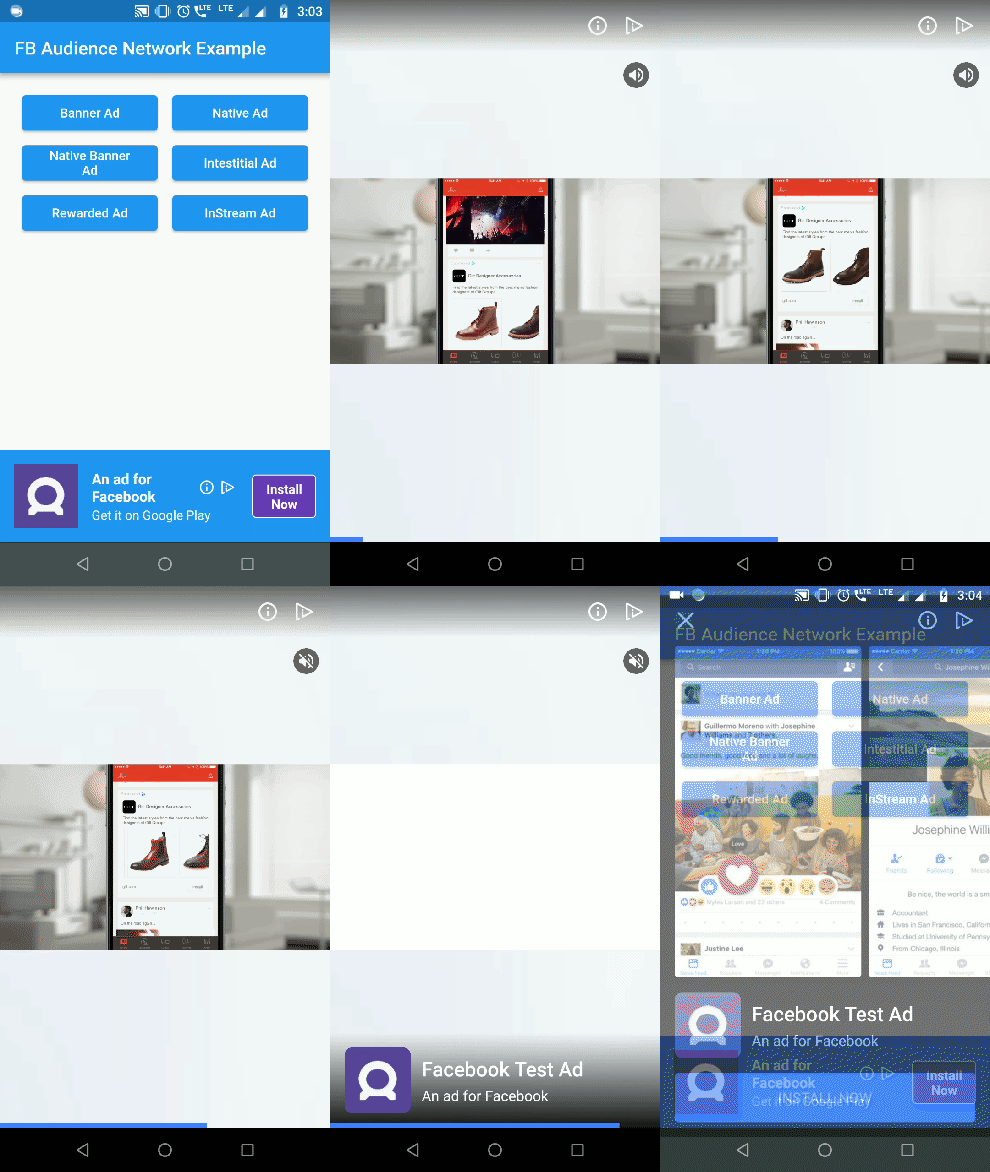
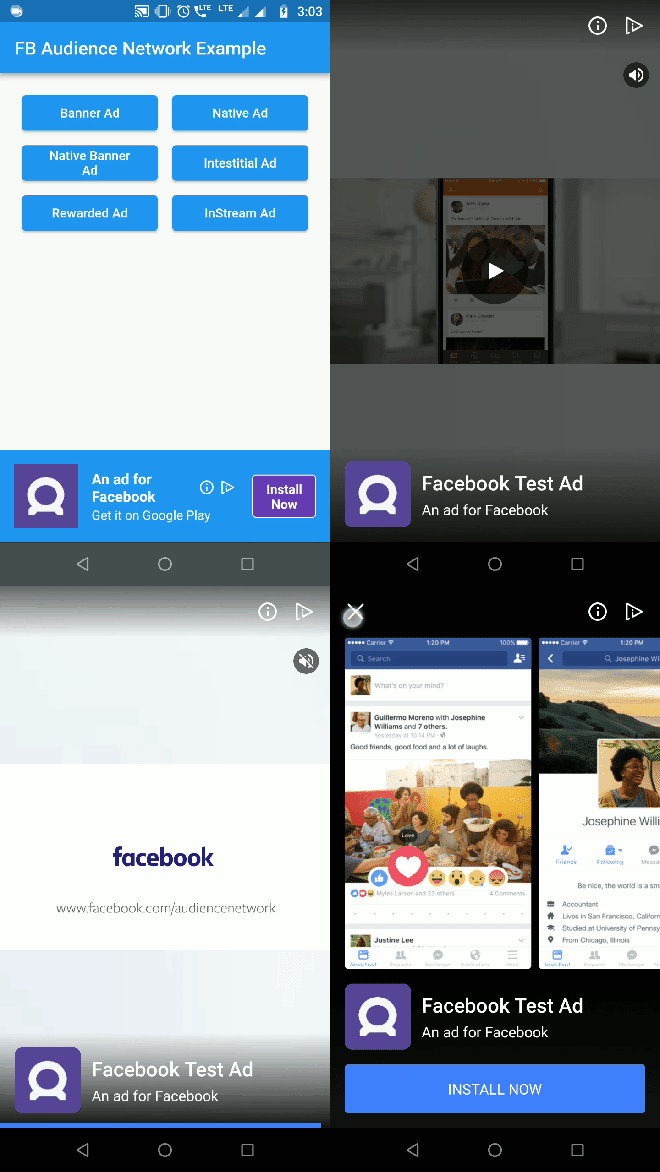
Banner Ad Native Banner Ad Native Ad
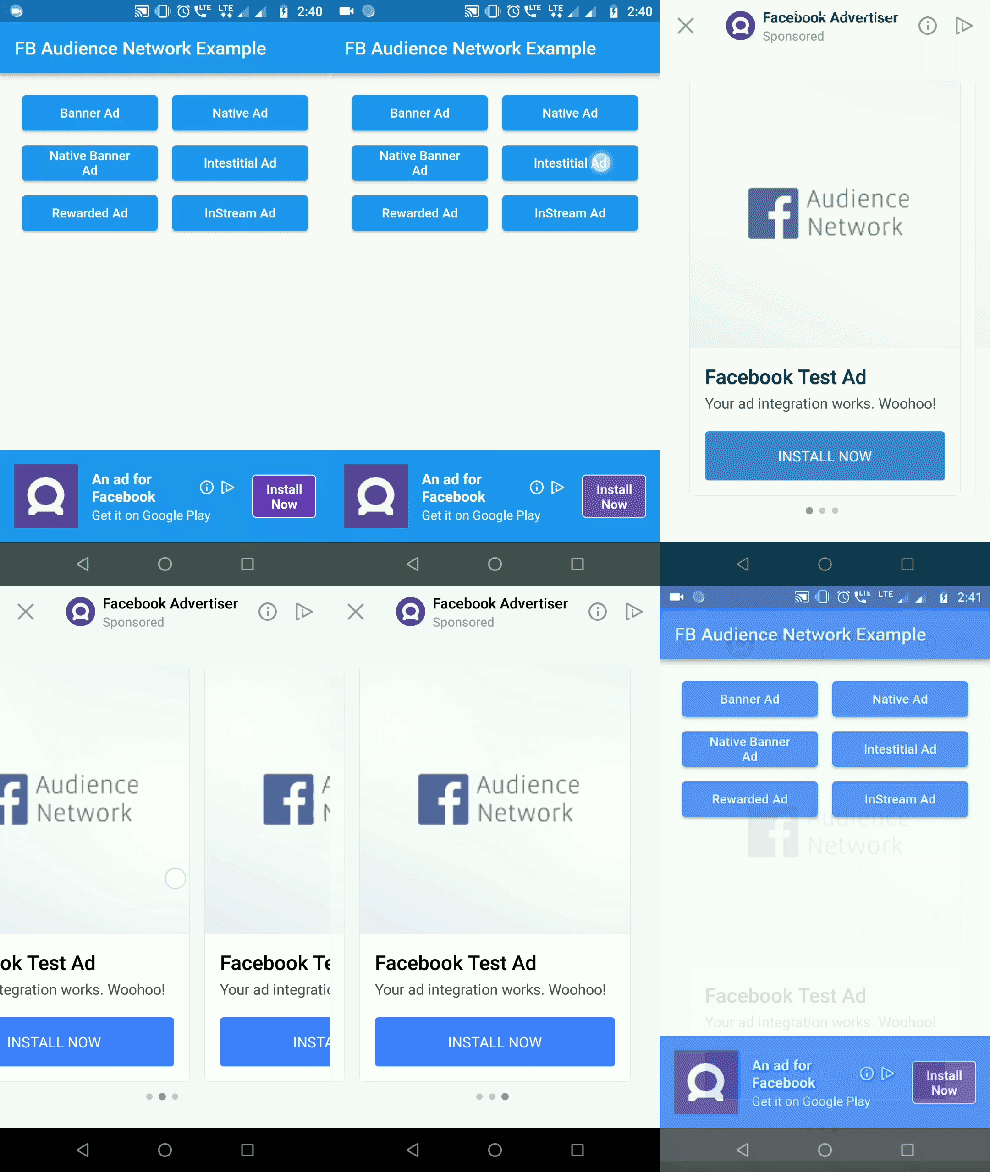
Interstitial Ad Rewarded Video Ad
Interstitial Ad Rewarded Ad

Getting Started

1. Initialization:

For testing purposes you need to obtain the hashed ID of your testing device. To obtain the hashed ID:

  1. Call FacebookAudienceNetwork.init() during app initialization.
  2. Place the FacebookBannerAd widget in your app.
  3. Run the app.

The hased id will be in printed to the logcat. Paste that onto the testingId parameter.

FacebookAudienceNetwork.init(
  testingId: "37b1da9d-b48c-4103-a393-2e095e734bd6", //optional
  iOSAdvertiserTrackingEnabled: true //default false
);
IOS Setup

In Pod file, set the IOS deployment target version to 9.0

IN iOS, Banner, Interstital and Native Ads are supported


2. Show Banner Ad:
Container(
  alignment: Alignment(0.5, 1),
  child: FacebookBannerAd(
    placementId: Platform.isAndroid ? "YOUR_ANDROID_PLACEMENT_ID" : "YOUR_IOS_PLACEMENT_ID",
    bannerSize: BannerSize.STANDARD,
    listener: (result, value) {
      switch (result) {
        case BannerAdResult.ERROR:
          print("Error: $value");
          break;
        case BannerAdResult.LOADED:
          print("Loaded: $value");
          break;
        case BannerAdResult.CLICKED:
          print("Clicked: $value");
          break;
        case BannerAdResult.LOGGING_IMPRESSION:
          print("Logging Impression: $value");
          break;
      }
    },
  ),
)

3. Show Interstitial Ad:
FacebookInterstitialAd.loadInterstitialAd(
  placementId: "YOUR_PLACEMENT_ID",
  listener: (result, value) {
    if (result == InterstitialAdResult.LOADED)
      FacebookInterstitialAd.showInterstitialAd(delay: 5000);
  },
);

4. Show Rewarded Video Ad:

(Android Only)

FacebookRewardedVideoAd.loadRewardedVideoAd(
  placementId: "YOUR_PLACEMENT_ID",
  listener: (result, value) {
    if(result == RewardedVideoResult.LOADED)
      FacebookRewardedVideoAd.showRewardedVideoAd();
    if(result == RewardedVideoResult.VIDEO_COMPLETE)
      print("Video completed");
  },
);

5. Show Native Ad:
  • NativeAdType NATIVE_AD_HORIZONTAL & NATIVE_AD_VERTICAL ad types are supported only in iOS. In Android use NATIVE_AD.
FacebookNativeAd(
  placementId: "YOUR_PLACEMENT_ID",
  adType: NativeAdType.NATIVE_AD,
  width: double.infinity,
  height: 300,
  backgroundColor: Colors.blue,
  titleColor: Colors.white,
  descriptionColor: Colors.white,
  buttonColor: Colors.deepPurple,
  buttonTitleColor: Colors.white,
  buttonBorderColor: Colors.white,
  keepAlive: true, //set true if you do not want adview to refresh on widget rebuild
  keepExpandedWhileLoading: false, // set false if you want to collapse the native ad view when the ad is loading 
  expandAnimationDuraion: 300, //in milliseconds. Expands the adview with animation when ad is loaded
  listener: (result, value) {
    print("Native Ad: $result --> $value");
  },
),

6. Show Native Banner Ad:

Use NativeBannerAdSize to choose the height for Native banner ads. height property is ignored for native banner ads.

FacebookNativeAd(
  placementId: "YOUR_PLACEMENT_ID",
  adType: NativeAdType.NATIVE_BANNER_AD,
  bannerAdSize: NativeBannerAdSize.HEIGHT_100,
  width: double.infinity,
  backgroundColor: Colors.blue,
  titleColor: Colors.white,
  descriptionColor: Colors.white,
  buttonColor: Colors.deepPurple,
  buttonTitleColor: Colors.white,
  buttonBorderColor: Colors.white,
  listener: (result, value) {
    print("Native Ad: $result --> $value");
  },
),

Check out the example for complete implementation.

iOS wrapper code contribution by lolqplay team from birdgang

Note: Instream video ad has been removed by Facebook. Read more here

Future Work

Implement Rewarded video for iOS platform.

カテゴリー

依存関係

依存関係一覧 2 件

ソースリポジトリ

このパッケージを使用しているプロジェクト