パッケージ、リポジトリ、アプリカテゴリを検索

floating_bubbles のカバー
パッケージ詳細v2.6.2

floating_bubbles

任意の Flutter ウィジェットに前面に浮遊バブルを追加するための Flutter パッケージ。

AndroidiOSWebmacOSWindowsLinux
30日間ダウンロード
1200
いいね数
87
Pub ポイント
150

パッケージをインストール

flutter pub add floating_bubbles

パッケージ概要

公開情報に基づく選定ガイドです。参考としてご利用ください。

Floating Bubbles は、Flutter パッケージであり、開発者が任意のウィジェットの前面にアニメーション付きの浮遊バブルを追加できるようにします。これらのバブルは色、サイズ、動きのパターンでカスタマイズでき、背景やインタラクティブなインターフェースに最適なダイナミックなビジュアル効果を生み出します。このパッケージは Android、iOS、Web、macOS、Windows、Linux を含むすべての主要プラットフォームをサポートしており、クロスプラットフォームアプリに非常に便利です。軽量で、シンプルなウィジェットラッパーを使用して簡単に統合できます。

用途

  • アプリのスプラッシュ画面の強化
  • 遊び心のあるUI要素の作成
  • ダッシュボードに背景アニメーションを追加する
  • 繊細な動きでユーザー参加度を向上させる
  • テーマ付きランディングページのデザイン

主な機能

  • カスタマイズ可能なバブルの色とサイズ
  • スムーズな浮遊アニメーション
  • クロスプラットフォーム互換性
  • 既存のウィジェットとの簡単な統合
  • 設定可能な速度と方向

適している対象

  • 視覚的な魅力を求めるUIデザイナー
  • 魅力的なオンボーディング体験を構築する開発者
  • 軽量で侵襲的でないアニメーションを必要とするアプリ
  • アートテーマを持つクリエイティブなデジタル製品
  • 現代的で滑らかなインターフェースデザインを目指すプロジェクト

注意事項

  • 低性能デバイスでのパフォーマンスに影響を与える可能性があります
  • 過度に使用すると、バブルは主要なコンテンツから注意を逸らす可能性があります
  • 読みやすさのために、色のコントラストに注意が必要です
  • アクセシビリティ重視のアプリケーションには適していません
  • 個々のバブルの挙動に対する制御が限られている

元の README

関連するソースリポジトリの README 原文のスナップショットです。最新の内容はリポジトリをご覧ください。

Floating Bubbles Build Status

pub version GitNFT

A Flutter Package for adding Floating bubbles in the Foreground to a widget.

Getting Started

In your flutter project(in pubspec.yaml) add the dependency:

dependencies:
  floating_bubbles: ^2.6.2

Import the package:

import 'package:floating_bubbles/floating_bubbles.dart';

Usage

Here is an snippet on how to use Floating Bubbles to any Widget.

Creating FloatingBubbles() (this creates the animation and plays for amount of time you give as the duration.)
 return Stack(
    children: [
     Positioned.fill(
        child: Container(
        color: Colors.red,
      ),
     ),
     Positioned.fill(
         child: FloatingBubbles(
         noOfBubbles: 25,
         colorsOfBubbles: [
            Colors.green.withAlpha(30),
            Colors.red,
         ],
         sizeFactor: 0.16,
         duration: 120, // 120 seconds.
         opacity: 70,
         paintingStyle: PaintingStyle.stroke,
         strokeWidth: 8,
         shape: BubbleShape.circle, // circle is the default. No need to explicitly mention if its a circle.
         speed: BubbleSpeed.normal, // normal is the default
    ),
 );

Creating FloatingBubbles.alwaysRepeating() (Creates Floating Bubbles that always floats and doesn't stop.)
return Stack(
   children: [
    Positioned.fill(
       child: Container(
       color: Colors.red,
     ),
    ),
    Positioned.fill(
        child: FloatingBubbles.alwaysRepeating(
        noOfBubbles: 25,
         colorsOfBubbles: [
            Colors.green.withAlpha(30),
            Colors.red,
         ],
        sizeFactor: 0.16,
        opacity: 70,
        paintingStyle: PaintingStyle.fill,
        shape: BubbleShape.square,
        speed: BubbleSpeed.normal,

   ),
);

Parameters:

For Creating FloatingBubbles()
Name Description Is It Required Default Value
noOfBubbles No. of Bubbles to be present in the screen at a given Time Yes -
colorsOfBubbles List of colors for the bubbles. Colors are selected randomly for each bubble. Yes -
sizeFactor Size Factor of each bubbles Yes -
duration Duration to play the animation (input is taken as seconds) Yes -
opacity Opacity of the bubbles No 60
paintingStyle Painting Style of the bubbles. No PaintingStyle.fill
strokeWidth Stroke Width of the bubbles. This value is effective only if Painting Style is set to PaintingStyle.stroke. No 0
shape Shape of the bubbles. No BubbleShape.circle
speed Control the speed of the bubbles. No BubbleSpeed.normal

For Creating FloatingBubbles.alwaysRepeating()
Name Description Is It Required Default Value
noOfBubbles No. of Bubbles to be present in the screen at a given Time Yes -
colorsOfBubbles List of colors for the bubbles. Colors are selected randomly for each bubble. Yes -
sizeFactor Size Factor of each bubbles Yes -
opacity Opacity of the bubbles No 60
paintingStyle Painting Style of the bubbles. No PaintingStyle.fill
strokeWidth Stroke Width of the bubbles. This value is effective only if Painting Style is set to PaintingStyle.stroke. No 0
shape Shape of the bubbles. No BubbleShape.circle
speed Control the speed of the bubbles. No BubbleSpeed.normal

Example

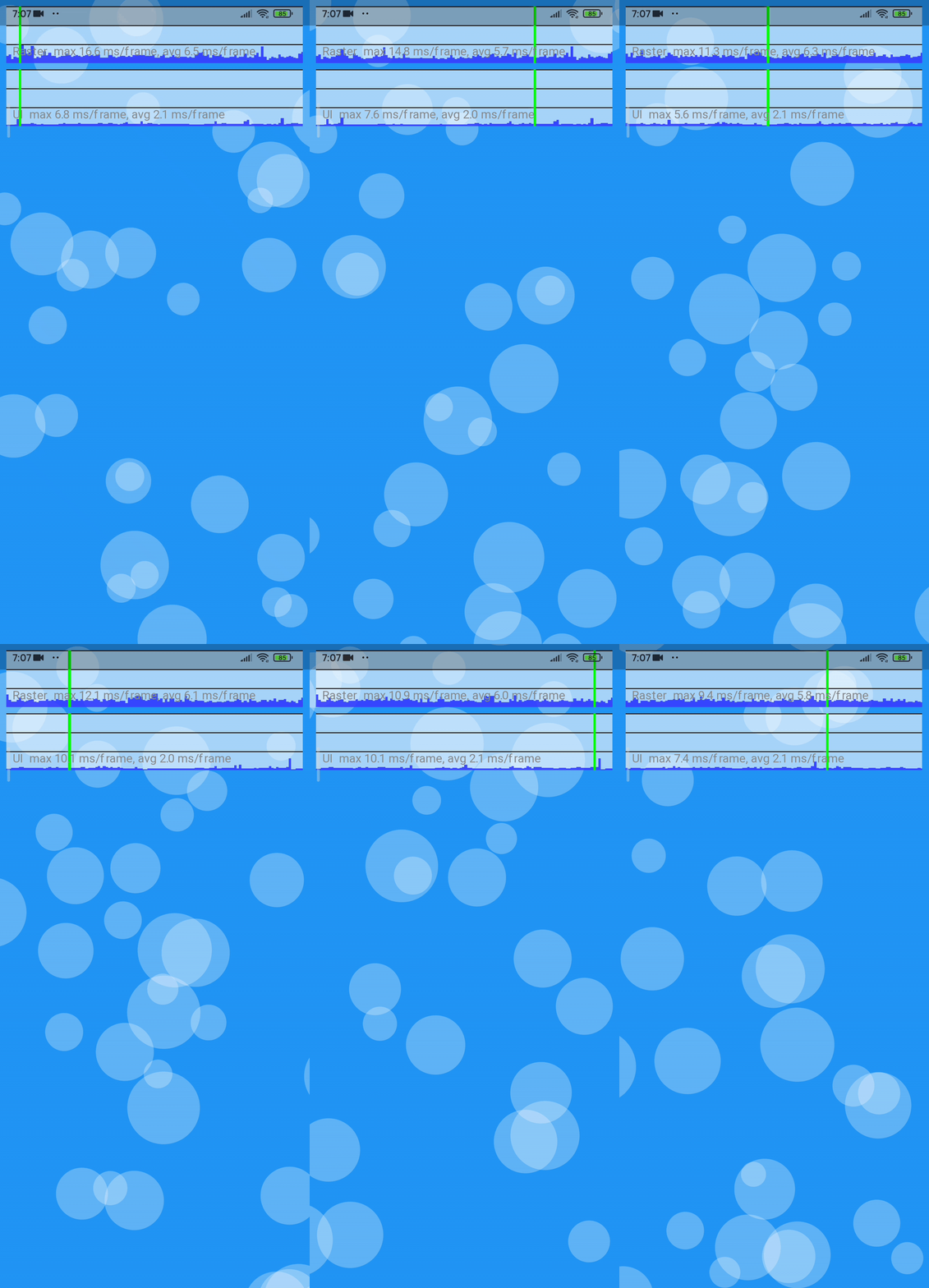
The code for the Example shown below is here.


As the Gifs here are converted from mp4, there are some stutters. To see the MP4 format of these Gifs Click Here.

Platforms on which this package was tested.

Platform Supported Comments
Android Yes Works without any issues
IOS Yes Works without any issues
Web Yes (kinda) Works when using web renderer engine as html. use the command flutter run -d chrome --web-renderer html / flutter build web --web-renderer html
Windows Yes Works without any issues
Linux Not yet tested -
MacOS Not yet tested -

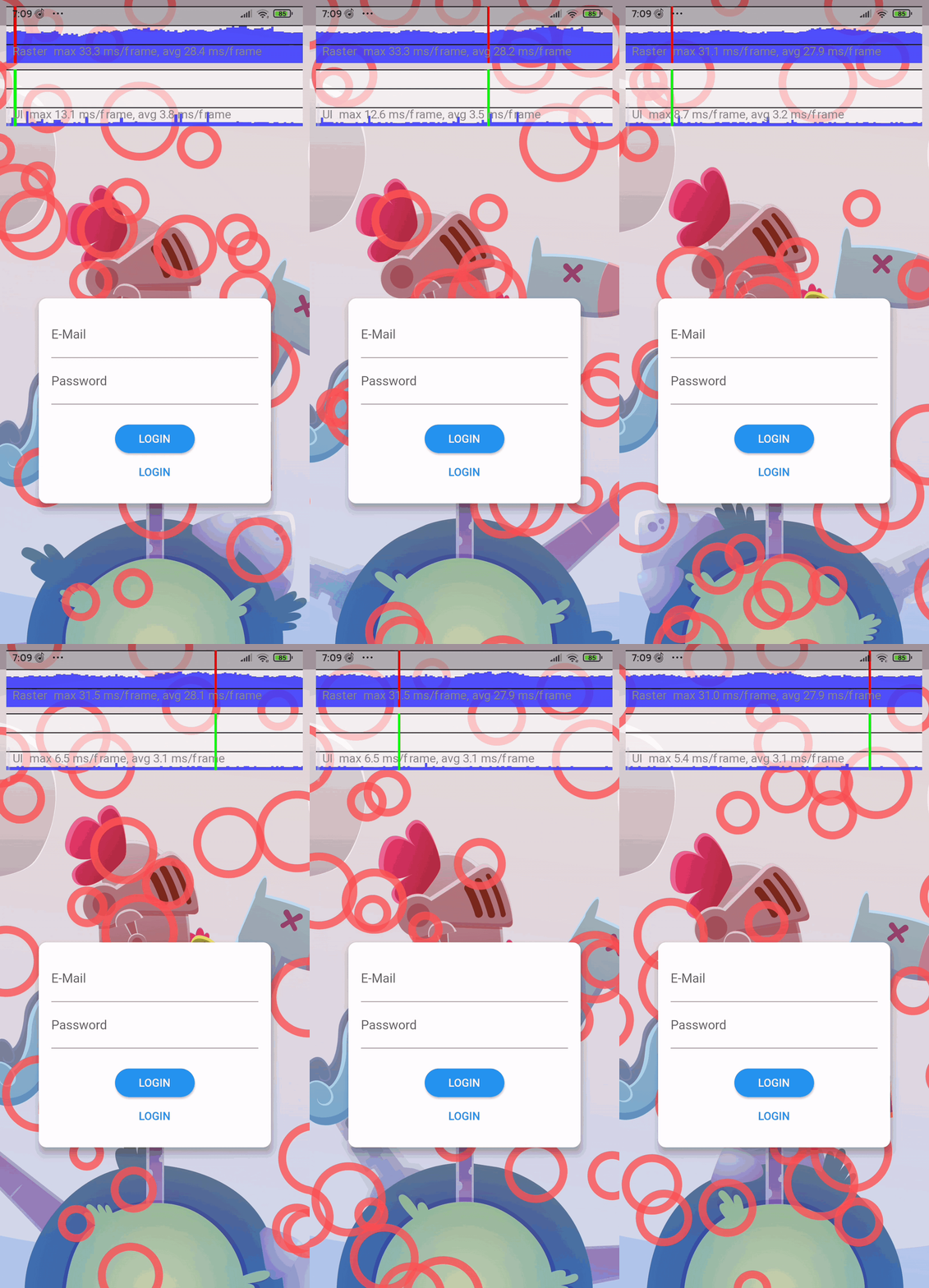
Stress Test

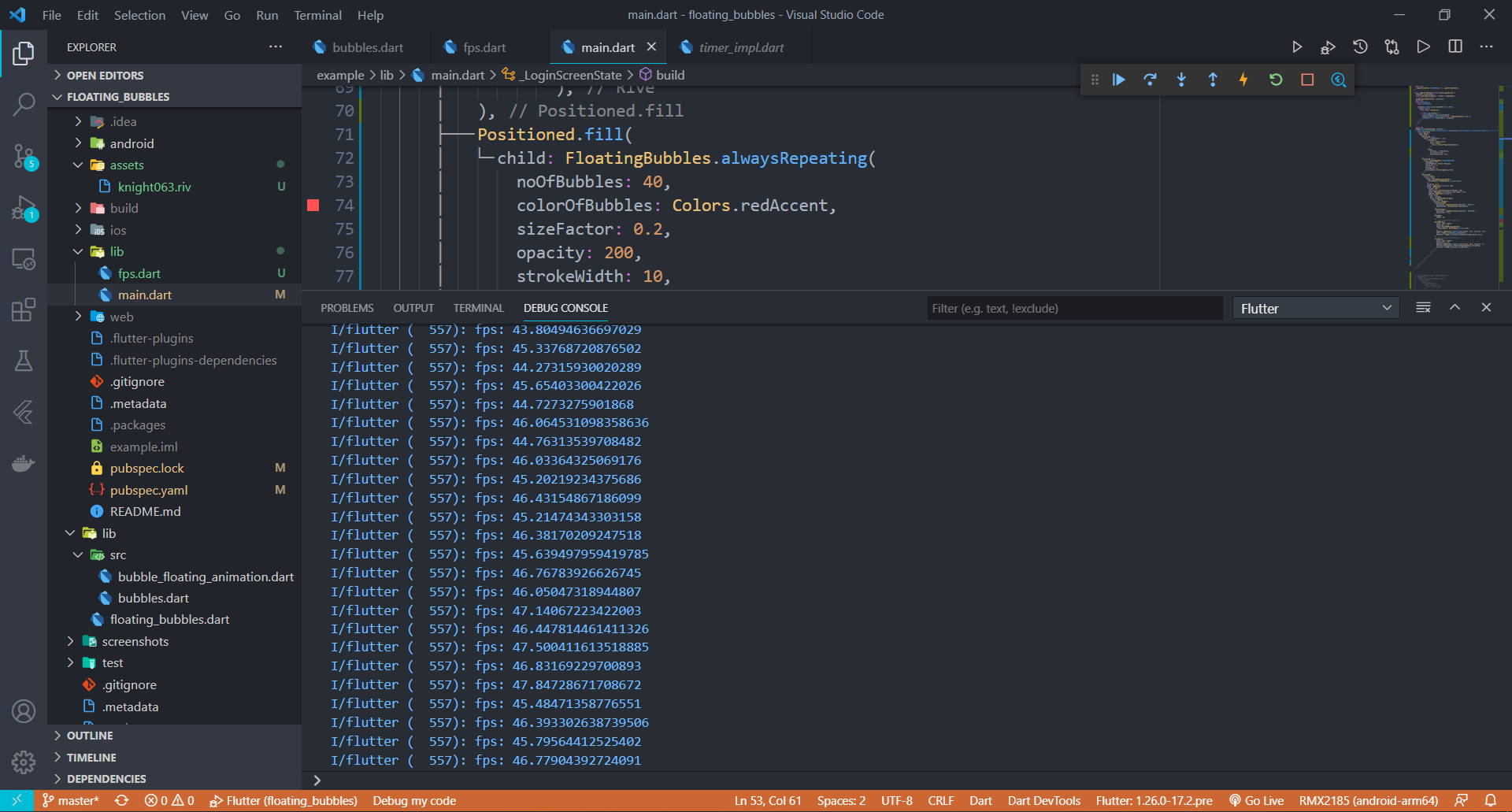
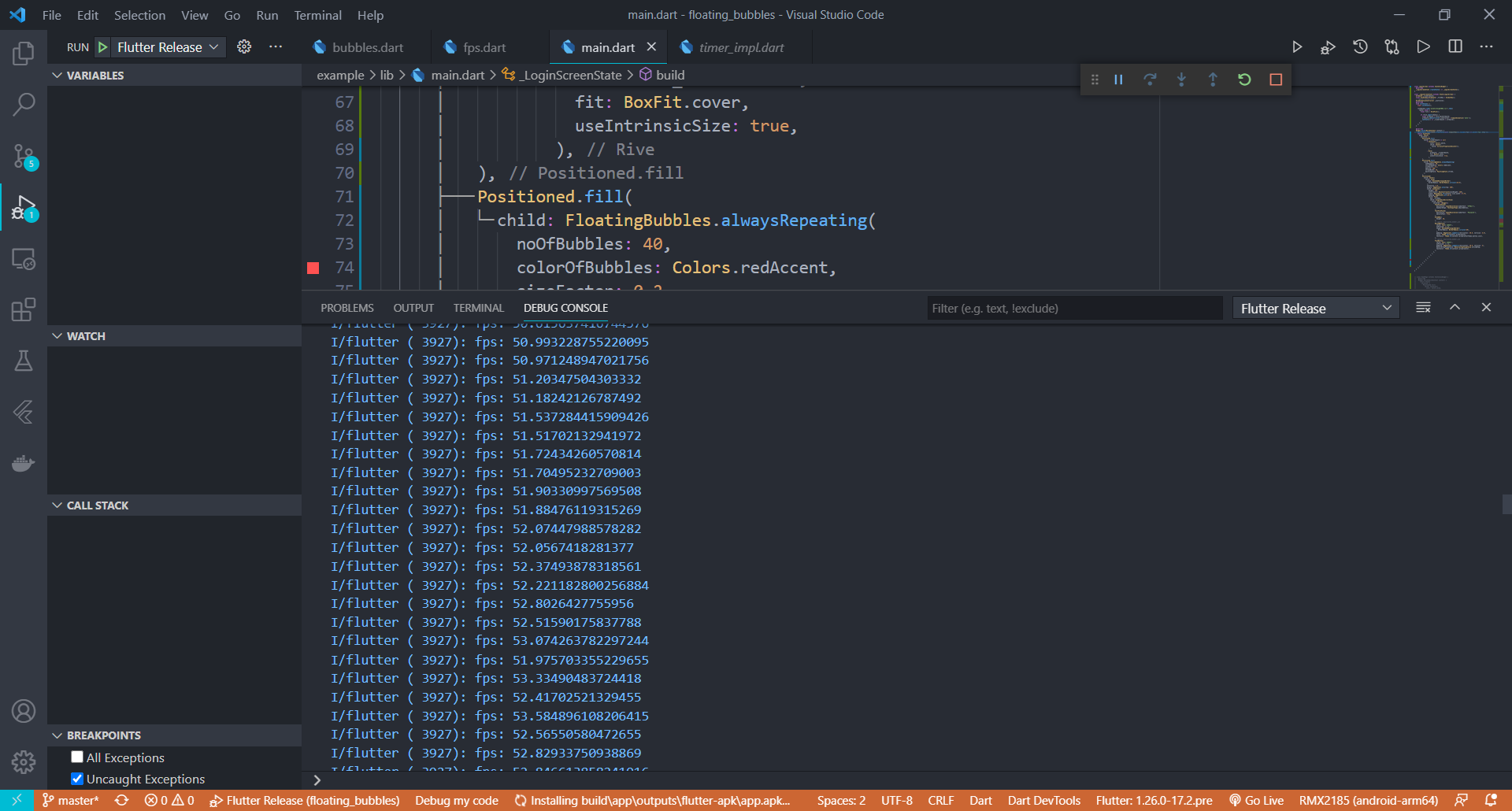
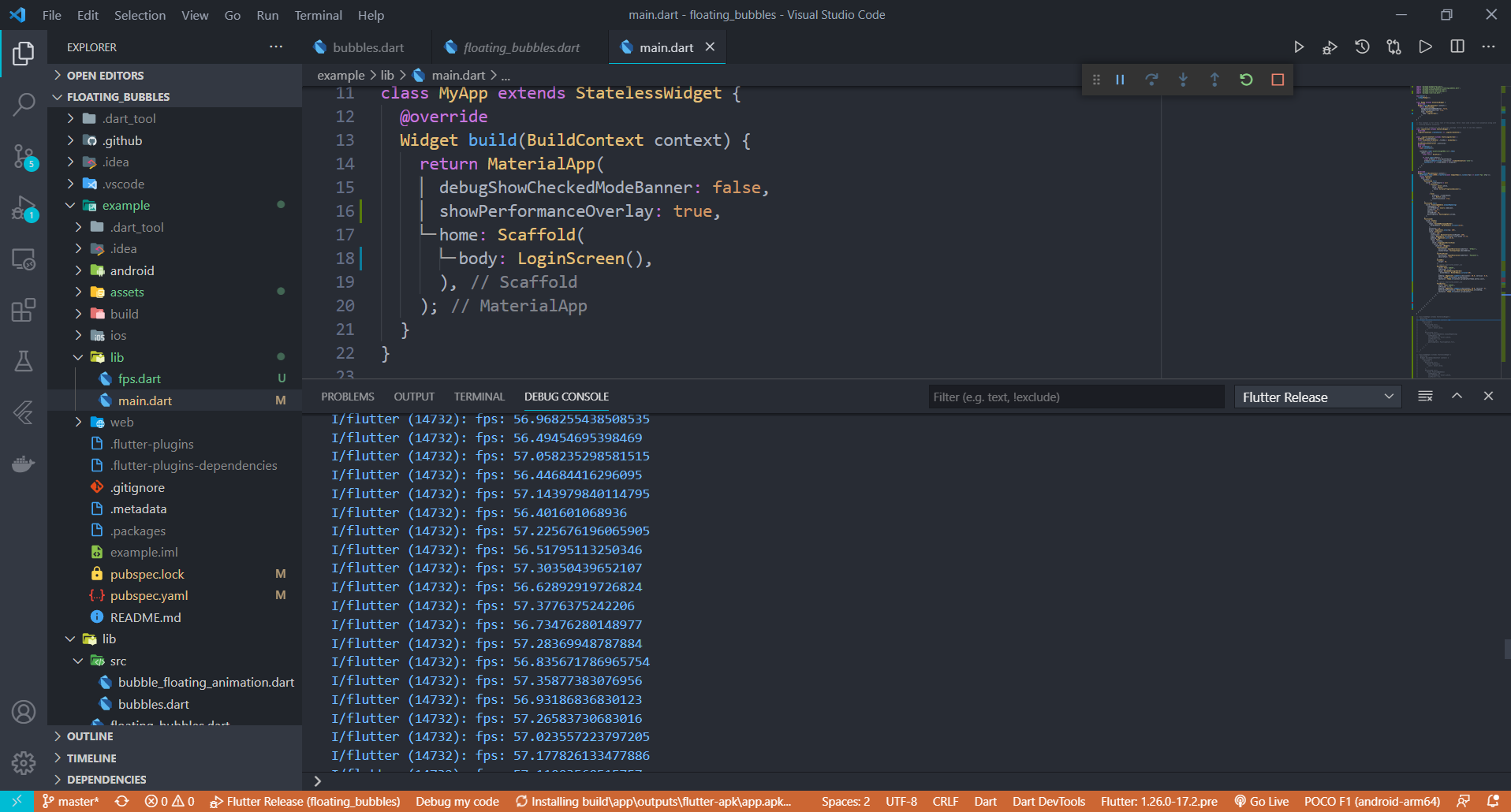
Stress Test has been done on this package. Below is the information(fps) on how the performance of the package when the animation was coupled with a heavy rive animation.

Average FPS of the UI when the package was stress tested on a low-end Android Phone

APP build in Debug Mode

APP build in Release Mode


Average FPS of the UI when the package was stress tested on a High-end Android Phone

APP build in Release Mode

Performance improvements will be made in the coming updates to make this package more suitable for low end devices. If you have any suggestions or ideas, just pull request :)


About Me

Support

Give a ⭐/👍 if you liked the work!! :) Suggestions are Welcome. Any issues just open an issue in Github. I will reach you as soon as possible.

License

The Scripts and Documentation in this project are released under the MIT License

カテゴリー

依存関係

依存関係一覧 1 件

  • sa4_migration_kit^1.0.0

ソースリポジトリ

このパッケージを使用しているプロジェクト