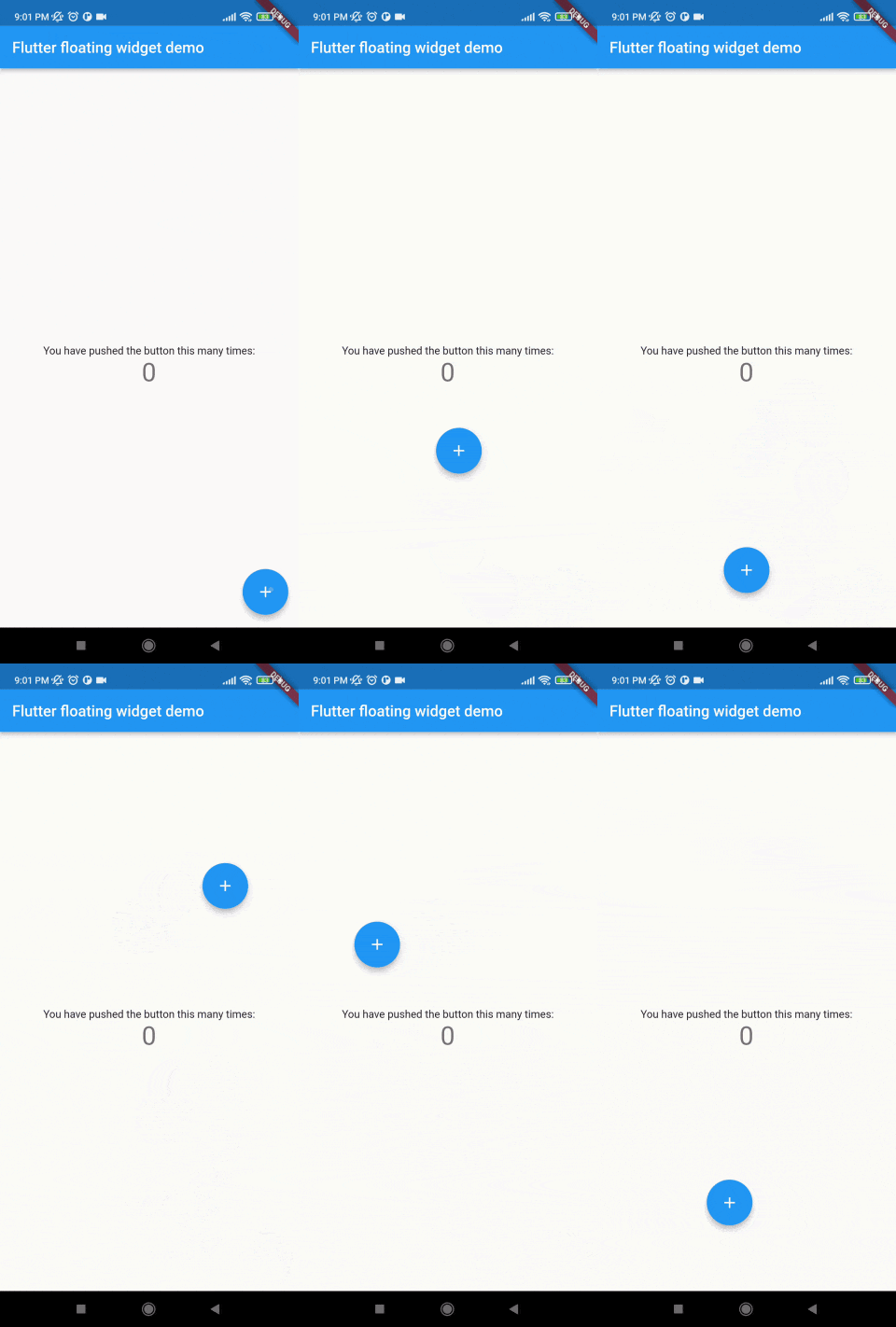
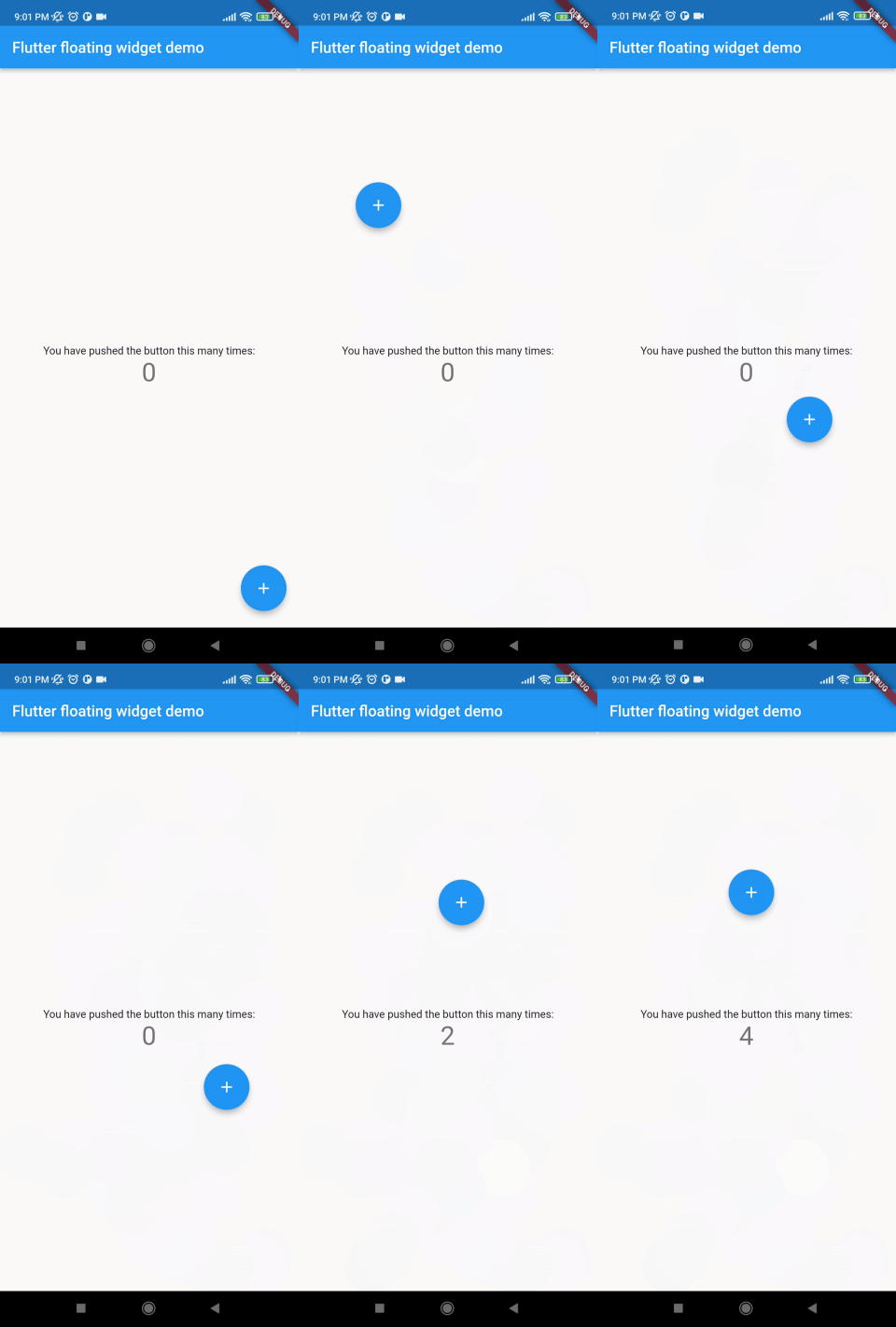
mainScreenWidget is required and it accept any widget. This is actually the base Widget or the parent widget on where the floating widget will be dragged or moved.
floatingWidget is also required and it accept any widget. This is actually the particular widget which will be floated and can be mode or dragged around the screen.
floatingWidgetWidth is also required and it accepts a double value which is the width of the floating widget above mentioned.
floatingWidgetHeight is also required and it accepts a double value which is the height of the floating widget above mentioned.
onDragEvent is a function is not required, which is a event listener of the current position of floating widget, which provides only the x axis as dx and y axis as xy.
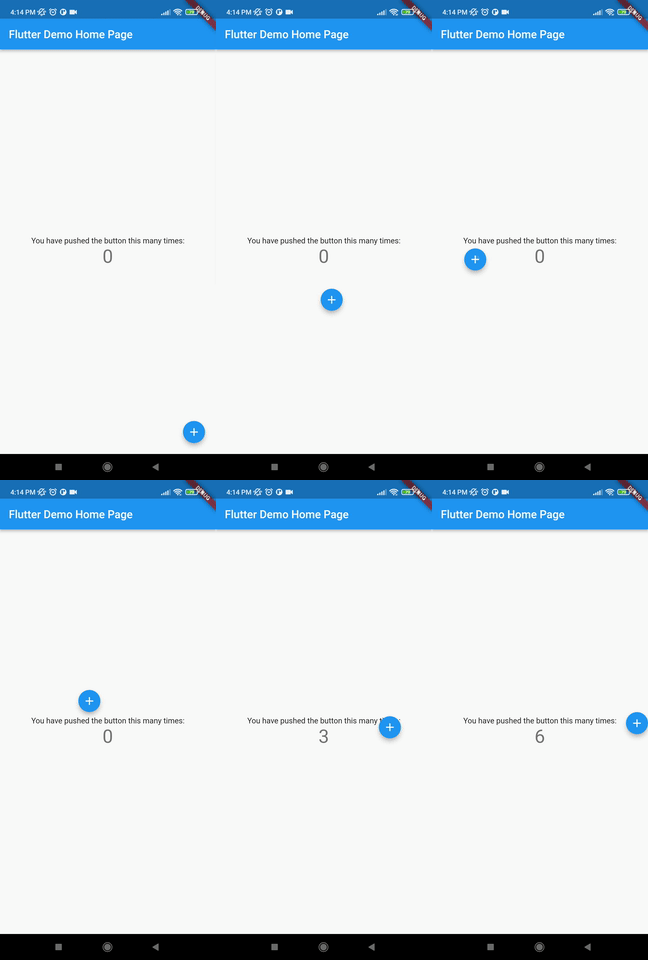
autoAlignType is a enum type. which has 3 type. onlyRight, onlyLeft, both. by default it is both. if autoAlign is true then this determines the on which side the floating widget will land after dragging ends.
disableBounceAnimation is a bool type. if autoAlign is true then then setting true to disableBounceAnimation can disable the bounce animation.
dy accepts a double value which is the distance from the top of the screen where floating widget will be positioned initially.
dx accepts a double value which is the distance from the left of the screen where floating widget will be positioned initially.
screenHeight accepts a double value which is the height of the screen initially.
screenWidth accepts a double value which is the width of the screen initially.
speed accepts a double value which is the speed factor of the floating widget after it will be let go. The more speed will be provided the slower the object will move after the user let the widget go freely.
isDraggable accepts a boolean value which determines if the widget is draggable or not.
autoAlign accepts a boolean value which determines if the widget will be auto aligns on the left or right after it is being dragged.
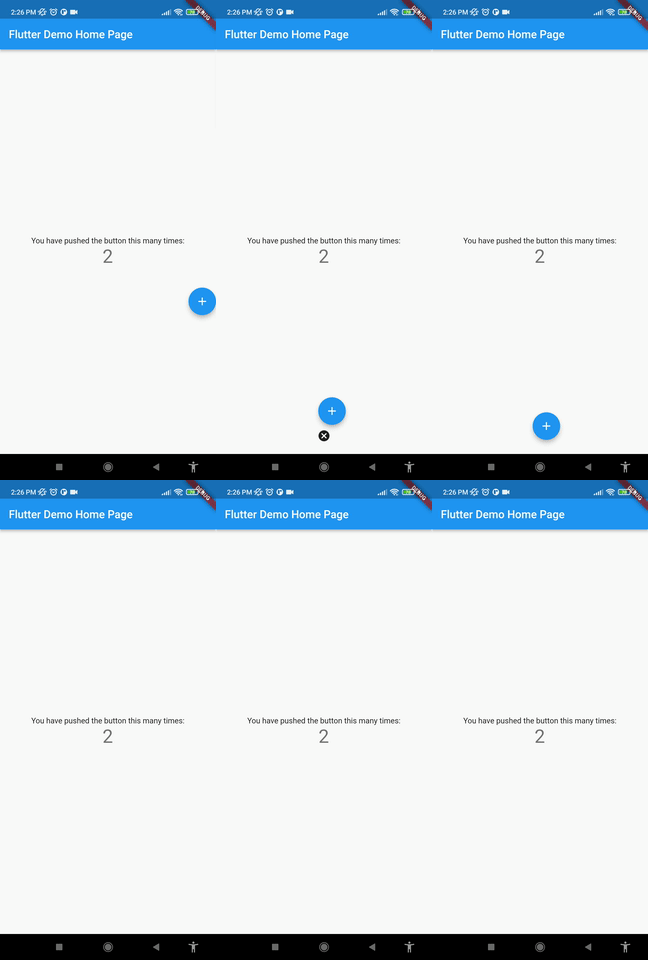
deleteWidget accepts a widget which is used to delete the floating widget.
onDeleteWidget accepts a function which is used to delete the floating widget.
deleteWidgetAlignment accepts an alignment value which is used to align the delete widget.
deleteWidgetAnimationCurve accepts an animation curve value which is used to animate the delete widget.
deleteWidgetAnimationDuration accepts an animation duration value which is used to animate the delete widget
hasDeleteWidgetAnimationDuration accepts an animation duration value which is used to animate the delete widget when it is dragging with the delete widget.
deleteWidgetHeight accepts a double value which is used to set the height of the delete widget.
deleteWidgetWidth accepts a double value which is used to set the width of the delete widget.
isCollidingDeleteWidgetHeight accepts a double value which is used to set the height of the delete widget.
isCollidingDeleteWidgetWidth accepts a double value which is used to set the width of the delete widget.
boxDecoration optionally accepts a box decoration value which is used to set the decoration of the delete widget.
deleteWidgetPadding optionally accepts a padding value which is used to set the padding of the delete widget.