パッケージ、リポジトリ、アプリカテゴリを検索

flutter_dialpad のカバー
パッケージ詳細v1.0.5

flutter_dialpad

任意のFlutterアプリケーションに追加できる電話ダイヤルウィジェットで、通話番号をダイヤルする機能を提供します。この機能はVoIPアプリと組み合わせることで、通話を発信できるようにできます。

AndroidiOSWeb
30日間ダウンロード
218
いいね数
37
Pub ポイント
125

パッケージをインストール

flutter pub add flutter_dialpad

パッケージ概要

公開情報に基づく選定ガイドです。参考としてご利用ください。

Flutterウィジェットで、任意のFlutterアプリケーション内で電話番号を入力して発信できる電話ダイヤルインターフェースを提供します。VoIPサービスや通話機能との統合を目的としており、Android、iOS、Webプラットフォームで標準的なダイアルパッド機能をサポートしています。軽量でカスタマイズ可能なため、開発者はアプリに通話機能をスムーズに埋め込むことができます。タッチ操作に最適化された洗練された応答性のあるキーパッドレイアウトを備えています。

用途

  • VoIPアプリケーションにダイヤラーを統合する
  • 通信アプリに電話番号入力機能を追加する
  • カスタマーサポートツールでの通話開始の有効化
  • ウェブおよびモバイルアプリ向けの通話機能の構築

主な機能

  • レスポンシブなダイヤルパッド UI
  • クロスプラットフォーム互換性(Android、iOS、Web)
  • 既存のFlutterプロジェクトとの簡単な統合
  • カスタマイズ可能なキー配置とスタイル
  • 番号入力と通話のトリガーをサポート
  • 組み込みタッチフィードバックとUX最適化

適している対象

  • VoIPまたは通信アプリを開発する開発者
  • 電話番号の入力と通話機能を必要とするアプリ
  • 一貫したUIを備えた複数のプラットフォーム向けプロジェクト
  • 軽量なダイヤラー解法を求めるチーム

注意事項

  • 実際の通話開始を処理するためには外部論理が必要です
  • オーディオやネットワーク通話の管理は含まれません
  • 呼び出しにはプラットフォーム固有の権限が必要になる場合があります
  • UIに限定される;バックエンド呼び出し処理は別途実装する必要があります

元の README

関連するソースリポジトリの README 原文のスナップショットです。最新の内容はリポジトリをご覧ください。

flutter_dialpad

A phone dialer widget that can be added to any Flutter Application to enable the ability to dial a number. This could be combined with a VoIP application to enable placing calls.

This is a purely Dart widget with no dependency on Android or iOS except for the flutter_dtmf package it uses for DTMF tone generation on pressing a button. You can turn it off by setting enableDtmf: false

Getting Started

@override  
  Widget build(BuildContext context) {  
    return Scaffold(  
      backgroundColor: Colors.black,  
      body: SafeArea(  
        child:  
            DialPad(  
                // temporarily disabled  
                // enableDtmf: true,  
                outputMask: "(000) 000-0000",  
                backspaceButtonIconColor: Colors.red,  
                makeCall: (number){  
                    print(number);  
                }  
            )  
        ),  
    );  
  }  

Pre-built UIs

Support has been added for custom UIs, using Dialpad.ios for iOS style keypad or DialPad.metro metro theme. Additional customization is available with many different options.

UI Scaling

A few considerations:

ScalingType

DialPad supports dynamic scaling of UI. Using either a ScalingType.fixed approach will use preset text & icon sizes. If you are using flutter_web_frame with some window constraints, you may wish to use ScalingType.height. For most cases ScalingType.min should suffice.

ScalingSize

Scaling Size provides an easy way to specify the scalar multiplier for the scaling calculation. Instead of using a predefined value of e.g. 0.001, the ScalingSize.small is now used. Customization for buttons allows making the dial button large with a small backspace button.

Scalable

If you wish to add your own Scalable button, feel free to create a widget with Scalable to make use of the rescale function.

Clamping

Scaled UI elements may become extremely small, using minScalingSize and maxScalingSize you can clamp the scaling to a percentage of the original size. This is useful for ensuring the UI is still usable.

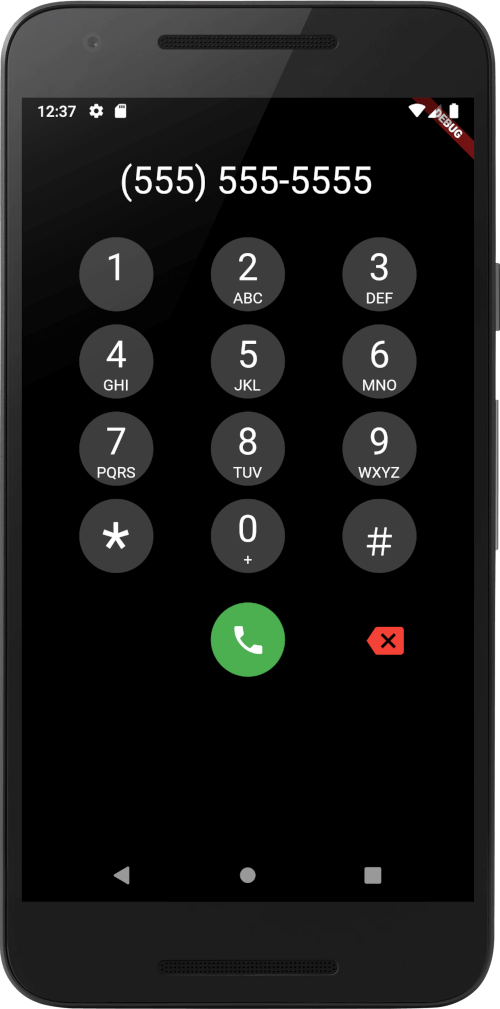
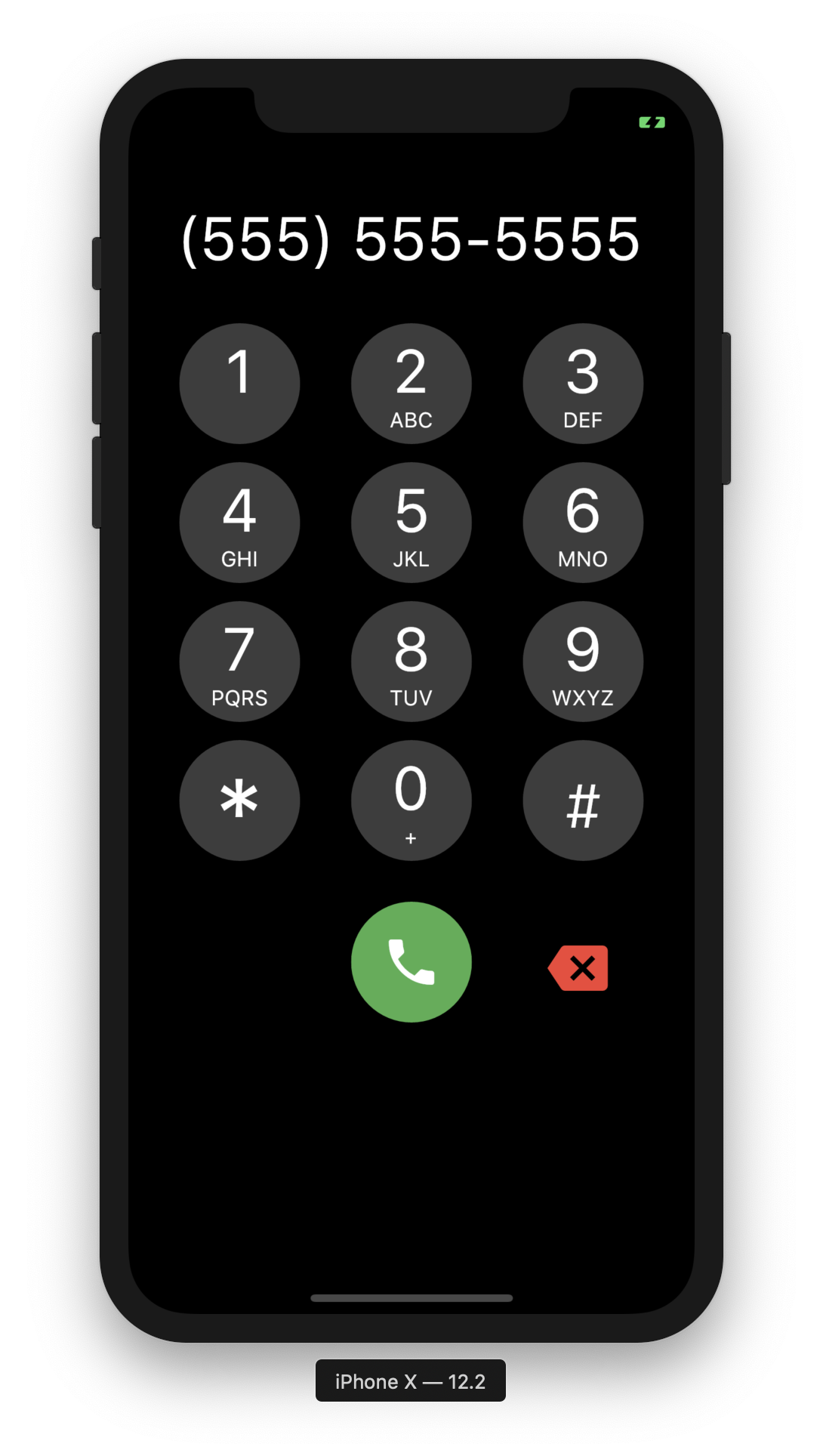
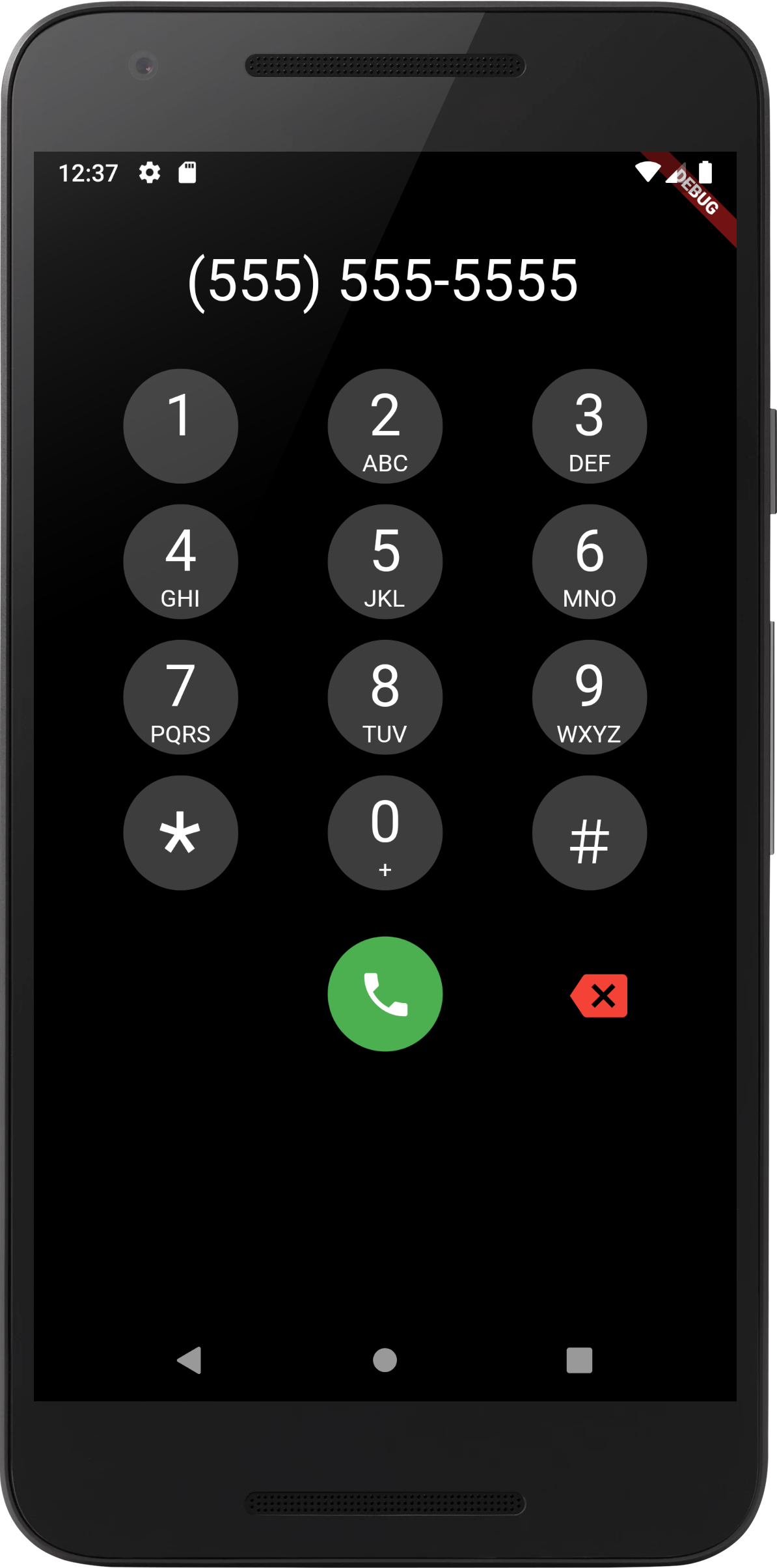
Screenshots

iOS Screenshot Android Screenshot

To Do

[Done] Add DTMF Tones

  • Shrink Ouput to Fit
  • Support for Local Numbers in Text Input Mask

カテゴリー

依存関係

依存関係一覧 2 件

ソースリポジトリ

このパッケージを使用しているプロジェクト

データはまだありません。