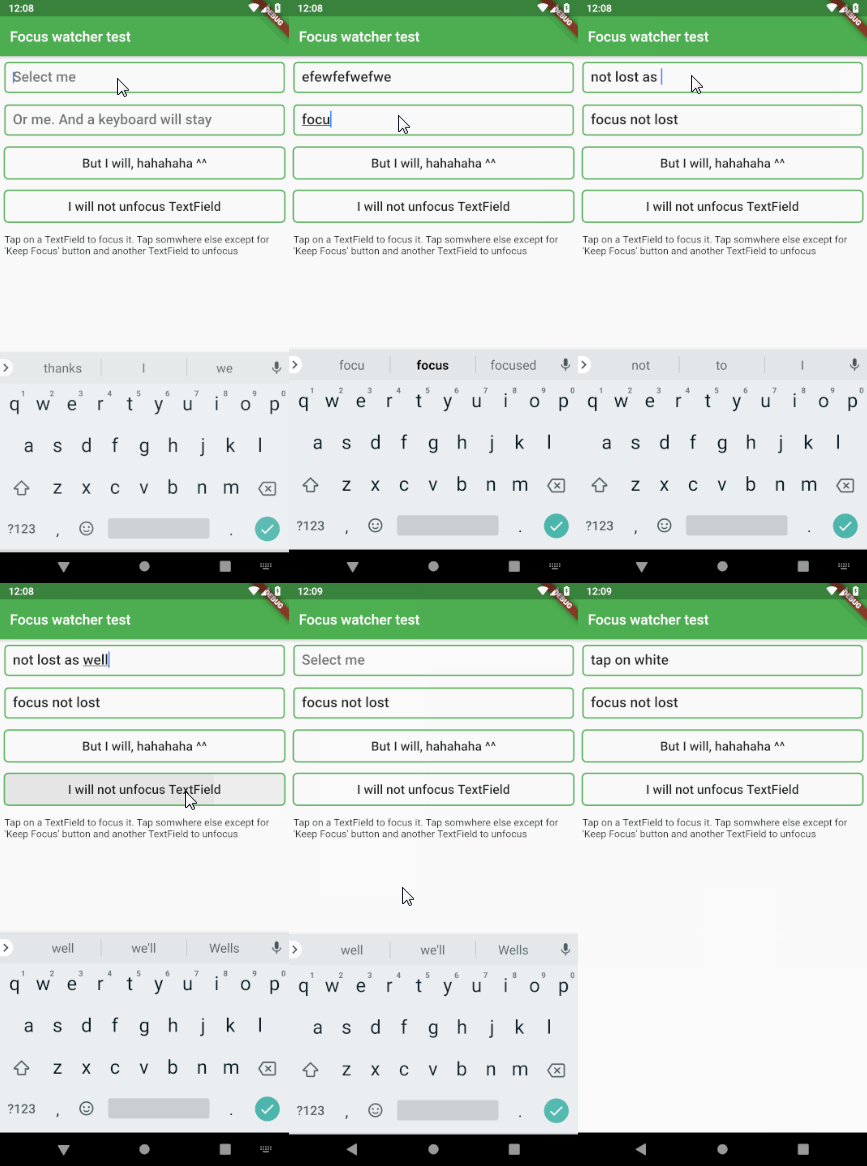
This widget is used to remove TextField focus if a tap occured somewhere else
In order for this to work properly, it must be placed inside MaterialApp or
WidgetsApp. This is necessary because this widget requires MediaQuery,
which is supplied by those two.
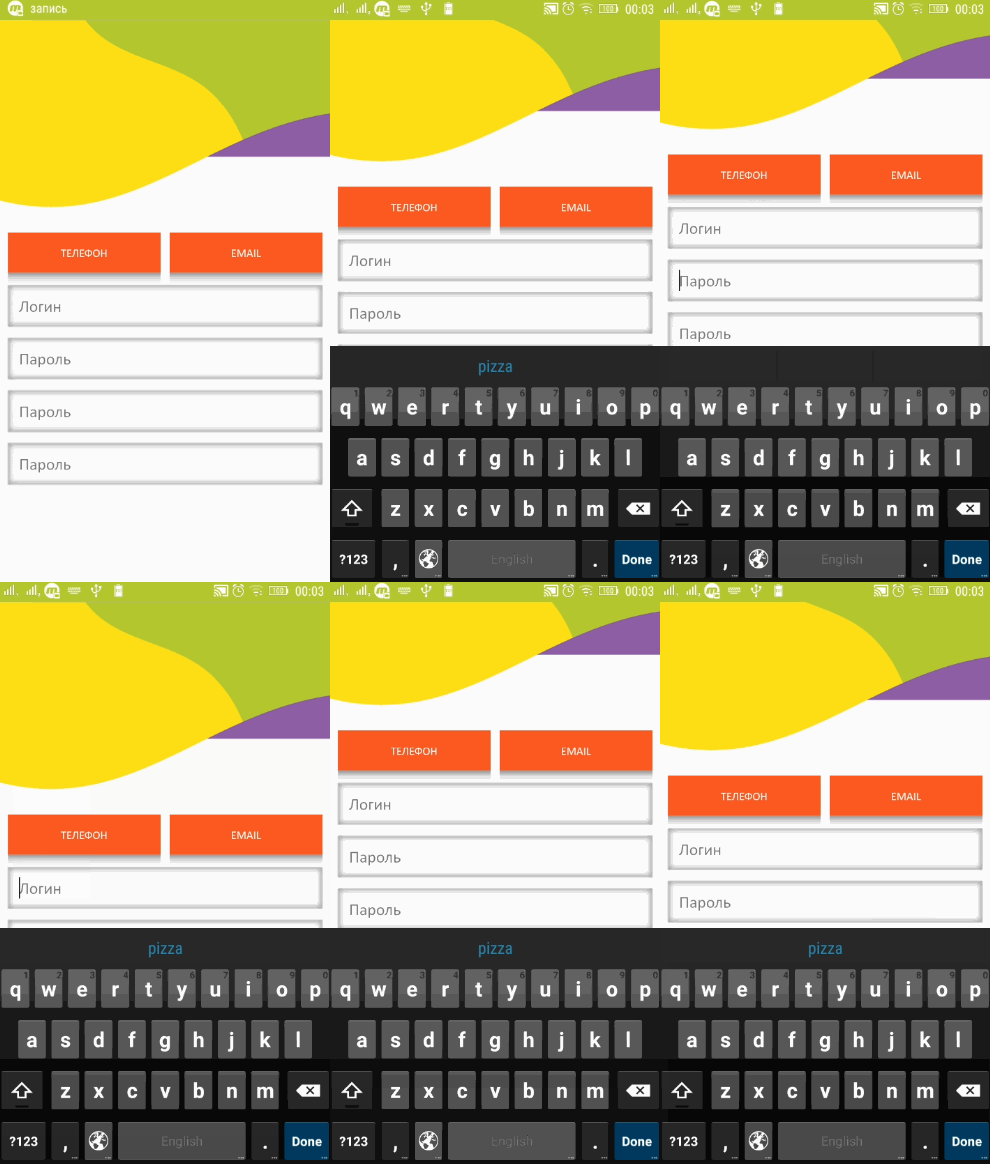
The widget also keeps track of a keyboard space and moves the whole
application up if a focused TextField gets obscured by the keyboard
The only additional thing you need to do for it is
to set your Scaffold's resizeToAvoidBottomInset to false
(in case you use scaffold) and that's it.
If you want to change the height of application lift, simply set your
preferred value to the FocusWatcher's liftOffset variable.
The default value is 15.0. This means the number of points above the
keyboard's upper bound
Example
It's very easy to use. You may add it as a library or simply copy
flutter_focus_watcher.dart into your project. It doesn't have any external dependencies
Then simply do this. Notice that FocusWatcher is inside MaterialApp. That's because it inherits
MediaQuery from that
IMPORTANT! You must wrap with the FocusWatcher every scaffold where you want this functionality
import'package:flutter/material.dart';
import'package:flutter_focus_watcher/flutter_focus_watcher.dart';
voidmain() => runApp(MyApp());
classMyAppextendsStatelessWidget{
// This widget is the root of your application.@overrideWidgetbuild(BuildContext context) {
returnMaterialApp(
title: 'Demo app',
theme: ThemeData(
primarySwatch: Colors.blue,
),
home: MyHomePage(title: 'Flutter Demo Home Page')
);
}
}
@overrideWidgetbuild(BuildContext context) {
returnFocusWatcher(
child: Scaffold(
// don't forget about this
resizeToAvoidBottomInset: false,
...
)
);
}
And it will do the rest.
And here is how it handles the keyboard
In case you want to exclude some widget from this workflow, simply wrap that widget with
@overrideWidgetbuild(BuildContext context) {
returnIgnoreFocusWatcher(
child: TextField("I will be ignored by FocusWatcher")
);
}
And this widget will be ignored by FocusWatcher
There may also be some cases when a TextField (like material text field)
does not apply a RenderEditable or RenderParagraph thus making this plugin useless.
You can simply fix it by wrapping the TextField in a ForceFocusWatcher() widget. That's it