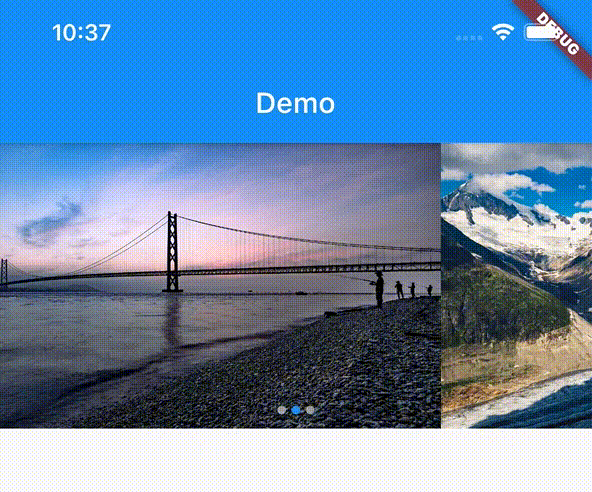
カテゴリー・パッケージ・リポジトリを検索

flutter_image_slideshow のカバー
パッケージ詳細v0.1.6

flutter_image_slideshow

シンプルな画像スライドショー小道具。主に画像ウィジェット向けですが、他のウィジェットも使用できます。

AndroidiOSWebmacOSWindowsLinux
30日間ダウンロード
7080
いいね数
202
Pub ポイント
160

パッケージをインストール

flutter pub add flutter_image_slideshow

パッケージ概要

公開情報に基づく選定ガイドです。参考としてご利用ください。

滑らかな遷移を備えた画像スライドショーを作成するための軽量なFlutterウィジェットです。主に画像の表示に設計されていますが、スライドショー内にカスタムウィジェットもサポートしています。ギャラリー、製品紹介、または導入画面に最適です。このパッケージはクロスプラットフォームで、Android、iOS、Web、macOS、Windows、Linuxでスムーズに動作します。1つの依存関係で簡単に統合でき、スライドやアニメーションを管理するための明確なAPIを提供しています。

用途

  • 画像ギャラリー
  • 製品カルーセル
  • オンボーディング画面
  • デジタルサイネージ
  • プレゼンテーションインターフェース

主な機能

  • スムーズなスライド遷移
  • カスタムウィジェットのサポート
  • クロスプラットフォーム互換性
  • pub add を使った簡単なセットアップ
  • 設定可能な自動再生と期間

適している対象

  • ビジュアルコンテンツ表示を構築する開発者
  • インタラクティブな画像プレゼンテーションを必要とするアプリ
  • スライドショーに最小限のセットアップが必要なプロジェクト

注意事項

  • 大規模な画像セットに対して最適化が必要になる可能性があります
  • 複雑なアニメーションのカスタマイズが限られている
  • 高性能な動画スライドショーには向いていない

元の README

関連するソースリポジトリの README 原文のスナップショットです。最新の内容はリポジトリをご覧ください。

flutter_image_slideshow

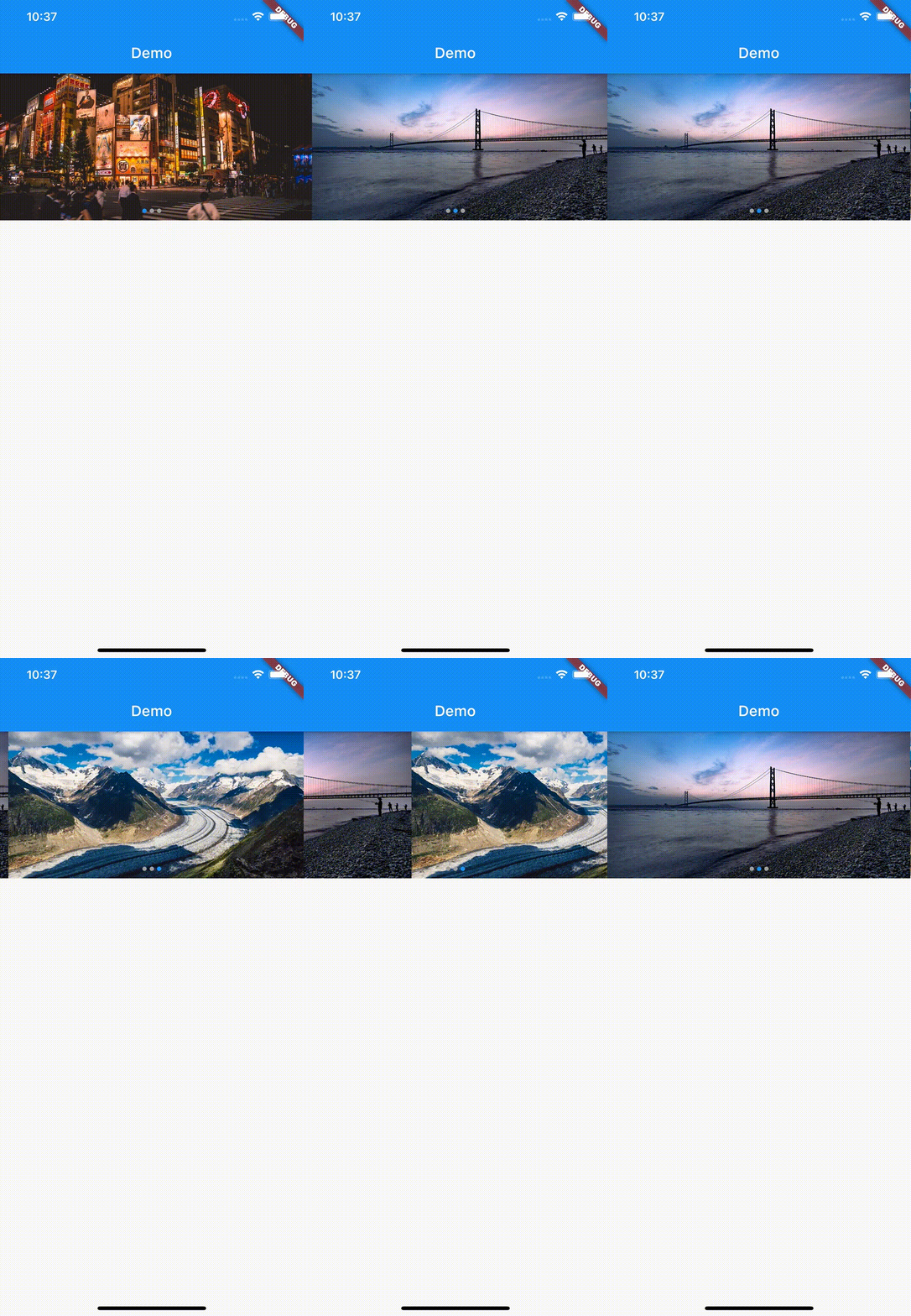
A simple image slideshow widget. Mainly intended for image widget, but other widgets can also be used.
Getting Started

In the pubspec.yaml of your flutter project, add the following dependency:

dependencies:
  flutter:
    sdk:
  flutter_image_slideshow: any

In your library add the following import:

  import 'package:flutter_image_slideshow/flutter_image_slideshow.dart';

Usage

These are The ImageSlideshow properties.

/// The widgets to display in the [ImageSlideshow].
///
/// Mainly intended for image widget, but other widgets can also be used.
List<Widget> children

/// Width of the [ImageSlideshow].
double width

/// Height of the [ImageSlideshow].
double height

/// The page to show when first creating the [ImageSlideshow].
int initialPage

/// The color to paint the indicator.
Color indicatorColor

/// The color to paint behind th indicator.
Color indicatorBackgroundColor

/// Called whenever the page in the center of the viewport changes.
ValueChanged<int> onPageChanged

/// Auto scroll interval.
///
/// Do not auto scroll with null or 0.
int autoPlayInterval

/// Loops back to first slide.
bool isLoop

/// Radius of circle indicator.
double indicatorRadius

/// Disable page changes by the user.
bool disableUserScrolling

Example

Create the ImageSlideshow widget. And pass the parameters.

import 'package:flutter/material.dart';
import 'package:flutter_image_slideshow_test/flutter_image_slideshow.dart';

void main() {
  runApp(MyApp());
}

class MyApp extends StatelessWidget {
  @override
  Widget build(BuildContext context) {
    return MaterialApp(
      home: Scaffold(
        appBar: AppBar(
          title: Text('Demo'),
        ),
        body: ImageSlideshow(

          /// Width of the [ImageSlideshow].
          width: double.infinity,

          /// Height of the [ImageSlideshow].
          height: 200,

          /// The page to show when first creating the [ImageSlideshow].
          initialPage: 0,

          /// The color to paint the indicator.
          indicatorColor: Colors.blue,

          /// The color to paint behind th indicator.
          indicatorBackgroundColor: Colors.grey,

          /// The widgets to display in the [ImageSlideshow].
          /// Add the sample image file into the images folder
          children: [
            Image.asset(
              'images/sample_image_1.jpg',
              fit: BoxFit.cover,
            ),
            Image.asset(
              'images/sample_image_2.jpg',
              fit: BoxFit.cover,
            ),
            Image.asset(
              'images/sample_image_3.jpg',
              fit: BoxFit.cover,
            ),
          ],

          /// Called whenever the page in the center of the viewport changes.
          onPageChanged: (value) {
            print('Page changed: $value');
          },

          /// Auto scroll interval.
          /// Do not auto scroll with null or 0.
          autoPlayInterval: 3000,

          /// Loops back to first slide.
          isLoop: true,
        ),
      ),
    );
  }
}

カテゴリー

ソースリポジトリ

このパッケージを使用しているプロジェクト

データはまだありません。