パッケージ、リポジトリ、アプリカテゴリを検索

flutter_sequence_animation のカバー
パッケージ詳細v4.0.0

flutter_sequence_animation

この信頼性が高く、使いやすいパッケージを使って、任意のアニメーションを組み合わせてください。

AndroidiOSWebmacOSWindowsLinux
30日間ダウンロード
1.4万
いいね数
248
Pub ポイント
140

パッケージをインストール

flutter pub add flutter_sequence_animation

パッケージ概要

公開情報に基づく選定ガイドです。参考としてご利用ください。

Flutter Sequence Animation は、個々のアニメーションシーケンスを連結することで複雑なアニメーションを作成できる強力で直感的なパッケージです。ウィジェット間での同期、タイミング、条件付きアニメーションの作成を簡素化し、インタラクティブUI、オンボーディングフロー、ダイナミックなトランジションに最適です。クリーンなAPIとすべての主要プラットフォームへの強力なサポートにより、複雑さを加えずアニメーションワークフローを向上させます。

用途

  • オンボーディング画面のアニメーション
  • インタラクティブなUIの遷移
  • 複雑なウィジェットの振り付け
  • ロードシーケンス効果
  • アニメーションフォーム検証
  • ゲームのようなインターフェースの動き

主な機能

  • 使いやすいシーケンスの組み合わせ
  • 並列および順次アニメーションのサポート
  • 組み込みのタイミングおよび遅延制御
  • クロスプラットフォーム互換性
  • 既存のアニメーションとの簡単な統合
  • 拡張可能なアニメーションビルディングブロック

適している対象

  • アニメーション付きオンボーディングフローを作成する開発者
  • 豊富なインタラクティブインターフェースを構築するチーム
  • 正確なアニメーション制御が必要なアプリデザイナー
  • 複数ステップの視覚フィードバックを必要とするプロジェクト
  • Flutterアニメーションを学ぶ初心者

注意事項

  • 基本的なアニメーションの概念を理解する必要がある場合があります
  • 非常に長いシーケンスによるパフォーマンスへの影響
  • コア例以外のドキュメントは限られている
  • 高周波リアルタイムアニメーションに最適化されていません
  • 宣言的で事前に定義されたアニメーションパスに最適

元の README

関連するソースリポジトリの README 原文のスナップショットです。最新の内容はリポジトリをご覧ください。

flutter_sequence_animation

Features
  • No need to use intervals and calculate percentages for your total animation time.
  • Animate the same variable with multiple animatables!
  • You only need one AnimationController
  • Intuitive and easy to use interface

Installation

dependencies:
  flutter_sequence_animation: "^4.0.0"

then

$ flutter packages get

then

import 'package:flutter_sequence_animation/flutter_sequence_animation.dart';

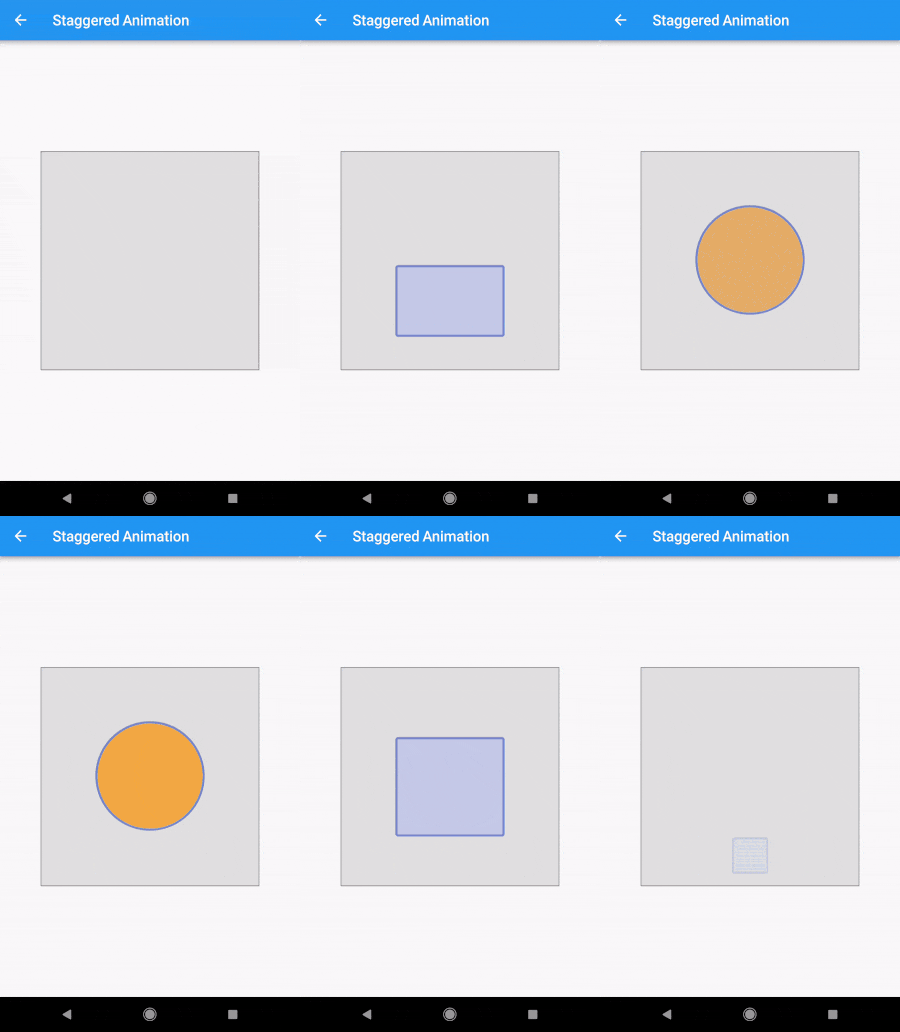
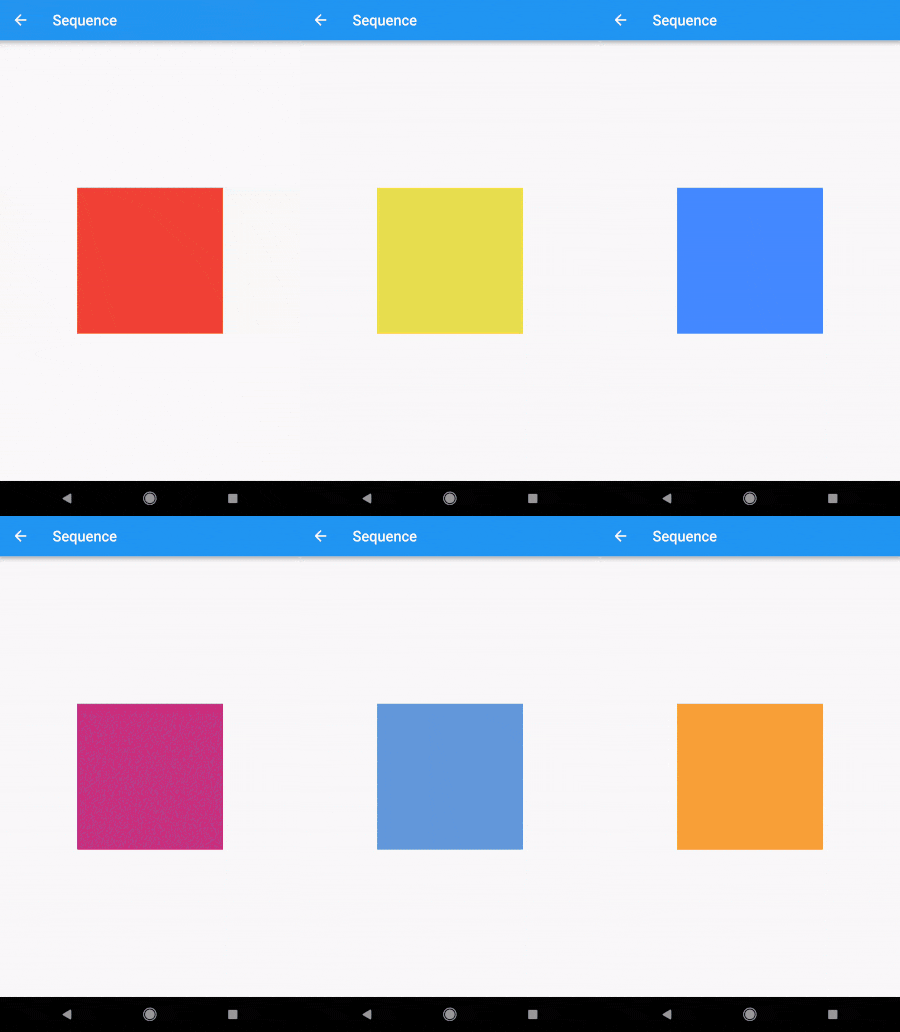
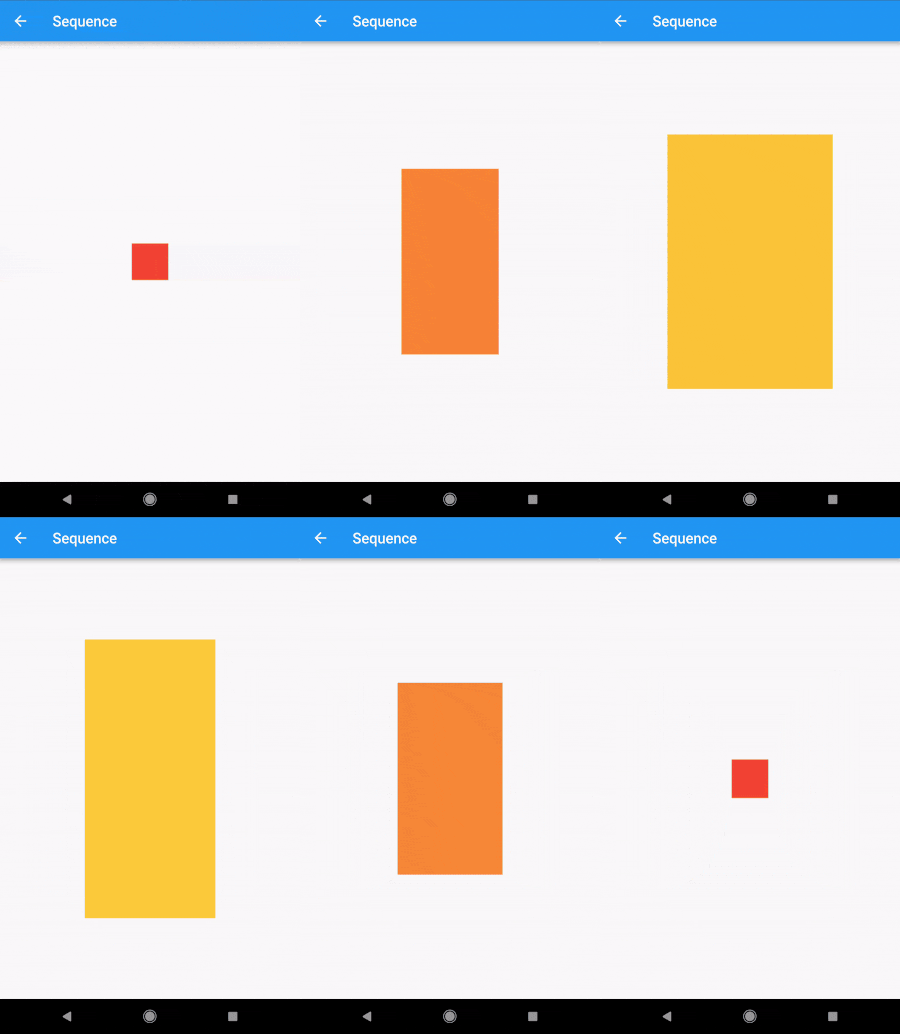
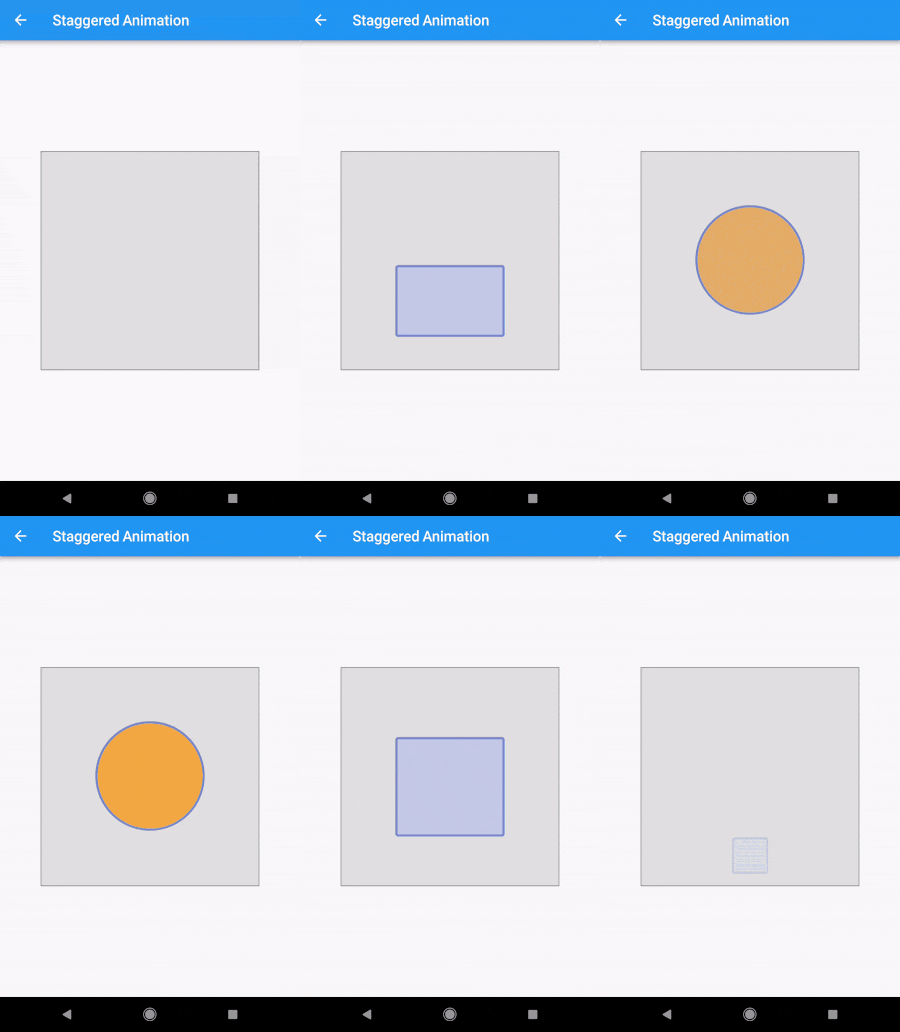
Demo

alt-text-1 alt-text-1alt-text-1

Code

The Staggered Animation example from here is 207 lines of code . The same animation with this package is 128 lines of code. It is also much easier to read and edit.

You specify a sequence of animatables like this:
    sequenceAnimation = new SequenceAnimationBuilder()
      .addAnimatable(
          animatable: new ColorTween(begin: Colors.red, end: Colors.yellow),
          from:  const Duration(seconds: 0),
          to: const Duration(seconds: 2),
          tag: "color"
        ).addAnimatable(
          animatable: new ColorTween(begin: Colors.yellow, end: Colors.blueAccent),
          from:  const Duration(seconds: 2),
          to: const Duration(seconds: 4),
          tag: "color",
          curve: Curves.easeOut
        ).addAnimatable(
          animatable: new ColorTween(begin: Colors.blueAccent, end: Colors.pink),
          //  animatable: new Tween<double>(begin: 200.0, end: 40.0),
          from:  const Duration(seconds: 5),
          to: const Duration(seconds: 6),
          tag: "color",
          curve: Curves.fastOutSlowIn
        ).animate(controller);

In this case only the color is animated but you can add as many different properties to the sequence as you'd like to. The only restriction is that animations with the same tag can not overlap and need to be ordered.

Now you can access the resulting animation from anywhere in your code with
sequenceAnimation["color"]

This animation is a composition of all animatables you passed in with the same tag.

Example usage of this example:
new AnimatedBuilder(
          builder: (context, child) {
            return new Center(
              child: new Container(
                color: sequenceAnimation["color"].value,
                height: 200.0,
                width: 200.0,
              ),
            );
          },
          animation: controller,
        ),
The animation duration is set automatically (don't change the duration of the controller yourself).
Sepcial thanks to Simon Lightfoot for the help!

Getting Started

For help getting started with Flutter, view our online documentation.

For help on editing package code, view the documentation.

カテゴリー

依存関係

依存関係一覧 1 件

ソースリポジトリ

このパッケージを使用しているプロジェクト