パッケージ、リポジトリ、アプリカテゴリを検索

flutter_sliding_toast のカバー
パッケージ詳細v1.8.0

flutter_sliding_toast

カスタムスタイルとアニメーション動作でメッセージを表示するためのFlutterパッケージ。

AndroidiOSWebmacOSWindowsLinux
30日間ダウンロード
1030
いいね数
51
Pub ポイント
160

パッケージをインストール

flutter pub add flutter_sliding_toast

パッケージ概要

公開情報に基づく選定ガイドです。参考としてご利用ください。

複数のプラットフォームでカスタマイズ可能なトーストメッセージをスムーズなスライドアニメーション付きで表示できるFlutterパッケージです。色、フォント、配置など、カスタムスタイルをサポートし、開発者が洗練されたユーザー体験を得られるようにカスタムアニメーション動作を定義できます。アプリのフローを妨げることなく、短いフィードバックや通知を提供するのに最適です。軽量で、既存のFlutterプロジェクトにスムーズに統合可能です。

用途

  • アクション後のユーザーのフィードバックを表示する
  • 成功またはエラーメッセージを表示する
  • アプリでの一時的なアラートの提供
  • アニメーション付き通知によるUIの向上
  • メッセージの外観と動作のカスタマイズ

主な機能

  • スライドアニメーション効果
  • カスタマイズ可能なスタイルオプション
  • クロスプラットフォーム互換性
  • Flutter との簡単な統合
  • さまざまなメッセージタイプのサポート
  • アニメーションの期間と方向をカスタマイズ可能

適している対象

  • モバイルおよびWebアプリケーション
  • 繊細な通知を必要とするアプリ
  • アニメーションフィードバックを求める開発者
  • UI中心のFlutterプロジェクト
  • 軽量なトーストソリューションを求めるチーム

注意事項

  • 基本的なトースト機能に限定
  • 複雑なレイアウトに対する組み込みのサポートなし
  • アニメーションのカスタマイズにはコード知識が必要です
  • ダークモード用に追加のスタイルが必要になる場合があります
  • 永続的通知には適していません

元の README

関連するソースリポジトリの README 原文のスナップショットです。最新の内容はリポジトリをご覧ください。

Flutter Sliding Toast

pub license: MIT

Enhance your app's UI with customizable, interactive toasts! This package offers both sliding & popup styles, with features like animation control, tap actions, and multiple dismiss options.

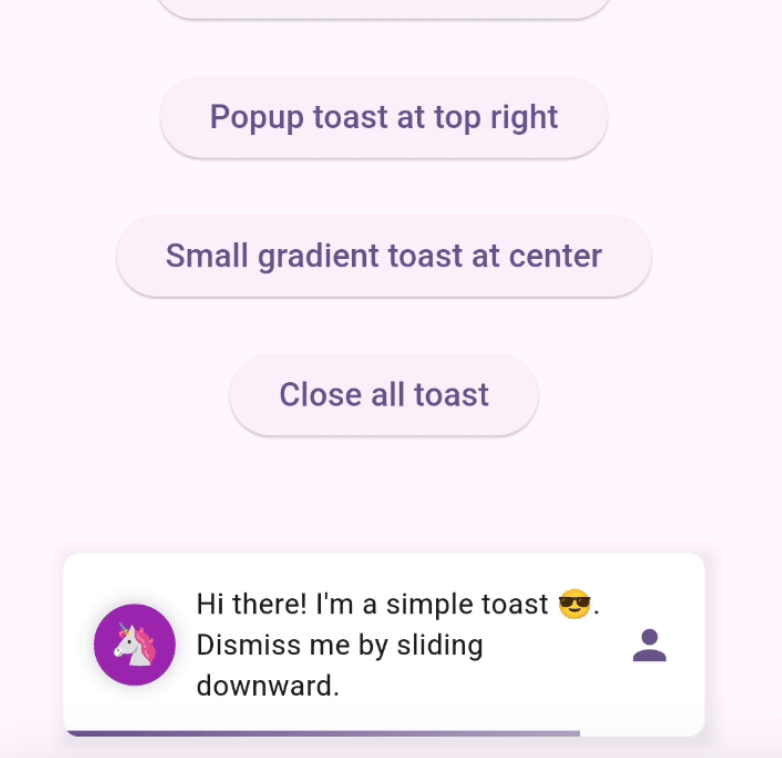
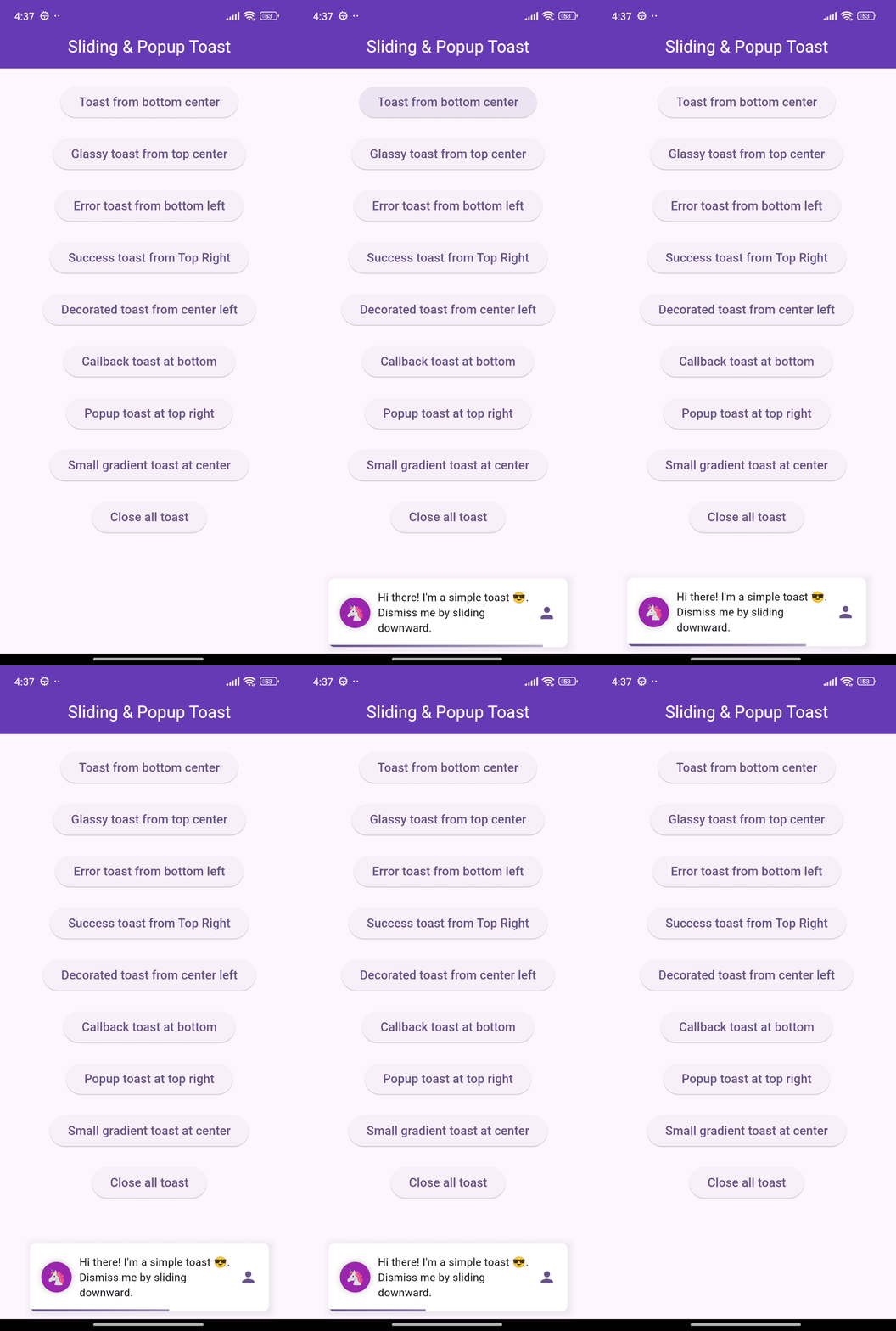
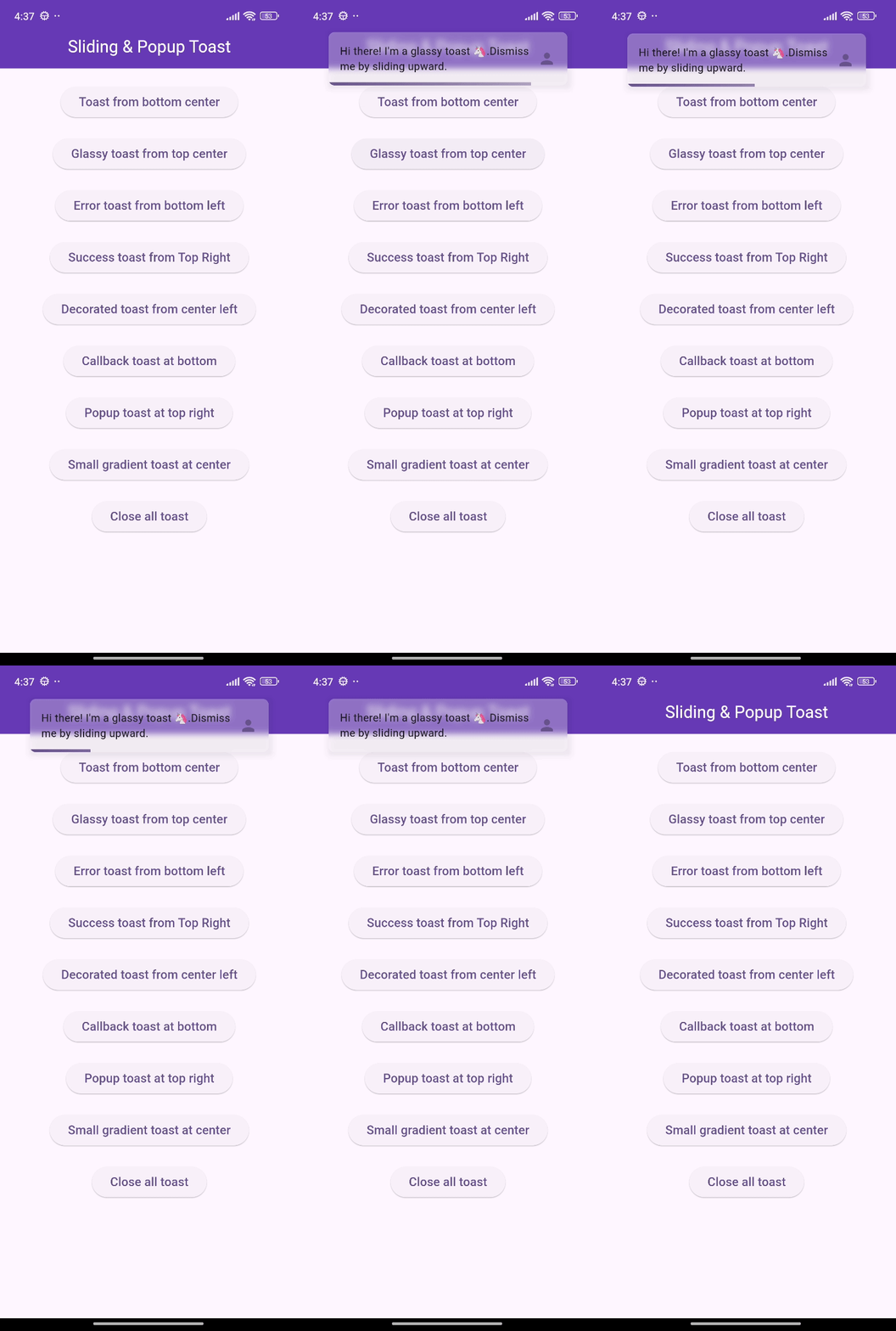
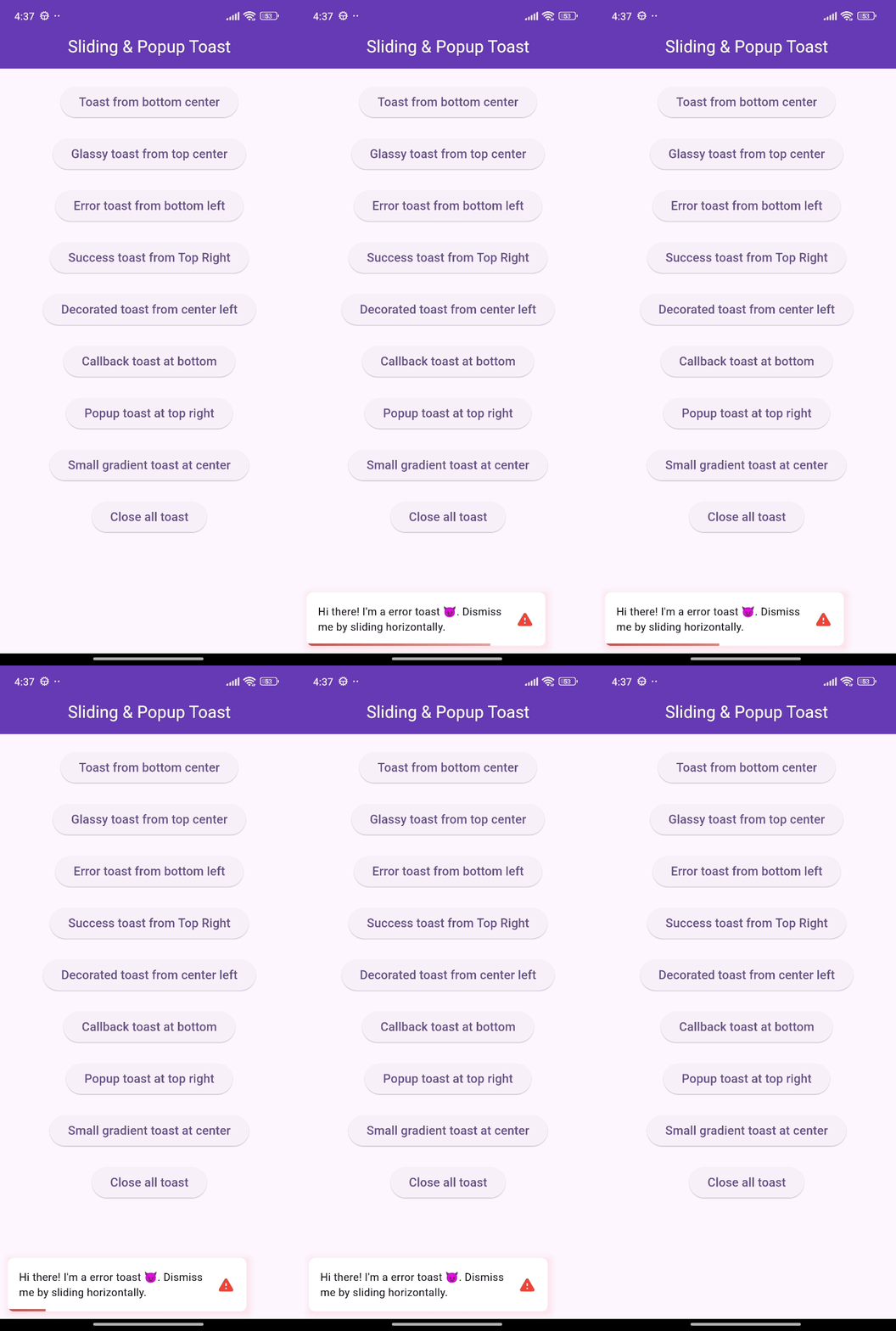
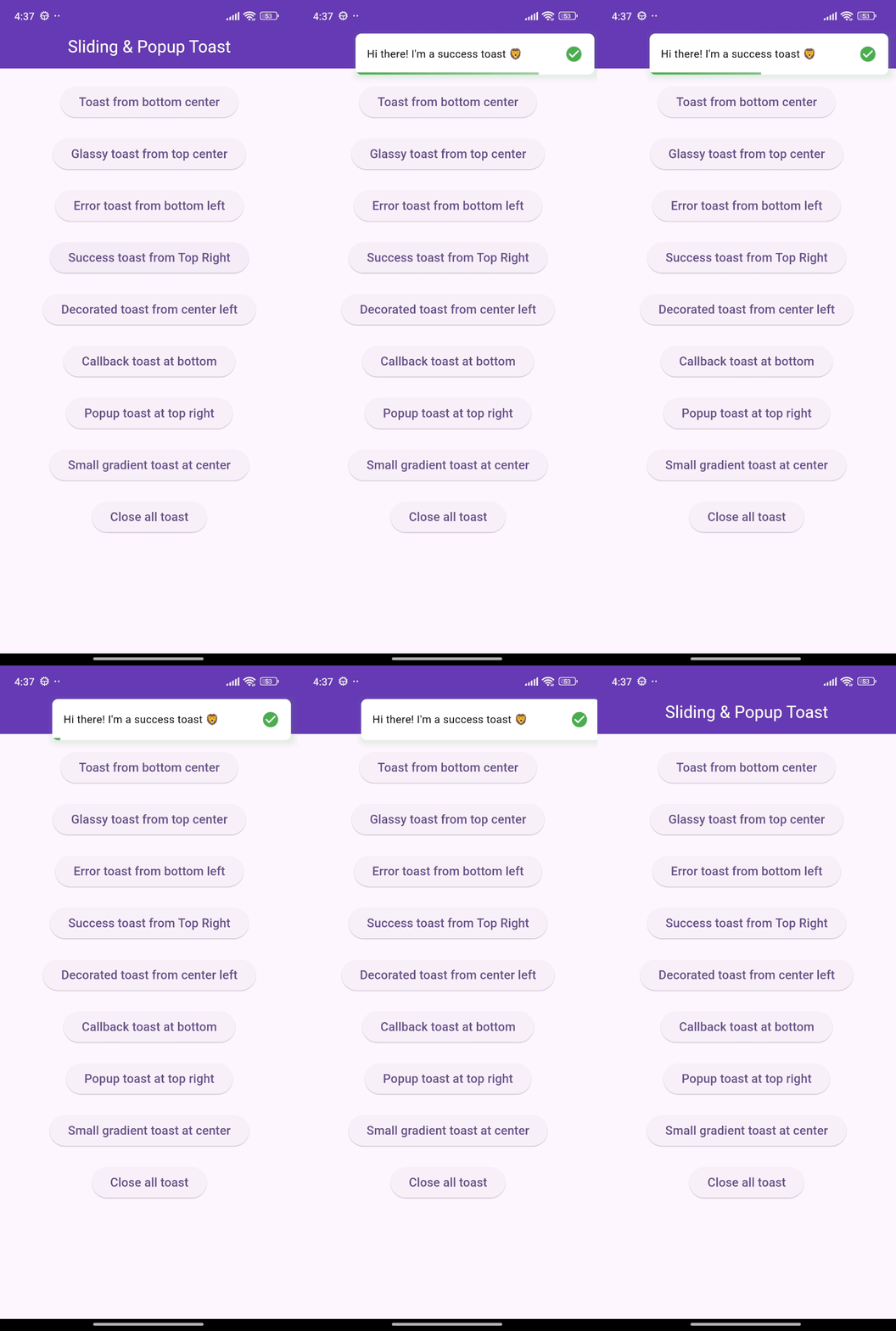
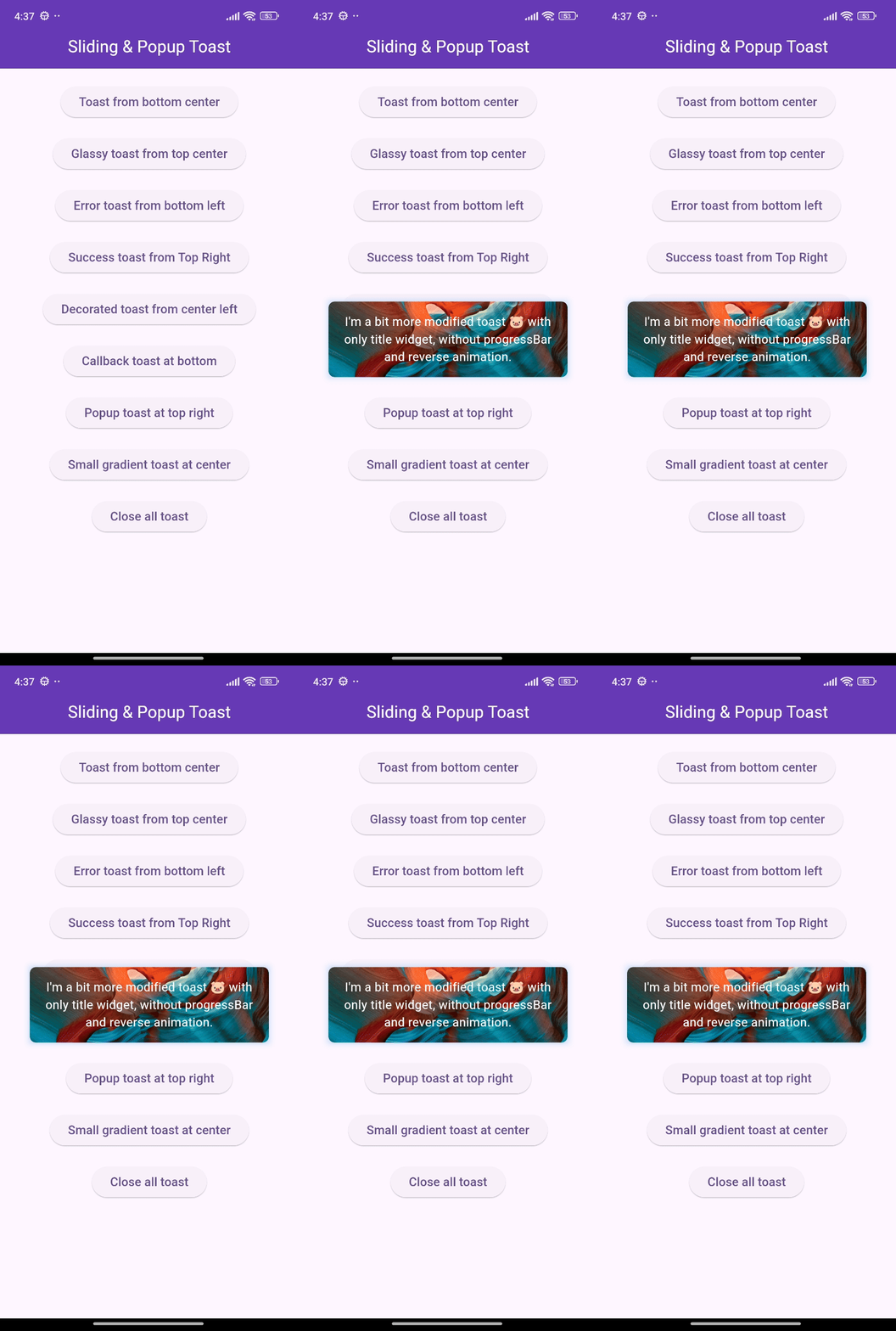
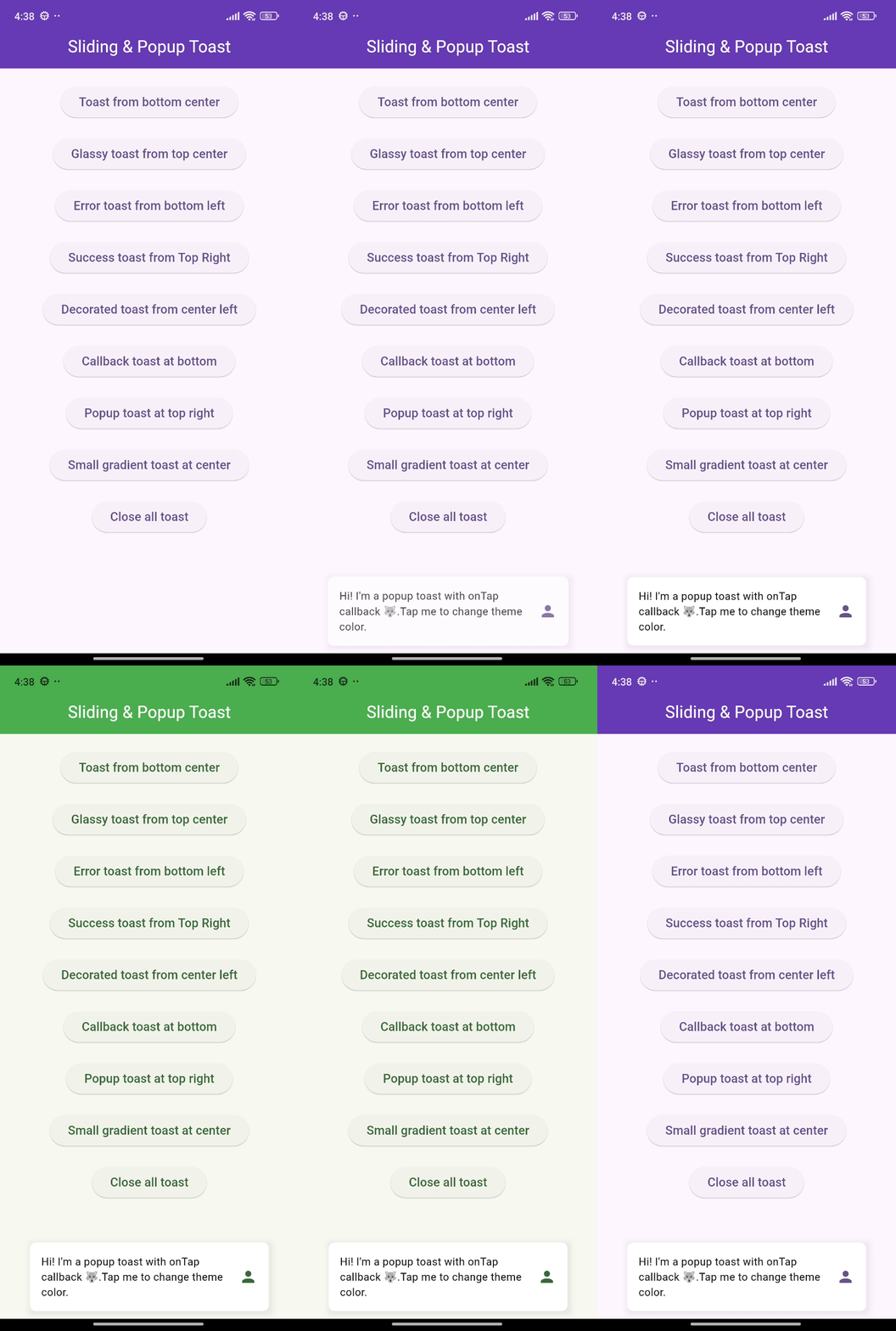
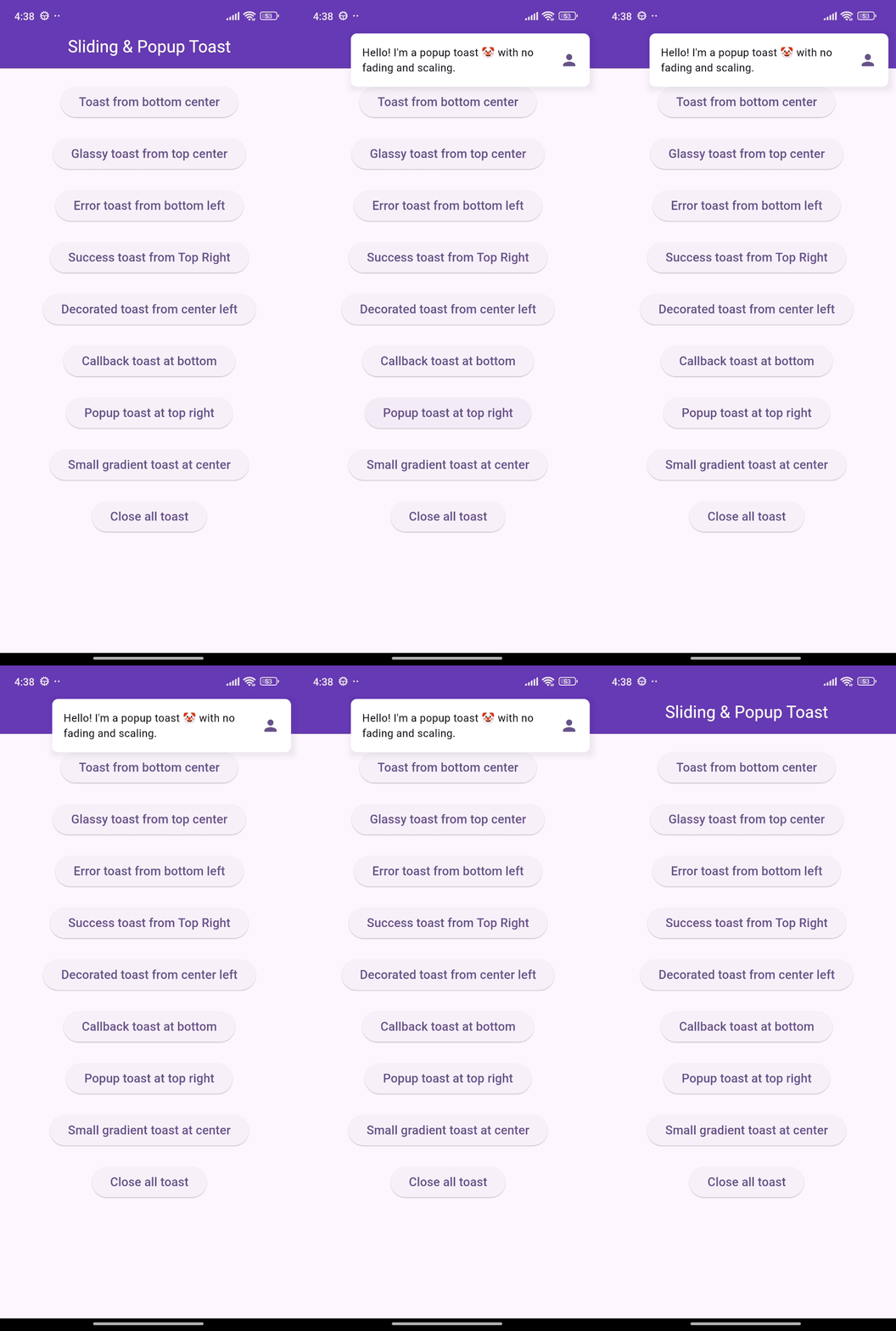
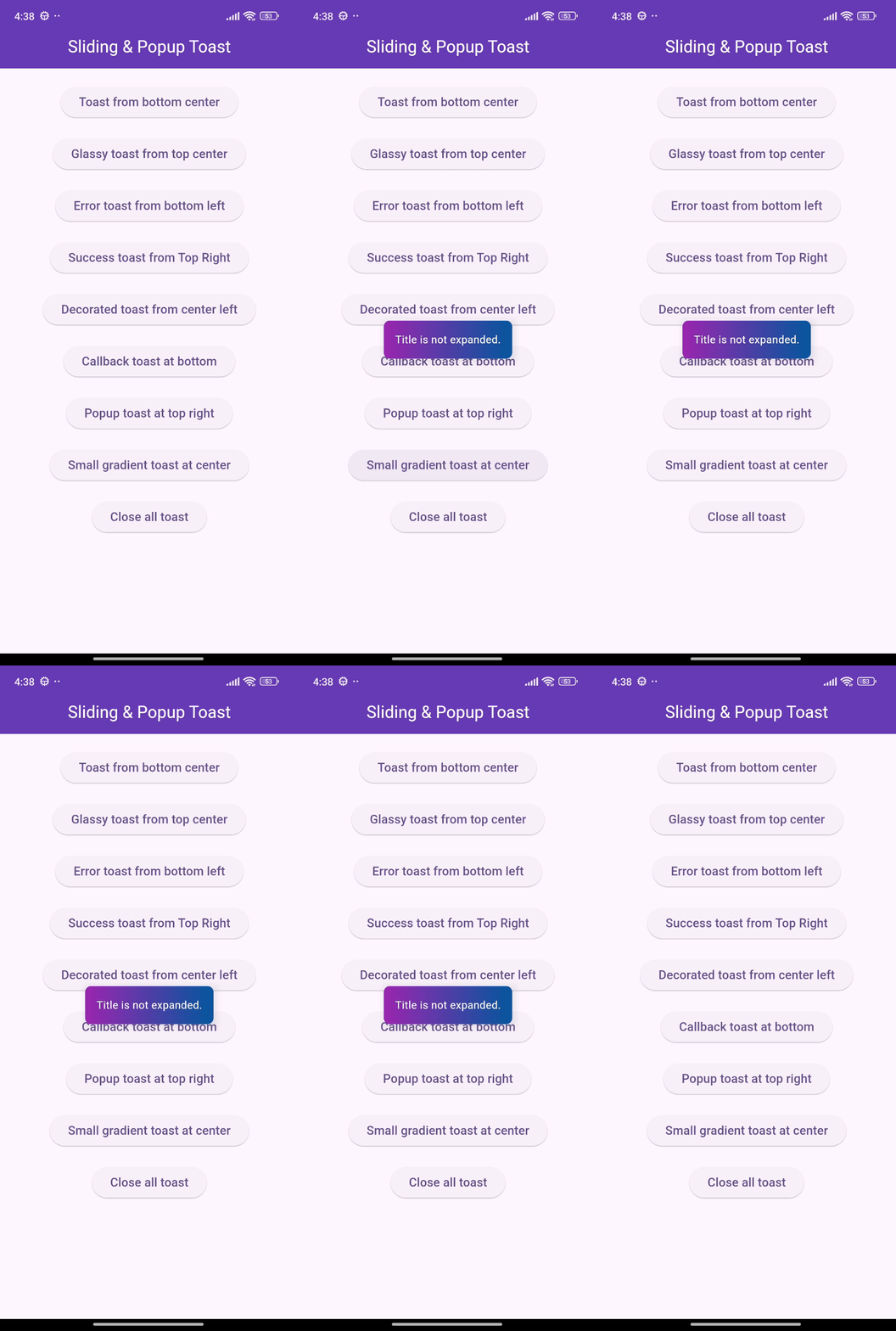
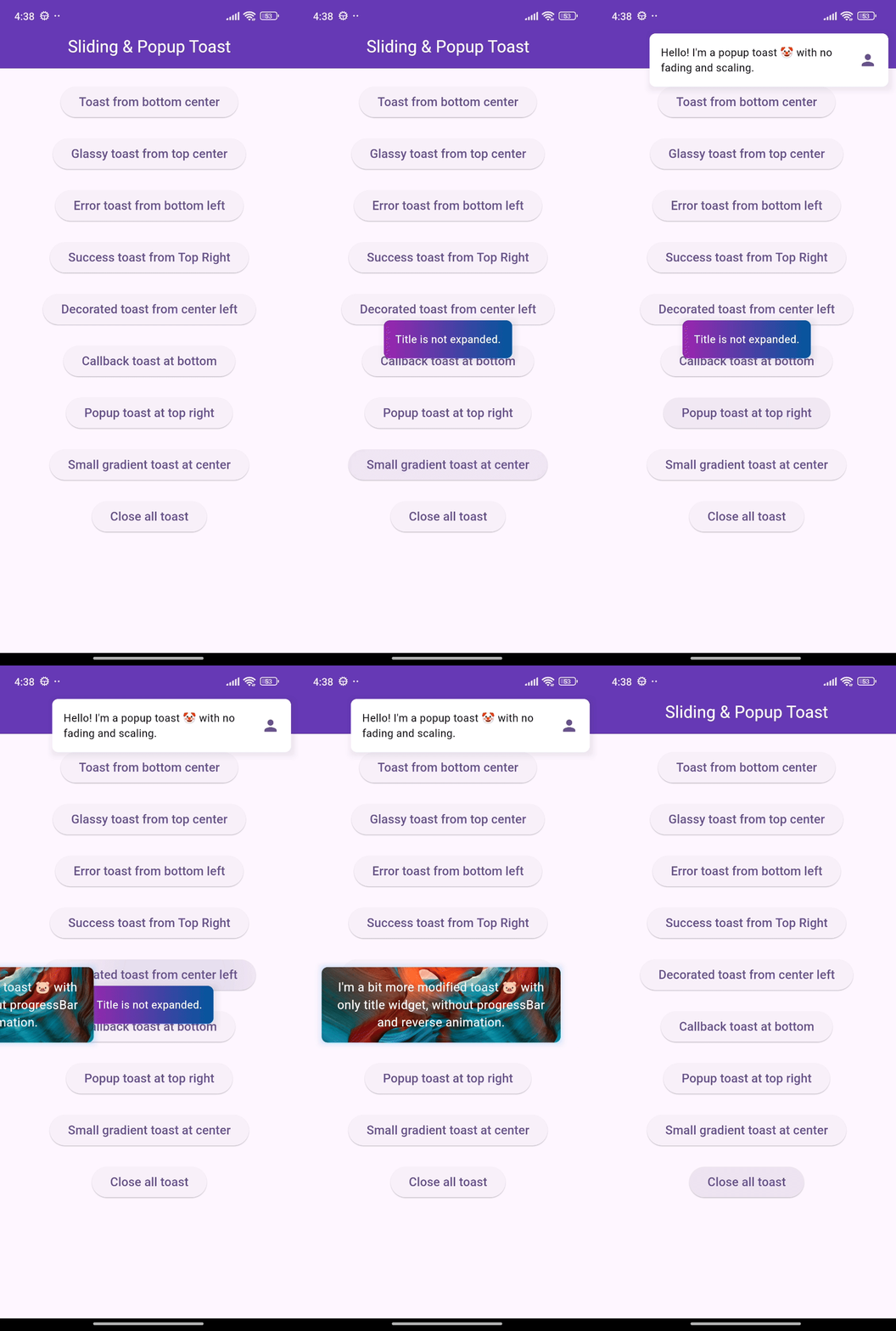
🎨 Screenshots

🎯 Features

  • Show sliding toasts, modify sliding behaviors
  • Show popup toasts, disable or modify fading and scaling behaviors
  • Change toast's alignment positions and sliding toast's sliding directions
  • Define animation and display duration, max height and width, padding
  • Set title, leading, trailing widgets and make title width dynamic or expanded
  • Disable the progressbar in sliding toast if needed
  • Use glassmorphism/gradient/decorated background or default success and error toast
  • Slide any direction to dismiss sliding toast and vertically for popup toast
  • Dismiss an individual or all toasts programmatically
  • Pause the animation with long press and release it to continue
  • Execute a function after the toast is tapped or disposed
  • Disable Multiple tapping to execute 'onTap' callback only one time
  • Initialize context or overlay state early for persistent toast availability

⚙️ Getting Started

Requires Flutter 3.47.0 or newer.

Add the following line to pubspec.yaml:

dependencies:
  flutter_sliding_toast: ^1.6.0

🚀 Usage

class MyHomePage extends StatelessWidget {
  const MyHomePage({super.key});

  @override
  Widget build(BuildContext context) {
    return Scaffold(
      appBar: AppBar(
        iconTheme: const IconThemeData(color: Colors.white),
        title: const Text('Sliding & Popup Toast'),
        centerTitle: true,
      ),
      body: SafeArea(
        child: Column(
          mainAxisAlignment: MainAxisAlignment.center,
          children: [
            const SizedBox(width: double.maxFinite),
            ElevatedButton(
              onPressed: () {
                InteractiveToast.slide(
                  context: context,
                  leading: _leadingWidget(),
                  title: const Text(
                    "Hi there! I'm a sliding toast 😎. "
                    'Dismiss me by sliding upward.',
                  ),
                  trailing: _trailingWidget(),
                  toastStyle: const ToastStyle(titleLeadingGap: 10),
                  toastSetting: const SlidingToastSetting(
                    displayDuration: Duration(seconds: 2),
                    toastStartPosition: ToastPosition.top,
                    toastAlignment: Alignment.topCenter,
                  ),
                );
              },
              child: _textWidget('Sliding toast from top center'),
            ),
            const SizedBox(height: 30),
            ElevatedButton(
              onPressed: () {
                final overlayState = Overlay.of(context);
                InteractiveToast.pop(
                  overlayState: overlayState,
                  title: const Text(
                    "Hi! I'm a popup toast 🐺. "
                    'I have fading and scaling effect.',
                  ),
                  trailing: _trailingWidget(),
                  toastSetting: const PopupToastSetting(
                    animationDuration: Duration(seconds: 1),
                    displayDuration: Duration(seconds: 3),
                  ),
                );
              },
              child: _textWidget('Popup toast at bottom center'),
            ),
          ],
        ),
      ),
    );
  }

  Text _textWidget(String text) =>
      Text(text, style: const TextStyle(fontSize: 16));

  Icon _trailingWidget() => const Icon(Icons.person, color: Colors.deepPurple);

  Container _leadingWidget() {
    return Container(
      width: 40,
      height: 40,
      decoration: BoxDecoration(
        shape: BoxShape.circle,
        color: Colors.purple,
        boxShadow: [
          BoxShadow(
            color: Colors.black.withAlpha(25),
            spreadRadius: 3,
            blurRadius: 4,
          ),
        ],
      ),
      alignment: Alignment.center,
      child: const Text('🦄', style: TextStyle(fontSize: 20)),
    );
  }
}

❤️ Additional information

Pull requests are welcomed!

If you encounter any problems or you have any ideas, feel free to open an issue:

カテゴリー

依存関係

依存関係一覧 1 件

ソースリポジトリ

このパッケージを使用しているプロジェクト

データはまだありません。