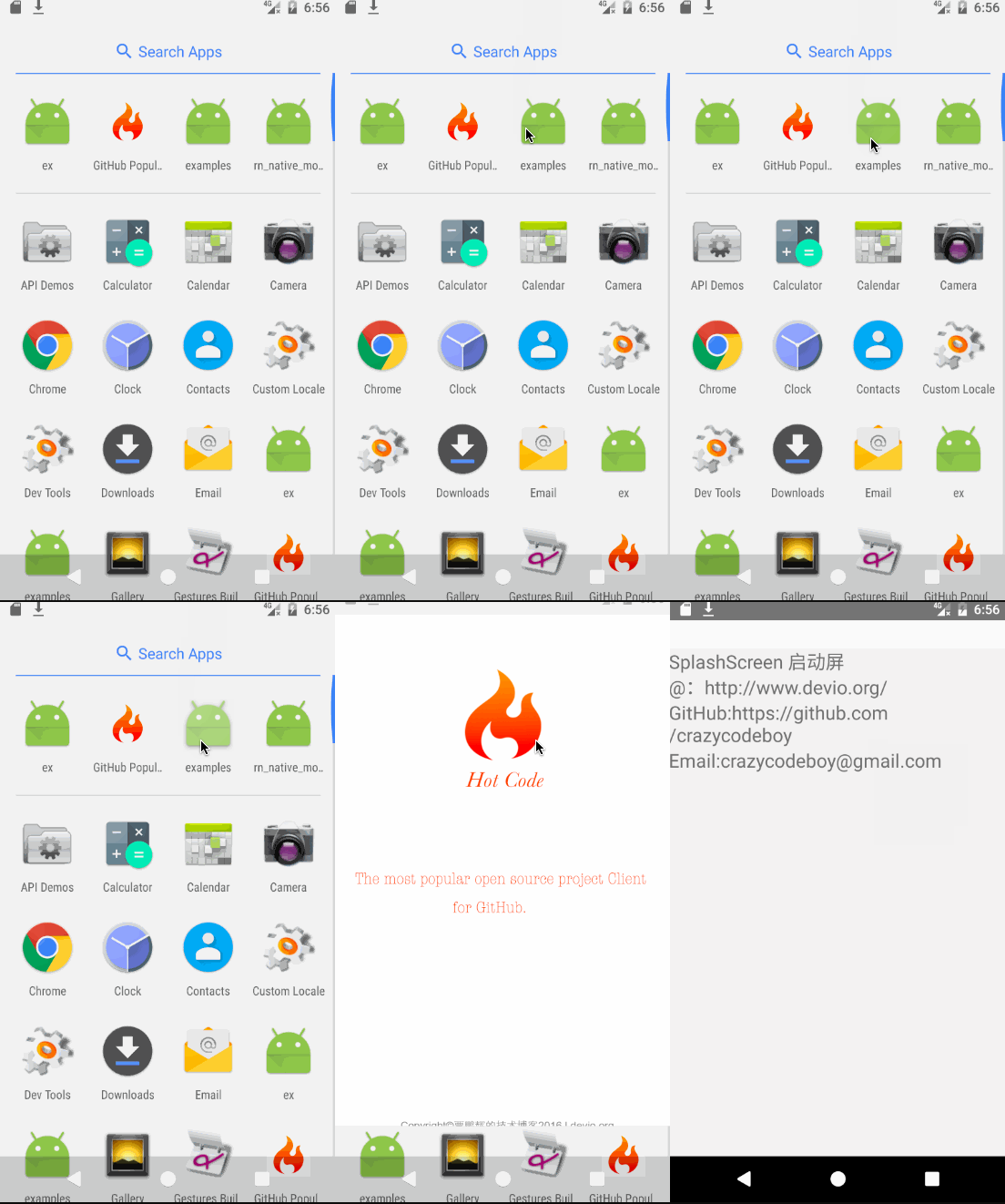
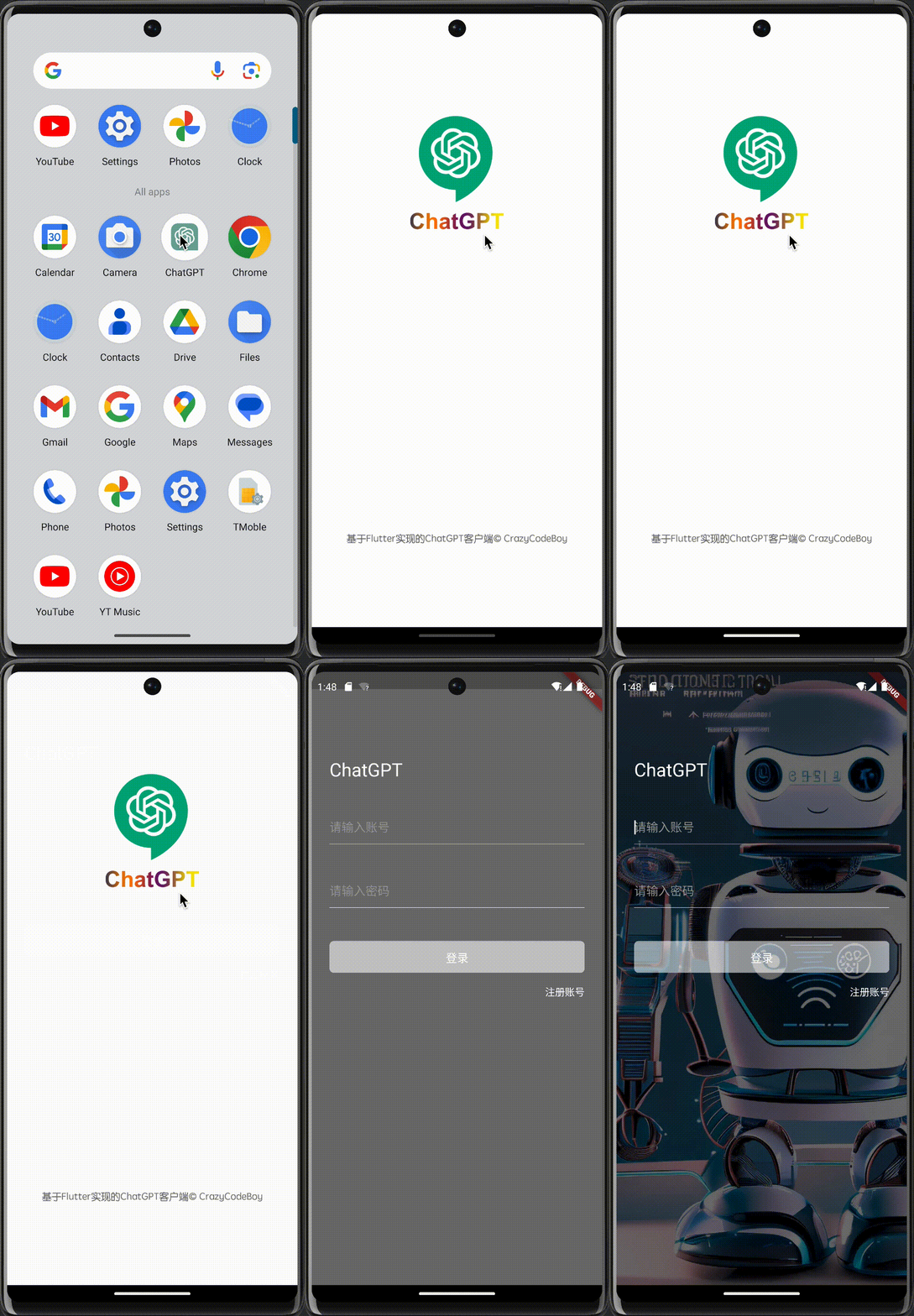
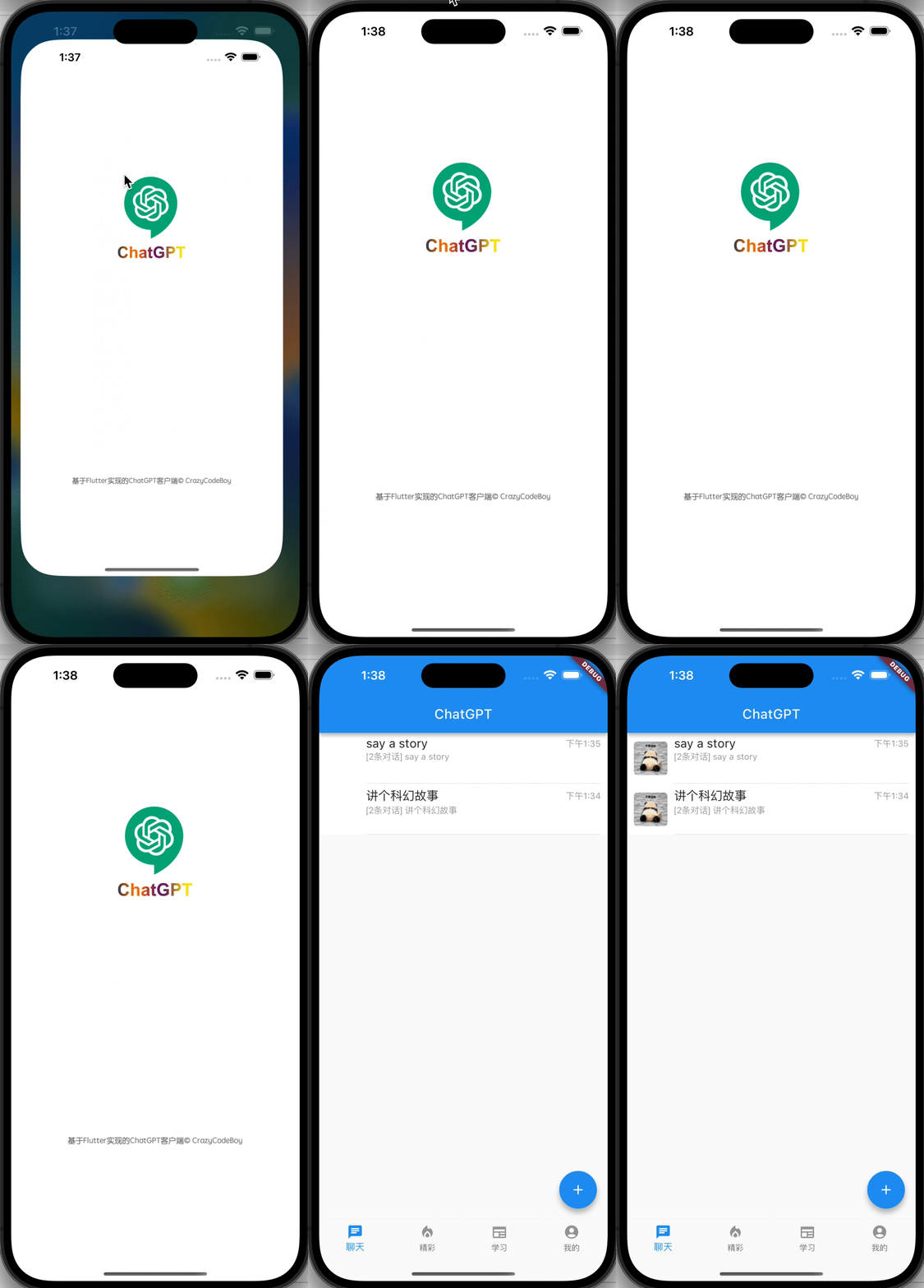
Update the MainActivity.kt to use flutter_splash_screen via the following changes:
package org.devio.flutter.splashscreen.example

import android.os.Bundle
import io.flutter.embedding.android.FlutterActivity

import org.devio.flutter.splashscreen.SplashScreen // add

class MainActivity : FlutterActivity() {
    override fun onCreate(savedInstanceState: Bundle?) {
        // SplashScreen.show(this)
        // or enable full screen
        SplashScreen.show(this, true)
        super.onCreate(savedInstanceState)
    }
}
Create launch_screen.xml file
Create a file called launch_screen.xml in app/src/main/res/layout (create the layout-folder if
it doesn't exist). The contents of the file should be the following:
Customize your launch screen by creating a launch_screen.png-file and placing it in an
appropriate mipmap-folder. Android automatically scales drawable, so you do not necessarily need
to provide images for all phone densities.
You can create splash screens in the following folders:
mipmap-ldpi
mipmap-mdpi
mipmap-hdpi
mipmap-xhdpi
mipmap-xxhdpi
mipmap-xxxhdpi
Add a color called primary_dark in app/src/main/res/values/colors.xml