パッケージ、リポジトリ、アプリカテゴリを検索

flutter_storyboard のカバー
パッケージ詳細v0.1.7

flutter_storyboard

すべてのウィジェットのストーリーボードを表示するためのFlutterパッケージ。

30日間ダウンロード
122
いいね数
133
Pub ポイント
40

パッケージをインストール

flutter pub add flutter_storyboard

パッケージ概要

公開情報に基づく選定ガイドです。参考としてご利用ください。

Flutter Storyboard は、Flutter アプリ内のすべてのウィジェットをストーリーボードとして可視化するデバッグツールであり、開発者がウィジェットの階層構造やレイアウト構造を確認できるようにします。UI ツリーの明確で階層的なビューを提供し、パフォーマンスのボトルネック、レイアウトの問題、または予期しないウィジェットのネストを特定するのに役立ちます。開発およびテストフェーズに最適で、コードを手動でトレースする必要なく、複雑な UI コンポジションの理解を深めます。このパッケージは、pub add を通じて Flutter プロジェクトにシームレスに統合できます。

用途

  • 複雑なウィジェットツリーのデバッグ
  • 開発中のUI階層の可視化
  • レイアウトの非効率性を特定する
  • UI 構造の変更をテストする
  • UIデザインにおけるチームコラボレーションの向上

主な機能

  • リアルタイムのウィジェットツリーの可視化
  • すべてのウィジェットの階層表示
  • pub add を通じたシンプルな統合
  • 本番環境での実行時オーバーヘッドなし
  • UIの検査に適した明快で読みやすいインターフェース

適している対象

  • Flutter開発者
  • Flutter を使用する UI/UX デザイナー
  • チームが複雑なレイアウトをデバッグしています
  • Flutter ウィジェット構造を学ぶ初心者
  • UIの整合性を検証するテスト担当者

注意事項

  • 本番環境での使用を想定していません
  • 開発ビルドの速度を遅くする可能性があります
  • 制限されたカスタマイズオプション
  • 検査中にホットリロードをサポートしていません
  • デバッグモードでは手動で有効にする必要があります

元の README

関連するソースリポジトリの README 原文のスナップショットです。最新の内容はリポジトリをご覧ください。

Buy Me A Coffee Donate github pages GitHub stars flutter_storyboard

storyboard

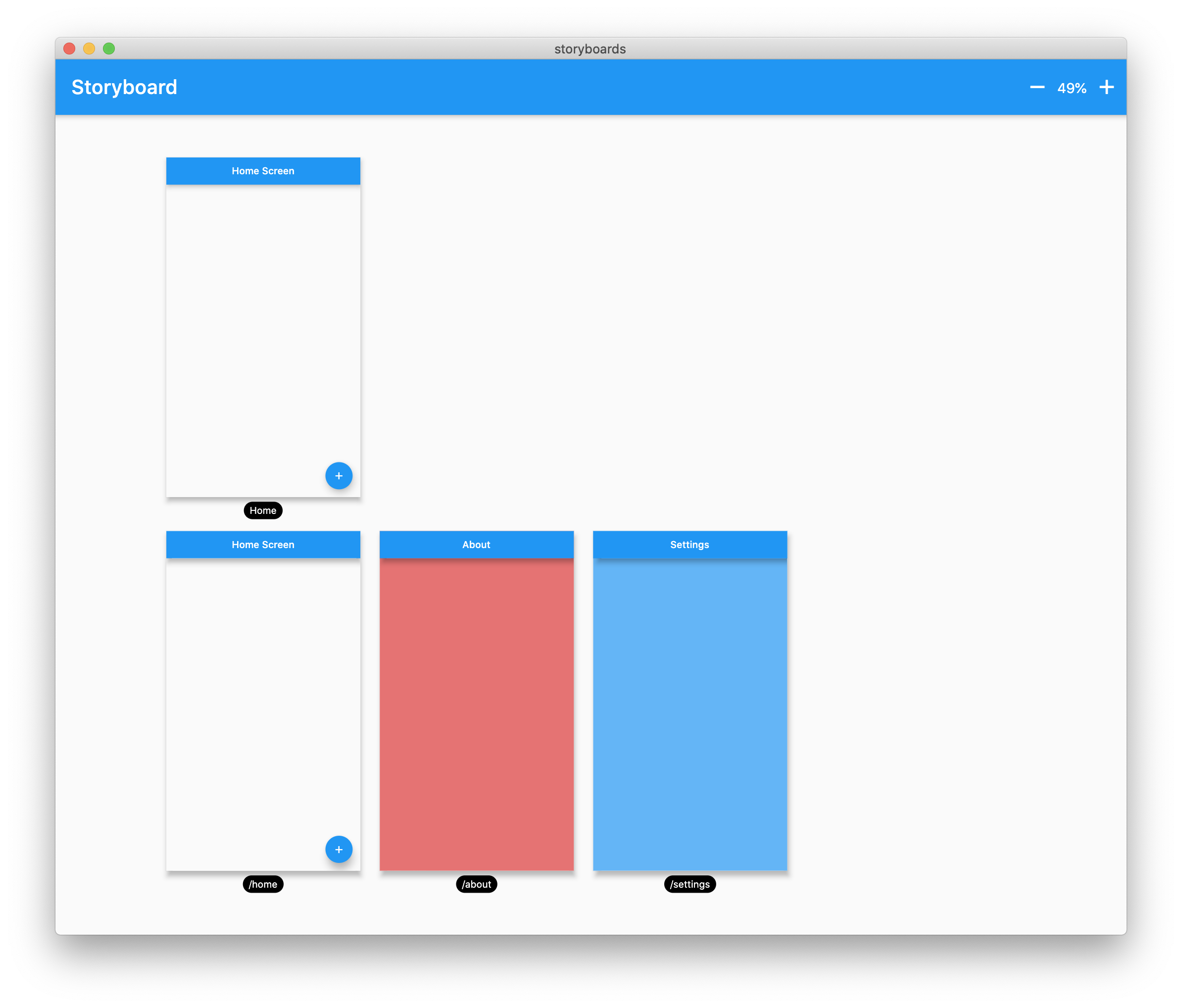
A Flutter Debug tool to see and test all your screens at once.

Online Demo: https://rodydavis.github.io/storyboard/

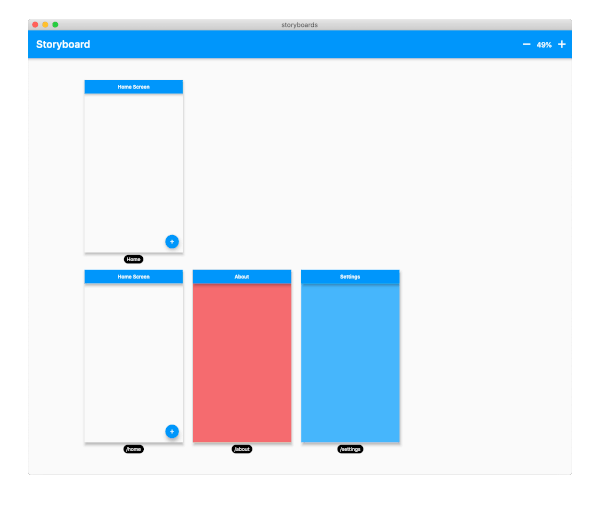
screenshot

Examples

Custom Lane Builder

Dynamic Screen Sizes

Material App Example

Widget Example

Multiple Custom Lanes Example

Getting Started

Wrap your MaterialApp with Storyboard.

return StoryBoard.material(
      child: MaterialApp(
        debugShowCheckedModeBanner: false,
        title: 'Flutter Storyboard Example',
        theme: ThemeData.light().copyWith(
          visualDensity: VisualDensity.adaptivePlatformDensity,
        ),
        darkTheme: ThemeData.dark().copyWith(
          visualDensity: VisualDensity.adaptivePlatformDensity,
        ),
        themeMode: ThemeMode.light,
        home: HomeScreen(),
        routes: {
          '/home': (_) => HomeScreen(),
          '/about': (_) => AboutScreen(),
          '/settings': (_) => SettingsScreen(),
        },
      ),
    );

Wrap your WidgetsApp with Storyboard.widgets(). Wrap your CupertinoApp with Storyboard.cupertino().

Custom Routes and Widgets

You can add any number of custom widgets to the canvas, including custom routes. You can add dummy data to the constructors here as it will render all default values.

customScreens: [
  SettingsScreen(),
  AboutScreen(),
  CustomWidget(title: 'Dummy Data'),
],
customRoutes: [
  RouteSettings(name: '/about'),
],

Misc

Now you can test all your screens with a hot reload! You can also disable the widget at any time by setting enabled to false. You will need to do a hot restart after you change this value.

カテゴリー

依存関係

依存関係一覧 2 件

ソースリポジトリ

このパッケージを使用しているプロジェクト

データはまだありません。