Full Screen image
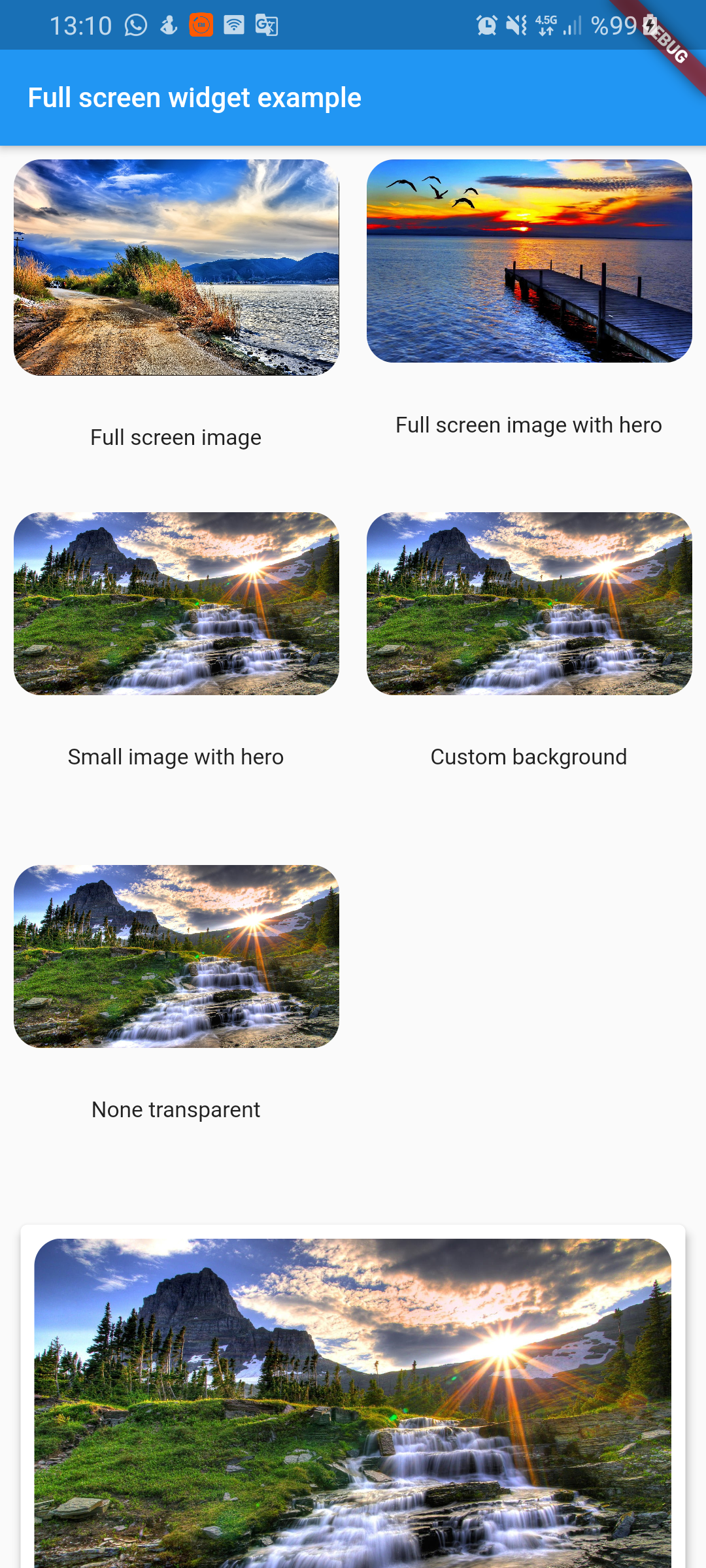
Full screen photo viewer. It shuts off when scrolling vertically. Can work with Hero widget
Installation
To use this plugin, add full_screen_image_null_safe as a dependency in your pubspec.yaml file.
full_screen_image_null_safe: any
Getting Started
Check out the example app using full_screen_image.
Flutter
Full screen image:
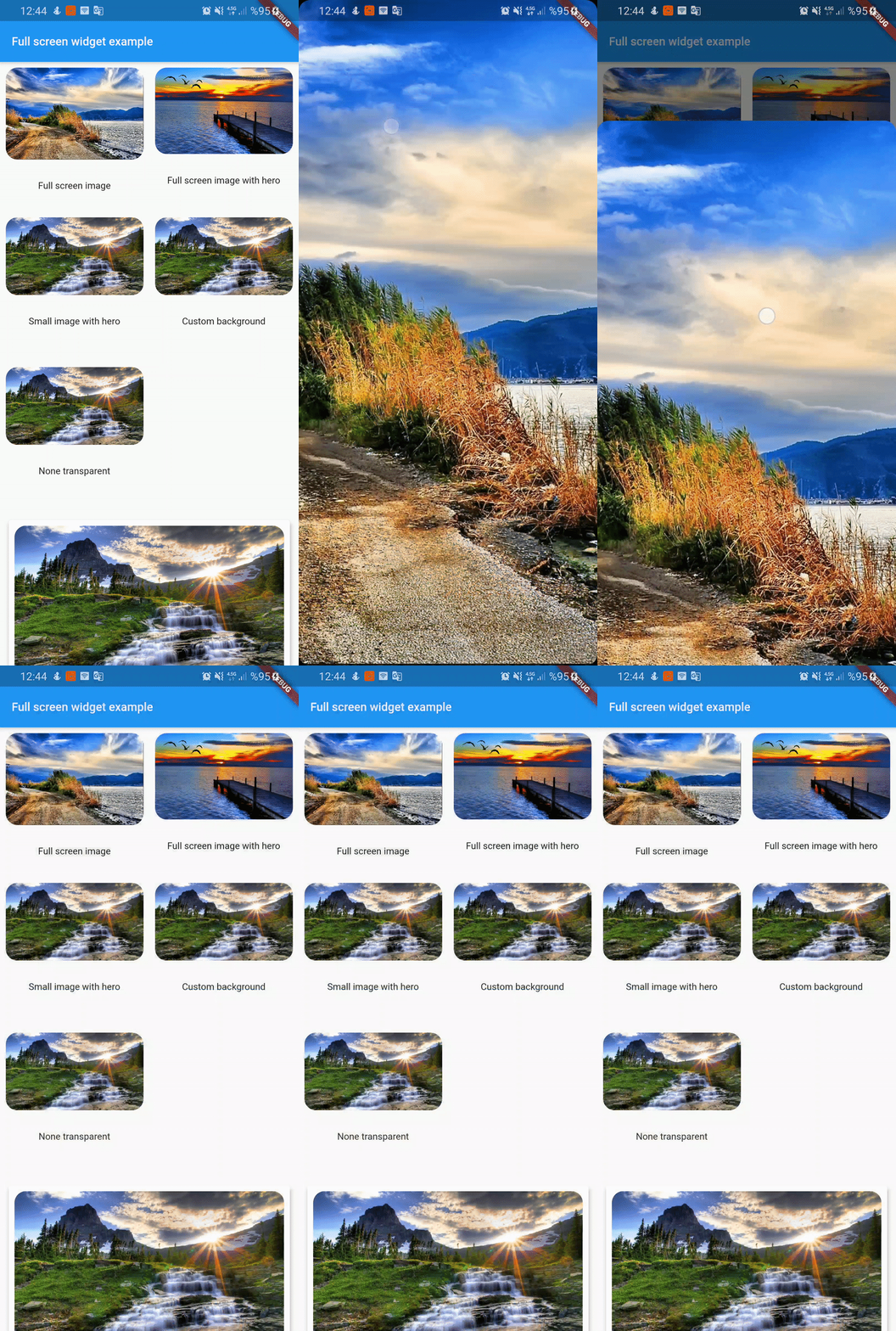
  FullScreenWidget(
        child: ClipRRect(
          borderRadius: BorderRadius.circular(16),
          child: Image.asset(
            "assets/image1.jpg",
            fit: BoxFit.cover,
          ),
        ),
      )
Full screen with hero:
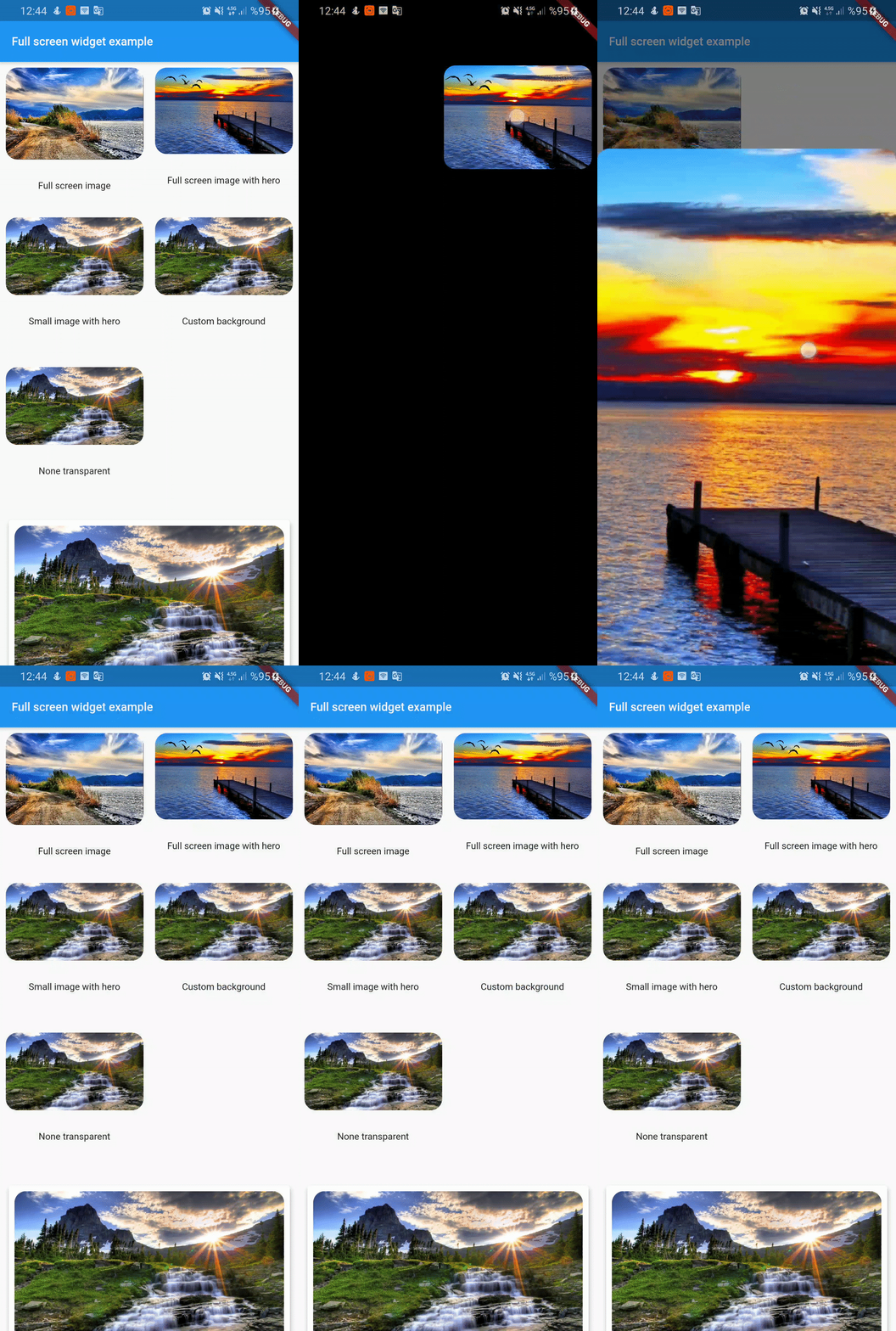
FullScreenWidget(
        child: Hero(
          tag: "customTag",
          child: ClipRRect(
            borderRadius: BorderRadius.circular(16),
            child: Image.asset(
              "assets/image2.jpg",
              fit: BoxFit.cover,
            ),
          ),
        ),
      );
Small image:
if you don't want widget full screen then use center widget
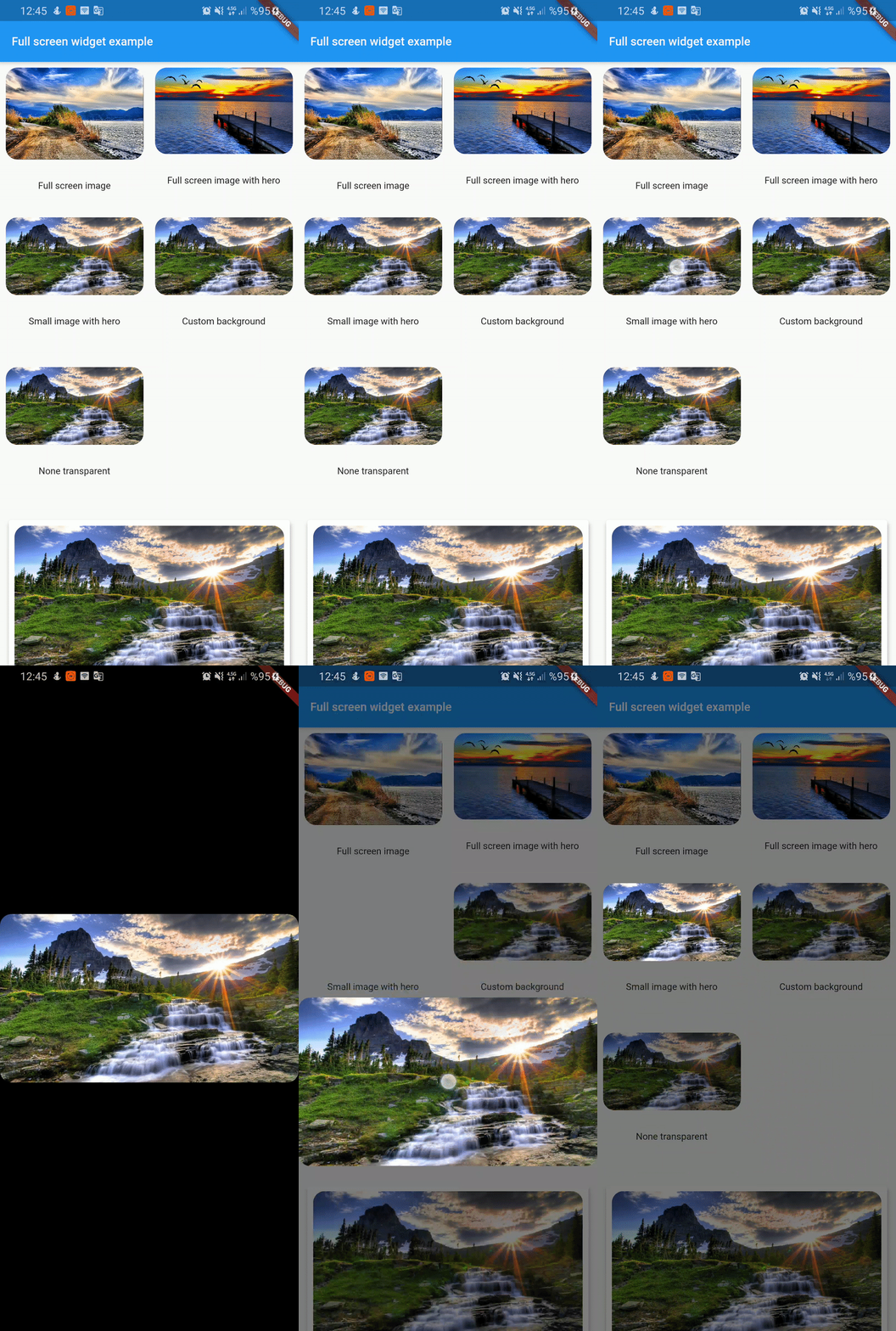
 FullScreenWidget(
        child: Center(
          child: Hero(
            tag: "smallImage",
            child: ClipRRect(
              borderRadius: BorderRadius.circular(16),
              child: Image.asset(
                "assets/image3.jpg",
                fit: BoxFit.cover,
              ),
            ),
          ),
        ),
      );
Custom background color:
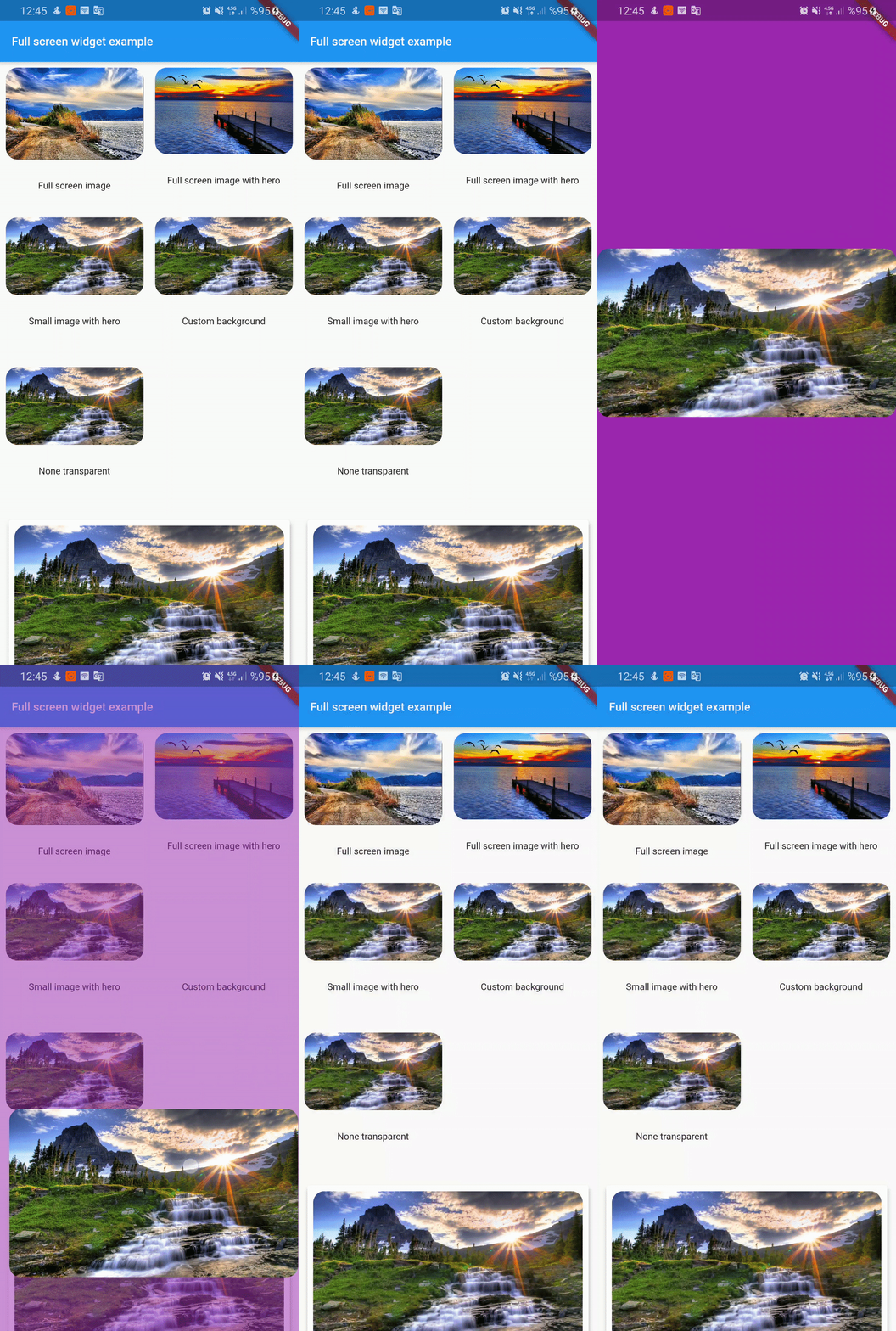
FullScreenWidget(
        backgroundColor: Colors.purple,
        child: Center(
          child: Hero(
            tag: "customBackground",
            child: ClipRRect(
              borderRadius: BorderRadius.circular(16),
              child: Image.asset(
                "assets/image3.jpg",
                fit: BoxFit.cover,
              ),
            ),
          ),
        ),
      );
Non transparent widget:
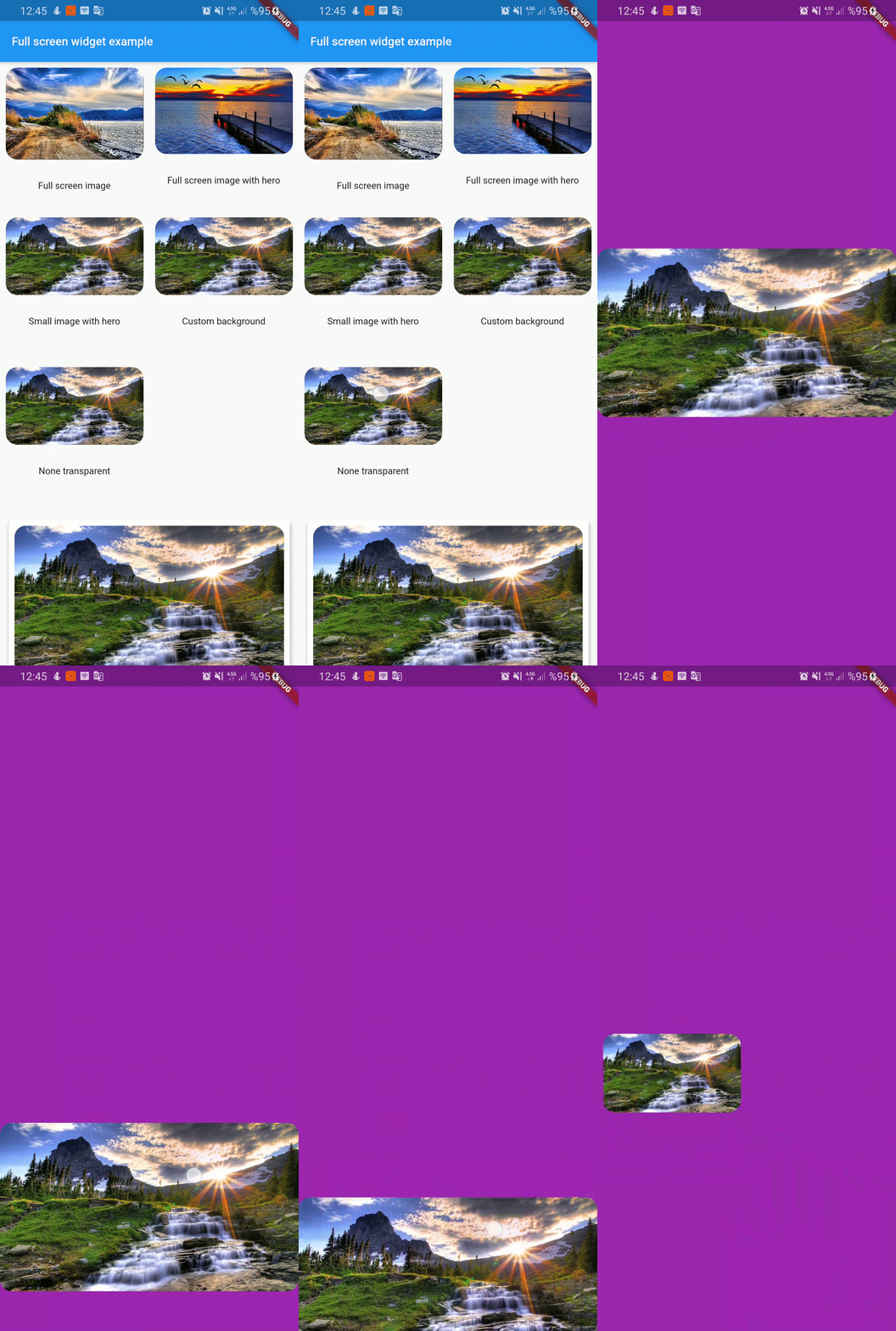
FullScreenWidget(
        backgroundColor: Colors.purple,
        backgroundIsTransparent: false,
        child: Center(
          child: Hero(
            tag: "nonTransparent",
            child: ClipRRect(
              borderRadius: BorderRadius.circular(16),
              child: Image.asset(
                "assets/image3.jpg",
                fit: BoxFit.cover,
              ),
            ),
          ),
        ),
      );
Custom widget:
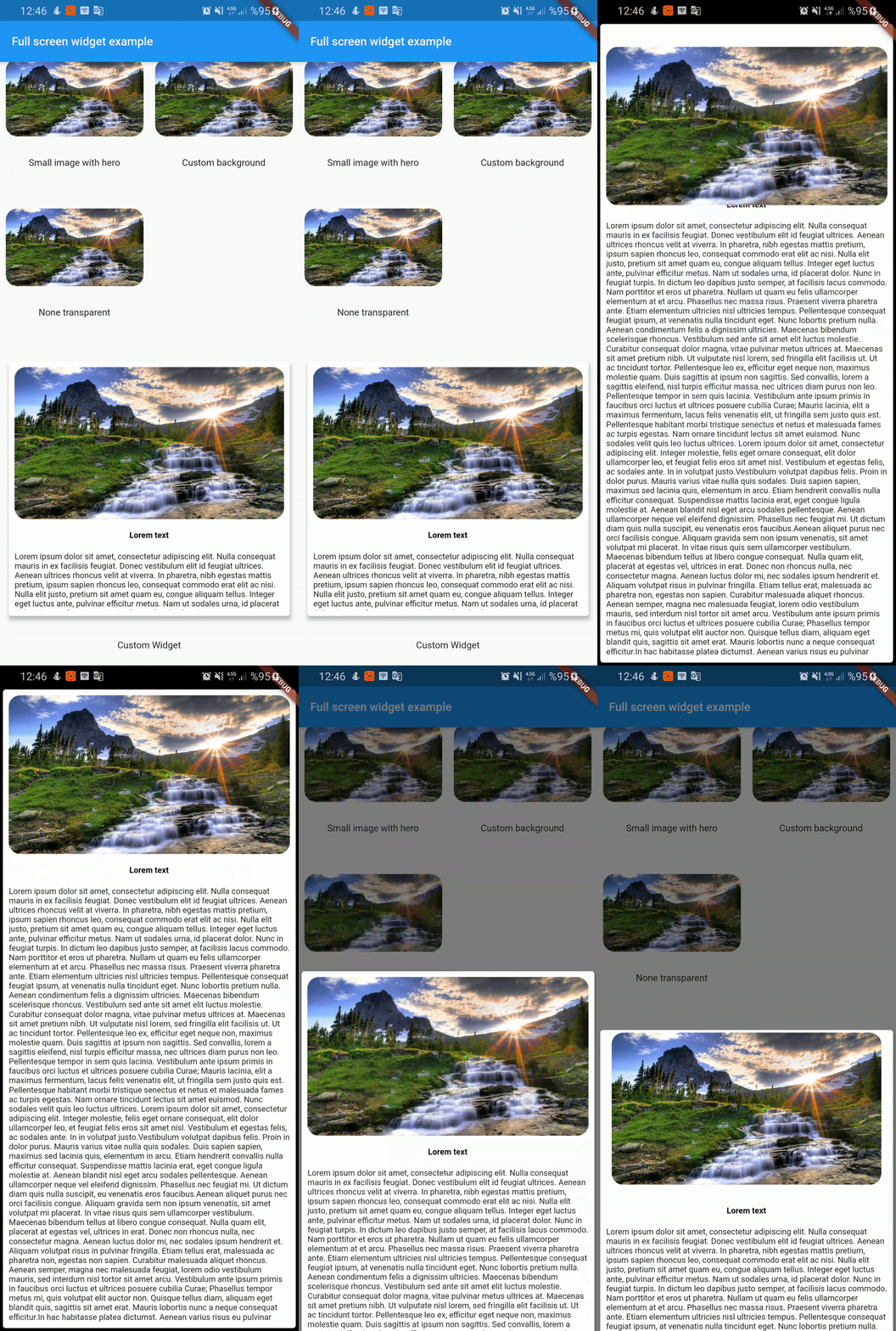
  FullScreenWidget(
        child: SafeArea(
          child: Card(
            elevation: 4,
            child: Container(
              height: 350,
              padding: const EdgeInsets.all(8.0),
              child: Column(
                children: <Widget>[
                  Hero(
                    tag: "customWidget",
                    child: ClipRRect(
                      borderRadius: BorderRadius.circular(16),
                      child: Image.asset(
                        "assets/image3.jpg",
                        fit: BoxFit.cover,
                      ),
                    ),
                  ),
                  SizedBox(
                    height: 16,
                  ),
                  Text('Lorem text',style: TextStyle(color: Colors.black,fontWeight: FontWeight.bold),),
                  SizedBox(
                    height: 16,
                  ),
                  Expanded(
                    child: Text(
                      lorem,
                    ),
                  ),

                ],
              ),
            ),
          ),
        ),
      );
License
Apache

