This package allows the use of Google Speech Api with grpc as a pure
Dart implementation. With the support of grpc it is also possible to use the streaming transcription
of the Google Speech Api with this package.
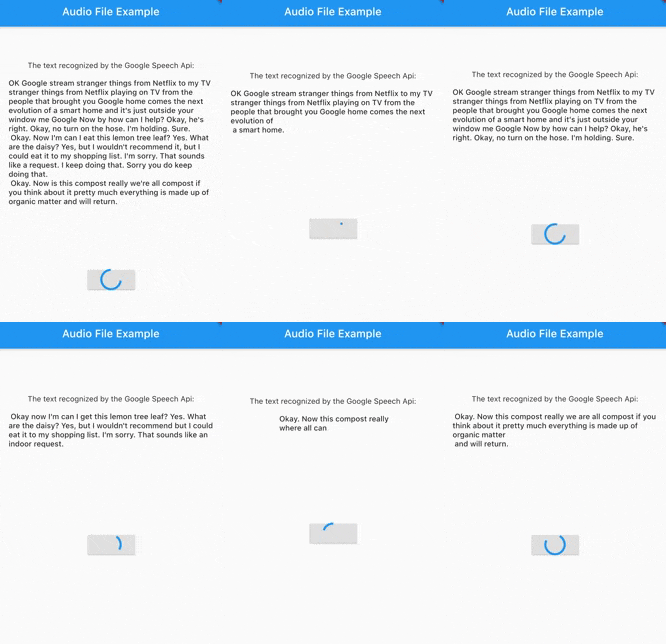
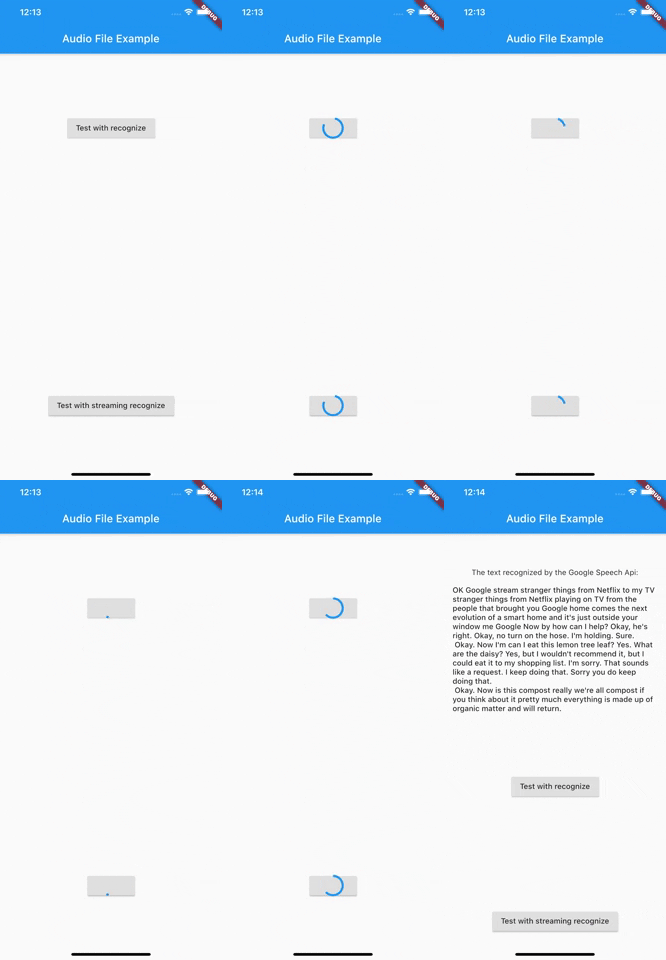
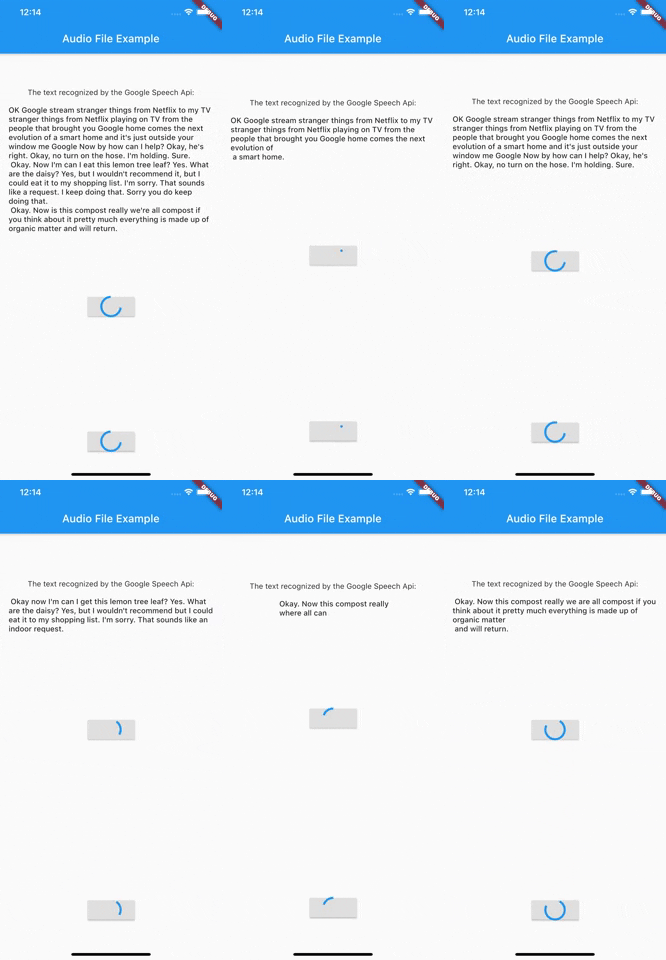
Demo recognize
Demo Streaming
Before we get started
To use the Google Speech Api it is first of all important to create a Google Cloud account and activate the Speech Api.
The best way to do this is to follow the first point of this documentation.
After you have created a service account and downloaded the Json file with the necessary access data, you can start
using this package.
At this time this package only supports authentication via service account. It is therefore necessary to create a service account and have the necessary Json data ready.
Getting Started
Authentication
As of version 3.0.0 there are now 3 different ways to authenticate. In addition to the old way viaServiceAccount, there is now also the possibility to authenticate via token or ThirdPartyAuthenticator.
Authentication via ThirdParty Authenticator [> Version 3.0.0]
final speechToText = SpeechToText.viaThirdPartyAuthenticator(
ThirdPartyAuthenticator(
obtainCredentialsFromThirdParty: () async {
// request api to get tokenfinal json = awaitrequestCredentialFromMyApi();
returnAccessCredentials.fromJson(json);
},
),
);
Authentication via Token [> Version 3.0.0]
Creates a SpeechToText interface using a token.
You are responsible for updating the token when it expires.
    final speechToText = SpeechToText.viaToken(
    'Bearer',
    '<token-here>',
    );
Authentication via a service account
There are two ways to log in using a service account. Option number one is the direct transfer of the Json file.
Make sure that the file really exists in the path you passed and that the file has a .json extension.
import'package:google_speech/speech_client_authenticator.dart';
final serviceAccount = ServiceAccount.fromFile(File('PATH_TO_FILE'));
final speechToText = SpeechToText.viaServiceAccount(serviceAccount);
Option number two is to pass the Json data directly as a string.
This could be used for example to load the data from an external service first and not
have to keep it directly in the app.
final serviceAccount = ServiceAccount.fromString(r'''{YOUR_JSON_STRING}''');
/// OR load the data from assetsfinal serviceAccount = ServiceAccount.fromString(
'${(await rootBundle.loadString('assets/test_service_account.json'))}');
final speechToText = SpeechToText.viaServiceAccount(serviceAccount);
After you have successfully connected the ServiceAccount, you can already start using the Api.
Since version 1.1.0 google_speech also supports the use of features available in the Google Speech Beta Api. For this you just have to use SpeechToTextBeta instead of SpeechToText.
Use Google Speech Version 2
Since version 4.0.0 google_speech also supports the use of features available in the Google Speech V2. For this you just have to use SpeechToTextV2 instead of SpeechToText.
An Example could be found in audio_file_example_v2
Endless stream support
Since version 5.0.0 google_speech also supports endless stream.
For this you just have to use EndlessStreamingService instead of SpeechToText.
final serviceAccount = ServiceAccount.fromString(r'''{YOUR_JSON_STRING}''');
/// OR load the data from assetsfinal serviceAccount = ServiceAccount.fromString(
'${(await rootBundle.loadString('assets/test_service_account.json'))}');
final speechToText = EndlessStreamingService.viaServiceAccount(serviceAccount);
final responseStream = speechToText.endlessStream;
speechToText.endlessStreamingRecognize(
StreamingRecognitionConfig(config: config, interimResults: true),
_audioStream!);
responseStream.listen((data) {...});