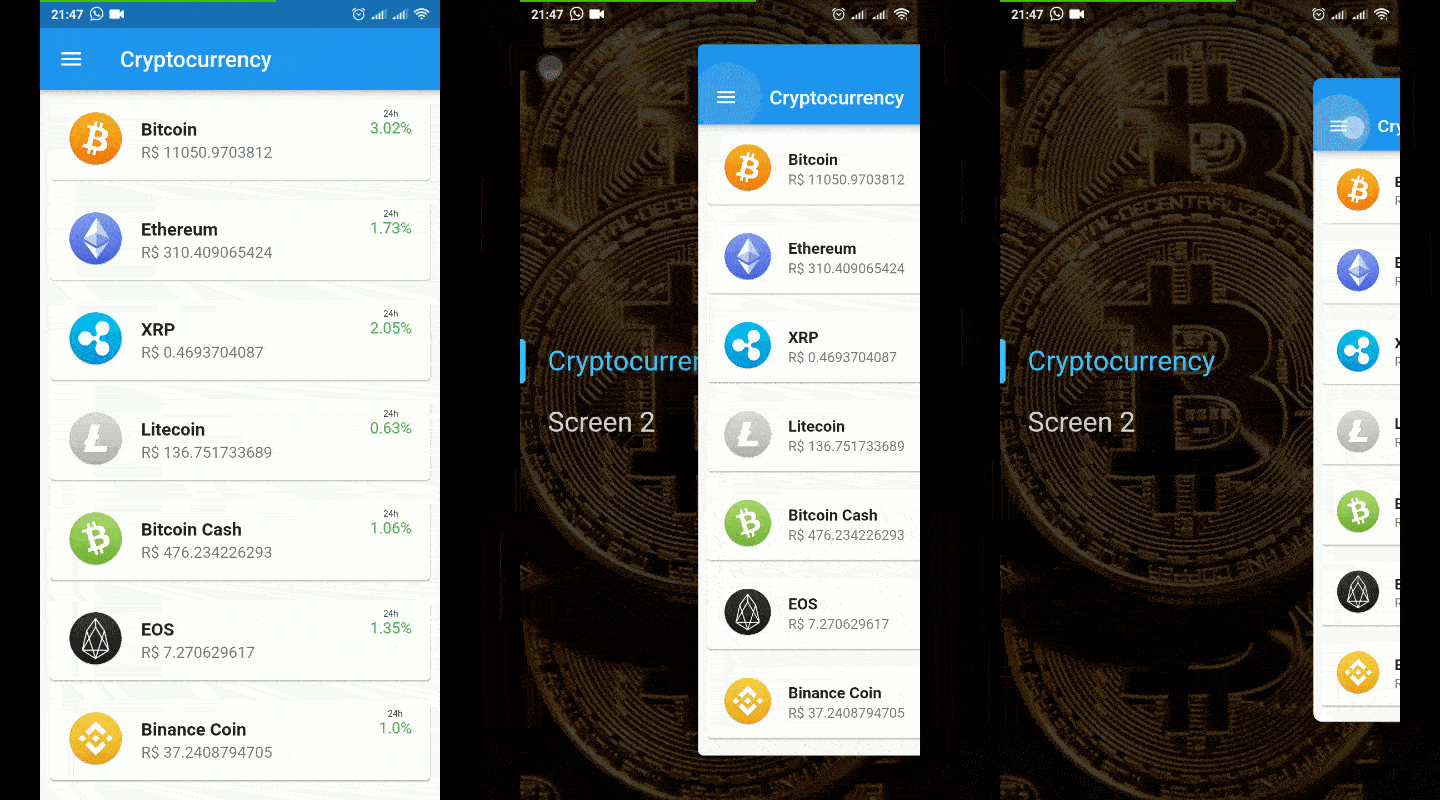
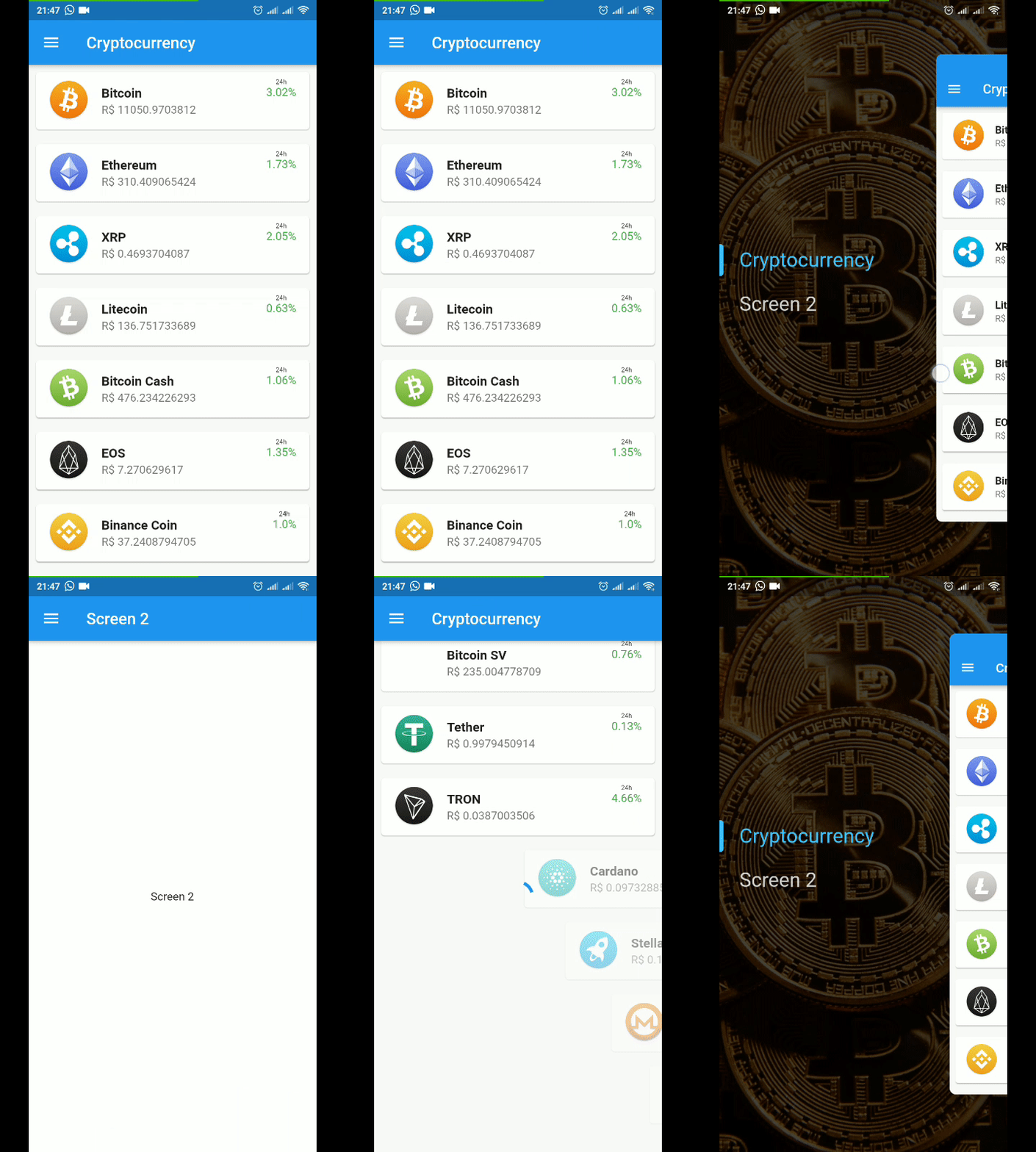
Hidden Drawer Menu は、滑らかな透視アニメーションを備えた視覚的に魅力的なドロワーナビゲーションを実装できるFlutterパッケージです。モダンなUI向けに設計されており、深さと動きを伴ってコンテンツを表示する洗練されたスライドドロワーを提供し、複数のプラットフォームでユーザー体験を向上させます。このライブラリはAndroid、iOS、Web、macOS、Windows、Linuxなど複数のプラットフォームをサポートしており、クロスプラットフォームアプリに最適です。pubコマンドによる最小限のセットアップで、既存プロジェクトにスムーズに統合できます。アニメーションの質と使いやすさに注力しているため、洗練されたナビゲーションパターンを必要とするアプリに適しています。
final controller = SimpleHiddenDrawerController.of(context);
controller.addListener((){
  print(controller.position);
});
Listen to menu status (closed,opening,open,closing)
final controller = SimpleHiddenDrawerController.of(context);
controller.addListener((){
  print(controller.state);
});
If you want to use only the widget responsible for the animation, it is now available as AnimatedDrawerContent
AnimatedDrawerController controller = AnimatedDrawerController(
vsync: this,
animationCurve:Curves.decelerate,
duration:constDuration(milliseconds: 350,
);
returnAnimatedDrawerContent(
controller: controller,
whithPaddingTop: false, //(optional) default = false // Add padding top in de gesture equals Heigth of the AppBar
whithShadow: false, //(optional) default = false
isDraggable: true, //(optional) default = true
child: Screen(),
);
You can control actions by controller such as:
controller.toggle() // Open or Close
controller.open()
controller.close()
controller.move(percent) // moves to a specific position from 0 to 1 (0 = fully enclosed, 1 = fully opened)