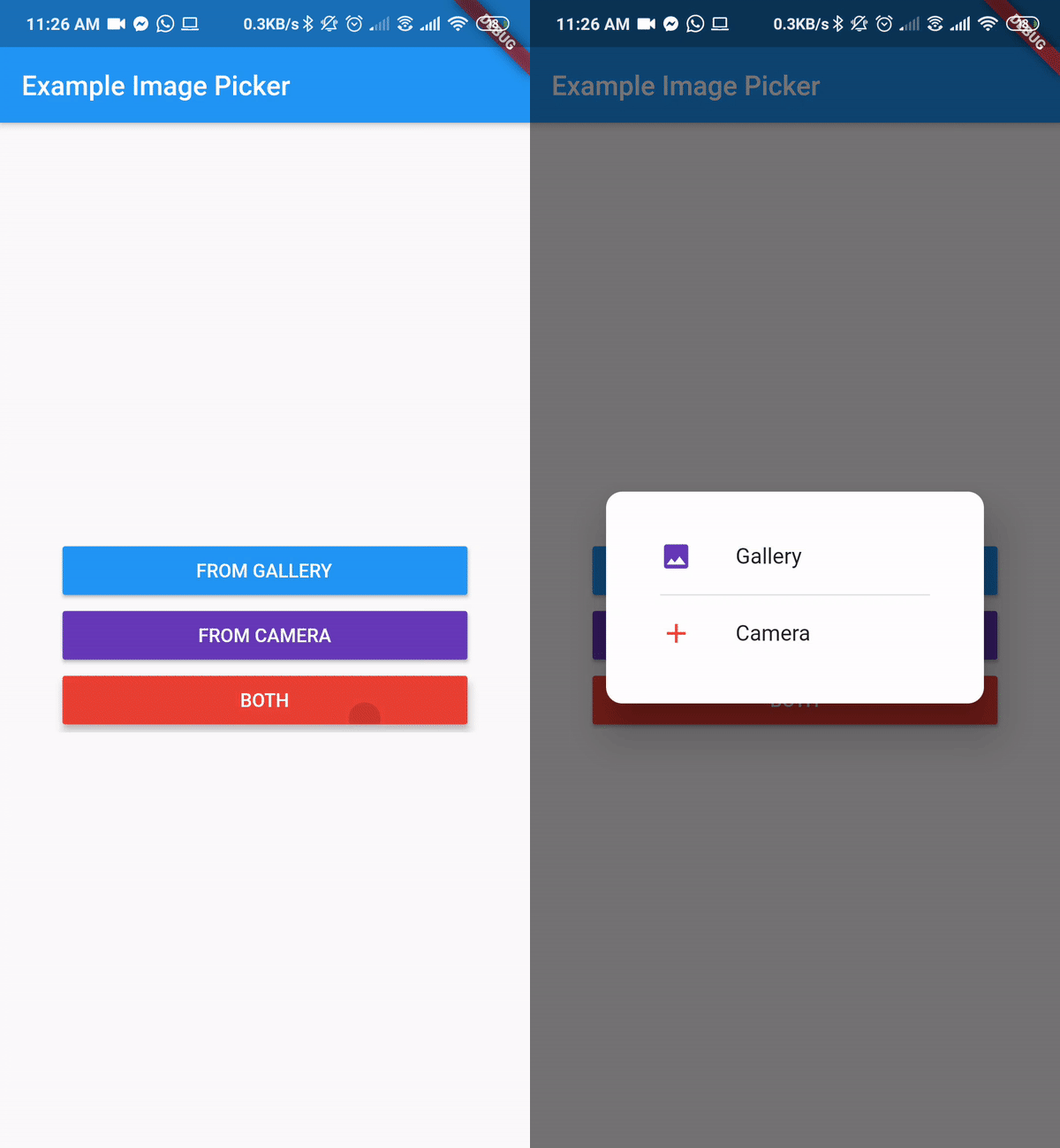
Flutter Package to Pick Image From Gallery or Camera
Getting Started
A Flutter plugin for iOS and Android for picking images from the image library, and taking new pictures with the camera.
You can use both Camera and Gallery Option.
Installation
First, add image_picker_gallery_camera as a dependency in your pubspec.yaml file.
iOS
Add the following keys to your Info.plist file, located in /ios/Runner/Info.plist:
NSPhotoLibraryUsageDescription - describe why your app needs permission for the photo library. This is called Privacy - Photo Library Usage Description in the visual editor.
NSCameraUsageDescription - describe why your app needs access to the camera. This is called Privacy - Camera Usage Description in the visual editor.
NSMicrophoneUsageDescription - describe why your app needs access to the microphone, if you intend to record videos. This is called Privacy - Microphone Usage Description in the visual editor.
Android
No configuration required - the plugin should work out of the box.