パッケージ、リポジトリ、アプリカテゴリを検索

image_pixels のカバー
パッケージ詳細v4.0.2

image_pixels

画像の背景色を拡張するか、画像の幅/高さまたはピクセルの色に依存する任意のウィジェットを構築できます。

AndroidiOSWebmacOSWindowsLinux
30日間ダウンロード
3750
いいね数
102
Pub ポイント
150

パッケージをインストール

flutter pub add image_pixels

パッケージ概要

公開情報に基づく選定ガイドです。参考としてご利用ください。

image_pixels パッケージは、開発者が画像の背景色を拡張したり、画像の寸法やピクセルカラーに依存するウィジェットを作成できるようにします。ピクセルレベルでの画像の分析および操作を可能にするツールを提供しており、カスタムビジュアルエフェクト、ダイナミックな背景、画像コンテンツに基づく応答型UIに最適です。このパッケージはAndroid、iOS、Web、macOS、Windows、Linuxなど複数のプラットフォームをサポートしており、広範な互換性を確保しています。パフォーマンスとシンプルさに焦点を当て、pub.dev経由でFlutterプロジェクトにシームレスに統合されます。

用途

  • 動的背景色拡張
  • 画像の寸法に基づいてウィジェットを作成する
  • ピクセルレベルの画像解析
  • 画像データを備えた応答性のあるUI
  • カスタムビジュアルエフェクト
  • 画像ベースのレイアウト調整

主な機能

  • 画像の背景色を拡張する
  • ピクセルカラーを分析します
  • 画像の幅/高さの依存関係をサポート
  • クロスプラットフォーム互換性
  • 軽量で効率的
  • Flutterとの簡単な統合

適している対象

  • 画像駆動型UIを開発する開発者
  • ピクセル単位の正確なレイアウトが必要なデザイナー
  • 動的な画像背景を必要とするアプリ
  • レスポンシブ画像コンポーネントを備えたプロジェクト
  • 複数のプラットフォームをターゲットにするFlutterアプリ

注意事項

  • ピクセル分析の前に画像の読み込みが必要です
  • 大きな画像によるパフォーマンスへの影響
  • 静的画像処理に限定
  • リアルタイム動画には適していません
  • プリロードされた画像と併用するのが最適です
  • 繰り返し使用するための追加キャッシュが必要になる可能性があります

元の README

関連するソースリポジトリの README 原文のスナップショットです。最新の内容はリポジトリをご覧ください。

Pub popularity Pub Version GitHub stars GitHub repo size PRs Welcome Developed by Marcelo Glasberg Glasberg.dev on pub.dev Platforms

Sponsor

image_pixels

This package allows you to build a widget that depends on, or uses the values of:

  • The width and height of some image, or
  • The colors of your image pixels

Try running the Example.

Extend the background-color of an image

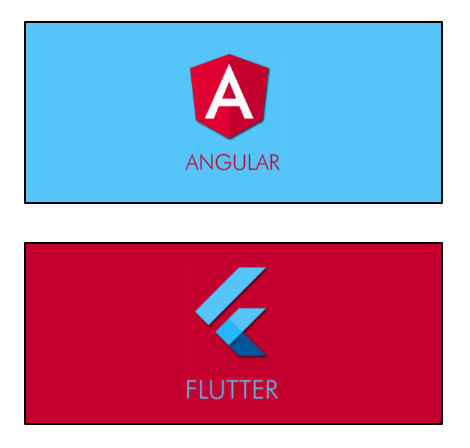
The ImagePixels.container() constructor adds a background-color that is the same color as the image pixel at the colorAlignment position.

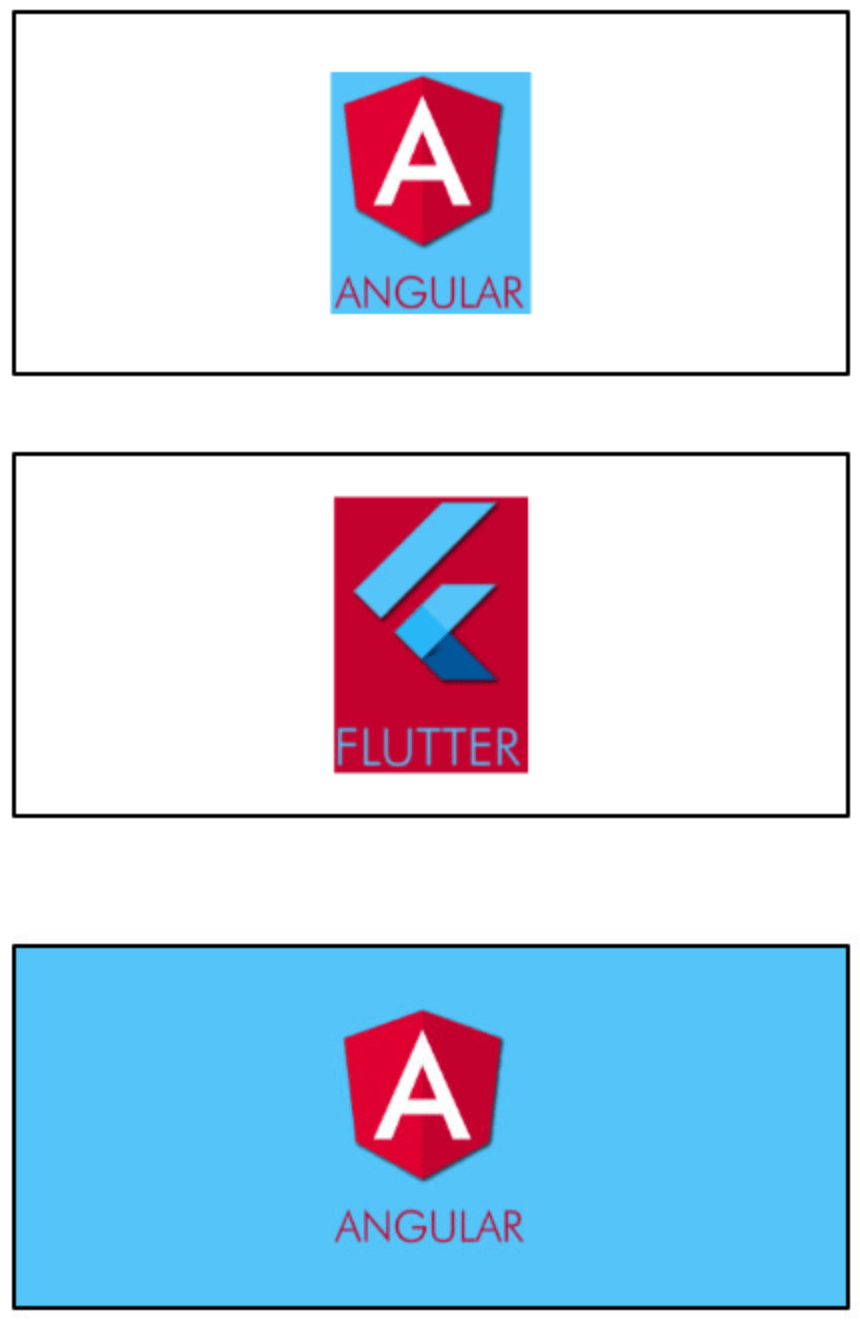
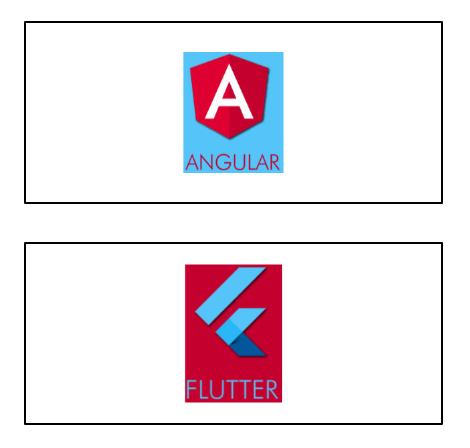
For example, suppose you put an image inside a Container, like this:

Container(
    width: 250,
    height: 100,                           
    alignment: Alignment.center,
    child: 
        Container(    
            width: 40.0, 
            height: 60.0, 
            child: Image(image: myImageProvider),
        ),
);


Now, if you wrap it with an ImagePixels.container:

ImagePixels.container(
    imageProvider: myImageProvider,    
    colorAlignment: Alignment.topLeft,
    child: 
        Container(
            width: 250,
            height: 100,                           
            alignment: Alignment.center,
            child: 
                Container(    
                    width: 40.0, 
                    height: 60.0, 
                    child: Image(image: myImageProvider),
                ),
        );
);


Using a builder

The ImagePixels constructor lets you define an image through an imageProvider, and then use a builder to build a child widget that depends on the image dimensions and the color of its pixels.

The default constructor lets you provide the imageProvider, the builder, as well as a defaultColor to be used when reading pixels outside the image bounds or while the image is still downloading.

For example, this will display the size of the image as a Text widget:

ImagePixels(
    imageProvider: imageProvider,
    defaultColor: Colors.grey,
    builder: (context, img) => Text("Img size is: ${img.width} × ${img.height}"),
    );

Builder parameters

The builder function gives you access to an img parameter of type ImgDetails, with the following information:

  • If the image is already available, img.hasImage is true, and img.width and img.height indicate the image dimensions.

  • While the image is not yet available, img.hasImage is false, and img.width and img.height are null.

  • The functions img.pixelColorAt() and img.pixelColorAtAlignment() can be used in the builder body to read the color of the image pixels.

  • If the coordinates point to outside the image, or if the image is not yet available (is still being downloaded or failed to download), then these functions will return the defaultColor provided in the ImagePixels constructor.

  • The img.uiImage parameter contains the image as a ui.Image type. It will be null while the image is still downloading.

  • The img.byteData parameter contains the image as a ByteData type. It will be null while the image is still downloading.


Other use cases

  • Getting the tapped pixel color: By wrapping the child of the ImagePixel with a GestureDetector you can obtain the x/y position where the user tapped the image. From this information, you can then determine the color of the tapped pixel. Try running the Example.

  • Modifying the image: The child of the ImagePixel can be a CustomPainter. Then, you can use a canvas to paint whatever you want on top of the image, or else create an entirely new image from the pixels of the original image.


By Marcelo Glasberg

glasberg.dev
github.com/marcglasberg
linkedin.com/in/marcglasberg/
twitter.com/glasbergmarcelo
stackoverflow.com/users/3411681/marcg
medium.com/@marcglasberg

My article in the official Flutter documentation:

The Flutter packages I've authored:

My Medium Articles:

image_pixels

カテゴリー

ソースリポジトリ

このパッケージを使用しているプロジェクト