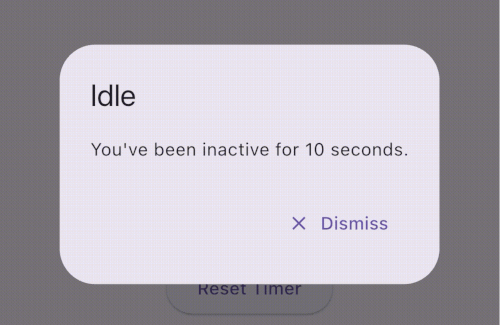
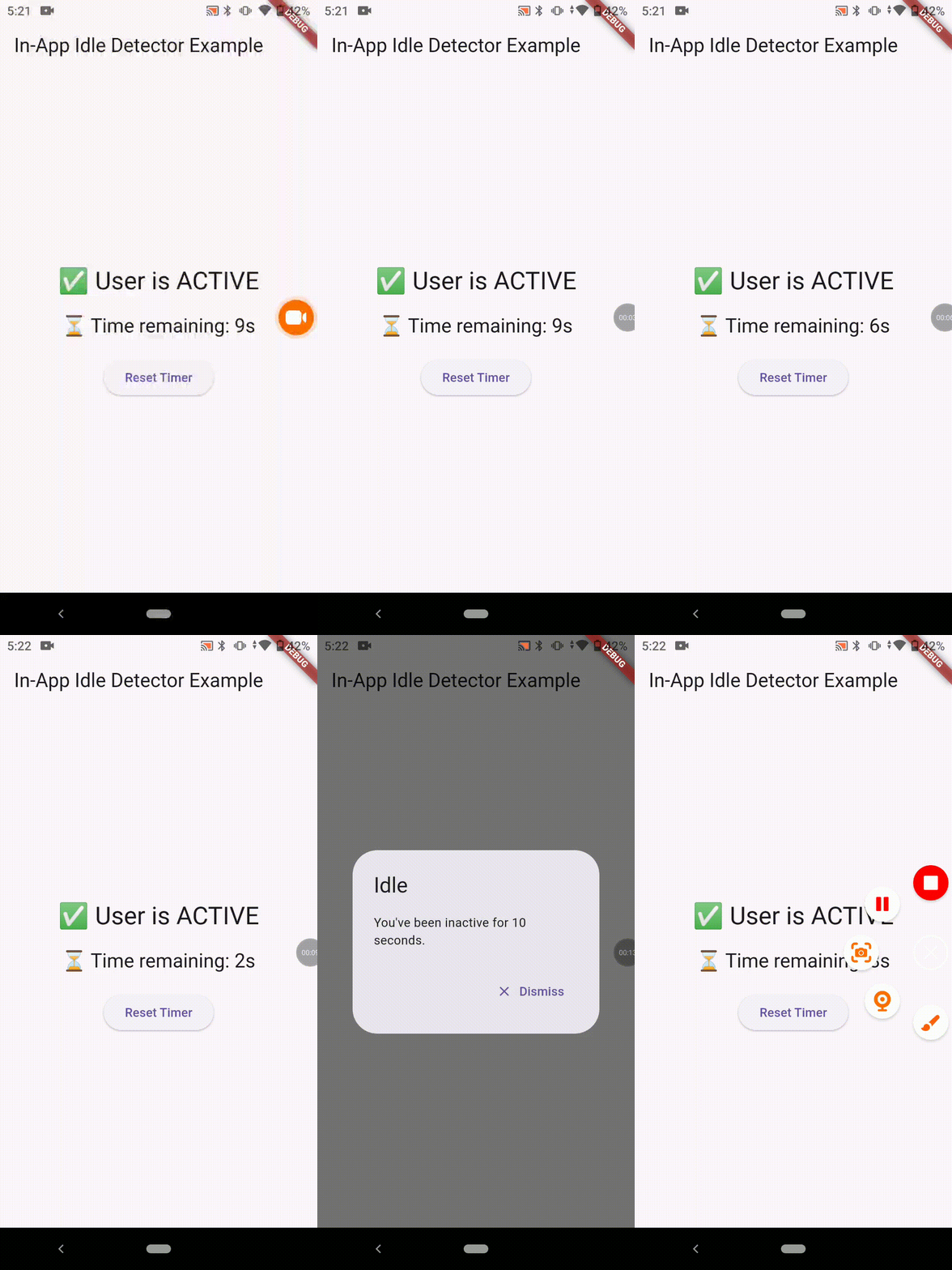
🔐 Ideal for auto logout, lock screen, and productivity
📦 Installation
dependencies:in_app_idle_detector:^0.0.1
Working Demo
🧑💻 Usage
Initialize the plugin (e.g. inside main())
voidmain() {
runApp(MyApp());
InAppIdleDetector.initialize(
timeout: Duration(seconds: 10), // Set your own duration
onIdle: () {
// Called when user goes idleprint("User is idle");
},
onActive: () {
// Called when user becomes active againprint("User is active");
},
);
}
final timeLeft = InAppIdleDetector.remainingTime;
final idleStatus = InAppIdleDetector.isIdle;
✅ Use Cases
🔒 Auto-logout after inactivity (e.g., in banking apps)
🔐 Lock screen on desktops after idle
⏱️ Countdown timers for session expiration
📉 Inactivity analytics and user behavior tracking
🧪 Platform Support
Platform
Supported
✅ Android
Yes
✅ iOS
Yes
✅ Web
Yes
✅ Windows
Yes
✅ macOS
Yes
✅ Linux
Yes
📚 API Summary
Method Description
initialize(...) Starts the idle detection system
reset() Resets the timer (e.g. after activity)
pause() Temporarily disables tracking
resume() Resumes tracking
isIdle Returns true if currently idle
remainingTime Returns Duration until next idle trigger
💡 Tips
Always use navigatorKey.currentContext for dialogs to ensure it works from anywhere.
You can build a visual countdown using remainingTime and a Timer.periodic.
Support the Project
If you find this plugin helpful, consider supporting its development: