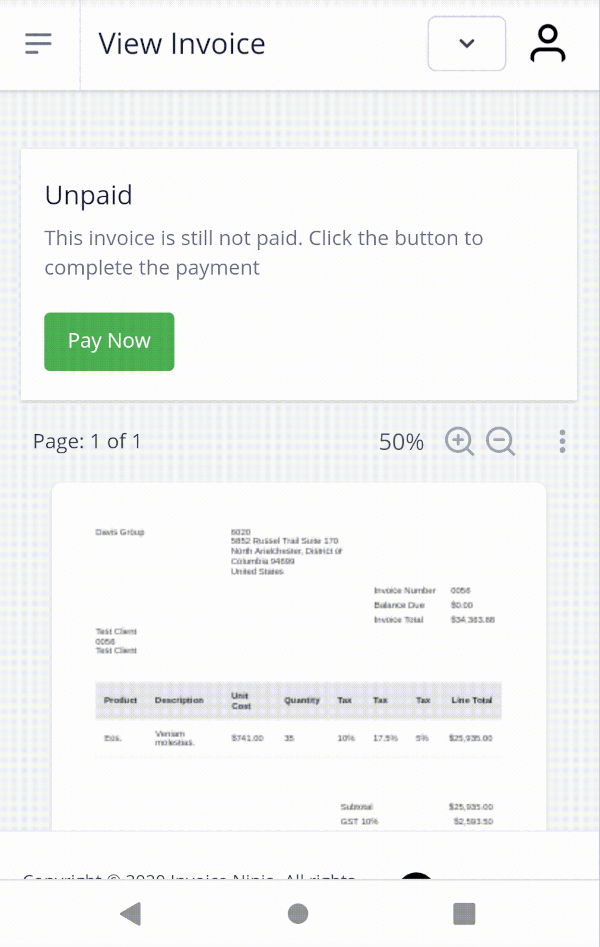
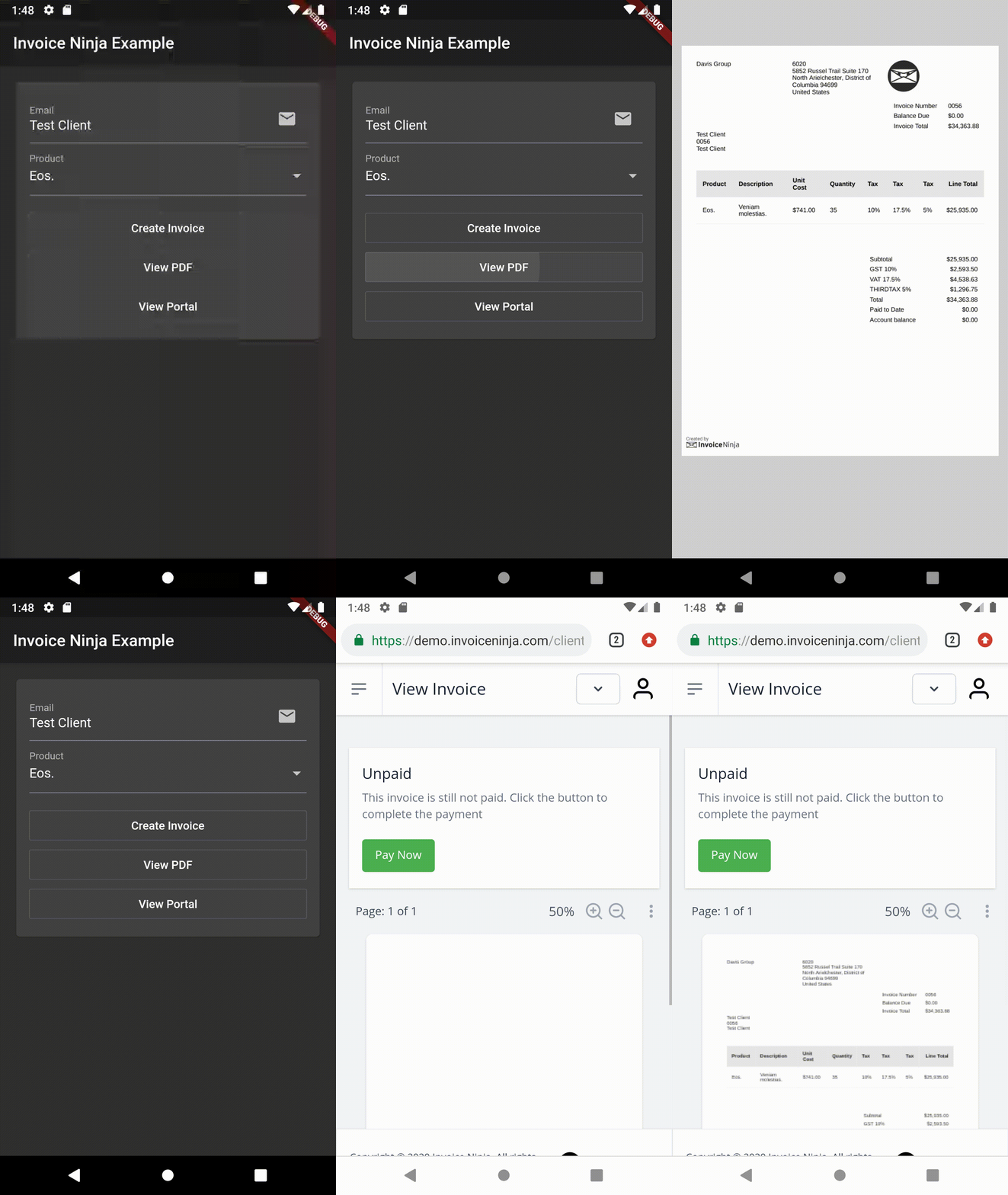
invoiceninja パッケージは、Flutter開発者がアプリ内でPDF請求書の作成と支払い処理を直接行えるようにします。Invoice Ninja API との統合により、複数のプラットフォームで請求書の作成、カスタマイズ、支払いの回収を簡単にできます。開発者はブランドを備えたプロフェッショナルな請求書をプログラムで作成し、クライアントに送信し、統合されたゲートウェイを通じて支払いを受け取ることができます。このパッケージはAndroid、iOS、Web、macOS、Windows、Linuxをサポートしており、クロスプラットフォームビジネスアプリに最適です。フリーランス、中小企業、サービスプロバイダーの財務ワークフローを効率化します。
InvoiceNinja: Supports the public 'Storefront' routes which allow reading the list of products and creating/finding clients and invoices. Using this class works with restricted access to the account.
InvoiceNinjaAdmin: Supports the REST Admin API which uses token based security. Using this class requires an API token to access the account.
Storefront API
Configure
InvoiceNinja.configure(
  'KEY', // Set your company key or use 'KEY' to test
  url: 'https://demo.invoiceninja.com', // Set your selfhost app URL
  debugEnabled: true,
);
Load the product list
final products = awaitInvoiceNinja.products.load();
Find the product by key
final product = awaitInvoiceNinja.products.findByKey('product_key');
Create/persist the client
var client = Client.forContact(email: 'test@example.com');
client = awaitInvoiceNinja.clients.save(client);
Create/persist the invoice
var invoice = Invoice.forClient(client, products: [product]);
invoice = awaitInvoiceNinja.invoices.save(invoice);
Consider giving issue #57536 a thumbs up to make this better in the future.
Admin API
Configure
InvoiceNinjaAdmin.configure(
  'TOKEN', // Set your API token or use 'TOKEN' to test
  url: 'https://demo.invoiceninja.com', // Set your selfhost app URL
  debugEnabled: true,
);
Find a client by email
final client = awaitInvoiceNinjaAdmin.clients.findByEmail(email);
Load all invoices
final payments = awaitInvoiceNinjaAdmin.payments.load();
Load the payments list
final payments = awaitInvoiceNinjaAdmin.payments.load();
Find a payment by id
final payment = awaitInvoiceNinjaAdmin.payments.findById(id);