パッケージ、リポジトリ、アプリカテゴリを検索

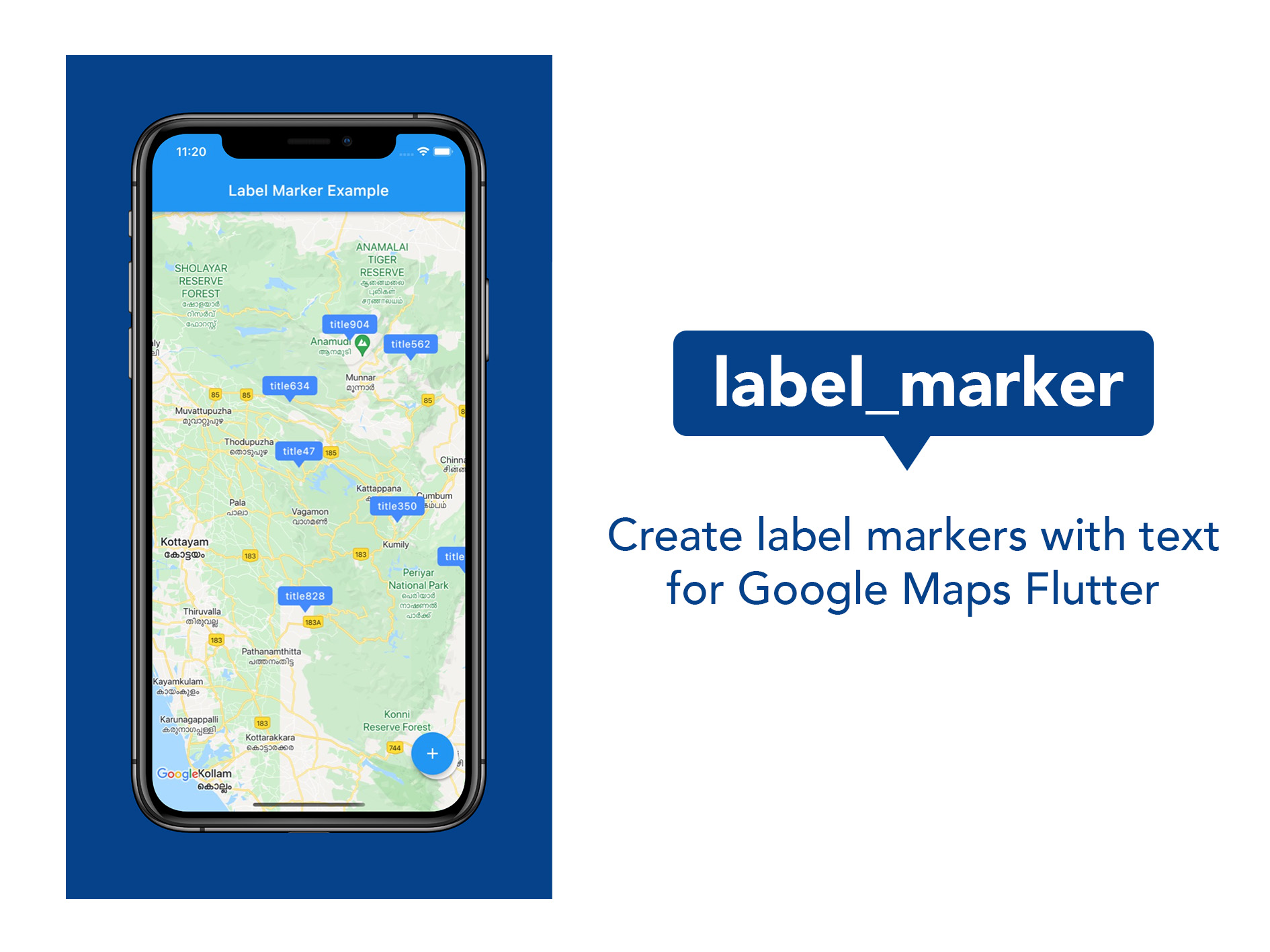
label_marker のカバー
パッケージ詳細v1.0.1

label_marker

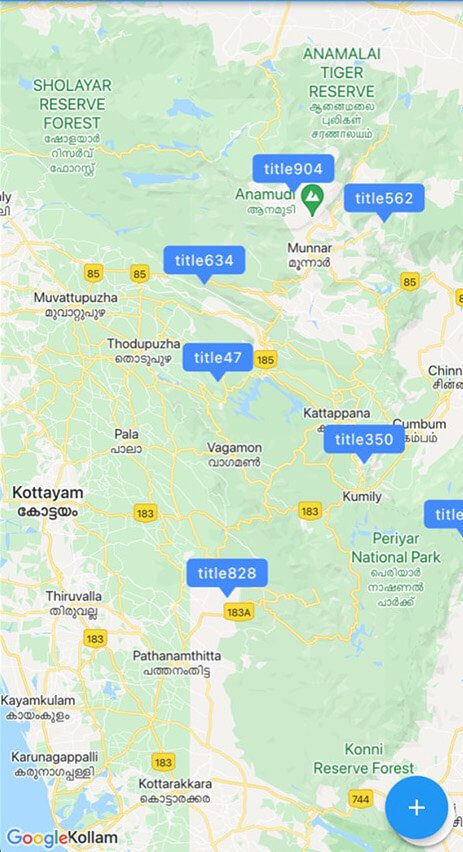
ラベルテキスト付きのGoogleマップマーカーを作成および使用するためのパッケージ。最も簡単で効率的な方法です。

AndroidiOSWeb
30日間ダウンロード
1890
いいね数
88
Pub ポイント
150

パッケージをインストール

flutter pub add label_marker

パッケージ概要

公開情報に基づく選定ガイドです。参考としてご利用ください。

Label Marker は、カスタムラベルテキスト付きの Google マップマーカーを作成するのを簡単にする Flutter パッケージです。複雑な設定を必要とせずに、マップ上のラベル付きマーカーを効率的かつ直感的に表示する方法を提供します。軽量なソリューションを求めている開発者向けに設計されており、Google Maps for Flutter とシームレスに統合され、Android、iOS、Web プラットフォームをサポートしています。パッケージはパフォーマンスと使いやすさに重点を置いており、明確なテキストベースのマーカー注釈が必要なアプリケーションに最適です。

用途

  • マップ上の場所名の表示
  • ラベルで関心ポイントを強調する
  • テキスト付きのインタラクティブマップマーカーの作成
  • 読み取り可能な注釈によるマップUXの向上
  • ナビゲーションまたは発見アプリの構築

主な機能

  • ラベル付きマーカー用のシンプルな API
  • 効率的なレンダリングパフォーマンス
  • Google マップ統合をサポートしています
  • クロスプラットフォーム互換性(Android、iOS、Web)
  • 最小限のセットアップが必要

適している対象

  • 地図ベースのアプリを開発する開発者
  • ラベル付きマーカーが必要なプロジェクト
  • 場所の可視化に焦点を当てたアプリ
  • 開発スピードを最優先するチーム
  • FlutterでGoogle Mapsを使用するフロントエンド開発者

注意事項

  • Google Maps API キーが必要です
  • Googleマッププラットフォームに限定
  • Google Maps Flutterプラグインに依存しています
  • Google以外のマッププロバイダーには適していません
  • 追加のスタイリングカスタマイズが必要になる場合があります

元の README

関連するソースリポジトリの README 原文のスナップショットです。最新の内容はリポジトリをご覧ください。

A package to create and use Google Maps marker with label text; the easiest and most efficient way.

Pub Package MIT License

Features

logo

Use this package in your Flutter app to:

  • Include map marker with text in flutter app
  • Customise the background colour of the label
  • Customise the font style of the label
  • Implement any other functionality that you could do with normal markers

Getting started

  1. Do the basic setup for having Google Maps
  2. Create a Set of normal markers ( Set < Marker > ) and set it as markers parameter of Google Maps widget
  3. Import this package; label_marker, and call addLabelMarker() function on the Set of markers when you want to add a label marker.
  4. Pass a LabelMarker widget, (created by giving required parameters, ie, label, position and markerId) to the above function. (See example.)
  5. Remember to call setState using 'then' keyword on the addLabelMarker() function.

Usage

markers.addLabelMarker(LabelMarker(
    label: "TextToShow",
    markerId: MarkerId("idString"),
    position: LatLng(10.0, 11.0),
    backgroundColor: Colors.green,
    )).then((value) {
    setState(() {});
    },
);

Additional information

This was done alone and contributions are absolutely welcome. Any idea or suggestion to remove the need of setState after the function manually called, would be most appreciated.

Enjoy the package. Develop something beautiful.

カテゴリー

依存関係

依存関係一覧 1 件

ソースリポジトリ

このパッケージを使用しているプロジェクト

データはまだありません。