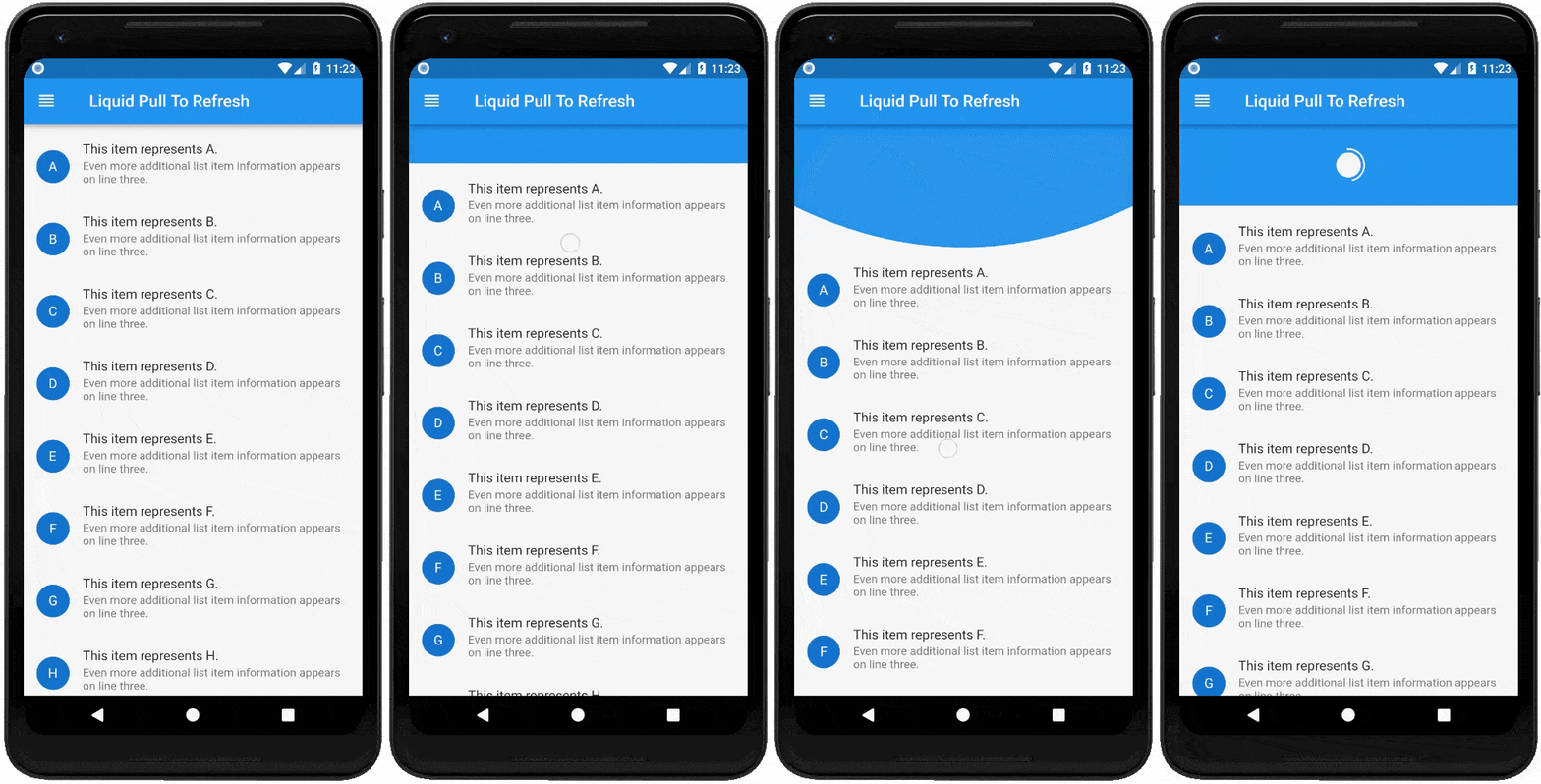
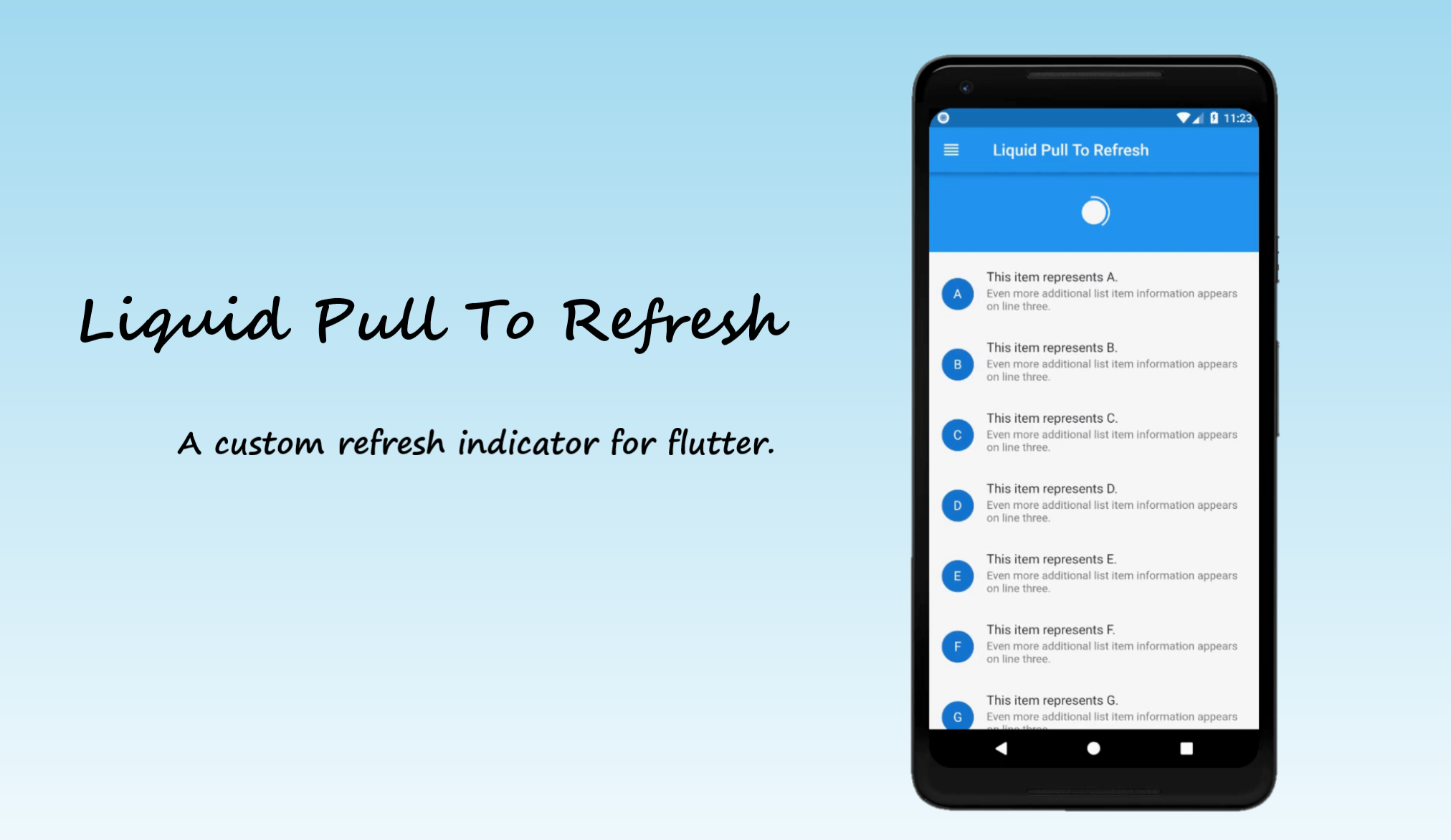
For adding this custom refresh indicator in your flutter app, you have to simply wrap ListView or GridView inside LiquidPullToRefresh. Also you have provide the value of onRefresh parameter which is a refresh callback.
Note -LiquidPullToRefresh can only be used with a vertical scroll view.
For example:
LiquidPullToRefresh(
        key: _refreshIndicatorKey,	// key if you want to add
        onRefresh: _handleRefresh,	// refresh callback
        child: ListView(),		// scroll view
      );
If you do not want the opacity transition of child then set showChildOpacityTransition: false. Preview regarding the both form of this widget is follows :-
showChildOpacityTransition: true
showChildOpacityTransition: false
Documentation
LiquidPullToRefresh Class
Dart attribute
Datatype
Description
Default Value
child
ScrollView
The widget below this widget in the tree.
@required
onRefresh
RefreshCallback
A function that's called when the refreshing of page takes place.
@required
height
double
The distance from the child's top or bottom edge to where the box will settle after the spring effect.
100.0
springAnimationDurationInMilliseconds
int
Duration in milliseconds of springy effect that occurs when we leave dragging after full drag.
1000
borderWidth
double
Border width of progressing circle in Progressing Indicator.
2.0
showChildOpacityTransition
bool
Whether to show child opacity transition or not.
true
color
Color
The progress indicator's foreground color.
ColorScheme.secondary
backgroundColor
Color
The progress indicator's background color.
ThemeData.canvasColor
animSpeedFactor
double
Controls the speed of the animation after refresh. Used to fasten the ending animation.
If you encounter any problems feel free to open an issue. If you feel the library is missing a feature, please raise a ticket on GitHub and I'll look into it. Pull request are also welcome.