Flutter Loading Animations 
A simple yet very customizable set of loading animations for Flutter projects.
Installation
Add the following to your pubspec.yaml file:
...
dependencies:
  ...
  loading_animations: "^2.1.0"
...
Then import the file to your project:
import 'package:loading_animations/loading_animations.dart';
How to use
Choose a loading animation from the list:
Flipping
LoadingFlipping.circle()LoadingFlipping.square()
Rotating
Double Flipping
LoadingDoubleFlipping.circle()LoadingDoubleFlipping.square()
Bouncing Grid
LoadingBouncingGrid.circle()LoadingBouncingGrid.square()
Filling
Fading Line
LoadingFadingLine.circle()LoadingFadingLine.square()
Bouncing Line
LoadingBouncingLine.circle()LoadingBouncingLine.square()
Jumping Line
LoadingJumpingLine.circle()LoadingJumpingLine.square()
Bumping Line
LoadingBumpingLine.circle()LoadingBumpingLine.square()
Then add the following code:
LoadingFlipping.circle(
  color: Colors.blue,
);
Or you can customize it a bit:
LoadingFlipping.square(
  borderColor: Colors.cyan,
  size: 30.0,
);
Or customize it even more!
LoadingFlipping.circle(
  borderColor: Colors.cyan,
  borderSize: 3.0,
  size: 30.0,
  backgroundColor: Colors.cyanAccent,
  duration: Duration(milliseconds: 500),
);
For more customization, please look inside the loading animation files.
Note: all the animations come ready to go just by calling LoadingDoubleFlipping.square(), for example.
Many basic animations contain .circle() and .square() variations by default.
Examples
Note: the following gifs are not yet updated to reflect version 2.1.0
For a more true experience of the animations and its variations, download the example project and run using flutter run --profile.
|
LoadingFlipCircle()
|
LoadingRotatingSquare()
|
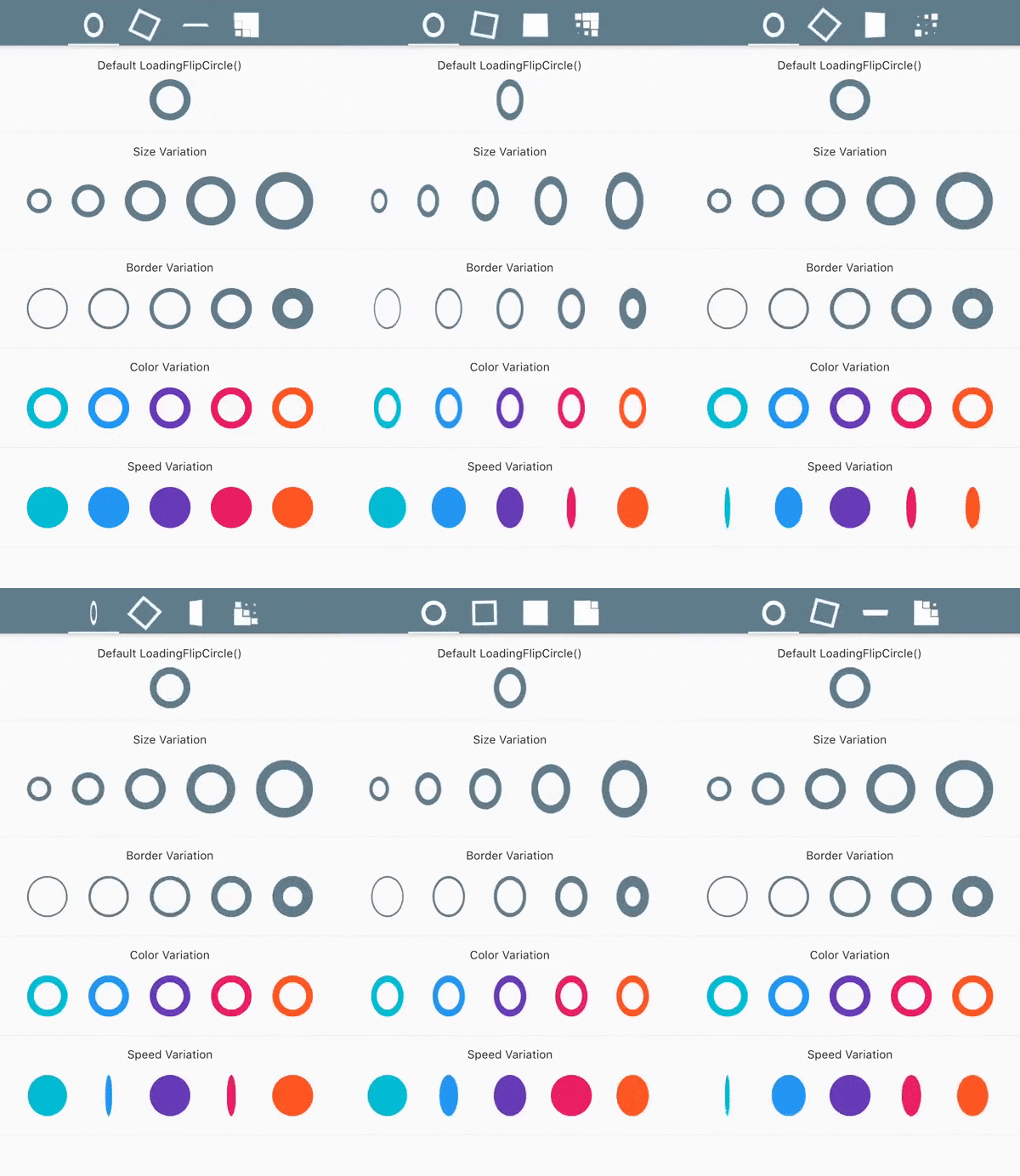 |
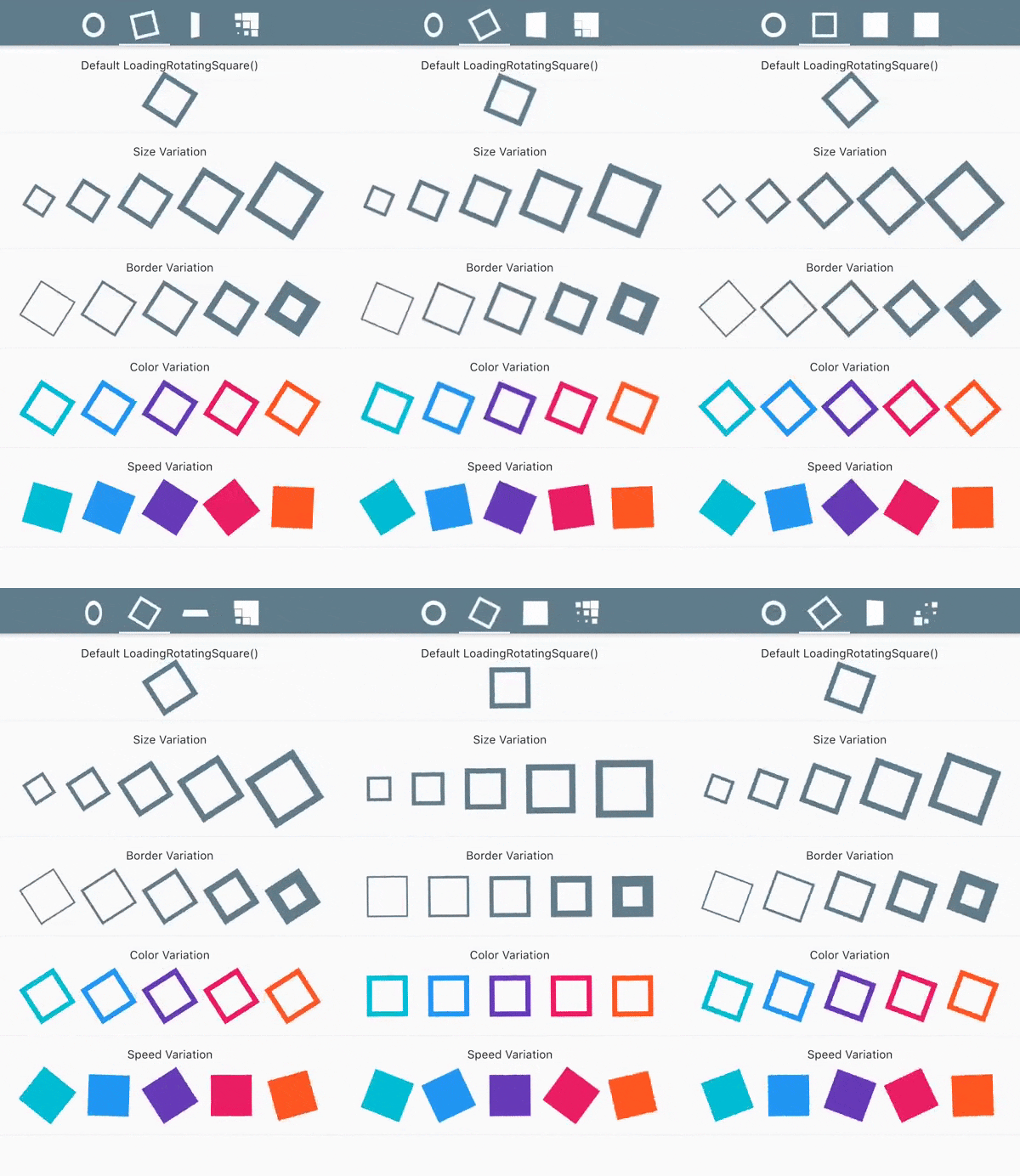 |
|
LoadingFlipBox()
|
LoadingBouncingGrid()
|
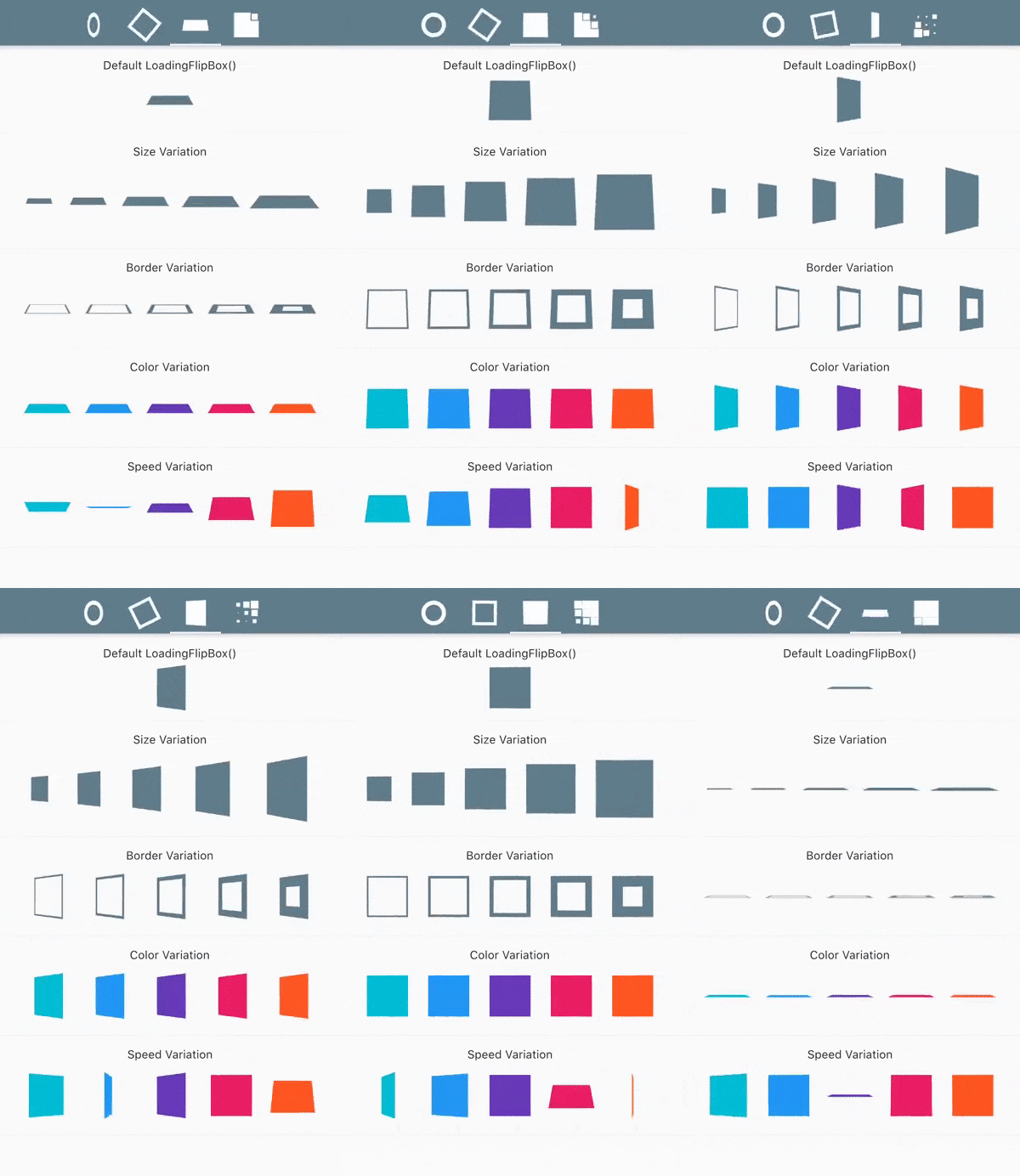 |
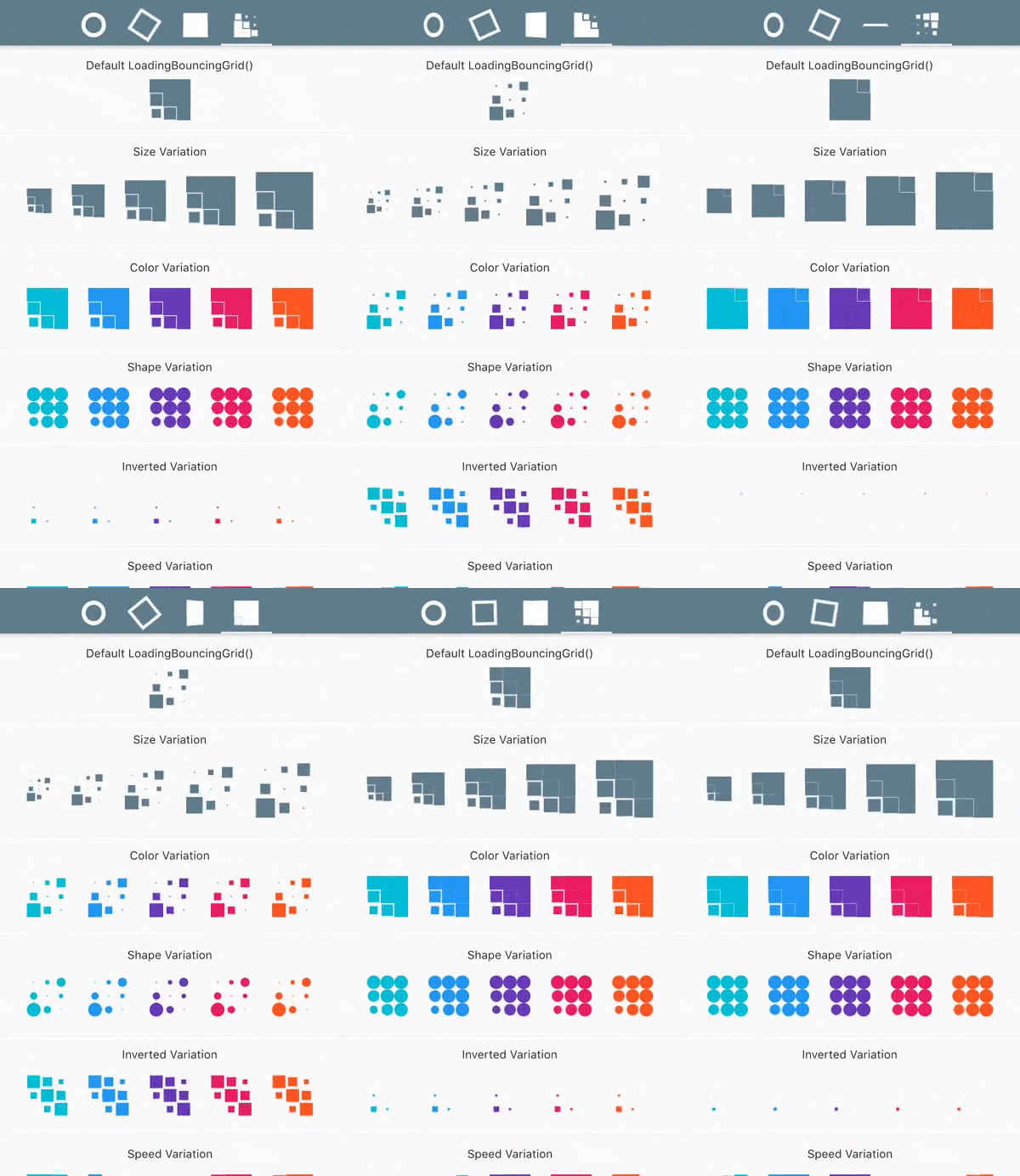 |
Contribution
Please feel free to:
- ask questions
- report issues and bugs
- suggest code improvements
- request new features
Create an issue or a pull request and I will be more than happy to review it and add to the project.
Thanks
This project was heavily based on cssfx
If you like this package, don't forget to hit the ⭐️ button!
Thanks and happy coding 👻

