I am not sure if it is wise to use this in production, but it's great during beta testing with
a handful of users so you have all logs available.
It tries to stay reasonable performant by batching log entries and sending them off only every few
seconds. If network is down it will retry later. (with an ever increasing interval).
Getting Started
After installing package logging and logging_appenders:
import'package:logging/logging.dart';
import'package:logging_appenders/logging_appenders.dart';
final _logger = Logger('main');
voidmain() {
PrintAppender.setupLogging();
// The above code is the same as:// Logger.root.level = Level.ALL;// PrintAppender()..attachToLogger(Logger.root);
_logger.fine('Lorem ipsum');
}
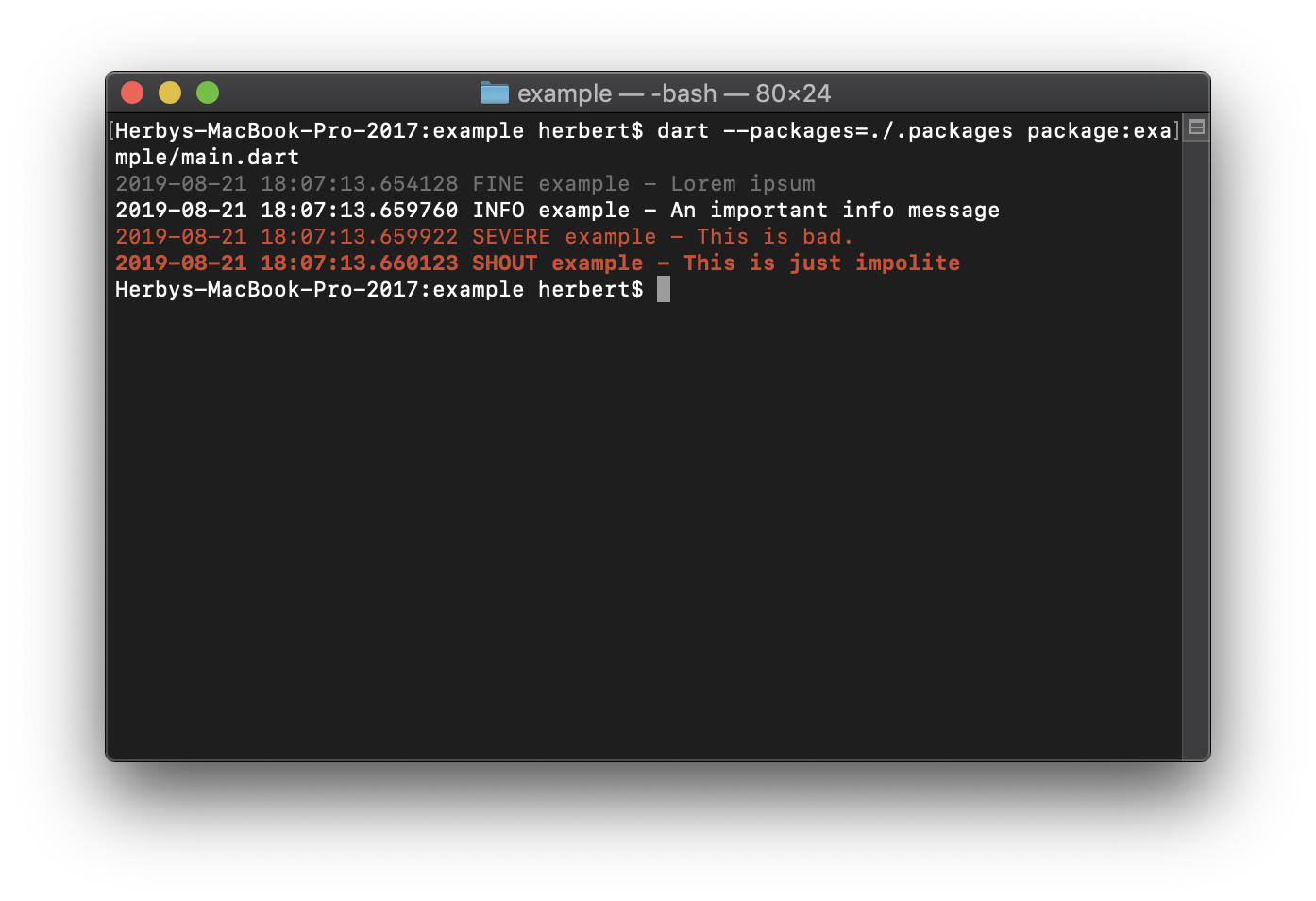
Outputs:
$ dart main.dart
2019-08-1915:36:03.827563 FINE main - Lorem ipsum
Support for Exception chaining
To chain exception you can use the extension method on Exception:
causedBy().
final _logzIoApiSender = LogzIoApiAppender(
// you can find your API key and the required URL from // the logz.io dashboard: https://app-eu.logz.io/#/dashboard/settings/general
apiToken: 'MY API KEY',
url: 'https://listener-eu.logz.io:8071/',
labels: {'app': 'MyApp', 'os': Platform.operatingSystem},
);
_logzIoApiSender.attachToLogger(Logger.root);
// ...If you know that you no longer need the appender. it's good to dispose it:
_logzIoApiSender.dispose();