パッケージ、リポジトリ、アプリカテゴリを検索

magnifying_glass のカバー
パッケージ詳細v2.1.1

magnifying_glass

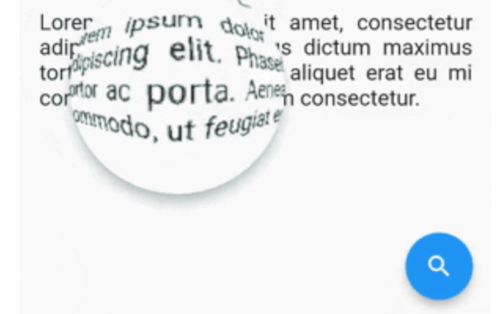
バーレル/ピンクッション歪みを備えたFlutterリアルタイム拡大レンズウィジェット。

AndroidiOSWebmacOSWindowsLinux
30日間ダウンロード
79
いいね数
52
Pub ポイント
150

パッケージをインストール

flutter pub add magnifying_glass

パッケージ概要

公開情報に基づく選定ガイドです。参考としてご利用ください。

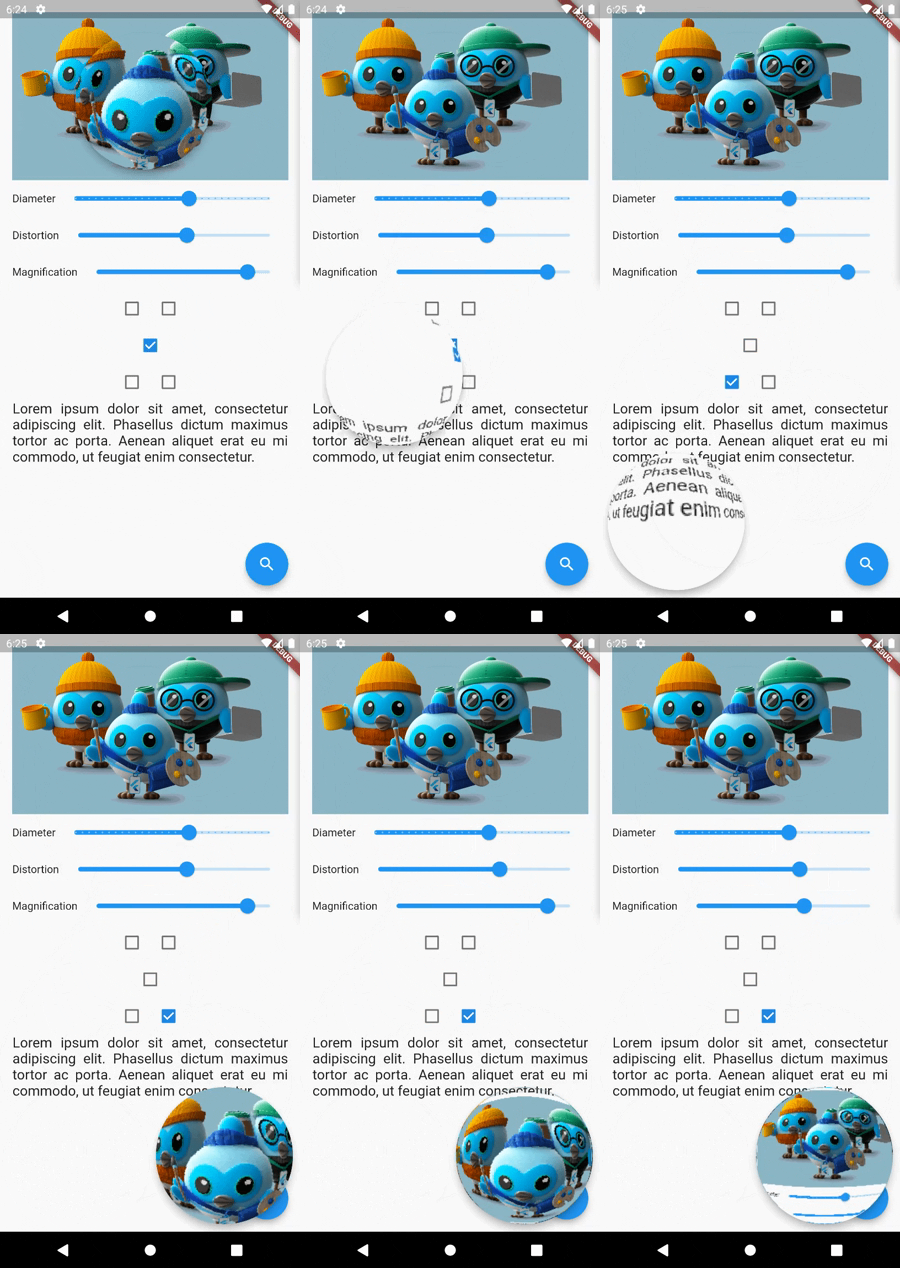
magnifying_glass パッケージは、Flutter 用のリアルタイムの拡大レンズウィジェットを提供し、動的なバーレルおよびピンクッション歪み効果を備えています。画像ビューアーや教育ツール、アクセシビリティ機能など、詳細な検査に適した任意のコンテンツに対するインタラクティブなズームを可能にします。このウィジェットは、モバイル、Web、デスクトップを含むあらゆるプラットフォームでスムーズなパフォーマンスを実現するためにシェーダーを利用しています。カスタマイズ可能なレンズサイズ、ズームレベル、位置制御により、既存のUIにスムーズに統合できます。

用途

  • インタラクティブな画像検査
  • アクセシビリティの向上
  • 教育アプリの詳細
  • デジタルアートツール
  • 製品詳細のズーム
  • テキストの読みやすさの向上

主な機能

  • タッチトラッキングによるリアルタイムズーム
  • バーレルおよびピンクッション歪み効果
  • パフォーマンス向上のためのシェーダー基準レンダリング
  • クロスプラットフォーム対応(Android、iOS、Web、macOS、Windows、Linux)
  • カスタマイズ可能なレンズサイズとズームレベル
  • 滑らかで応答性のあるインタラクション

適している対象

  • インタラクティブなズーム機能を求めるアプリ開発者
  • アクセシビリティを重視したアプリケーション
  • デザインおよびプロトタイピングツール
  • 教育ソフトウェア
  • 画像編集ユーティリティ

注意事項

  • 複雑な背景での高いGPU使用率
  • 低性能デバイスでの最適化が必要になる場合があります
  • テキスト抽出なしの視覚的拡大に限定
  • 高精度の測定タスクには適していません
  • パフォーマンスはシェーダーの効率に依存します

元の README

関連するソースリポジトリの README 原文のスナップショットです。最新の内容はリポジトリをご覧ください。

MagnifyingGlass Flutter plugin

Flutter real-time magnifying glass lens widget with Barrel/Pincushion distortion.

Screenshot

Buy Me A Coffee

Getting Started

Make [MagnifyingGlass] widget as the parent of the widget you wish to be used (usually MyHomePage).

    @override
    Widget build(BuildContext context) {
    MagnifyingGlassController magnifyingGlassController = MagnifyingGlassController();
    return MagnifyingGlass(
      controller: magnifyingGlassController,
      glassPosition: GlassPosition.touchPosition,
      borderThickness: 8.0,
      borderColor: Colors.grey,
      glassParams: GlassParams(
        startingPosition: Offset(150, 150),
        diameter: 150,
        distortion: 1.0,
        magnification: 1.2,
        padding: EdgeInsets.all(10),
      ),
      child: Scaffold( 
        body: ...,

        floatingActionButton: FloatingActionButton(
          onPressed: () => magnifyingGlassController.openGlass(),
          child: const Icon(Icons.search),
        ),
      )
    );

MagnifyingGlass properties

Name Type Description
controller MagnifyingGlassController Let you control the glass state and parameters:
openGlass()
closeGlass()
setDistortion( double distortion, double magnification )
setDiameter( int diameter )
refresh()
glassPosition enum enum to set the touch behavior or sticky position
glassParams GlassParams class to set lens parameters
borderColor Color border color
borderThickness double border thickness
elevation double shadow elevation
shadowOffset Offset shadow offset

GlassPosition class

Name Description
touchPosition move the glass with finger touch
topLeft sticky position to top left corner of the screen
topRight sticky position to top rigth corner of the screen
bottomLeft sticky position to bottom left corner of the screen
bottomRight sticky position to bottom right corner of the screen

GlassParams class

Name Description
startingPosition the startin glass position. If not given the lens will be placed at the center of the screen.
diameter the diameter of the glass
magnification the magnification of the lens
1 means no magnification
>1 means magnification
<1 means shrinking
distortion Barrel/Pincushion distortion power
0 means no distortion
padding the padding surrounding the glass to enlarge touching area
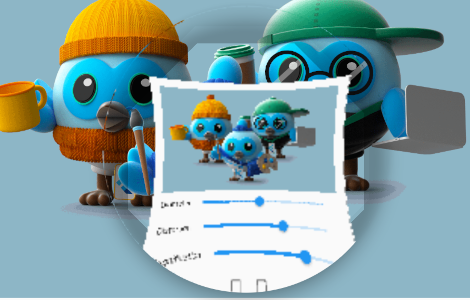
distorsion0.5-mag1.0.png distorsion0.5-mag1.4.png distorsion2.0-mag1.7.png
distorsion 0.5
mag 1.0
distorsion 0.5
mag 1.4
distorsion 2.0
mag 1.7

カテゴリー

ソースリポジトリ

このパッケージを使用しているプロジェクト

データはまだありません。