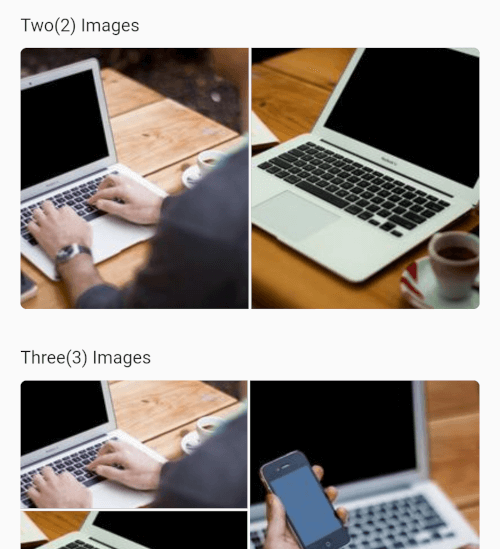
Flexible Flutter layouts for mixed media grids and fullscreen viewing.
multi_image_layout lets you render single or multiple media items in adaptive
layouts, then open them in a fullscreen viewer with captions, save support, and
media-specific controls.
Features
Adaptive layouts for 1, 2, 3, 4, and 4+ items
Mixed image and video support in the same grid
Fullscreen media viewer with swipe navigation
Zoomable images
Zoomable fullscreen videos
Video autoplay with autoPlay: true by default
Video play/pause, mute, progress bar, elapsed time, and total duration
If you use the save action, add these keys to
ios/Runner/Info.plist:
<key>NSPhotoLibraryAddUsageDescription</key><string>This app saves images and videos to your photo library.</string><key>NSPhotoLibraryUsageDescription</key><string>This app accesses your photo library to save and manage media.</string>
Without these keys, iOS may terminate the app when save is triggered.
If you plan to load remote media, prefer https URLs. If you need http
sources, configure App Transport Security for your app.
Android
If you load remote images or videos, make sure your app has internet access:
If you use the save action, request the appropriate storage or media
permissions for your target Android version. For older Android versions, that
may include:
Permission handling is app-specific, so you should request it from your app
layer before calling the save action. A package like
permission_handler can be used
for that flow.