パッケージ、リポジトリ、アプリカテゴリを検索

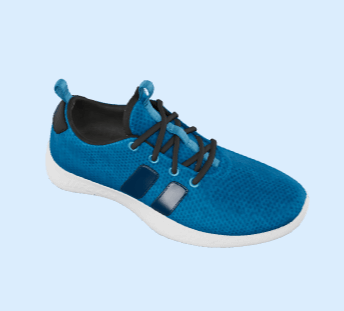
o3d のカバー
パッケージ詳細v3.1.3

o3d

モバイルおよびWebプラットフォーム上のFlutter 3Dオブジェクトの簡単なコントローラー(glb形式)

AndroidiOSWeb
30日間ダウンロード
931
いいね数
206
Pub ポイント
130

パッケージをインストール

flutter pub add o3d

パッケージ概要

公開情報に基づく選定ガイドです。参考としてご利用ください。

o3d は、モバイルおよびWebプラットフォームでGLB形式の3Dオブジェクトを統合するのを簡単にするFlutterパッケージです。3Dモデルのレンダリング、アニメーション、インタラクションを、3Dグラフィックスプログラミングに関する深い知識がなくても簡単にできるように、使いやすいコントローラーを提供します。没入型3Dコンテンツでアプリを強化したい開発者向けに設計されており、o3dは3Dアセットの読み込みと管理を効率的に実行します。Android、iOS、Webをサポートしており、軽量な3Dビジュアライゼーションが必要なクロスプラットフォームアプリに最適です。

用途

  • インタラクティブな3D製品プレビューを追加
  • 教育用3Dビジュアライゼーションの作成
  • ゲーム体験の向上
  • バーチャルツアーの構築
  • AR/VRアプリへの3Dモデルの統合

主な機能

  • GLB 3D モデル形式をサポートしています
  • クロスプラットフォーム互換性(Android、iOS、Web)
  • 3Dオブジェクトの読み込みと制御用のシンプルなAPI
  • 組み込みのアニメーションとインタラクション処理
  • 軽量でパフォーマンス最適化

適している対象

  • Flutter開発者が初めての3D
  • 3Dモデル表示を必要とするアプリ
  • 教育および電子商取引アプリ
  • インタラクティブなウェブおよびモバイル体験

注意事項

  • GLB形式の3Dモデルが必要です
  • 基本的な3Dインタラクションに限定
  • 低性能デバイスではパフォーマンスが異なる場合があります
  • 組み込みの物理演算や高度なアニメーションなし

元の README

関連するソースリポジトリの README 原文のスナップショットです。最新の内容はリポジトリをご覧ください。

O3D - Model Viewer for Flutter

This is a Flutter widget for rendering interactive 3D models in the glTF and GLB formats. The widget embeds Google's <model-viewer> web component in a WebView.

Flutter 3D model viewer with O3D

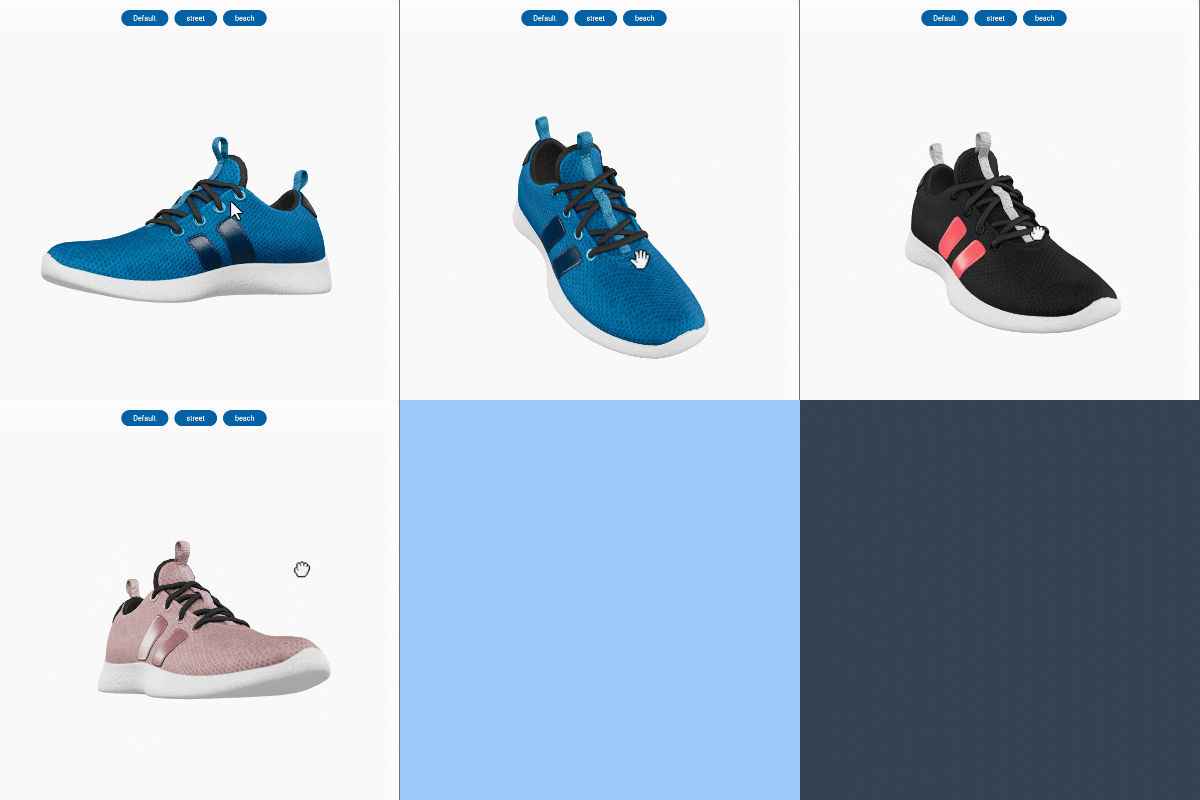
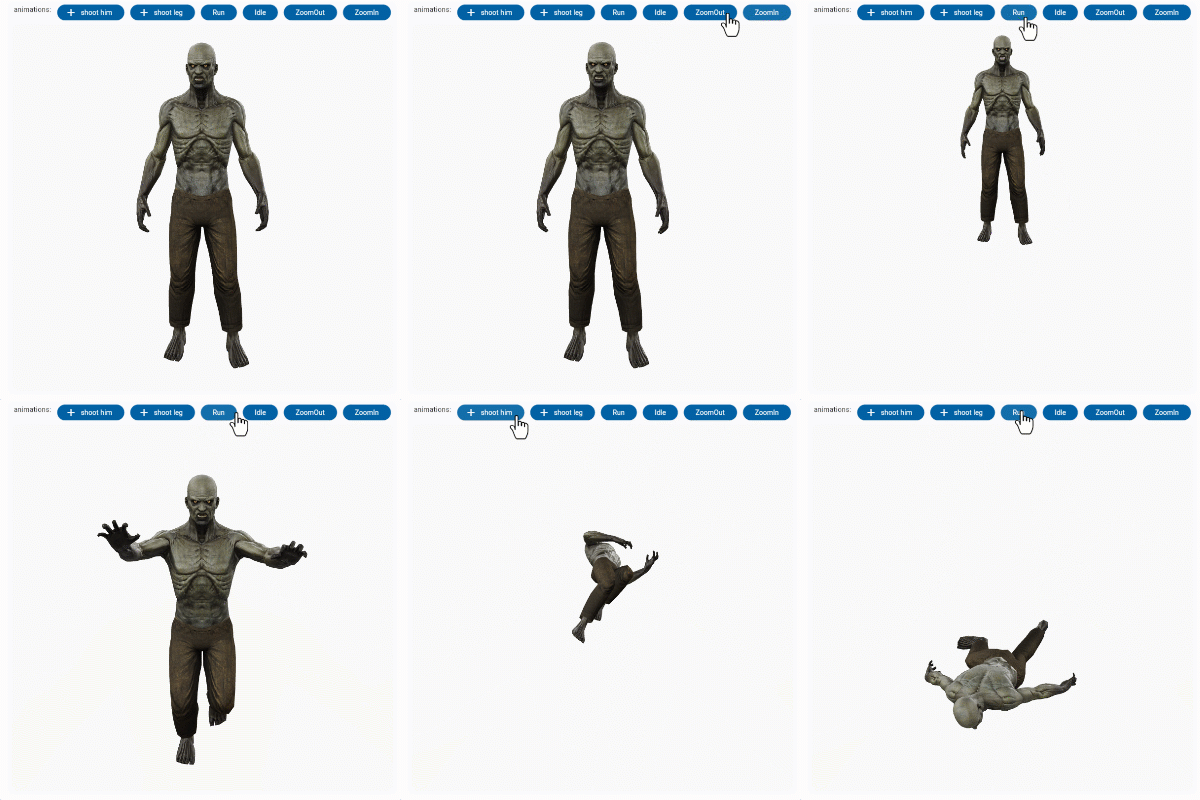
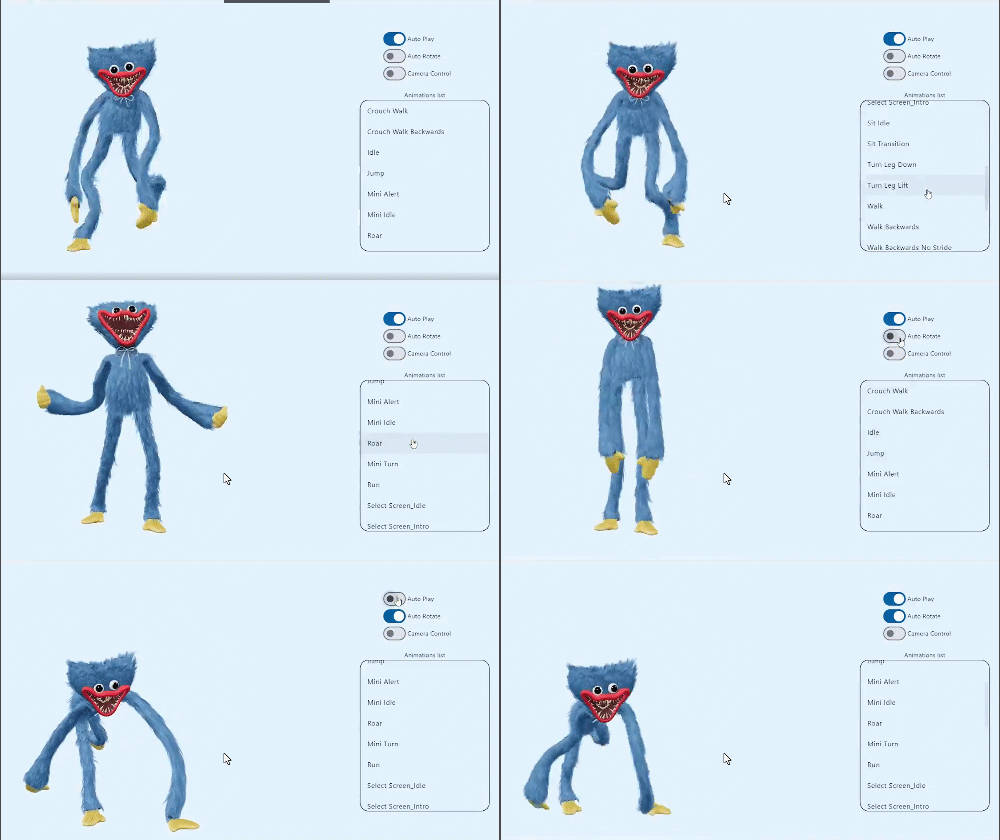
Screenshot

online demo 1: https://babakcode.github.io/ui_3d_test/ / source code

online demo 2: https://babakcode.github.io/ui_3d_flutter/ / source code

Flutter 3d model Flutter 3d model

Features

  1. O3DController controller = O3DController();
  2. cameraTarget: use controller.cameraTarget(20, 20, 5) x, y, z
  3. cameraOrbit: use controller.cameraOrbit(1.2, 1, 4) (theta)deg, (phi)deg, (radius)m
  4. availableAnimations: use controller.availableAnimations().then((animations) => log("Available animations: $animations"));
  5. play: use controller.play() [optional] repetitions => play(repetitions: 2)
  6. pause: use controller.pause()
  7. Renders glTF and GLB models. (Also, USDZ models on iOS 12+.)
  8. Supports animated models, with a configurable auto-play setting.
  9. Optionally supports launching the model into an AR viewer.
  10. Optionally auto-rotates the model, with a configurable delay.
  11. Supports a configurable background color for the widget.

Installation

in pubspec.yaml

dependencies:
  o3d: ^3.1.0
AndroidManifest.xml (Android 9+ only)

Test on real device and to use this widget on Android 9+ devices, your app must be permitted to make an HTTP connection to http://localhost:XXXXX. Android 9 (API level 28) changed the default for android:usesCleartextTraffic from true to false, so you will need to configure your app's android/app/src/main/AndroidManifest.xml as follows:


+    <uses-permission android:name="android.permission.INTERNET"/>

     <application
        android:name="${applicationName}"
        android:icon="@mipmap/ic_launcher"
        android:label="example"
+       android:usesCleartextTraffic="true">
        <activity
            android:name=".MainActivity"

This does not affect Android 8 and earlier.

app/build.gradle (Android only)

Change minSdkVersion to 21.

defaultConfig {
    ...
    minSdkVersion 21
    ...
}
Info.plist (iOS only)

To use this widget on iOS, you need to opt-in to the embedded views preview by adding a boolean property to your app's ios/Runner/Info.plist file, with the key io.flutter.embedded_views_preview and the value YES:


<key>io.flutter.embedded_views_preview</key><true />
web/index.html (Web only)

Modify the <head> tag of your web/index.html to load the JavaScript, like so:

<head>
    <!-- Other stuff -->
    <script type="module" src="./assets/packages/o3d/assets/model-viewer.min.js" defer></script>
</head>

Examples

Importing the library
import 'package:o3d/o3d.dart';
Creating a O3D widget
class _MyHomePageState extends State<MyHomePage> {
  
  // to control the animation
  O3DController controller = O3DController();

  @override
  Widget build(BuildContext context) {
    return Scaffold(
      appBar: AppBar(
        backgroundColor: Theme.of(context).colorScheme.inversePrimary,
        title: Text(widget.title),
        actions: [
          IconButton(
              onPressed: () => 
                  controller.cameraOrbit(20, 20, 5),
              icon: const Icon(Icons.change_circle)),
          IconButton(
              onPressed: () =>
                  controller.cameraTarget(1.2, 1, 4), 
              icon: const Icon(Icons.change_circle_outlined)),
        ],
      ),
      body: O3D.asset(
         src: 'assets/glb/jeff_johansen_idle.glb', 
         controller: controller,
      ),
    );
  }
}
Loading a bundled Flutter asset
O3D.asset(
  src: 'assets/MyModel.glb',
  // ...
),
Loading a model from the web
body: O3D.network(
   src:'https://modelviewer.dev/shared-assets/models/Astronaut.glb',
   // ...
),
Loading a model from the file system

This is not available on Web.

class HomePage extends StatelessWidget {
   const HomePage({super.key});
   
   @override
   Widget build(BuildContext context) {
      return O3D(src: 'file:///path/to/MyModel.glb',
      // ...
      );
   }
}

projects

babak code Tassio Gustavo Vaibhav Chandolia
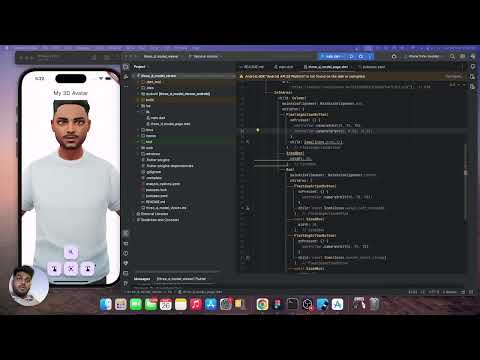
BabakCode BabakCode Vaibhav Chandolia youtube video
youtube video link linkedin post link Youtube channel

Compatibility

Notes

We use the Google APP , com.google.android.googlequicksearchbox to display interactive 3D models on Android. The model displays in 'ar_preferred' mode by default, Scene Viewer launches in AR native mode as the entry mode. If Google Play Services for AR (ARCore, com.google.ar.core) isn't present, Scene Viewer gracefully falls back to 3D mode as the entry mode.

Note that due to browsers' CORS security restrictions, the model file must be served with a Access-Control-Allow-Origin: * HTTP header.

Frequently Asked Questions

Q: Why doesn't my 3D model load and/or render?

A: There are several reasons why your model URL could fail to load and render:

  1. It might not be possible to parse the provided glTF or GLB file. Some tools can produce invalid files when exporting glTF. Always run your model files through the glTF Validator to check for this.

カテゴリー

依存関係

依存関係一覧 7 件

ソースリポジトリ

このパッケージを使用しているプロジェクト

データはまだありません。