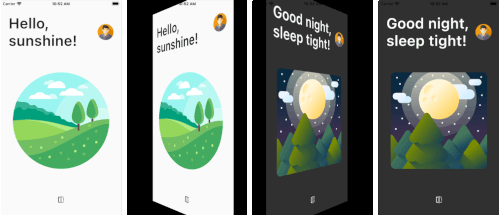
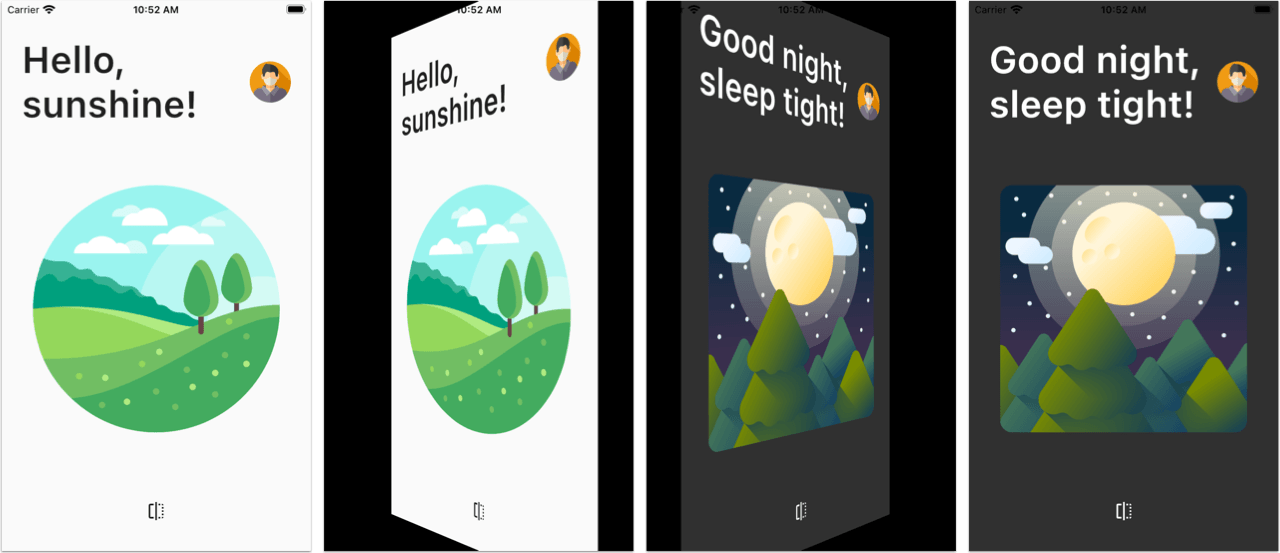
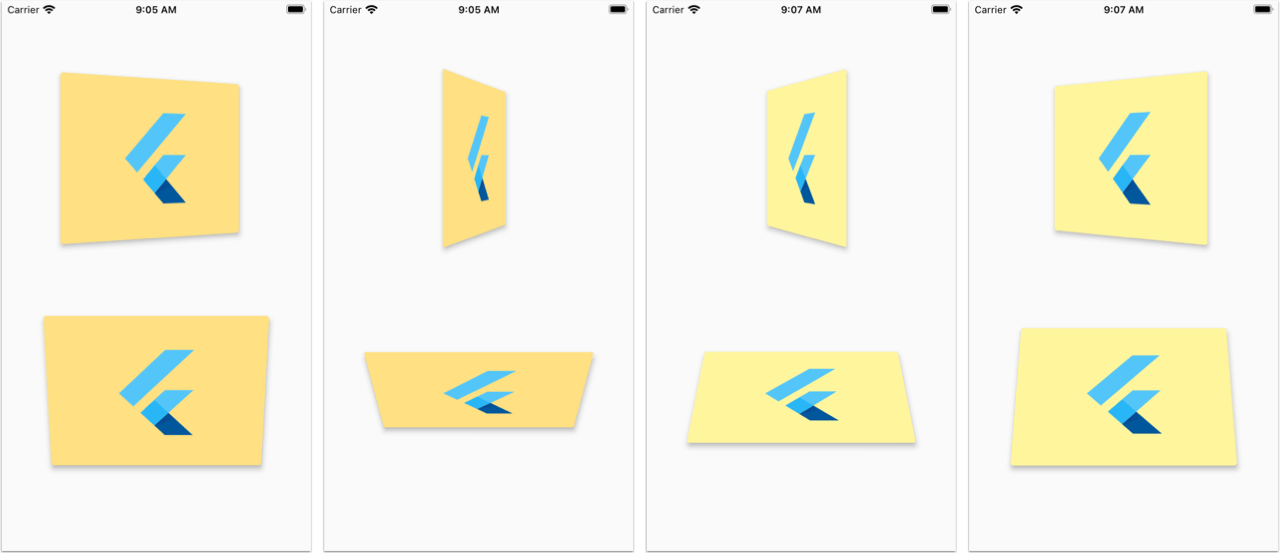
PageFlipBuilder is best used for full-screen page-flip transitions, but works with widgets of any size as long as their width and height is not unbounded.
PageFlipBuilder uses a drag gesture to interactively transition between a "front" and a "back" widget. These are specified with the frontBuilder and backBuilder arguments:
classMyAppextendsStatelessWidget{
@overrideWidgetbuild(BuildContext context) {
returnMaterialApp(
home: Container(
// add a black background to prevent flickering on Android when the page flips
color: Colors.black,
child: PageFlipBuilder(
frontBuilder: (_) => LightHomePage(),
backBuilder: (_) => DarkHomePage(),
),
),
);
}
}
By defalt the flip happens along the vertical axis, but you can change the flipAxis to Axis.horizontal if you want.
For more control, you can also add a GlobalKey<PageFlipBuilderState> and programmatically flip the page with a callback-based API:
classMyAppextendsStatelessWidget{
// used to flip the page programmaticallyfinal pageFlipKey = GlobalKey<PageFlipBuilderState>();
@overrideWidgetbuild(BuildContext context) {
returnMaterialApp(
home: Container(
// add a black background to prevent flickering on Android when the page flips
color: Colors.black,
child: PageFlipBuilder(
key: pageFlipKey,
frontBuilder: (_) => LightHomePage(
onFlip: () => pageFlipKey.currentState?.flip(),
),
backBuilder: (_) => DarkHomePage(
onFlip: () => pageFlipKey.currentState?.flip(),
),
// flip the axis to horizontal
flipAxis: Axis.horizontal,
// customize tilt value
maxTilt: 0.003,
// customize scale
maxScale: 0.2,
// be notified when the flip has completed
onFlipComplete: (isFrontSide) => print('isFrontSide: $isFrontSide'),
),
),
);
}
}
Features
Interactive flip transition using drag gestures (forward and reverse)
Fling animation to complete the transition on drag release
Flip page programmatically via callbacks
Flip around the horizontal or vertical axis
Flip widgets of any size
Customizable flip duration, tilt, scale
Testing the example app
Before running the example app, you need to create the ios, android, web folders as needed: