パッケージ、リポジトリ、アプリカテゴリを検索

parallax_rain のカバー
パッケージ詳細v1.5.0

parallax_rain

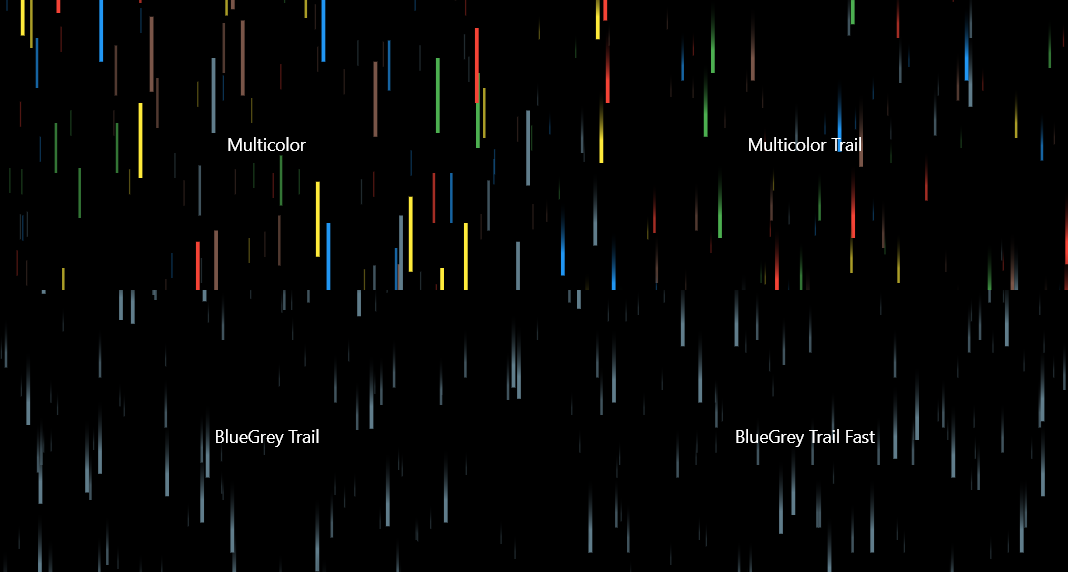
このパッケージを使ってクールな3Dの雨エフェクトを作成してください。複数の色、異なる雨滴のスピード、ドロップトレール効果など、カスタマイズが可能です!

AndroidiOSWebmacOSWindowsLinux
30日間ダウンロード
167
いいね数
88
Pub ポイント
160

パッケージをインストール

flutter pub add parallax_rain

パッケージ概要

公開情報に基づく選定ガイドです。参考としてご利用ください。

ParallaxRain は、開発者がアプリケーション内で没入型の 3D 雨エフェクトを作成できるようにする Flutter パッケージです。複数の雨粒の色、変化する落下速度、トレール効果などのカスタマイズ可能な機能により、背景やインタラクティブなシーンの視覚的魅力を高めます。雰囲気や映画的な美学を目指すアプリに最適で、モバイル、Web、デスクトップを含むすべての主要プラットフォームをサポートしています。このパッケージは Flutter のレンダリングパイプラインとシームレスに統合され、スムーズなパフォーマンスを実現するためにシェーダーを利用しています。

用途

  • ダイナミックなアプリ背景の作成
  • ゲーム環境の強化
  • スプラッシュスクリーンに映画的なエフェクトを追加する
  • 視覚的フィードバックを通じたユーザー参加の向上
  • 気分に基づくインターフェースの設計

主な機能

  • カスタマイズ可能な雨粒の色
  • 調整可能な雨滴の速度
  • 雨粒の軌跡エフェクト
  • クロスプラットフォーム対応
  • シェーダーに基づくレンダリング
  • Flutter ウィジェットとの簡単な統合

適している対象

  • 視覚的な魅力を求めるUIデザイナー
  • ゲーム開発者が没入型のシーンを構築しています
  • 雰囲気に焦点を当てるアプリ作成者
  • マルチプラットフォーム配信をターゲットとする開発者
  • 芸術的なテーマを持つクリエイティブプロジェクト

注意事項

  • 低性能デバイスでのパフォーマンスに影響を与える可能性があります
  • 基本的なシェーダー概念の理解が必要です
  • バックグラウンドレイヤーに最適、メインコンテンツには不適
  • 雨関連パラメータを超えるカスタマイズは限定的
  • 高頻度のインタラクティブ要素には向かない

元の README

関連するソースリポジトリの README 原文のスナップショットです。最新の内容はリポジトリをご覧ください。

Pub Version License

Parallax Rain

Create a cool 3D rain effect, with plenty of customization!

Sample screenshot

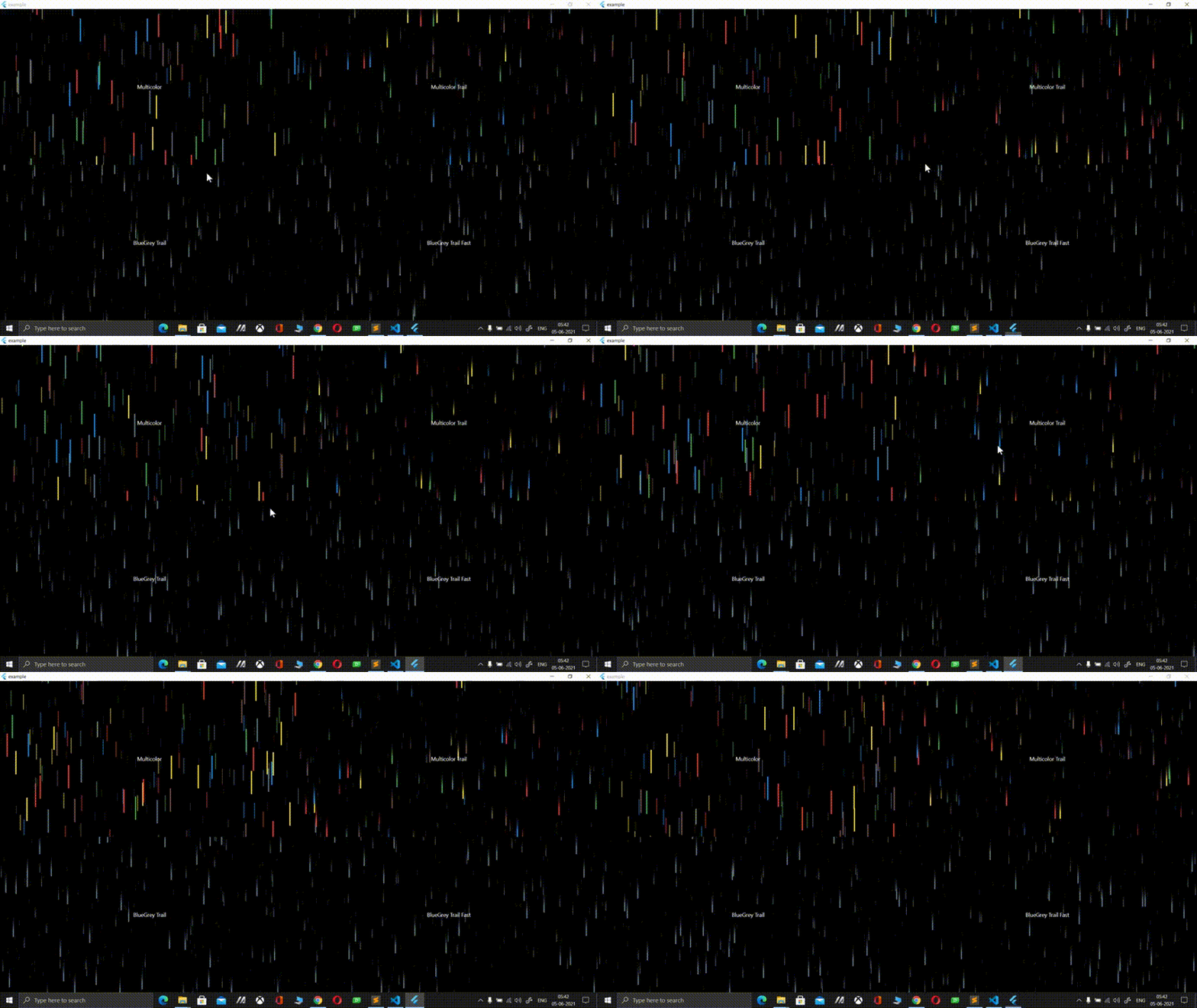
Sample video

Installation

1. Depend on it

Add this to your package's pubspec.yaml file:

dependencies:
    parallax_rain:
2. Install it

You can install packages from the command line:

$ pub get
..

Alternatively, your editor might support pub. Check the docs for your editor to learn more.

3. Import it

Now in your Flutter code, you can use:

import 'package:parallax_rain/parallax_rain.dart';

Usage

If you want to give YourWidget a 3D rain background, simple wrap it with the ParallaxRain widget, with YourWidget as the child parameter. You can also have the rain effect in the foreground, use multiple drop colors, adjust the speed, add trails to your drops and lots more!

For example:

ParallaxRain(
    dropColors: [
        Colors.red,
        Colors.green,
        Colors.blue,
        Colors.yellow,
        Colors.brown,
        Colors.blueGrey
    ],
    child: Text(
        "Multicolor",
    ),
),

A full example can be found in the example directory

About me

Visit my LinkedIn at https://www.linkedin.com/in/zaca

I'm also the author of the Flutter glass package that allows you to convert any flutter widget into a glass/frosted glass version of itself, check it out at https://pub.dev/packages/glass

カテゴリー

ソースリポジトリ

このパッケージを使用しているプロジェクト

データはまだありません。