パッケージ、リポジトリ、アプリカテゴリを検索

parallax_sensors_bg のカバー
パッケージ詳細v1.0.1

parallax_sensors_bg

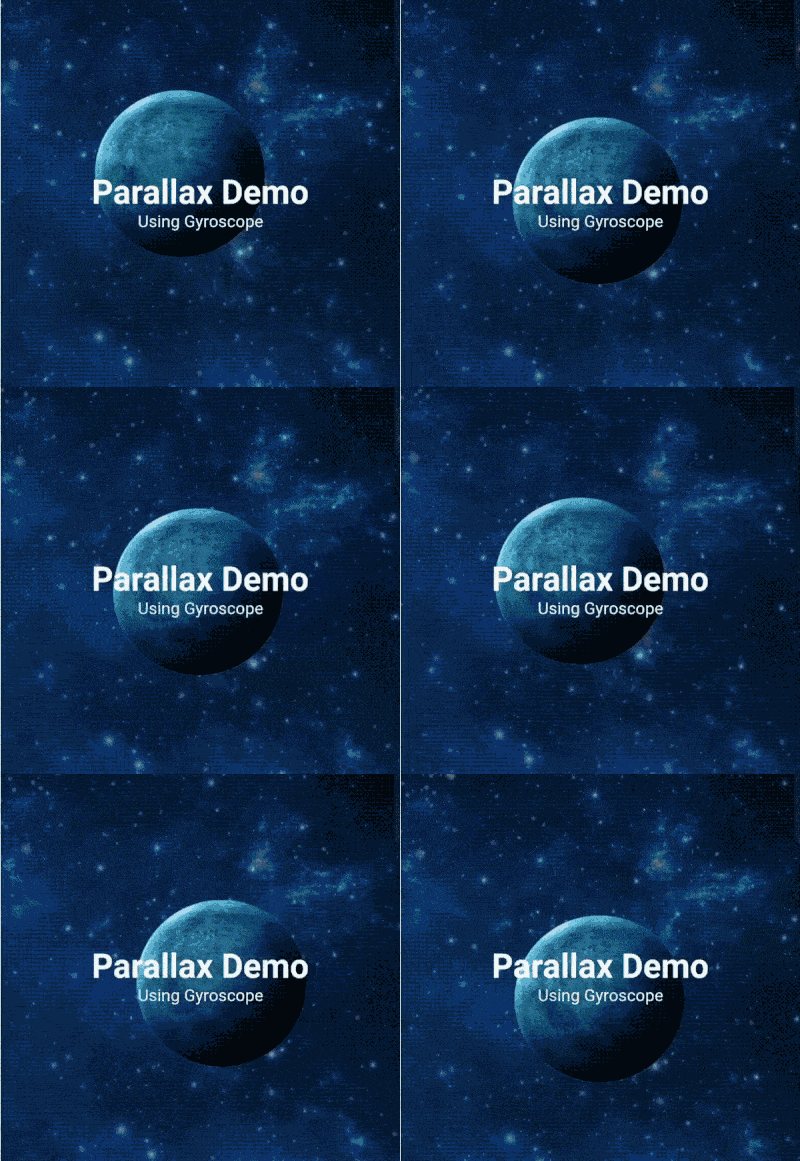
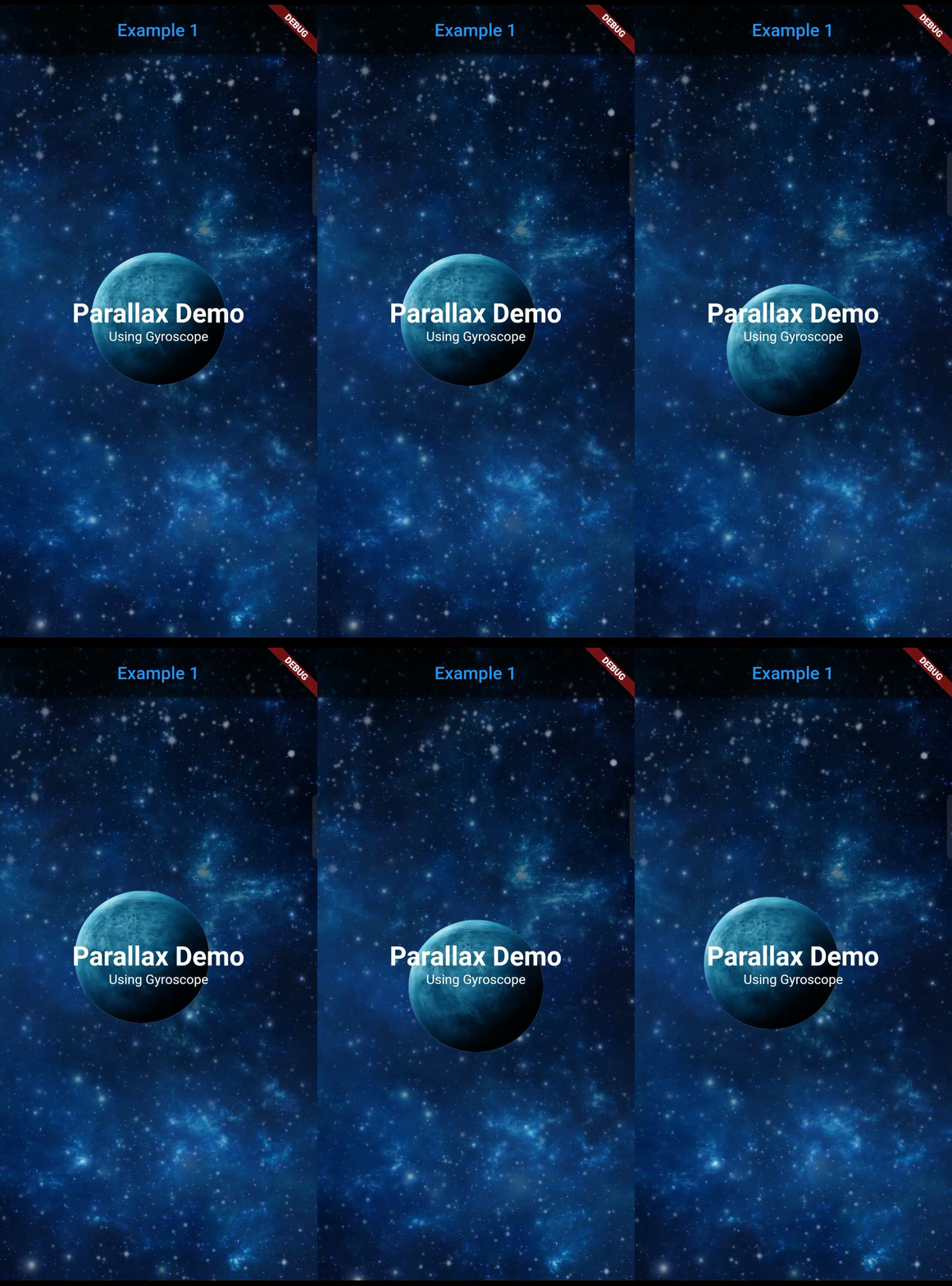
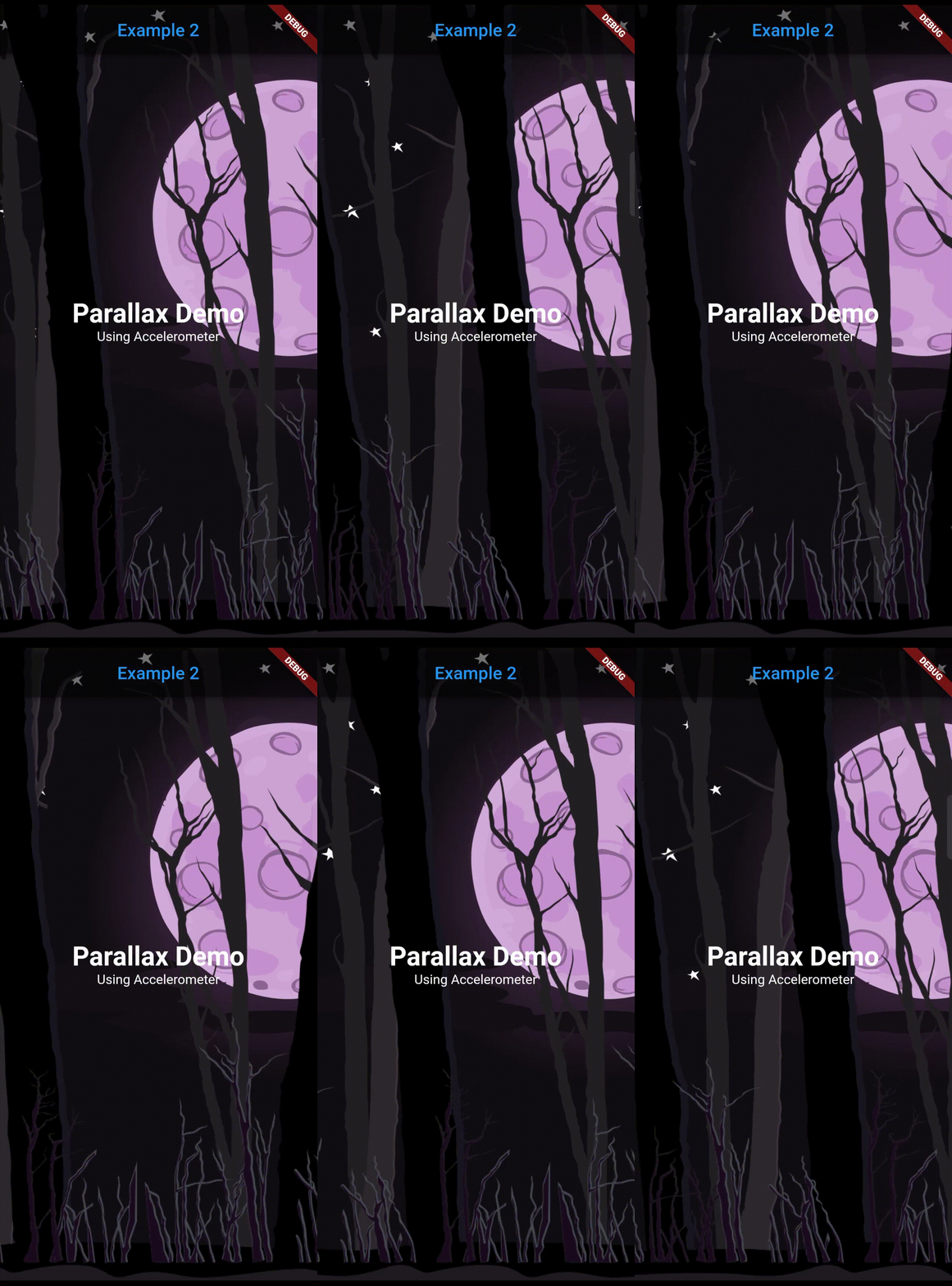
ページの背景にセンサー検出に対応するパララックス効果を簡単に実装するためのFlutterパッケージ。

AndroidiOS
30日間ダウンロード
277
いいね数
115
Pub ポイント
140

パッケージをインストール

flutter pub add parallax_sensors_bg

パッケージ概要

公開情報に基づく選定ガイドです。参考としてご利用ください。

Flutterパッケージで、デバイスのセンサー情報(加速度計やジャイロスコープなど)に応じて反応する動的なパララックス背景を作成できるようにします。リアルタイムのセンサーデータに基づいて背景要素を自動的に調整することで、アプリインターフェースに没入型で動きに反応する視覚効果を簡単に統合できます。ユーザー参加度を高めるために、繊細で応答性のあるアニメーションに最適です。このパッケージはAndroidおよびiOS両方のプラットフォームをサポートしており、最小限の設定でスムーズなパフォーマンスを実現するように設計されています。

用途

  • 没入型アプリオンボーディング画面の作成
  • ダッシュボードにモーション対応の背景を追加する
  • ゲームやインタラクティブUIの向上
  • 魅力的な製品紹介ページのデザイン
  • センサー駆動型のビジュアルストーリーテリングの実装

主な機能

  • センサーに基づくリアルタイムのパララックス効果
  • 低遅延のスムーズなアニメーション
  • クロスプラットフォーム対応(Android および iOS)
  • 必要な最小構成
  • カスタム背景ウィジェットをサポート
  • パフォーマンス最適化

適している対象

  • インタラクティブ要素を探しているUI/UXデザイナー
  • モーション対応アプリを開発する開発者
  • 魅力的な視覚フィードバックを必要とするアプリ
  • ゲーム化または体験型モバイルインターフェース
  • インタラクティブプロトタイプのプロトタイピング

注意事項

  • デバイスのセンサーが利用可能である必要があります
  • 連続したセンサーの使用によりバッテリー寿命に影響を与える可能性があります
  • 静止またはゆっくりと動く背景に最適
  • 複雑なアニメーションには向かない
  • センサー感度設定の制御が限られている

元の README

関連するソースリポジトリの README 原文のスナップショットです。最新の内容はリポジトリをご覧ください。

Parallax Sensors Bg

Get a parallax effect in the background of a page that responds to a corresponding sensor detection (Accelerometer, Gyroscope, User accelerometer, Magnetometer)

Note: Accelerometer is preferred over other sensors.


Features

  • Supports 4 sensors: Accelerometer, User Accelerometer, Gyroscope, Magnetometer.
  • Simplified use of image.
  • Predefined filters for image: Blur and darken.
  • Any widgets can be used as a layer.
  • Can lock or reverse the movement of any axis.
  • Many parameters for precise customization.

Getting started

Add dependency in pubspec.yaml and run flutter pub get

dependencies:
  parallax_sensors_bg: ^1.0.0

Now import the package in your code:

import 'package:parallax_sensors_bg/parallax_sensors_bg.dart';

Usage

Use it in the Scaffold body

Parallax(
  sensors: ParallaxSensor.accelerometer,
  layers: [
    Layer(
      sensitivity: 1,
      image: NetworkImage('https://example.com/background.png'),
      preventCrop: true,
      imageBlurValue: 5,
    ),
    Layer(
      sensitivity: 7,
      image: AssetImage('assets/middle_layer.png'),
      imageHeight: 500,
      imageFit: BoxFit.fitHeight,
    ),
    Layer(
      sensitivity: 12,
      child: Text('Topmost layer'),
    ),
  ]
  child: Text('Page body here'),
),

Parallax class arguments:

Argument Type Default Description
sensor ParallaxSensor ParallaxSensor.accelerometer Type of the sensor whose detected values will be used for parallax movement. (accelerometer, userAccelerometer, gyroscope, magnetometer).
layers List<Layer> required Individual layers for the parallax effect. The declaration of the layers sequentially are positioned from bottom to top (Farthest to nearest from parallax perspective).
reverseVerticalAxis bool false Reverses the movement of vertical axis.
reverseHorizontalAxis bool false Reverses the movement of horizontal axis.
lockVerticalAxis bool false Stops the movement of vertical axis.
lockHorizontalAxis bool false Stops the movement of horizontal axis.
animationDuration int 300 The duration in milliseconds it takes for the movement change to complete. Ideal value is from 200 to 400.
child Widget? null The fixed body of the page, above the parallax layer.

Layer class arguments:

Argument Type Default Description
sensitivity double required Moving sensitivity of the layer.
offset Offset? null Position of the layer from the center.
image ImageProvider<Object>? null Image that the layer will show. By default, the image will take the size of the screen.
imageFit BoxFit BoxFit.cover BoxFit type of the image.
imageHeight double? null Height of the image.
imageWidth double? null Width of the image.
preventCrop bool false If set to true, it will ignore the imageHeight and imageWidth if given and will set the height and width of the image slightly more than the screen size such that it doesn't get cropped even at the extreme value of the sensor.
imageBlurValue double? null Blurs the image. Value can be any positive fractional number.
imageDarkenValue double? null Darkens the image. Value ranges from 0 to 1.
opacity double? null Opacity of the layer. Value ranges from 0 to 1.

カテゴリー

依存関係

依存関係一覧 1 件

ソースリポジトリ

このパッケージを使用しているプロジェクト