パッケージ、リポジトリ、アプリカテゴリを検索

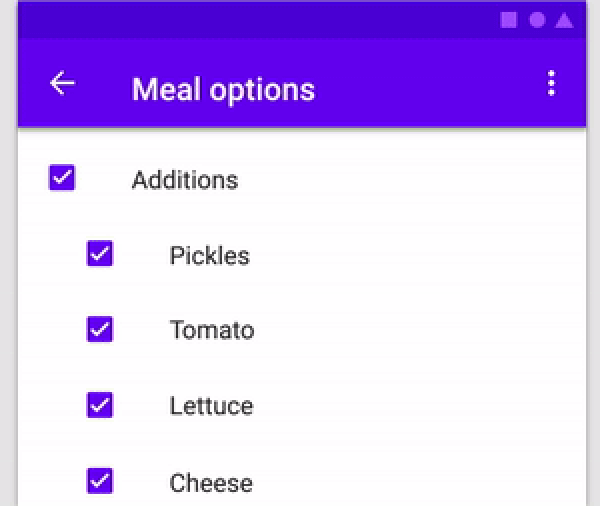
parent_child_checkbox のカバー
パッケージ詳細v0.0.5

parent_child_checkbox

親子チェックボックスは、チェックボックスに階層を設定できるタイプのチェックボックスです

AndroidiOSWebmacOSWindowsLinux
30日間ダウンロード
49
いいね数
41
Pub ポイント
150

パッケージをインストール

flutter pub add parent_child_checkbox

パッケージ概要

公開情報に基づく選定ガイドです。参考としてご利用ください。

Parent Child Checkbox は、階層的なチェックボックス構造を可能にする Flutter パッケージであり、親のチェックボックスが子のチェックボックスの状態を制御できるネストされたチェックリストを作成できるようにします。レベル間での直感的な選択と解除がサポートされており、フォーム、タスクリスト、グループ化されたオプションを持つ設定に最適です。パッケージは軽量で、統合が簡単で、Android、iOS、Web、macOS、Windows、Linux などのすべての主要プラットフォームで動作します。

用途

  • タスク管理システム
  • グループ化されたオプションを備えたフォーム入力
  • ネストされたカテゴリを持つ設定
  • 階層的データ選択
  • ユーザーの好み設定

主な機能

  • ネストされたチェックボックス階層
  • 自動的な子要素の状態伝播
  • クロスプラットフォーム互換性
  • シンプルな API インテグレーション
  • 部分選択状態をサポートしています

適している対象

  • 複雑なフォームを開発する開発者
  • 構造化チェックリストが必要なUIデザイナー
  • グループ選択を必要とするアプリ
  • 複数のプラットフォームをターゲットにするプロジェクト
  • 階層的なチェックの最小構成を求めるユーザー

注意事項

  • 高度なUIの要件に対応するにはカスタムスタイルの適用が必要になる場合があります
  • 制限された組み込み検証
  • 階層構造でないチェックボックスの使用ケースには適していません
  • 大きなツリーでは、状態管理が外部処理を必要とする場合がある
  • エッジケースに対するドキュメントの拡張が可能である

元の README

関連するソースリポジトリの README 原文のスナップショットです。最新の内容はリポジトリをご覧ください。

parent_child_checkbox

Parent Child Checkbox is a type of checkbox where we can establish hierarchy in Checkboxes.

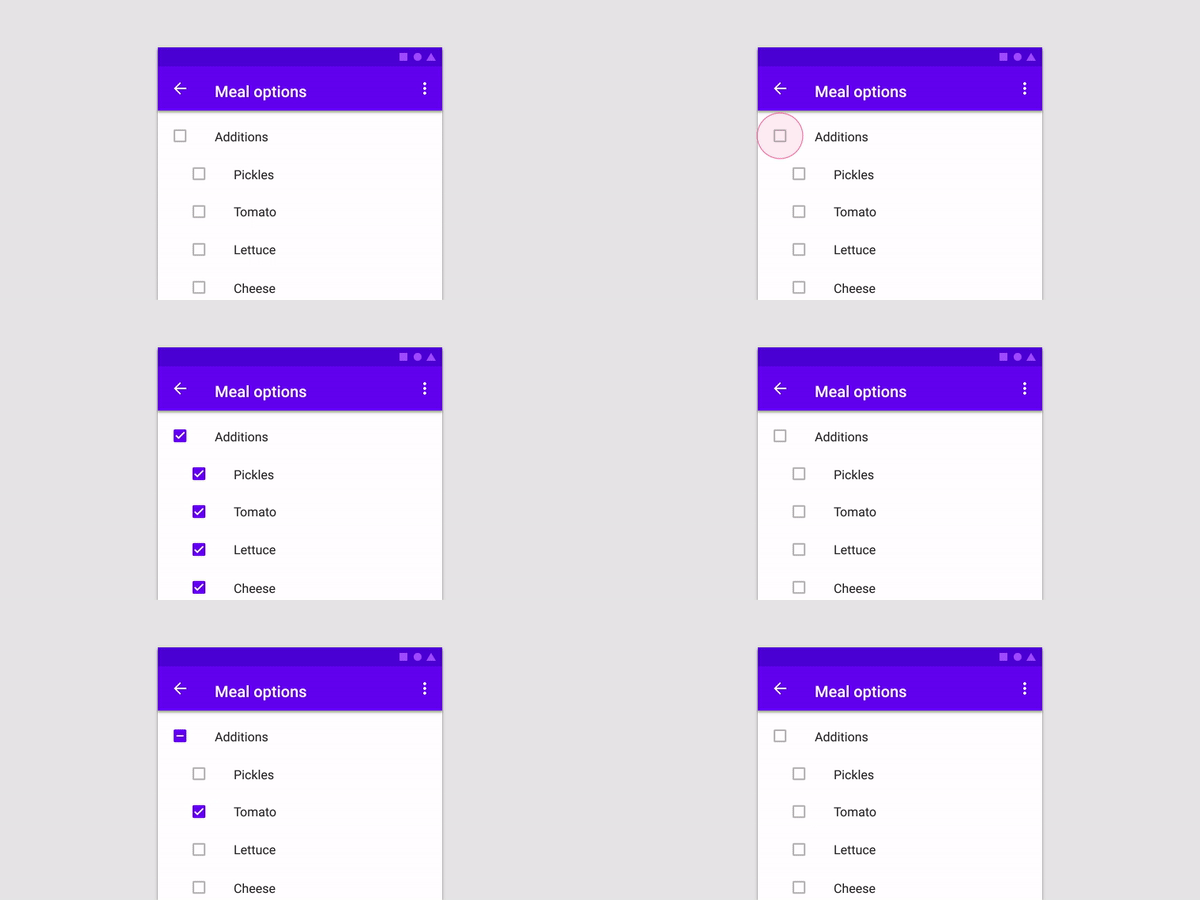
You can create a Parent Checkbox which has multiple checkboxes as their children! The value of parent checkbox depends on the value of children checkboxes and vice-versa.
If we clicked on Parent Checkbox, all children checkboxes will be selected too.

alt text

Properties available:

Parameter Name Parameter Type Description
parent Text Text Widget to specify the Parent checkbox
children List<Text> List<Text> Widgets to specify the Children checkboxes
parentCheckboxColor Color Color of Parent CheckBox
Defaults to [ThemeData.toggleableActiveColor]
childrenCheckboxColor Text Widget Text Widget to specify the Parent checkbox
parentCheckboxScale double Scale of the Parent CheckBox. Defaults to [1.0]
childrenCheckboxScale double Scale of the Children CheckBox. Defaults to [1.0]
gap double Gap between the Parent and Children CheckBox. Defaults to [10.0]
onCheckedChild void Function(int index)? Function that will be executed if a child will be selected
onCheckedParent void Function()? Function that will be executed if the parent will be selected
isParentSelected Getter Getter to get whether particular parent is selected or not.

Example: {'Parent 1' : true, 'Parent 2' : false} where Parent 1 and Parent 2 will be 2 separate parents if you are using multiple ParentChildCheckbox in your code.

Default value will be false for all specified parents
selectedChildrens Getter Getter to get which childrens are selected for a particular parent.

Example: {'Parent 1' : ['Children 1.1','Children 1.2'], 'Parent 2' : []} where Parent 1 and Parent 2 will be 2 separate parents if you are using multiple ParentChildCheckbox in your code.

Default value is {'Parent 1' : [], 'Parent 2' : []}

Example:


import 'dart:developer';
import 'package:flutter/material.dart';
import 'package:parent_child_checkbox/parent_child_checkbox.dart';

void main() => runApp(MyApp());

class MyApp extends StatelessWidget {
  @override
  Widget build(BuildContext context) {
    return MaterialApp(
      title: 'Material App',
      home: Scaffold(
        appBar: AppBar(title: Text('Parent Child Checkox')),
        body: Column(
          children: [
            ParentChildCheckbox(
              parent: Text('Parent 1'),
              children: [
                Text('Children 1.1'),
                Text('Children 1.2'),
                Text('Children 1.3'),
                Text('Children 1.4'),
              ],
              parentCheckboxColor: Colors.orange,
              childrenCheckboxColor: Colors.red,
            ),
            ParentChildCheckbox(
              parent: Text('Parent 2'),
              children: [
                Text('Children 2.1'),
                Text('Children 2.2'),
                Text('Children 2.3'),
                Text('Children 2.4'),
              ],
            ),
            ElevatedButton(
              child: Text('Get Data'),
              onPressed: () {
                log(ParentChildCheckbox.isParentSelected.toString());
                log(ParentChildCheckbox.selectedChildrens.toString());
              },
            ),
          ],
        ),
      ),
    );
  }
}


カテゴリー

ソースリポジトリ

このパッケージを使用しているプロジェクト

データはまだありません。