パッケージ、リポジトリ、アプリカテゴリを検索

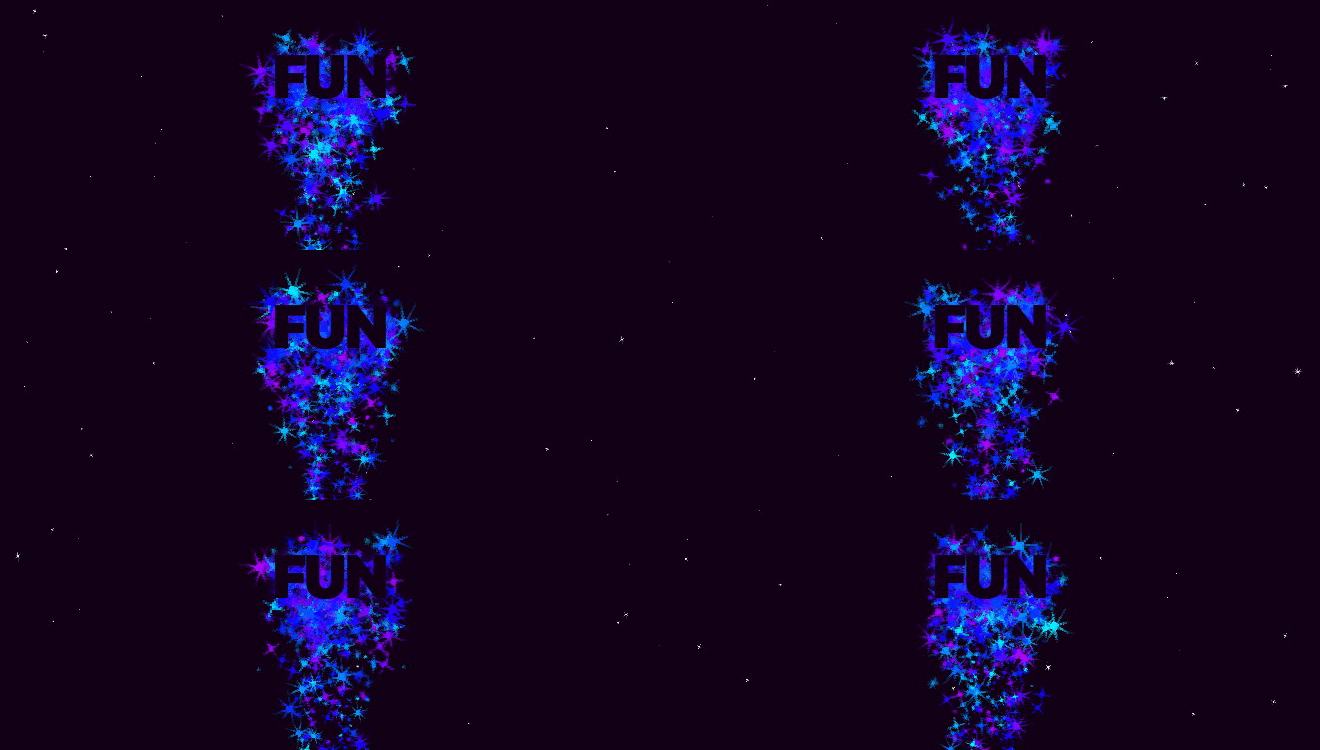
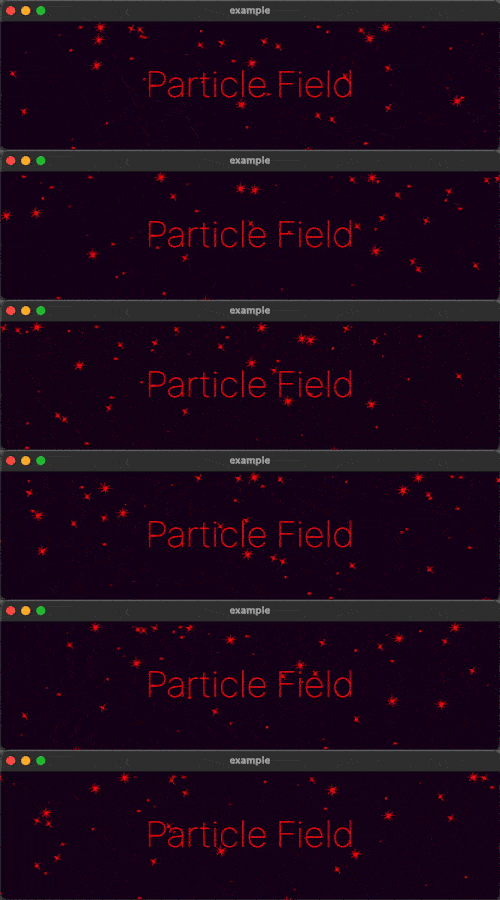
particle_field のカバー
パッケージ詳細v1.0.0

particle_field

UI に高パフォーマンスなカスタムパーティクルエフェクトを追加するための Flutter ウィジェット。

AndroidiOSWebmacOSWindowsLinux
30日間ダウンロード
1150
いいね数
143
Pub ポイント
150

パッケージをインストール

flutter pub add particle_field

パッケージ概要

公開情報に基づく選定ガイドです。参考としてご利用ください。

高性能なFlutterウィジェットで、開発者がUIにカスタムパーティクルエフェクトを簡単に作成でき、滑らかなアニメーションとリアルタイムのインタラクティビティを実現します。gskinner.comによって開発され、Android、iOS、Web、macOS、Windows、Linuxなど複数のプラットフォームをサポートしています。効率的なレンダリング技術を活用し、視覚的に豊かな背景や動的なグラデーション、没入型の視覚体験を提供しながらパフォーマンスを損なわず、アプリインターフェースに繊細または劇的なアニメーション要素を追加するのに最適です。

用途

  • アニメーションバックグラウンドエフェクトの作成
  • スプラッシュスクリーンの強化
  • インタラクティブな視覚フィードバックの追加
  • 没入型ゲームインターフェースの設計
  • 動きを用いたデータの可視化
  • アプリのオンボーディング体験の向上

主な機能

  • 高パフォーマンスレンダリング
  • カスタマイズ可能なパーティクル動作
  • リアルタイム相互作用サポート
  • クロスプラットフォーム互換性
  • シェーダーに基づくアニメーション
  • 設定可能な発生パターン

適している対象

  • 視覚的な魅力を求めるUIデザイナー
  • Flutter を使用するゲーム開発者
  • 動的な背景を希望するアプリ作成者
  • インタラクティブプロトタイプビルダー
  • クリエイティブなデジタル製品チーム

注意事項

  • 低性能デバイスでのパフォーマンスに影響を与える可能性があります
  • パーティクルシステムの概念を理解している必要がある
  • 限定された組み込みプリセット
  • 最新のハードウェアに最適
  • モバイル向けに慎重な最適化が必要です
  • 静的UIコンポーネントには適していない

元の README

関連するソースリポジトリの README 原文のスナップショットです。最新の内容はリポジトリをご覧ください。

Particle Field

A Flutter Widget for adding high performance custom particle effects to your UI.

Simple Example

Easy to use: just write a simple onTick handler to manage a list of particles. Architected to be highly extensible. Utilizes CustomPainter and drawAtlas to offer exceptional performance.

// NOTE: this example uses `rnd` (see "Complimentary Libraries" below)
ParticleField field = ParticleField(
  spriteSheet: sparkleSpriteSheet,
  // top left will be 0,0:
  origin: Alignment.topLeft,
  // onTick is where all the magic happens:
  onTick: (controller, elapsed, size) {
    List<Particle> particles = controller.particles;
    // add a new particle each frame:
    particles.add(Particle(x: rnd(size.width), vx: rnd(-1, 1)));
    // update existing particles:
    for (int i = particles.length - 1; i >= 0; i--) {
      Particle particle = particles[i];
      // call update, which automatically adds vx/vy to x/y
      // add some gravity (ie. increase vertical velocity)
      // and increment the frame
      particle.update(vy: particle.vy + 0.1, frame: particle.frame + 1);
      // remove particle if it's out of bounds:
      if (!size.contains(particle.toOffset())) particles.removeAt(i);
    }
  },
)

See the API Reference for more information.

Complimentary Libraries

The rnd package makes working with random values in your particle systems much simpler. For example, if you wanted 20% of your particles to move left, and 80% right at a velocity of between 2 and 5:

particle.vx = rnd(2, 5) * rnd.getSign(0.8)

If you're looking to add animated effects to your UI in addition to particles, check out the Flutter Animate library for pre-made effects, custom effects, and simplified animated builders.

Text("Hello").animate().fadeIn().slide()

カテゴリー

ソースリポジトリ

このパッケージを使用しているプロジェクト