Opt-in to the embedded views preview by adding a boolean property to the app's Info.plist file
with the key io.flutter.embedded_views_preview and the value YES.
Also add these to the dict values in Info.plist for location request to work on iOS
Sample Usage
Import the package into your code
import'package:place_picker/place_picker.dart';
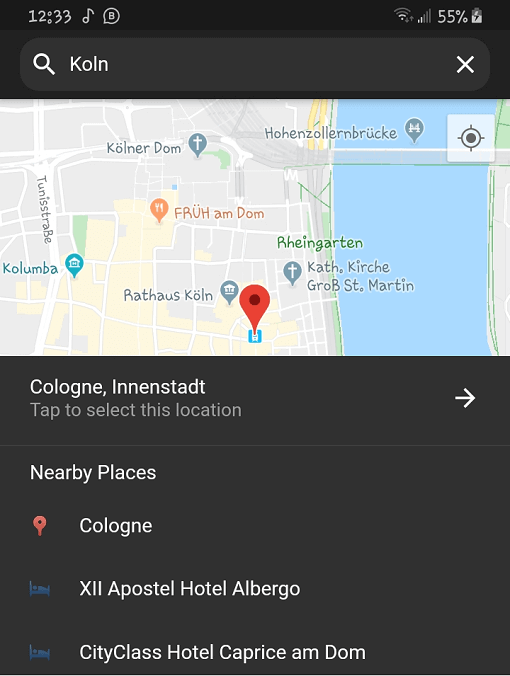
Create a method like below, and call it in onTap of a button or InkWell. A LocationResult will be returned
with the name and lat/lng of the selected place. You can then handle the result in any way you want.
Pass in an optional LatLng displayLocation to display that location instead. This is useful when you want the map
to display the previously selected location.
voidshowPlacePicker() async {
LocationResult result = awaitNavigator.of(context).push(MaterialPageRoute(
builder: (context) =>
PlacePicker("YOUR API KEY",
displayLocation: customLocation,
)));
// Handle the result in your wayprint(result);
}