Get your push notification token via platform way (APNs for iOS / Firebase Clound Messaging for Android)
Getting Started
Android Integration
To integrate your plugin into the Android part of your app, setup Firebase:
Using the Firebase Console add an Android app to your project:
Follow the assistant, download the generated google-services.json file and place it inside android/app.
Modify the android/build.gradle file and the android/app/build.gradle file to add the Google services plugin as described by the Firebase assistant.
To integrate your plugin into the iOS part of your app, follow these steps:
Generate the certificates from Apple developer center for receiving push notifications. (Please see this article if you want the tutorial.)
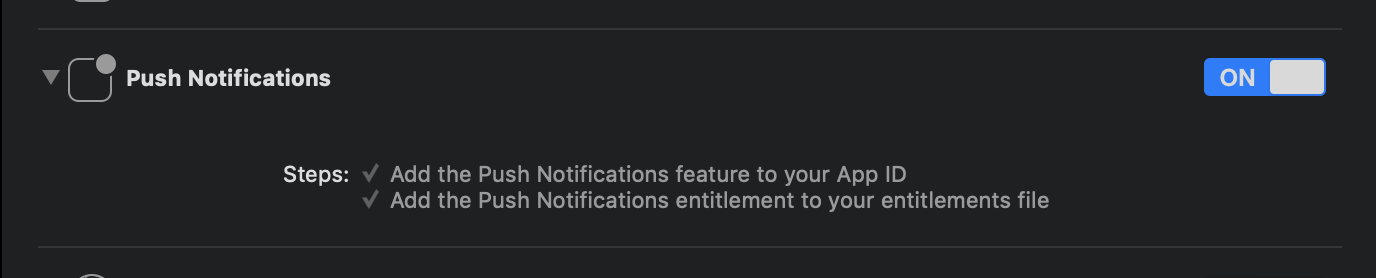
Enable Push Notification in Capabilities tab in Xcode opening your ios/Runner.xcworkspace.
Dart/Flutter Integration
From your Dart code, you need to import the plugin and instantiate it:
import'package:plain_notification_token/plain_notification_token.dart';
final plainNotificationToken = PlainNotificationToken();
To get token, call getToken():
// (iOS Only) Need requesting permission of Push Notification.if (Platform.isIOS) {
plainNotificationToken.requestPermission();
// If you want to wait until Permission dialog close,// you need wait changing setting registered. await plainNotificationToken.onIosSettingsRegistered.first;
}
finalString token = await plainNotificationToken.getToken();
... and use token on your server!!
Token is Base64 stringified APNs token (in iOS) / Firebase Cloud Messaging (FCM) string token (in Android).