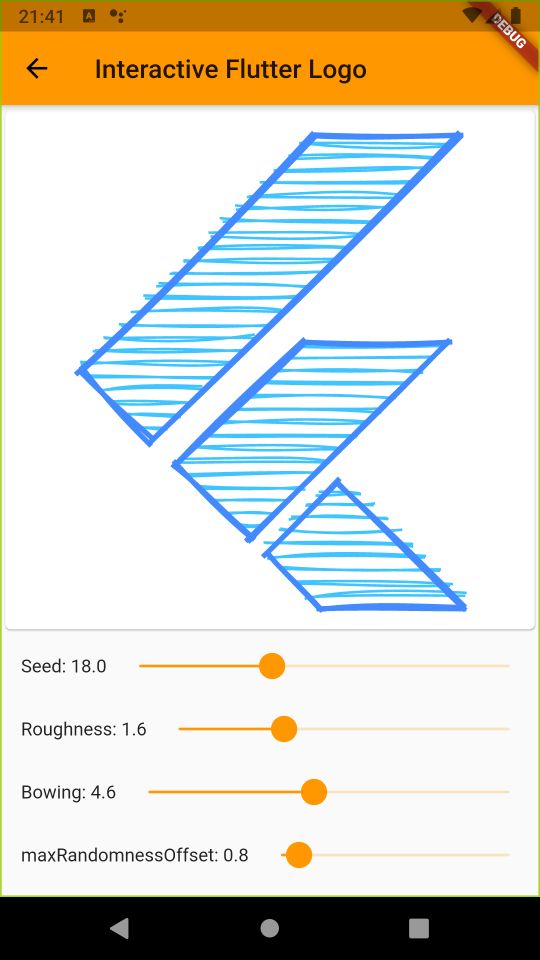
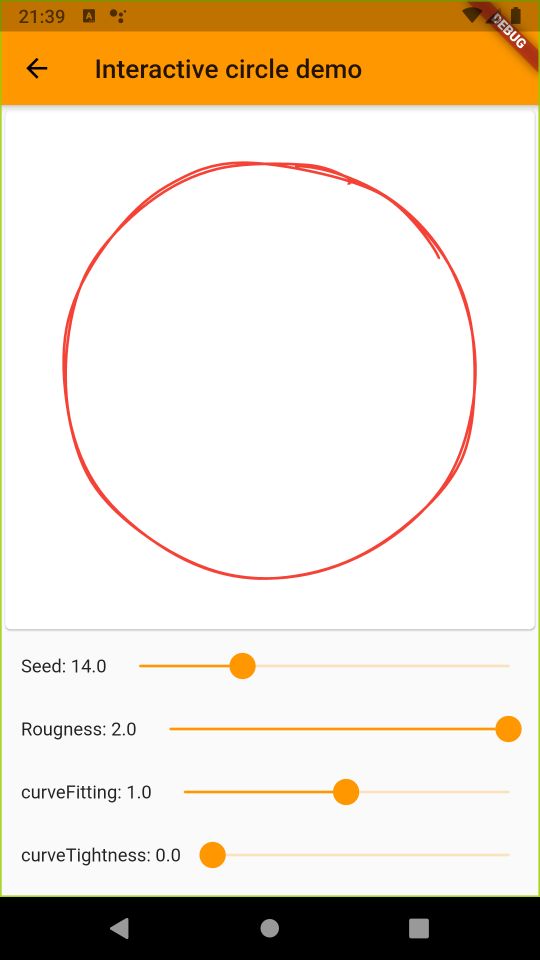
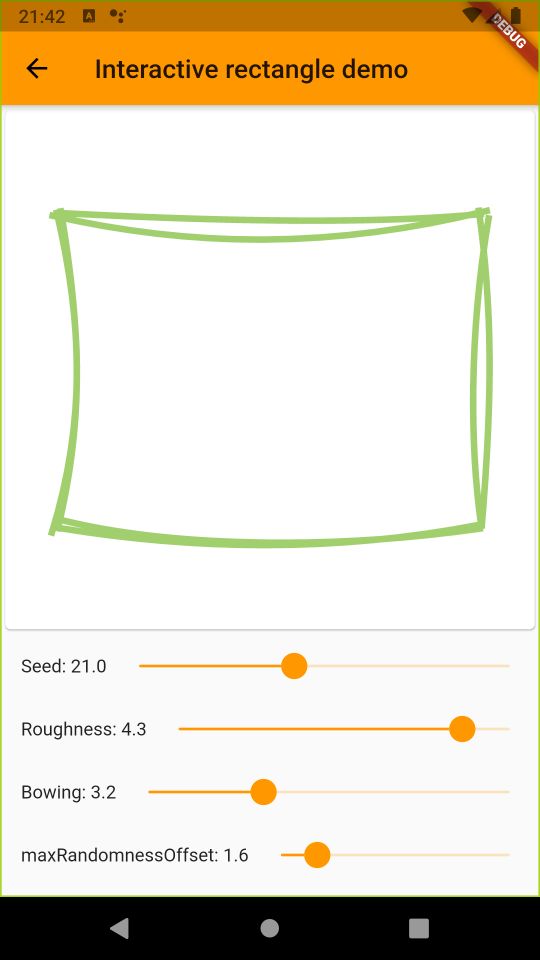
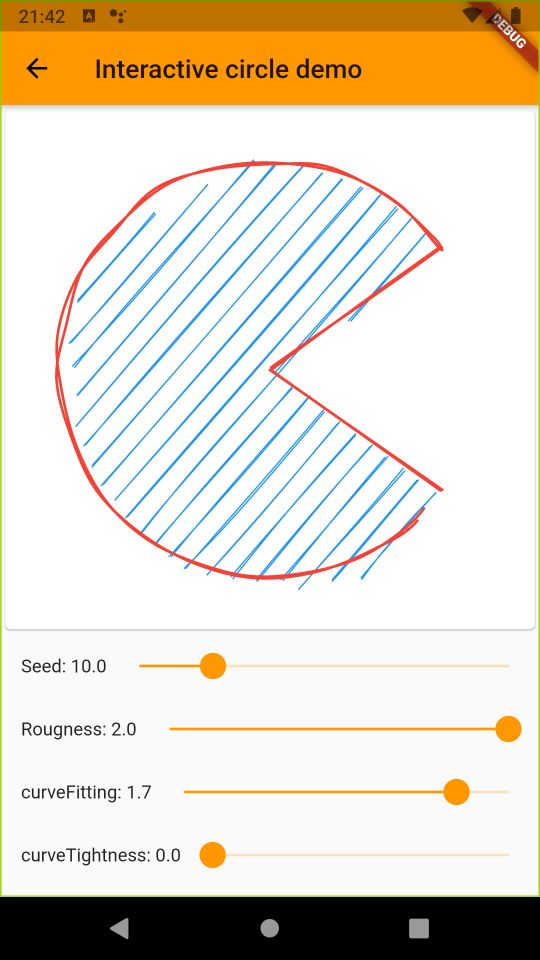
Rough is a library that allows you draw in a sketchy, hand-drawn-like style. It's a direct port of Rough.js.
Installation
In the dependencies: section of your pubspec.yaml, add the following line:
dependencies:rough:<latest_version>
Basic usage
Right now only drawing via canvas is supported. This is a basic documentation in case you want to play around with Rough. I can't ensure non-breaking changes of the library interface.
To draw a figure you have to:
Create a DrawConfig object to determine how your drawing will look.
Create a Filler to be used when drawing objects (you have to provide a configuration for the filling and a DrawConfig for the filling path).
Create a Generator object using the created DrawConfig and Filler. This will define a drawing/filling style.
Invoke the drawing method from the Generator to create a Drawable.
Paint the Drawable in the canvas using the drawRough method extension for Canvas.
Here an example on how to draw a circle:
//Create a `DrawConfig` object.DrawConfig myDrawConfig = DrawConfig.build(
roughness: 3,
curveStepCount: 14,
maxRandomnessOffset: 3,
);
//Create a `Filler` with a configuration (we reuse the drawConfig in this case).FillerConfig myFillerConfig = FillerConfig(
hachureGap: 8,
hachureAngle: -20,
drawConfig: myDrawConfig,
);
Filler myFiller = ZigZagFiller(myFillerConfig);
//Create a `Generator` with the created `DrawConfig` and `Filler`Generator generator = Generator(
myDrawConfig,
myFiller,
);
//4. Build a circle `Drawable`.Drawable figure = generator.circle(200, 200, 320);
//5. Paint the `Drawable` in the canvas.Canvas.drawRough(figure, pathPaint, fillPaint);
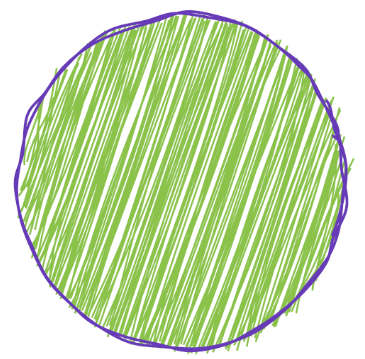
And this is the result:
Both DrawConfig and FillerConfig will use default values for anything not specified.