パッケージ、リポジトリ、アプリカテゴリを検索

roulette のカバー
パッケージ詳細v0.3.2

roulette

これは、通常ロトリーに使用されるシンプルなルーレットウィジェットを提供するライブラリです。

AndroidiOSWebmacOSWindowsLinux
30日間ダウンロード
384
いいね数
53
Pub ポイント
160

パッケージをインストール

flutter pub add roulette

パッケージ概要

公開情報に基づく選定ガイドです。参考としてご利用ください。

ルーレットパッケージは、ロトリー形式のゲームや報酬システム向けに設計されたシンプルでカスタマイズ可能なルーレットホイールウィジェットを提供します。Flutterで構築されており、スムーズな回転アニメーションをサポートし、ギフトキャンペーン、コンテスト、またはゲーム化体験用アプリへの簡単に統合が可能です。軽量で、Android、iOS、Web、macOS、Windows、Linuxなど主要プラットフォームすべてで動作します。複雑な実装なしにインタラクティブな回転ホイールを追加したい開発者にとって理想的な即時対応ソリューションです。

用途

  • 宝くじの抽選
  • ゲーム化されたユーザー報酬
  • コンテスト賞品の選択
  • インタラクティブなアプリ機能
  • ユーザー参加ツール

主な機能

  • スムーズな回転アニメーション
  • カスタマイズ可能なホイールセグメント
  • クロスプラットフォーム互換性
  • シンプルな API インテグレーション
  • 設定可能な回転期間

適している対象

  • ゲームを開発するアプリ開発者
  • プロモーションキャンペーンを企画するチーム
  • インタラクティブ要素を備えた教育アプリ
  • ランダムな賞品選択が必要なアプリ

注意事項

  • 基本的なスタイル設定を超えるカスタマイズが限られている
  • 組み込みのサウンドエフェクトなし
  • 結果の論理処理を手動で行う必要があります
  • 高頻度のスピンには最適化されていません
  • 結果を外部の状態管理に依存しています

元の README

関連するソースリポジトリの README 原文のスナップショットです。最新の内容はリポジトリをご覧ください。

Pub Verify & Test License

Project Status: Stable & Open for Contributions

This project has reached its primary goals. The author actively maintains it for compatibility with the latest SDKs and critical bug fixes, but is no longer actively developing new features.

Feature Requests: Suggestions are welcome! Please open an Issue for discussion.

Contributions: If you need a new feature, Pull Requests are highly encouraged and appreciated.

This is a Flutter library that provides a simple wheel widget for lottery usage.

Features

  • Quickly build customizable roulettes
  • Support roulettes with different sized parts based on specified weight
  • Easily control the roll animation and settle position
  • Support text, icons and images for roulette parts

There are various types of roulette provided by this package (text is optional):

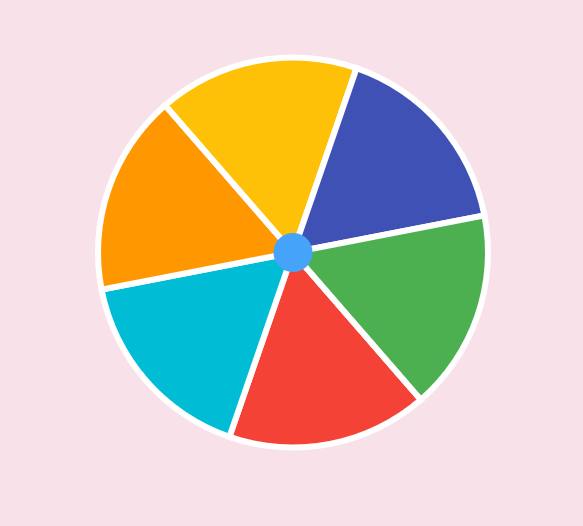
  • Uniformed roulette:

    Uniformed with no text
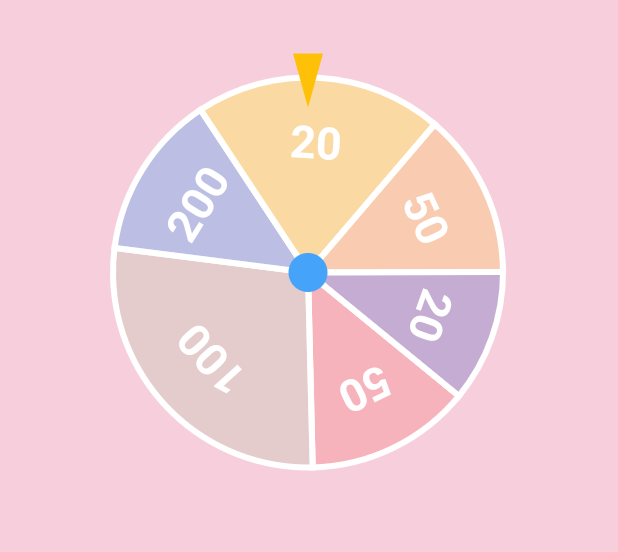
  • Weight-based roulette:

    Weight based with text
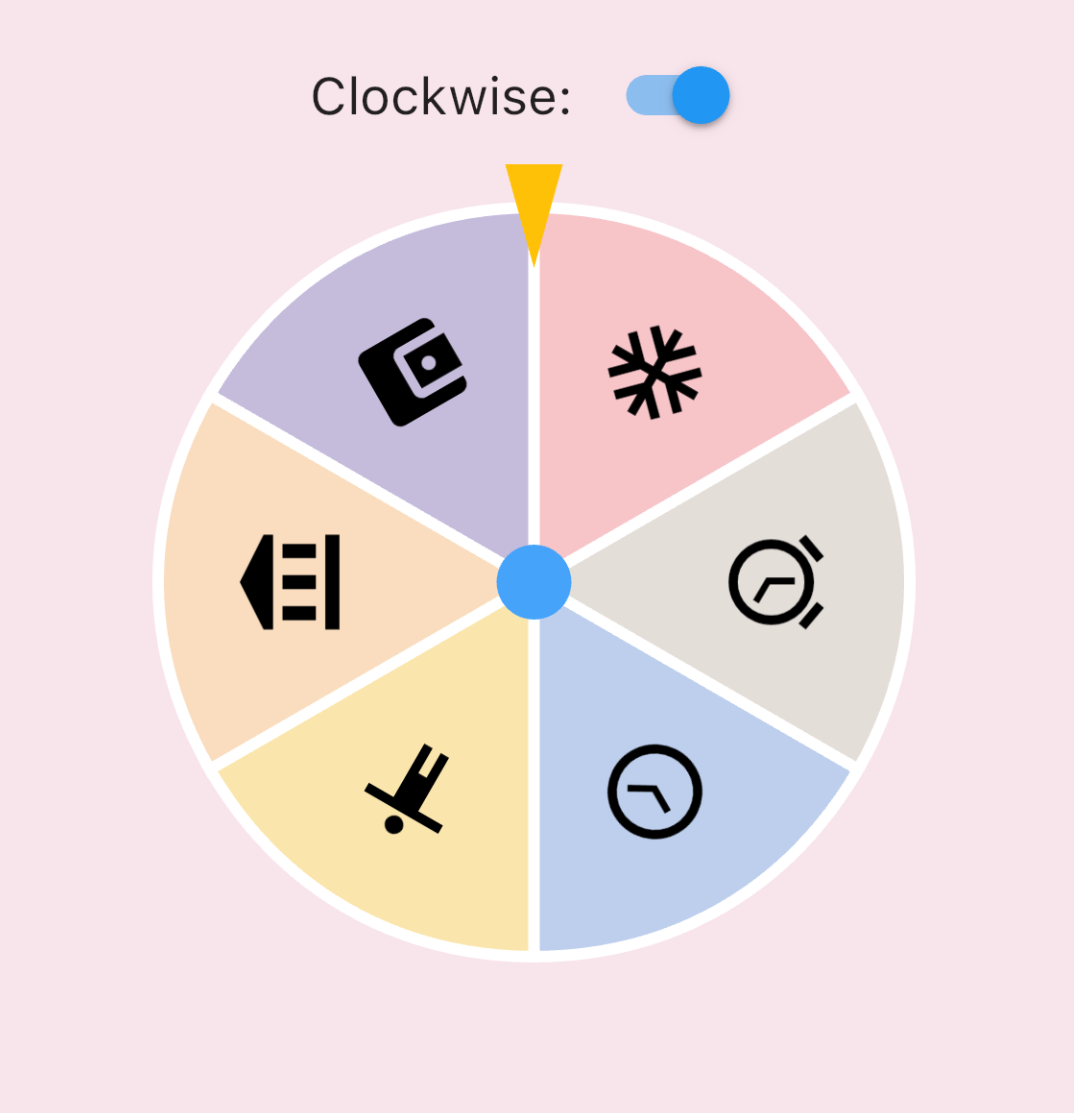
  • IconData roulette (available in 0.1.4):

    Icon roulette
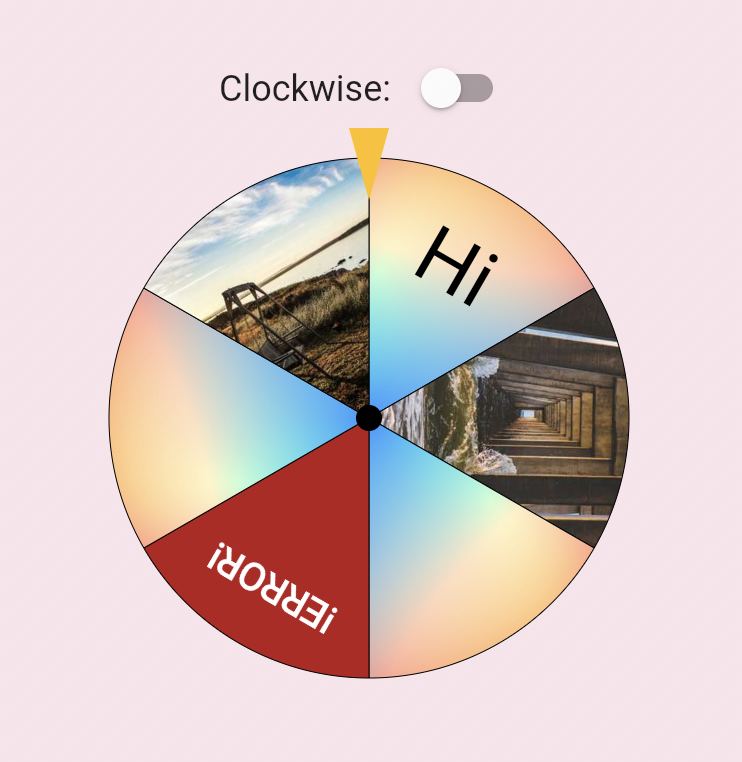
  • Image roulette (available in 0.1.5):

    Icon roulette

Getting started

Add this to your pubspec.yaml file:

dependencies:
  roulette: ^1.0.0-rc.1

Note (v1.0.0-rc.1): The package no longer depends on package:flutter/material.dart. RouletteStyle now requires centerStickerColor and dividerColor — use the deprecated RouletteStyle.material() to keep the previous default look. It's highly recommend to specify the colors explicitly, the material ported version will be removed in future.

Usage

Create a RouletteController

First, create a RouletteController instance:

// Create roulette units
final units = [
  RouletteUnit.noText(color: Colors.red),
  RouletteUnit.noText(color: Colors.green),
  // ...other units
];

// Initialize controller
final controller = RouletteController();

For uniformed roulette from a list, use the builder:

// Source data
final values = <int>[1, 2, 3, 4];

// Build uniformed group
final group = RouletteGroup.uniform(
  values.length,
  colorBuilder: (index) => Colors.blue,
  textBuilder: (index) => values[index].toString(),
  textStyleBuilder: (index) {
    // Customize text style, don't forget to return it
  },
);

// Create controller
controller = RouletteController();
Add Roulette Widget

With the controller, add a Roulette widget:

@override
Widget build(BuildContext context) {
  return Roulette(
    group: group,
    controller: controller,
    style: RouletteStyle(
      centerStickerColor: Colors.white,
      dividerColor: Colors.black38,
      // Customize appearance (e.g. sectionImageLayout for image sections)
    ),
  );
}
Add Tappable Roulette Widget

Available from 0.3.1, you can use TappableRoulette which wraps Roulette to detect which sector is tapped by the user.

@override
Widget build(BuildContext context) {
  return TappableRoulette(
    group: group,
    controller: controller,
    onTap: (index) {
      print('Tapped on $index sector');
    },
    style: RouletteStyle(
      centerStickerColor: Colors.white,
      dividerColor: Colors.black38,
      // Customize appearance
    ),
  );
}
Control the Animation

Use rollTo method to spin the roulette:

ElevatedButton(
  onPressed: () async {
    // Spin to index 2
    await controller.rollTo(2);
    // Do something after settled
  },
  child: Text('Roll!'),
);

rollTo allows options like randomizing stop position:

// Generate random offset
final random = Random();
final offset = random.nextDouble();

// Spin with offset
await controller.rollTo(2, offset: offset);
Animation Configurations

You can customize the roll animation by passing an AnimationConfig to rollTo:

Curve-based animation (default):

await controller.rollTo(
  2,
  animationConfig: CurveAnimationConfig(
    curve: Curves.easeInOut,
    duration: Duration(seconds: 3),
  ),
);

Physics-based animation (available in 0.3.0):

await controller.rollTo(
  2,
  animationConfig: PhysicsAnimationConfig(
    drag: 0.3, // Lower = stronger friction, shorter spin
  ),
);
Roll infinitely before determine the result (available in 0.3.2)

You can also use rollInfinitely to roll infinitely until you call stop or rollTo method:

// Roll infinitely
controller.rollInfinitely();

// Getting the result value somewhere...
try {
  final result = await service.request()
  final index = values.indexOf(result);
  // Stop rolling and settle to index
  controller.rollTo(index, offset: random.nextDouble());
} catch (e, st) {
  // Or stop rolling immediately, stop with this method has no animation
  // controller.stop();
}

Please refer to API documentation for more details.

For more complete examples, please check the example app.

Legal Statement

The creators of this library do not endorse or encourage any illegal gambling activities. Please use this library responsibly and comply with all applicable laws in your local jurisdiction. The authors assume no liability for any misuse of this software.

カテゴリー

依存関係

依存関係一覧 1 件

ソースリポジトリ

このパッケージを使用しているプロジェクト

データはまだありません。