パッケージ、リポジトリ、アプリカテゴリを検索

パッケージ詳細v2.1.0

rubber

Rubberは、カスタマイズ可能なマテリアルスプリングアニメーションを持つ弾性のボトムシートウィジェットです。

AndroidiOSWebmacOSWindowsLinux
30日間ダウンロード
1.1万
いいね数
356
Pub ポイント
160

パッケージをインストール

flutter pub add rubber

パッケージ概要

公開情報に基づく選定ガイドです。参考としてご利用ください。

Rubber は、Flutter 向けの柔軟なボトムシートウィジェットで、カスタマイズ可能なマテリアルスタイルのスプリングアニメーションを提供します。展開または折りたたみ時に滑らかで弾力的な遷移を実現し、応答性と流れるような挙動によりユーザーインタラクションを強化します。モーダルやドロワー、あるいは下から上へのダイナミックな表示が必要な任意のUI要素に最適です。Rubber は Android、iOS、Web、macOS、Windows、Linux を含むすべての主要プラットフォームをサポートしています。アニメーションシステムは Flutter の物理エンジンに基づいており、開発者がバウンス効果や反応性を詳細に調整できるようになっています。パッケージは軽量で、既存の Flutter アプリにスムーズに統合できます。

用途

  • モーダルダイアログ
  • インタラクティブな引き出し
  • ボトムナビゲーションパネル
  • フォームオーバーレイ
  • 動的コンテンツ拡張子

主な機能

  • カスタマイズ可能なスプリングアニメーション
  • エラスティックドラッグ動作
  • クロスプラットフォーム対応
  • スムーズな遷移物理学
  • 既存のウィジェットとの簡単な統合
  • 設定可能なバウンス抵抗

適している対象

  • アニメーション付きボトムシートを探している開発者
  • インタラクティブなUIコンポーネントを備えたアプリ
  • 素材にインスパイアされたモーションを望むデザイナー
  • 複数のプラットフォームをターゲットにするプロジェクト
  • Flutter の物理ベースのアニメーションのユーザー

注意事項

  • 最適なスプリングフィールを実現するには調整が必要になる場合があります
  • 静的または非インタラクティブなシートには適していない
  • パフォーマンスはアニメーションの複雑さに依存します
  • ボトムシートの使用ケースに限定
  • 物理パラメータの理解が必要です

元の README

関連するソースリポジトリの README 原文のスナップショットです。最新の内容はリポジトリをご覧ください。

Awesome Flutter

An elastic material bottom sheet implementation for Flutter.

Requires Flutter 3.44 or later and Dart 3.12 or later.

This is still an early preview, some behaviors can change or being removed. Every feedback, bug report or feature request is welcome, please send it at the issue tracker

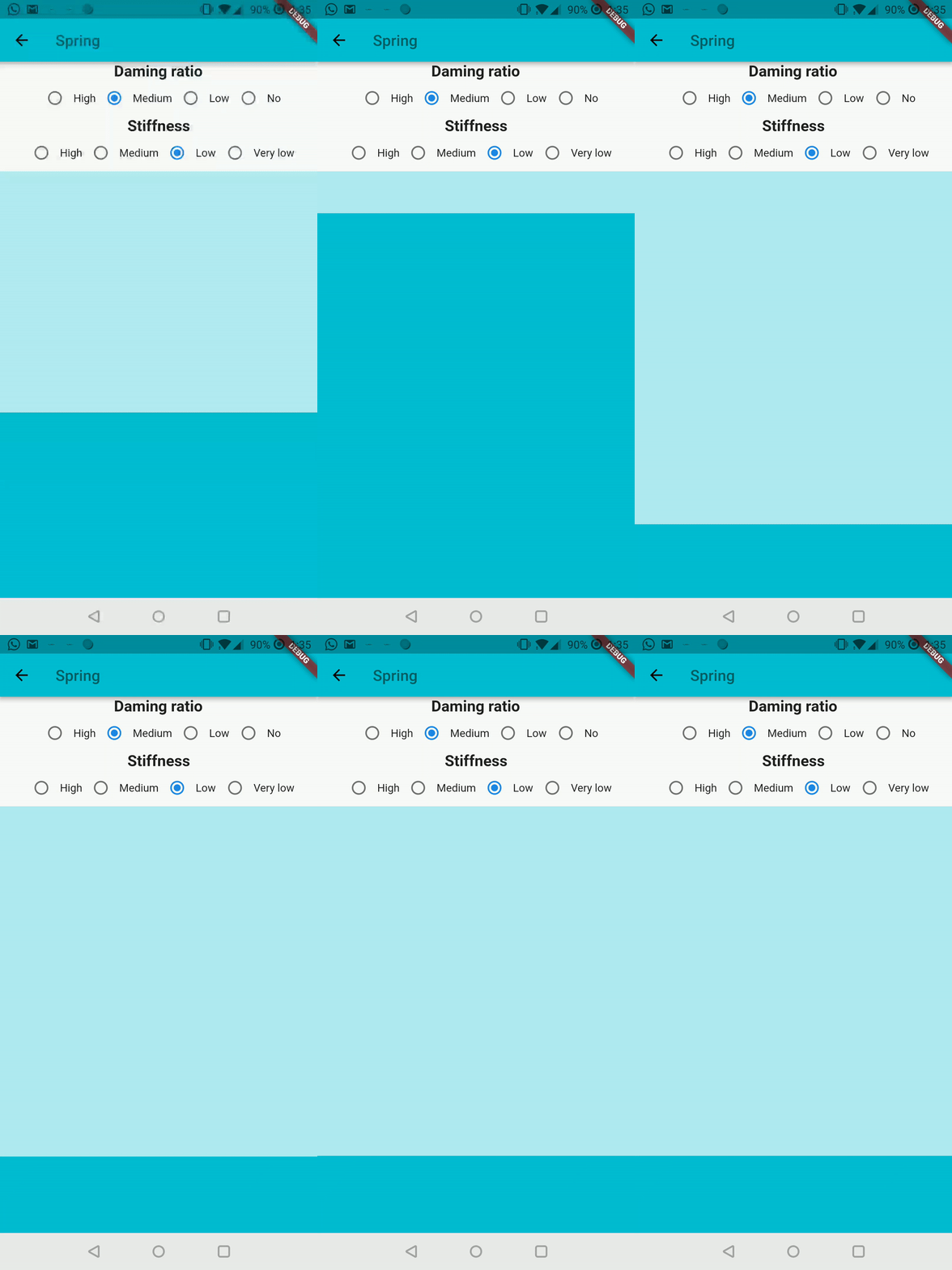
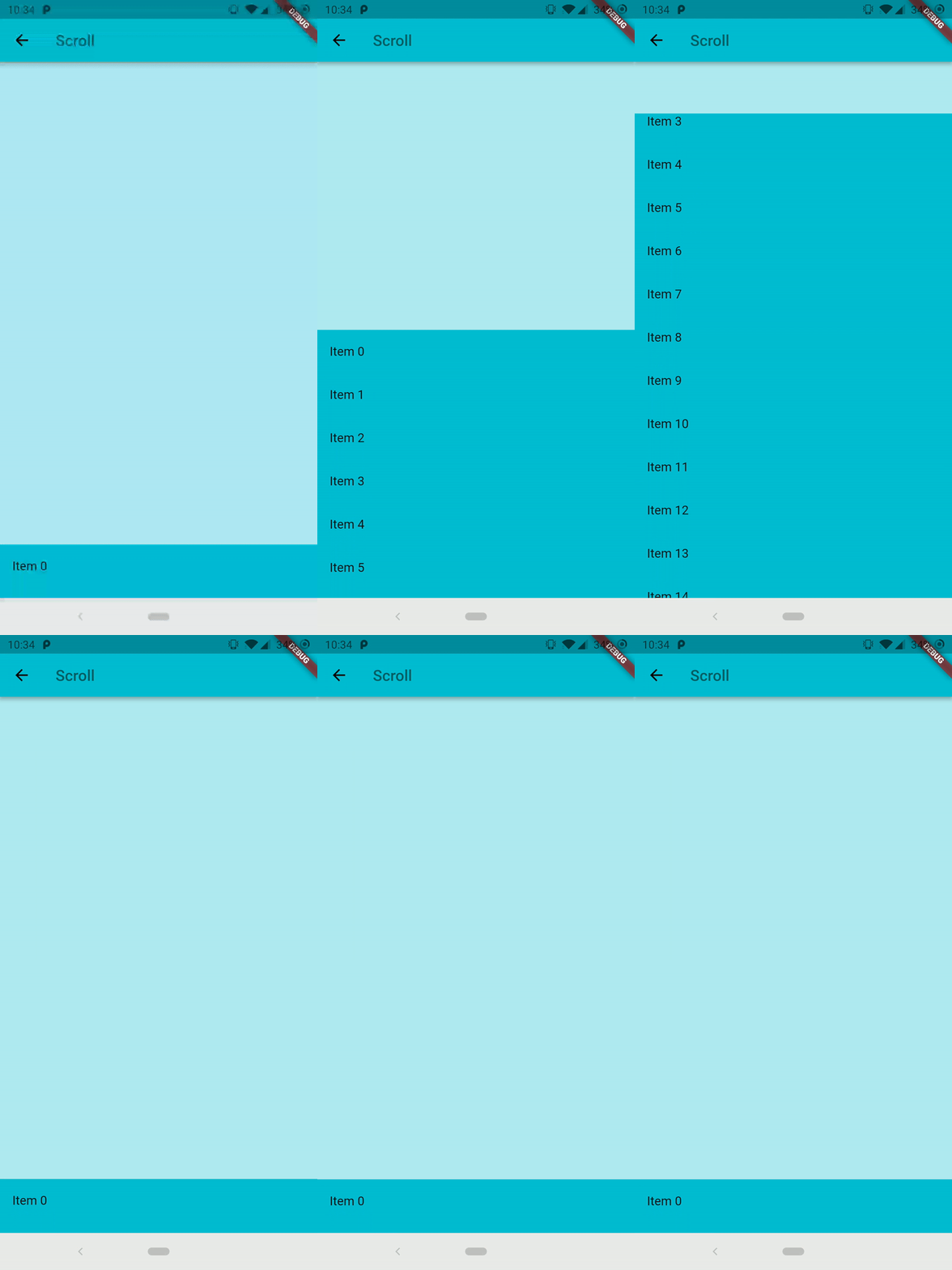
Follow the Quick Start to add it to your project. Is also available the complete example in the repository to preview the library on your device.

Common interaction options can be configured directly on the sheet:

RubberBottomSheet(
  animationController: controller,
  lowerLayer: const MyBackground(),
  upperLayer: const MySheetContent(),
  draggable: true,
  snapThreshold: 0.4,
  minFlingVelocity: 700,
  completeFlingVelocity: 5000,
  scrimColor: Colors.black54,
  onScrimTap: controller.collapse,
);

Use strict bounds when the elastic overscroll effect is not appropriate:

final controller = RubberAnimationController(
  vsync: this,
  duration: const Duration(milliseconds: 250),
  boundsBehavior: RubberAnimationBoundsBehavior.strict,
);

Use controller.addListener(...) to observe the position continuously. Status listeners report direction and boundary transitions (forward, reverse, completed, and dismissed). Pixel bounds are automatically recalculated after size and orientation changes.

カテゴリー

ソースリポジトリ

このパッケージを使用しているプロジェクト